
iRobot Braava 390T
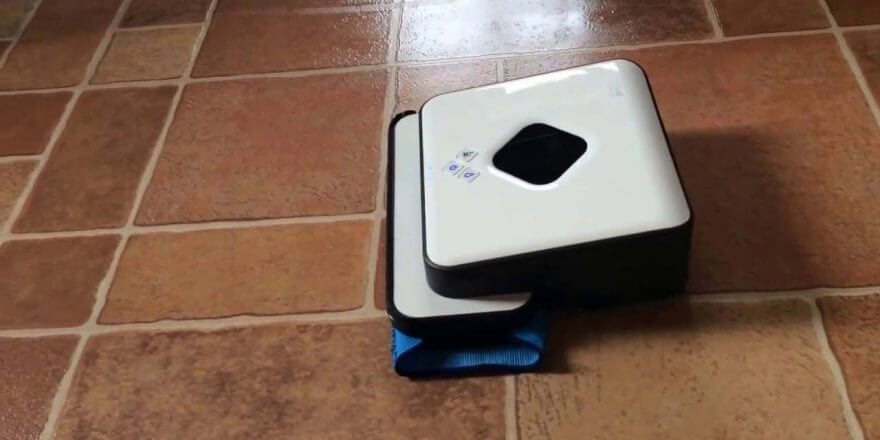
The iRobot Braava 390T robot vacuum cleaner is an excellent solution for cleaning hard floors in the home (such as parquet, laminate, tile, or linoleum). The device is designed for both dry and wet cleaning. Therefore, it is also called an automated mop, as it is used for wiping floors. In this article, we provide readers with information abouthttps://robovac.washerhouse.com iRobot Braava 390T review, we looked at its technical specifications and main functional capabilities.
Delivery set
The iRobot Braava 390T robotic mop includes the following components:
- the robot itself;
- power supply, adapter;
- charging base;
- navigation cube (block), NorthStar Cube beacon;
- instructions for use;
- Pro-Clean water tank;
- base for fastening fabric;
- dry cleaning platform;
- two microfiber cloths for wet cleaning;
- two dry cleaning cloths;
- spare tank cap.
The complete set is shown in the photo:
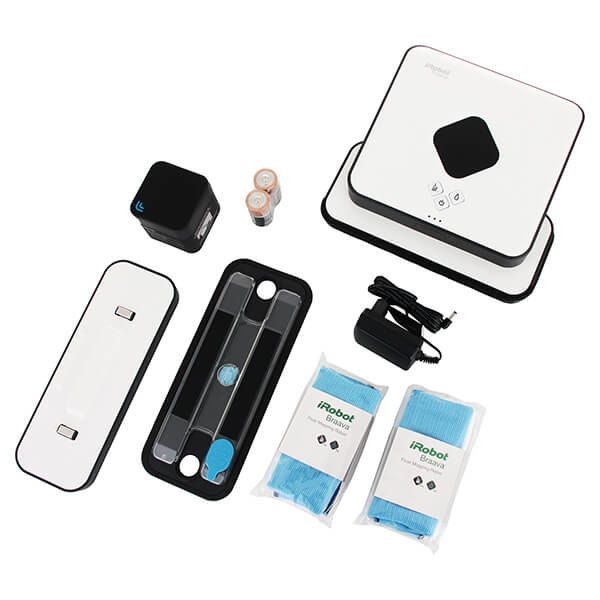
iRobot 300 Series Components
Appearance
The iRobot Brava 390t robot vacuum cleaner comes in a convenient and practical box with photos, package contents, and key features. The square body allows for maximum cleaning coverage and avoids corners.
This model's compact robotic mop allows it to reach into hard-to-reach places like under cabinets or low dressers. If you look at the side of the body, you'll see that it's slightly tilted forward. This allows it to reach even further under low objects.
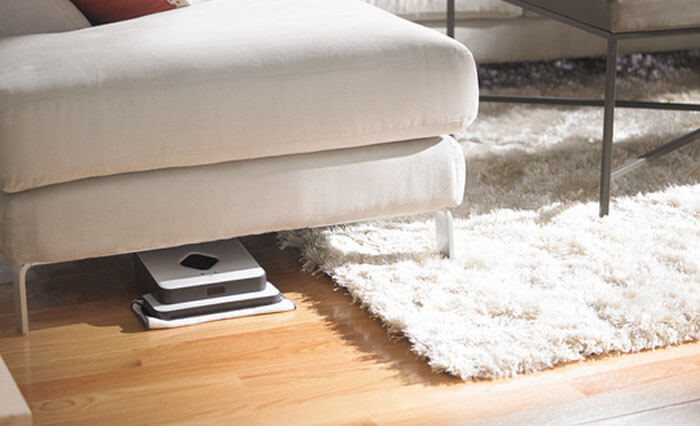
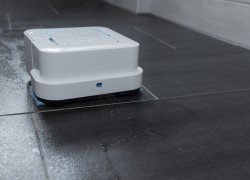
Passing a floor polisher under furniture
The iRobot Braava 390T has a unique and stylish design. The body is typically made of high-strength black plastic or white accents. A diamond-shaped cutout is located at the top center of the body, beneath which are navigation sensors. Control buttons and LED indicators are located near the sensors. A blue indicator indicates that the vacuum is executing a specific function, while a red indicator indicates an error. A small cutout is also located at the front of the body, beneath which are sensors that detect obstacles in the path.
The front panel of the device features a protective rubber bumper, which protects the robot from collisions with obstacles. This bumper contains two sensors that detect frontal and side collisions.
The photo below shows the iRobot Braava 390T robot vacuum cleaner:
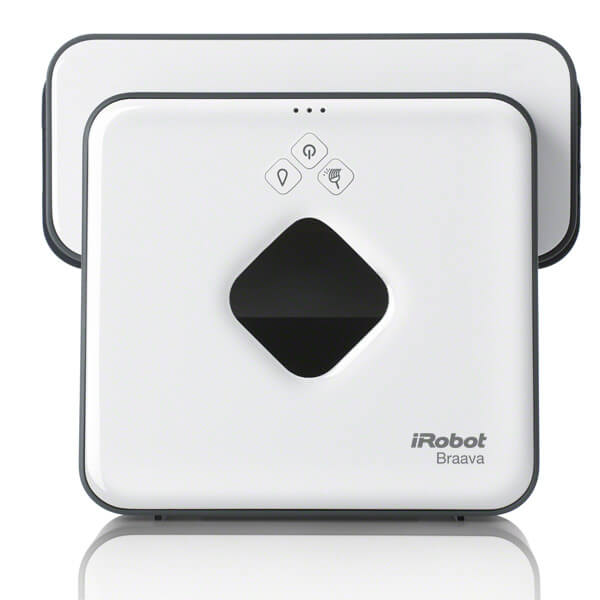
Top view
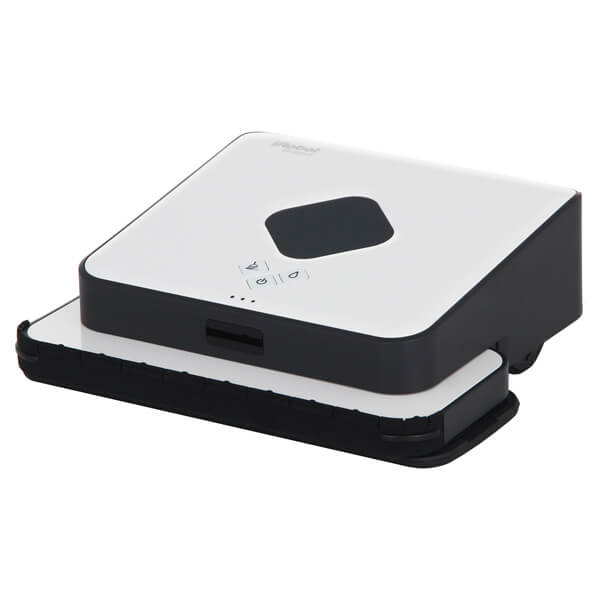
Side view
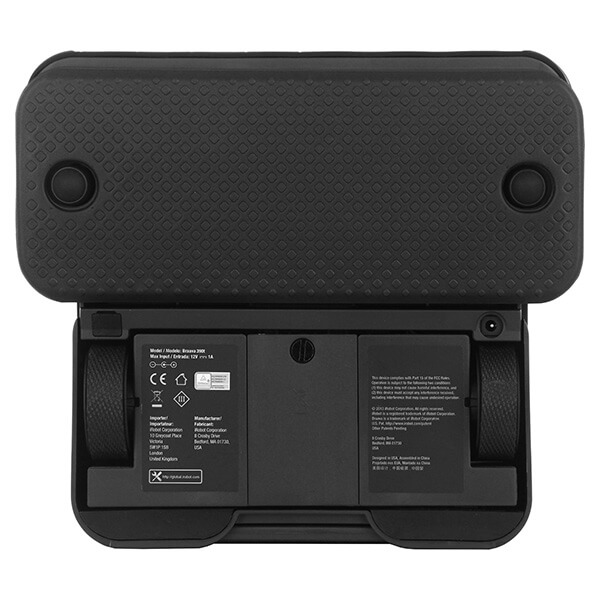
Bottom view
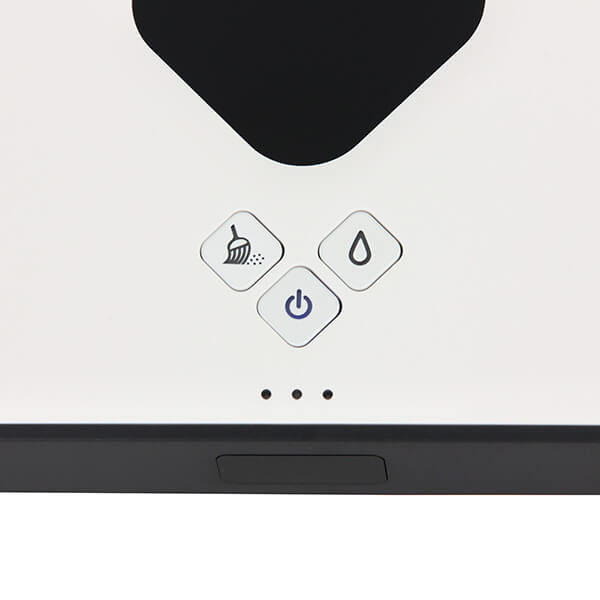
Floor polisher control buttons
Technical specifications
The iRobot Braava 390t robot vacuum cleaner has the following technical specifications:
| Type of cleaning | Dry and wet |
| Dimensions | Height – 74 mm, width – 200 mm, depth – 230 mm |
| Power supply | Ni-Mh battery, 2000 mAh capacity |
| Area of the surface to be cleaned | Dry cleaning up to 93 sq. m. (using additional beacons – 186 sq. m.), wet cleaning – up to 32 sq. m. |
| Opening hours | Up to 240 minutes |
| Charging time | Up to 120 minutes |
| Noise level | Up to 36 dB |
| Weight | 1.8 kg |
| Control | Mechanical buttons on the body |
| Charger | Base, power supply |
| Obstacle sensors | IR proximity sensors, mechanical side and front sensors, height change sensors |
| Orientation sensors | Wheel sensors, NorthStar navigation cubes |
| Garbage collection | Wiping with a dry and wet cloth |
Functional capabilities
iRobot Braava, model 390T, is an advanced intelligent robot vacuum cleaner that, thanks to the latest developments from iRobot engineers, has become an indispensable assistant in cleaning the premises.
The robotic vacuum cleaner, equipped with several different sensors, surveys the entire area being cleaned and creates a map of its movements. The key element of the navigation system is a special NorthStar Cube beacon. It is installed at an elevated position in the room to be cleaned. The beacon emits infrared beams that bounce off the ceiling, helping the robotic vacuum cleaner survey the room and determine its location. The iRobot Brava 390T robotic vacuum cleaner can operate without the beacon, but cleaning will be slower.
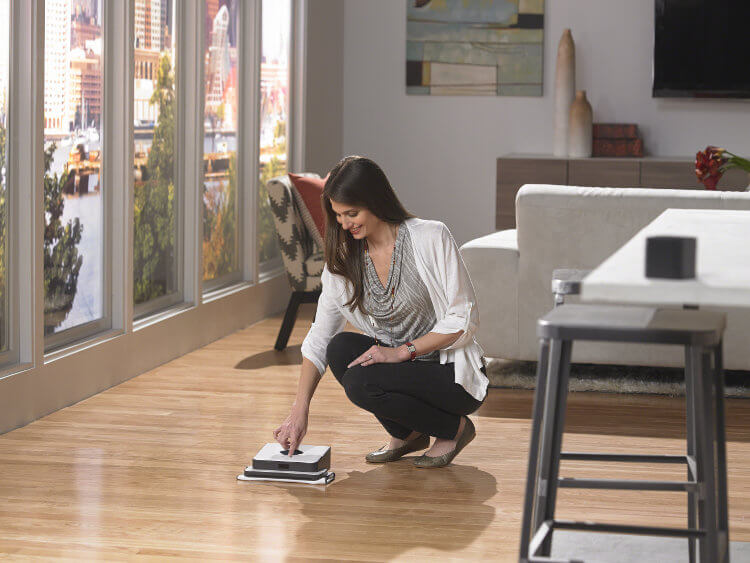
Lighthouse on the table
When dry cleaning the floor, the robot moves along a parallel path. Sensors on the front panel detect obstacles in its path. Once open areas are cleaned, the robot vacuum cleaner begins cleaning around furniture and the perimeter of the room. Additionally, the robot is equipped with special height sensors to prevent it from falling down stairs. When finished, the floor polisher beeps and automatically switches to sleep mode, thereby conserving battery life.
When wet cleaning, the iRobot Braava robot vacuum cleaner moves in a herringbone pattern. It uses a special, high-nap cloth that is moistened.
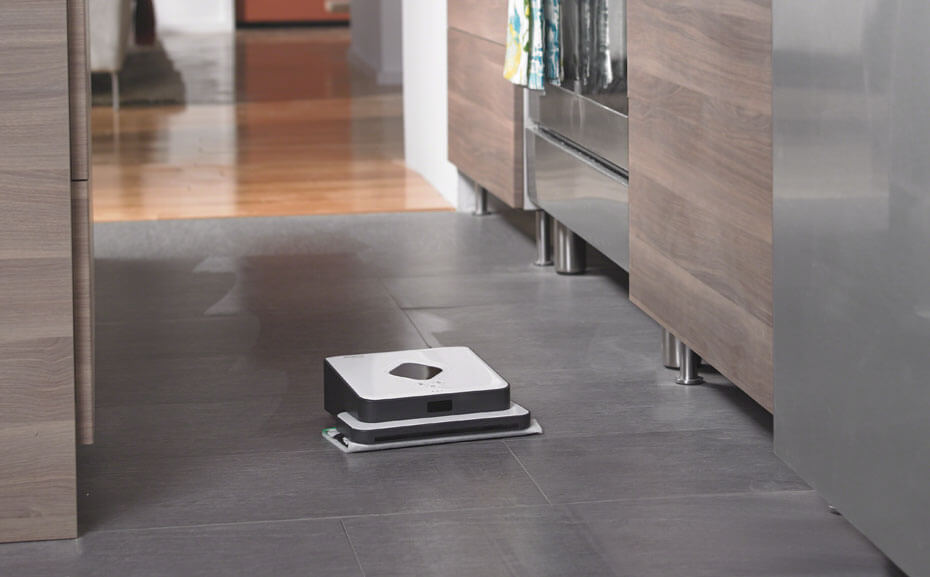
Wet cleaning
Additionally, the robotic mop features a reservoir that collects water, keeping the mop cloth damp throughout the cleaning process. To replace the mop cloth, simply press pause on the device.
Operating instructions
Before using the robotic vacuum cleaner for the first time, we strongly recommend that you read the included user manual. You can download the iRobot Braava 390T user manual in Russian by following this link:Braava 390T user manual
Advantages and disadvantages
The 390T model offers many advantages. Key ones include:
- The presence of a stylish and stable case.
- The presence of an advanced navigation system that allows you to survey the premises and create a movement plan.
- The iRobot Brava has indicators on the front panel that indicate the battery level, operating mode, and the end of cleaning.
- The robotic floor cleaner does not require additional filters and brushes (the kit includes a washable and reusable cloth).
- The robot operates with minimal noise, so it will not cause any discomfort. It can be used at night or while watching TV and will not be distracting at all.
The model has no particular downsides, other than its price of $200 in 2019. That's why this floor polisher is one of the best. the best robotic vacuum cleaners.
Finally, we recommend watching a video review of the iRobot Braava 390T:
That concludes our review of the iRobot Braava 390T robotic mop. We hope you found this information useful and interesting!
Analogues:
How is it different from the 380?
The difference between the iRobot Braava 380T and 390T is quite minor – it’s the color.
After a year of use, the tires on the wheels wore out, and after replacing them, the car mostly drives backwards and in an incomprehensible direction. How can I reset the settings and restore them?
The panel's light turns red and a beep sounds. Inserting the charger into the power supply makes no difference. The charger's light turns blue.