
Ecovacs Deebot DE55: A Good Robot at a Great Discount
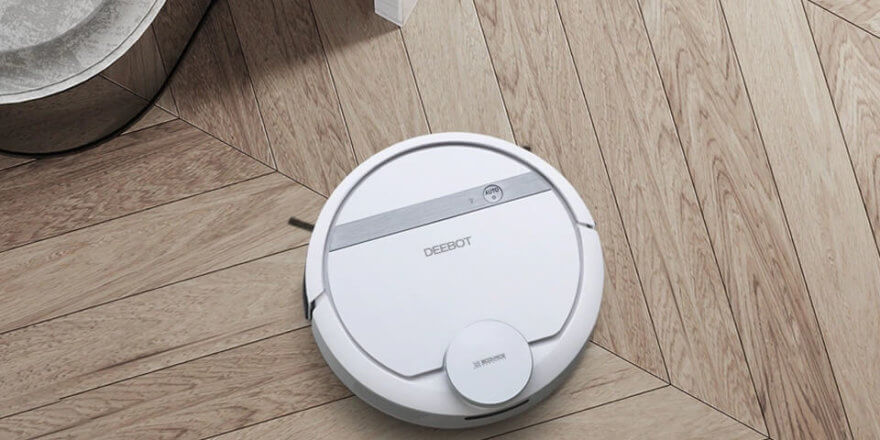
The new Ecovacs Deebot DE55 robot vacuum cleaner is designed for dry cleaning of various flooring types, as well as wet mopping of smooth floors. The robot navigates perfectly and creates a 3D map of the room thanks to Smart NaviTM 3.0 laser mapping and navigation technology. Furthermore, the robot vacuum cleaner can be controlled via a smart home system, providing additional benefits and more efficient cleaning. What features and functions does this robot have, how does it clean, and what special features does it offer? You'll find the answers to these and other questions in this review. Incidentally, at the time of writing, Tmall is offering a very significant discount on this model. Instead of $250, the robot is now priced at just $140. For this price, there simply aren't any comparable robots with such functionality and features. The purchase link is at the end of the review.
Equipment
Ecovacs Deebot DE55 delivery set:
- Robot vacuum cleaner.
- Docking station.
- Side brushes (4 pcs.).
- Suction module.
- Water tank.
- Attachment with microfiber cloth.
- Filter (2 pcs.).
- Cleaning brush.
- Operating instructions.
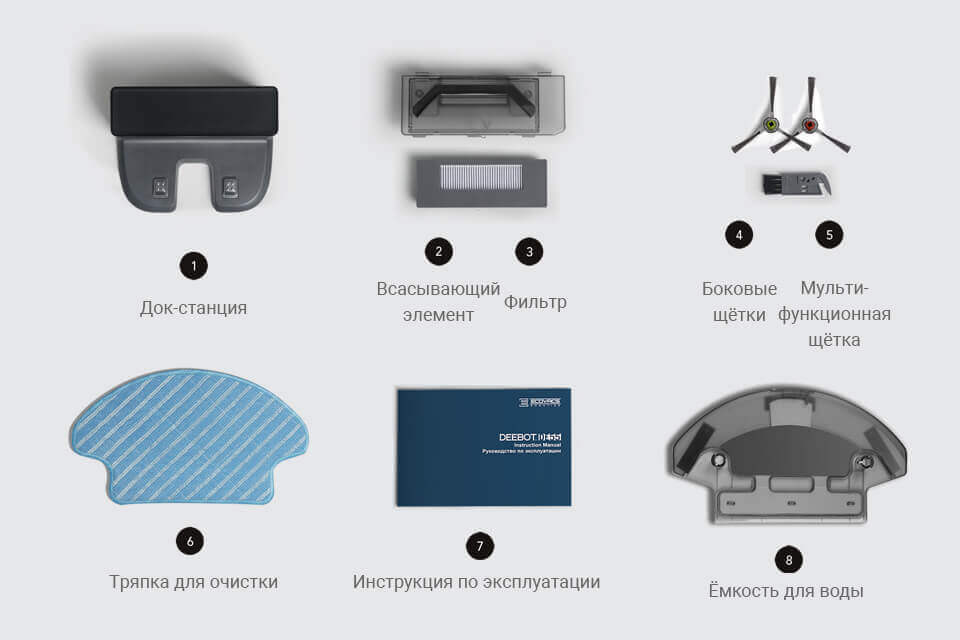
Components
It's important to note that the Ecovacs Deebot DE55 does not include a remote control or cleaning area limiter. All robotic vacuum settings are controlled entirely through the app, which must be downloaded and installed on your smartphone before use.
Appearance
The robot is made of durable white plastic, the body is made in a traditional round shape, similar to Deebot DM88When looking at the Ecovacs Deebot DE55, the first thing you notice is the protruding washer on the front panel. This element is designed to scan the room to create a 3D map and plot the optimal route. The same panel also houses the robotic vacuum's start button, a status indicator, and the dust bin cover.
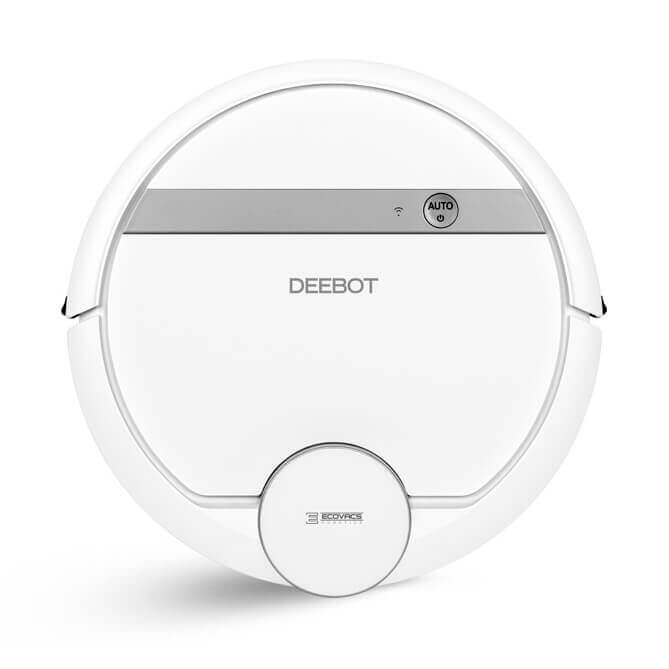
Top view
A side view of the robot allows us to see a protective bumper with an obstacle sensor system and exhaust vents.
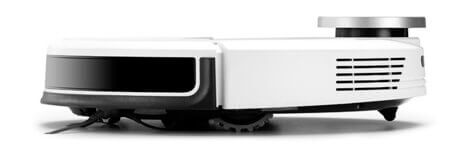
Side view
The Ecovacs Deebot DE55's bottom features the drive wheels, swivel caster, charging contacts, battery compartment, power button, side brushes, and anti-drop sensors. Depending on your needs, you can install either a turbo brush or a suction module. A water tank and a microfiber cloth can also be attached to the bottom.
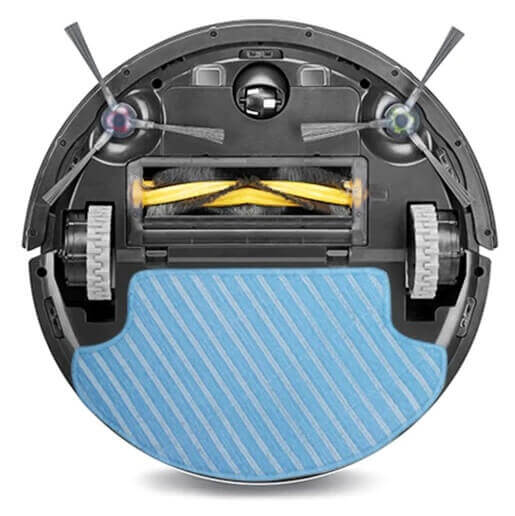
Bottom view
Technical specifications
The characteristics of the Deebot DE55 are summarized in the table:
| Type of cleaning | Dry and wet |
| Battery | Ni-MH 3000 mAh |
| Opening hours | 70/100 minutes |
| Charging time | 240 minutes |
| Suction power | 600/1000 Pa |
| Maximum cross-country ability | 18 mm |
| Working speed | 0.25 m/s |
| Dust collector | Cyclone filter |
| Dust collector capacity | 350 ml |
| Overall dimensions | 337x337x95 mm |
| Weight | 3.5 kg |
| Noise level | 67.5 dB |
The robot vacuum cleaner is equipped with a 3000 mAh nickel-metal hydride battery. This type of battery is inferior to lithium-ion batteries, so the manufacturer's decision in this case is unclear. Battery life is 100 minutes, and up to 70 minutes in maximum suction mode. The battery takes approximately four hours to charge.
The Ecovacs Deebot DE55 uses a bagless dust container, a feature common among robotic vacuum cleaners. It's equipped with a sponge filter and a fine filter to remove even the smallest dust particles and allergens. The dust bin holds 350 ml. Maintenance is very simple: simply remove the dust bin, empty it of any accumulated debris, and thoroughly clean the filter.
Functional capabilities
The robot vacuum cleaner not only sweeps and removes debris and dirt from the floor with two side brushes, but also vacuums the floor with an attached suction module. For deep cleaning of carpets or hair and pet hair, the central brush is used.
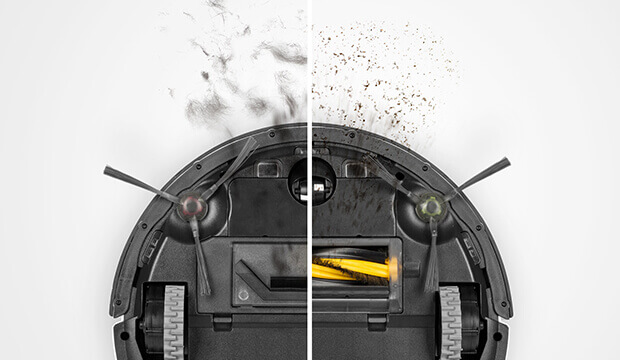
Replaceable central block
Overview of Ecovacs Deebot DE55 operating modes:
- auto;
- intensive;
- individual.
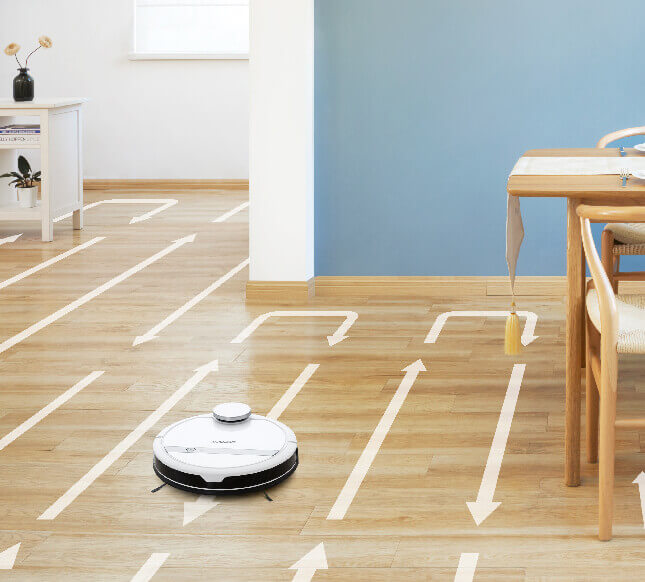
Trajectory of movement
In addition, the manufacturer has provided the Ecovacs Deebot DE55 with two suction modes and an automatic increase in suction power when working with carpets and removing pet hair.
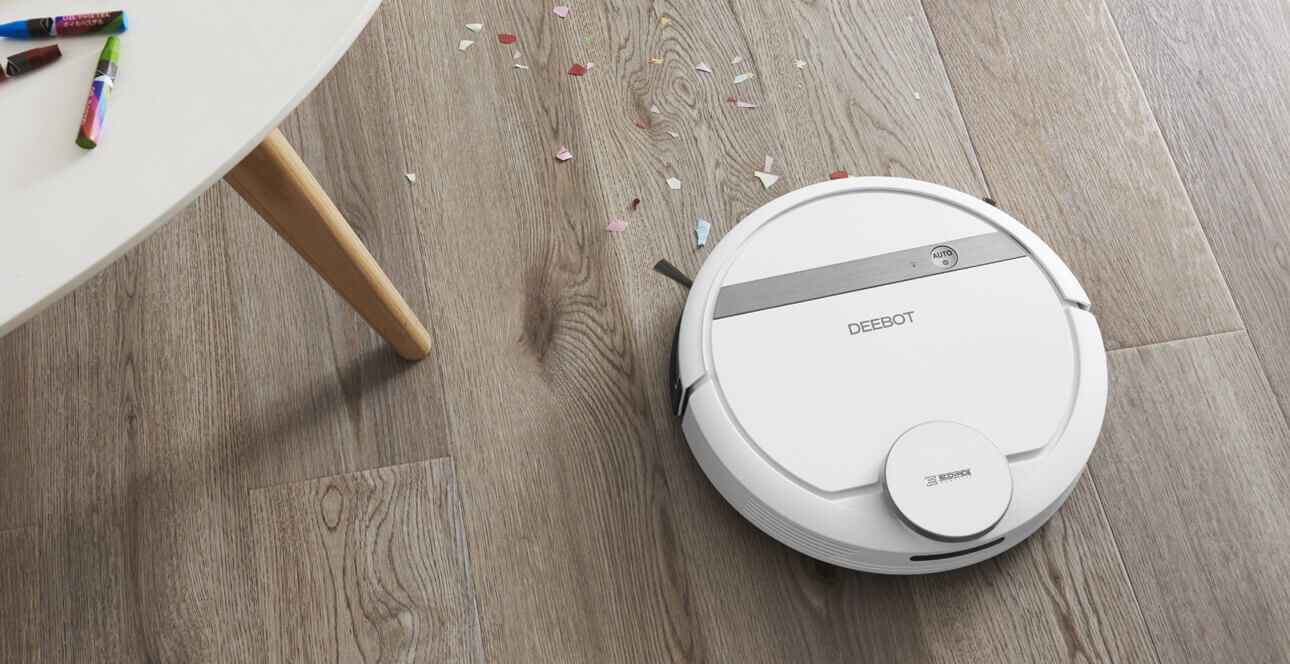
Floor cleaning
Thanks to the surface cleaning system, the robot vacuum cleaner really cleans floors effectively. Using the removable water tank and cleaning cloth, you can customize the machine for specific tasks, always achieving the most effective cleaning.
Smart NaviTM 3.0 technology allows the robot to scan rooms and build a map of the entire space to thoroughly clean the entire cleaning area.
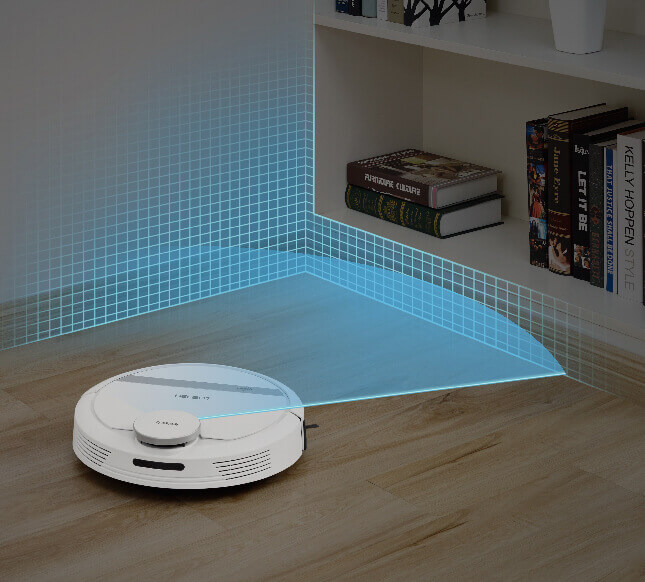
Navigation
Using the Ecovacs app, you can control and monitor the robot from anywhere. Here you can schedule cleaning, set virtual boundaries, select operating modes, monitor the device's current status, and perform many other functions.
Advantages and disadvantages
Pros:
- Stylish design.
- Good cross-country ability.
- Setting up a schedule.
- Modern navigation and cartography.
- Adjustable suction power.
- Wet cleaning (+ separate water tank).
- Control from a smartphone.
We didn't find any significant drawbacks, other than the outdated battery type and weak suction power. The robot vacuum costs around $250. It's a hefty price tag, but the manufacturer offers really good functionality for the price. Plus, it's currently on sale.
Finally, we recommend watching a video review of the Ecovacs Deebot DE55:
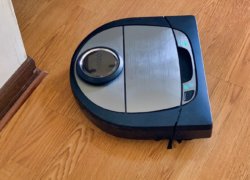
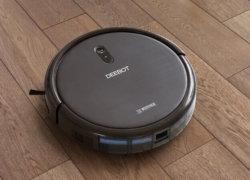
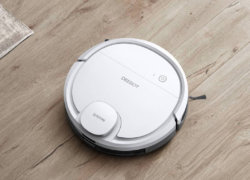
Analogues:
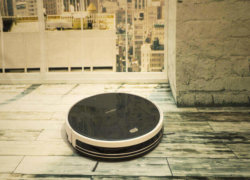
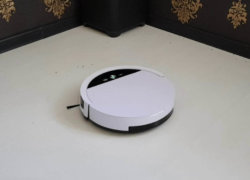
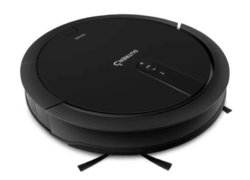
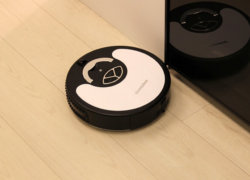
The article only highlights the positive characteristics. Now, what do we have in reality? There's no QR code, as the Ecovacs Home app requires. Connecting the robot vacuum to a smartphone via the app is a daunting task (I have Android 9, an 845 processor, and sufficient memory). During the initial "familiarization" of the cleaning area, the robot walks directly through the base. If there's something on the floor during the first cleaning session that's subsequently cleared, the robot avoids it and doesn't vacuum, even though the area is clear. The robot's status on the base isn't clear—whether it's charged and ready to clean, or not. There's no mode indicator. Yes, if these issues are excluded, the Ecovacs Deebot DE55 might be better than simple robots that scurry around the apartment for 1.5 hours (according to their preprogrammed routine) and require various "obstacles" to keep them from being reached. And they work louder, and they don’t have a HEPA filter, but subjectively, in the dust container, after cleaning, they have more hair.
The QR code is located at the station. It's in the niche at the back, near the wire.
I bought it a couple of days ago, and the emotions haven't cooled down yet...
I'll start with the cons.
1. Extreme dependence on WiFi coverage - when it reaches the end of the coverage area (in our apartment, a couple of rooms are half-covered by it), it simply stops, freezes, and refuses to do anything.
2. A consequence of the first is sensitivity to power outages in the apartment. Yesterday, the power went out for half an hour. The robot got scared, crawled off its base, and started darting around the room pretending to clean. I had to manually catch it and turn it off.
3. You need to prepare the house before the first cleaning. During cleaning, the door to one of the rooms accidentally closed as the robot passed by, so it can't find its way into that room. You'll have to reacquaint it with the apartment.
4. The wet cleaning tank is a bit small. It seems to only be enough for one room. The rest are cleaned with a dry cloth.
5. Accessibility. There are fairly high thresholds between rooms in the apartment. He doesn't always get over them, and only with difficulty. We had to lay small cork sheets (left over from the renovation) in front of them to make sure he could get through them properly.
Everything else is a plus.
1. Price! 12 thousand rubles for a robot with navigation.
2. Navigating the apartment! We have a pretty tricky apartment—there are some narrow passages where he fits with a 4-centimeter gap. And he fits in there on the first try!
3. To my surprise, he climbs under all (!) the nightstands (wherever he can get), and they're now clean. We only climb there on holidays. And he doesn't forget the bed either.
4. This is both a plus and a slight minus. The cleaning quality—after cleaning a room, you might notice a few wood shavings/crumbs/whatever. But if you look at it before, it's a world of difference. You can spot them because there's nothing else and everything is clean. It even sweeps out corners. Sure, it can't reach everything, but where it can, it's great.
5. A very user-friendly Android app for controlling the robot. It's easy to set up and understand. I also saw the Wi-Fi coverage area in our apartment.
6. Almost complete Russification—I only found one place in the program where there was a Chinese inscription. Everything else is in competent Russian. All the messages are in Russian. Even when you turn it on, it starts yelling in Russian, like, "Put a child on the planet!" 🙂
7. And navigation again. You have to see it. When you send the robot to clean a room on the other side of the apartment, it goes there, shows off its cleaning on its phone, then returns and charges without any problems.
So, when I was choosing a model, I had to decide between an expensive Xiaomi and a cheap one like this. And I'm glad I made my choice.
"Based on needs, the user can install either a turbo brush or a suction module."
Did I understand correctly that when installing a "turbo brush" it will not suck up dust and debris, but will only wrap hair around the brush?
No, that's not right. They'll vacuum anyway.
Good afternoon. I bought a robot less than a month ago. Everything was fine, but for the past three days it's been just rolling around and not picking up any dust. What should I do?
Hi, I'm having trouble with the DE55, as the LDS is faulty. The rubber belt is still in place. When I turn it on, the LDS starts spinning. The LEDAR spins for about 10 seconds, then stops and says the LDS is faulty. I touch the LDS, and that's it, it just doesn't move! What could it be? I bought a new LEDAR, and nothing has changed. The problem persists! How do I fix it? How can I troubleshoot the problem? How do I connect it to a computer to test it? What software do I need? Maybe it needs to be flashed? Could you give me the firmware? The model is for the Russian market: DE6G.