iLife V55 Pro Gray: A Popular Robot Vacuum Cleaner in a New Color
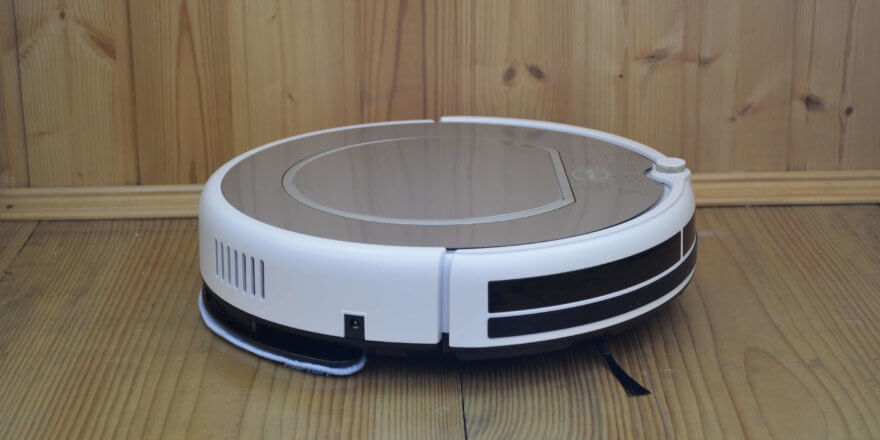
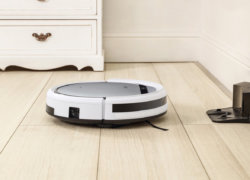
Hello everyone! You are on the channel. robovac.washerhouse.comThis review will examine one of the most popular Chinese robot vacuum cleaners in the budget segment: the iLife V55 Pro Grey. This new model, available in grey, recently went on sale. This model is similar in features and functionality to its black predecessor (https://robovac.washerhouse.com/en/obzory/ilife/robovac-ilife-v55-pro.html). The robot costs around $120. It has already been ordered on Tmall by over 15,000 people, which is a very good result. Next, we'll give you a detailed review of the iLife V55 Pro Grey, explore its capabilities, and test it on different floor surfaces (see video for tests). So, let's get started!
Equipment
Let's start with unboxing. The robot vacuum cleaner comes in a branded box. Upon opening the box, the first thing you'll see is the warranty card, operating instructions, and a first-time setup guide. All documentation is in Russian, so you shouldn't have any problems reading it.
The iLife V55 Pro Grey also comes with:
- Virtual wall (and batteries for it).
- Remote control (with batteries).
- Power adapter.
- Charging base.
- Spare HEPA filter.
- Brush for cleaning the dust collector.
- Spare microfiber cloth.
- Spare side brushes (2 pcs.).
- Water tank with a cloth installed.
All components are shown in the photo:
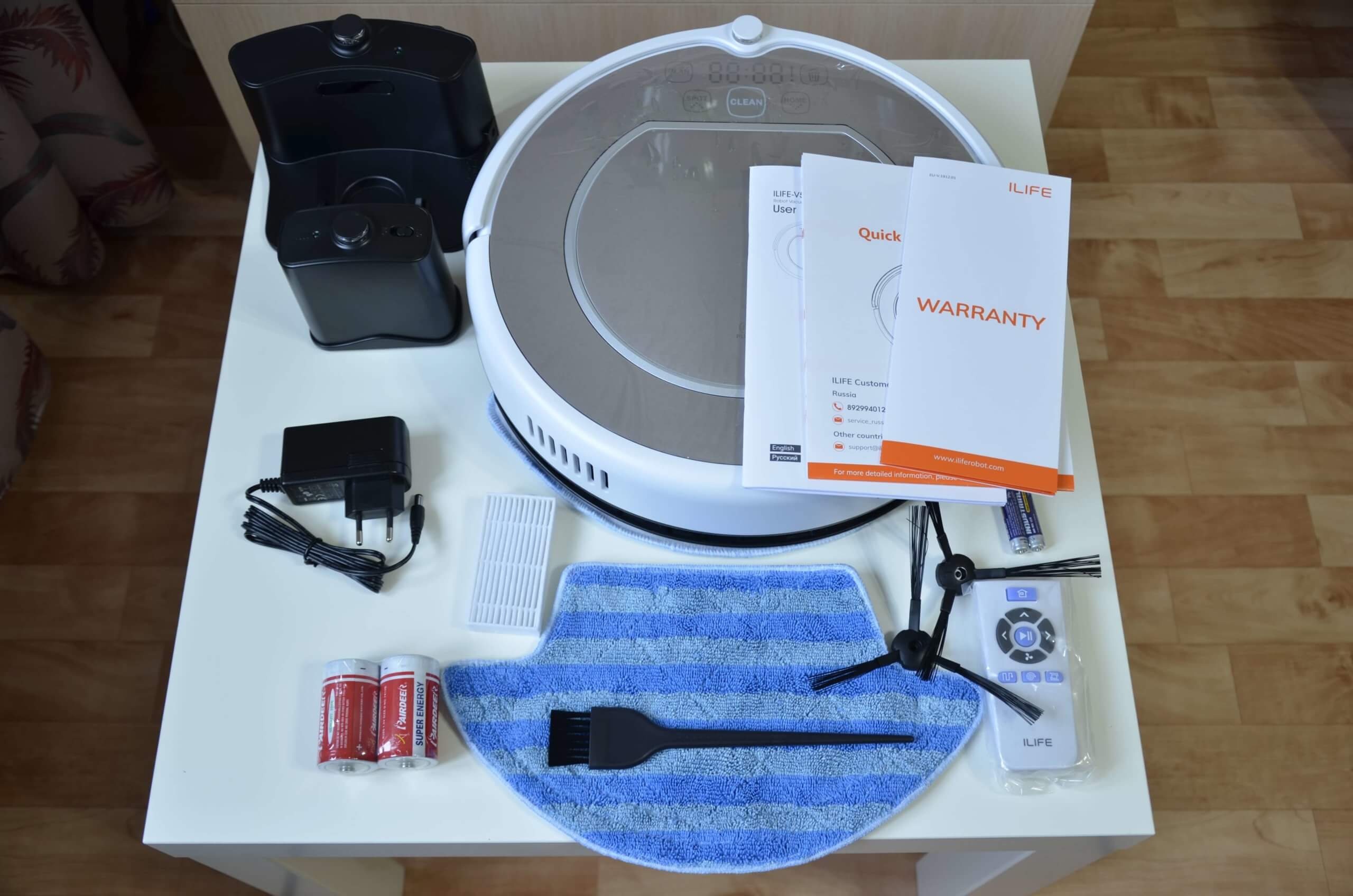
iLife package
Appearance
Let's take a look at the robot vacuum cleaner itself.
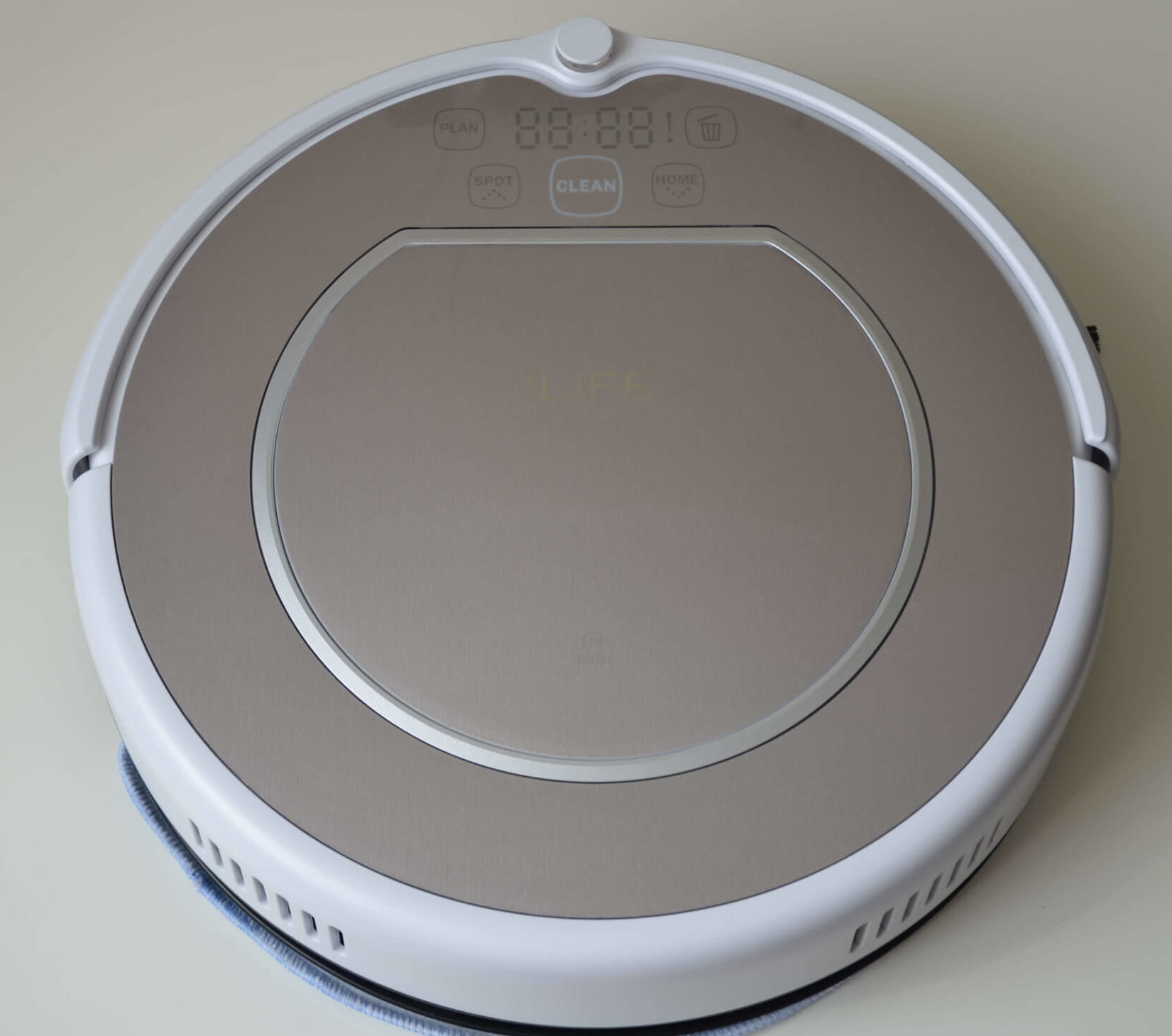
Top view
The top panel contains indicators and control buttons. Pressing the lid opens the lid, making the dust container accessible for removal.
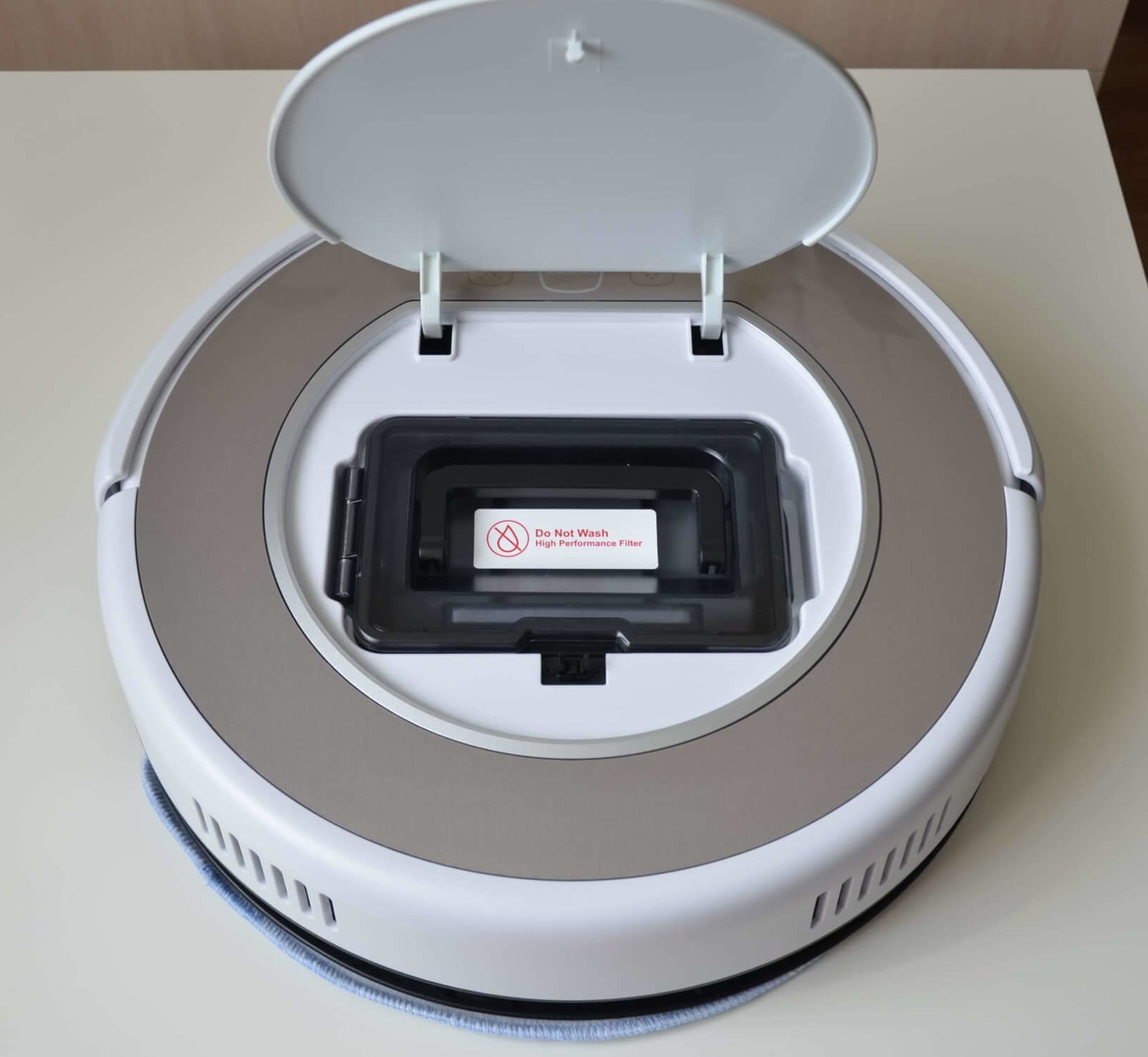
Dust collector location
The dust container is easily removed, and on top, we see a manufacturer's warning that the HEPA filter should not be washed with water. It should be changed periodically to maintain cleaning performance and prevent damage to the robot's motor due to increased load. The dust container lid opens easily, with a special latch on the side. The coarse mesh filter is visible on top. The dust container itself has a transparent cover that prevents accidental spillage when removing the dust container. Incidentally, the container holds up to 300 ml of dry waste. This isn't a lot, but it's enough for one cleaning cycle.
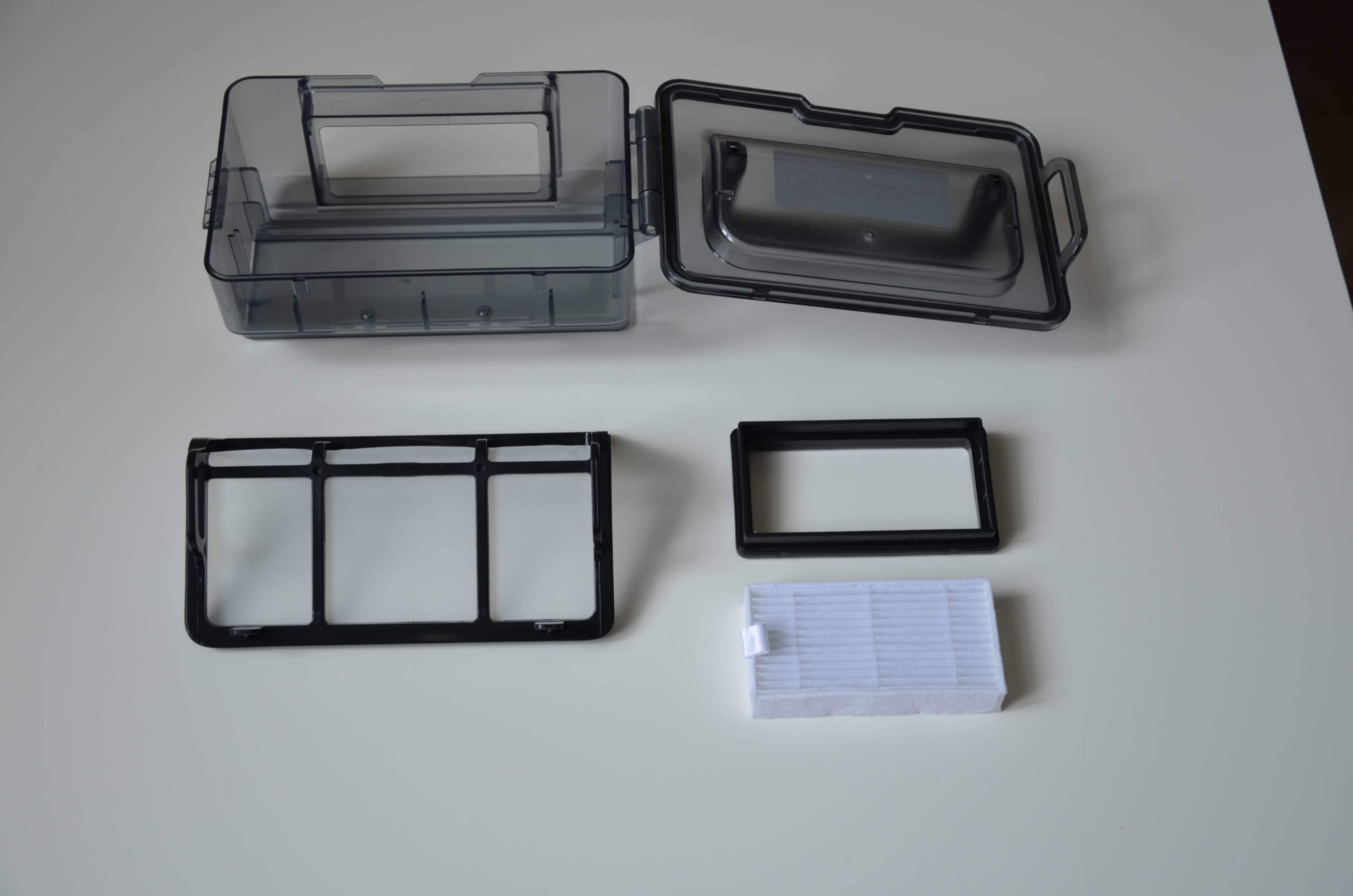
Dust collector with filters
The front of the iLife V55 Pro features a soft-touch mechanical bumper. This helps the robot navigate and protects furniture from damage.
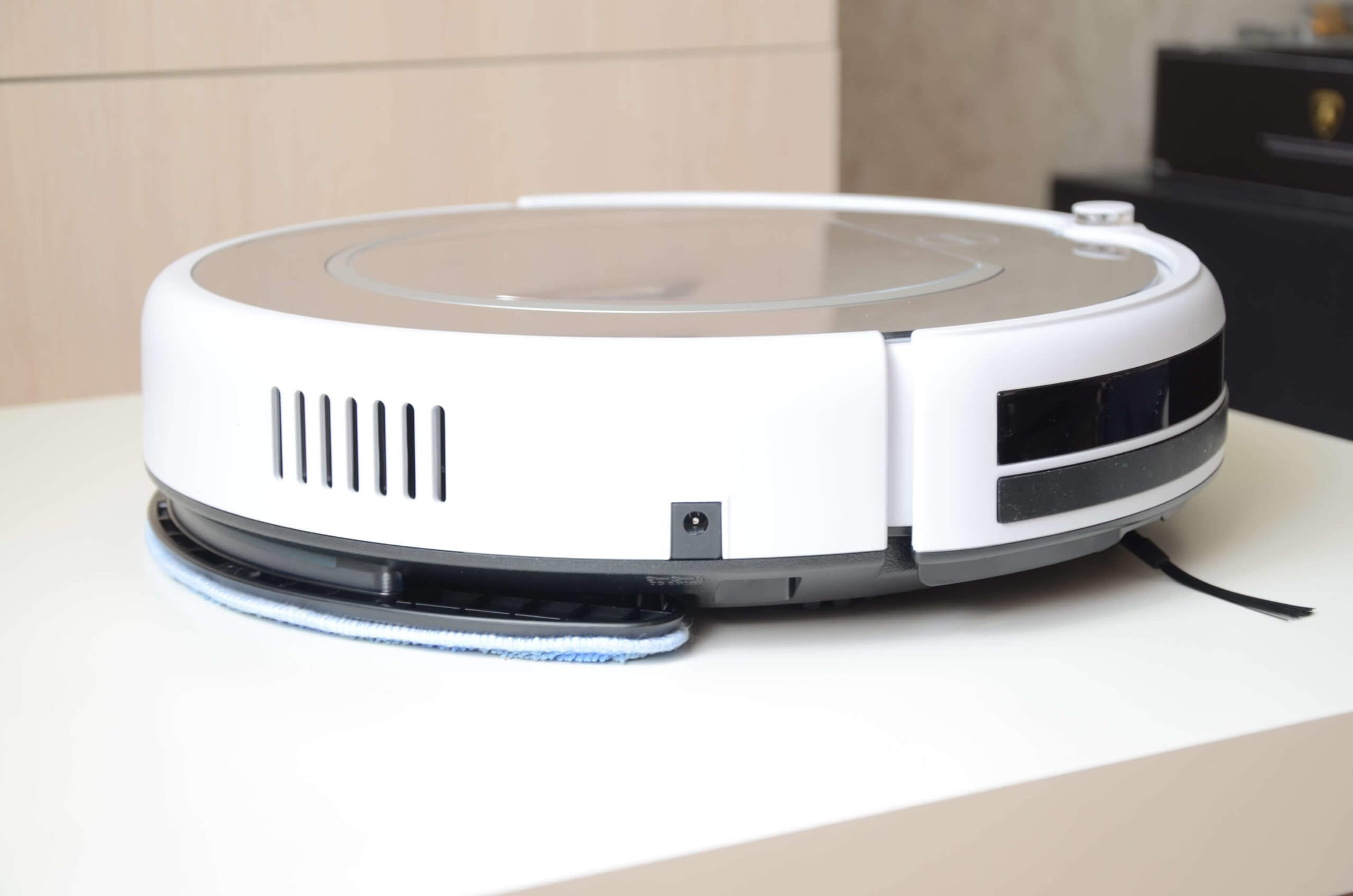
Side view
The bottom of the robot features a swivel roller, two side brushes, main wheels, and a suction port. The robot also comes pre-installed with a damp cloth.
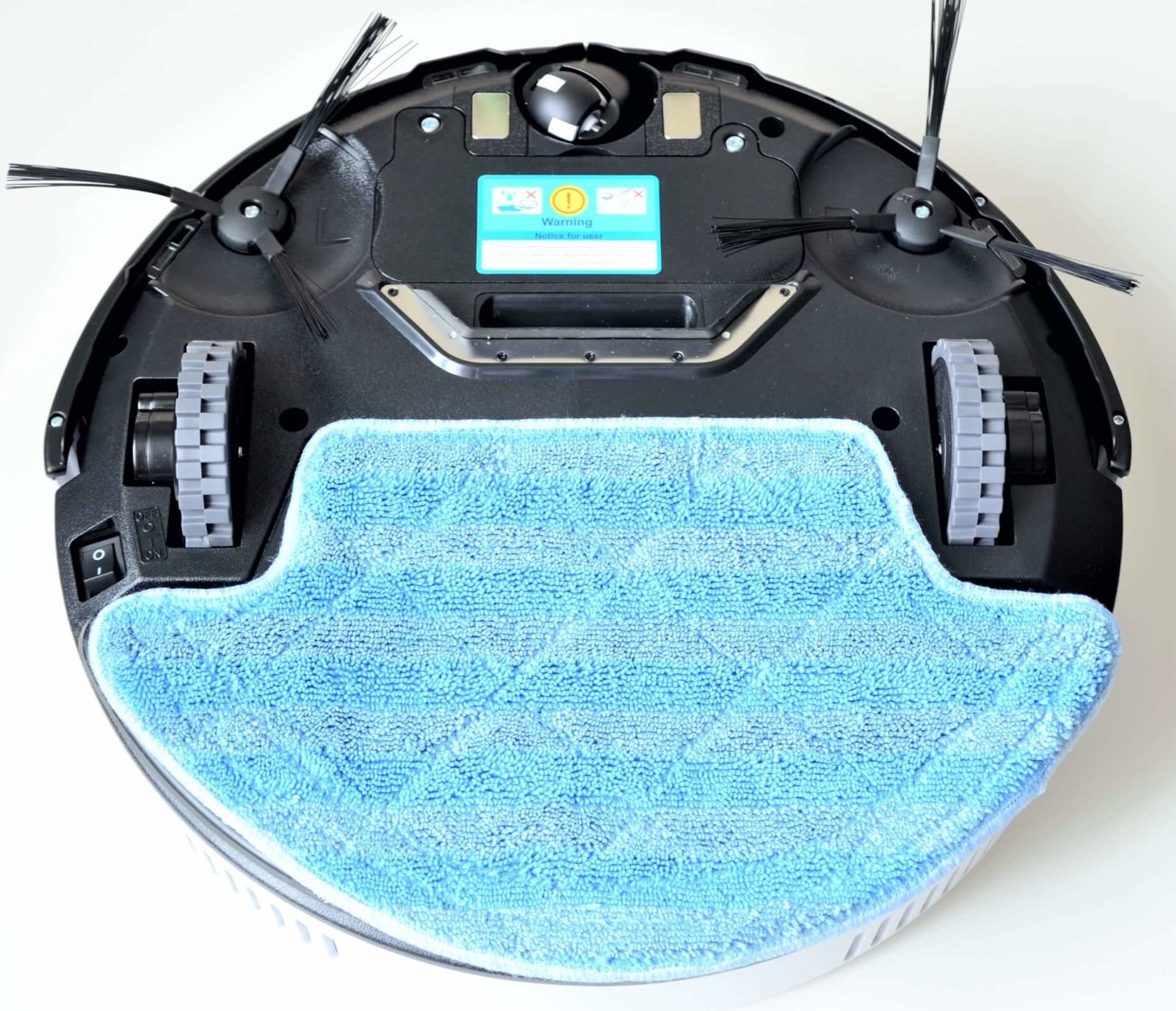
Bottom view
When you remove it, you'll see a small water reservoir mounted on a special platform. It holds up to 180 ml of water, enough for one full cleaning. A sealed valve is located on top of the tank for filling. Water flows to the cloth by gravity; there are no adjustments for wetting the cloth. The cloth is attached simply but securely.
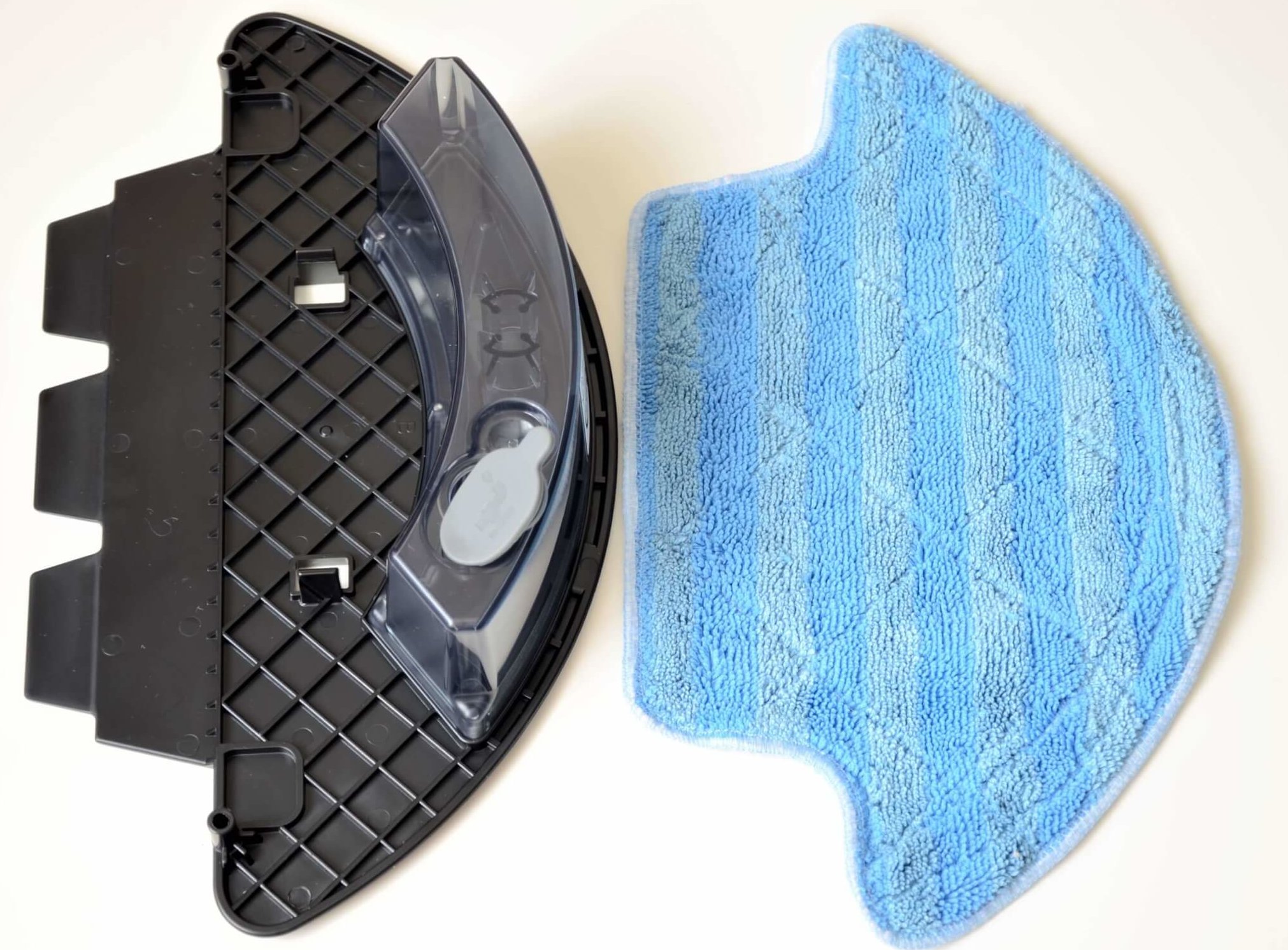
Wet cleaning unit
That's all I wanted to say about the robot itself. Let's move on to an overview of its specifications and features.
Technical specifications
Among the characteristics of the iLife V55 Pro Grey we highlight:
- Li-Ion battery with a capacity of 2600 mAh.
- Suction power up to 1000 Pa.
- Battery life up to 120 min.
- Charging time up to 350 min.
- Maximum cleaning area up to 140 sq.m. (according to the manufacturer).
- Dust collector capacity is 300 ml.
- The water tank capacity is 180 ml.
- Noise level up to 68 dB.
- Dimensions 348*339*92 mm.
- Weight 2.68 kg.
Overall, the characteristics are not bad for the budget segment.
Functional capabilities
As for the functions, we will highlight the following from the main ones:
- Simultaneous dry and wet cleaning.
- Navigation based on gyroscope and sensors.
- Controlled by remote control and buttons on the body.
- 2 suction power levels (standard 550 Pa and maximum up to 1000 Pa).
- 4 cleaning modes, namely: automatic, zigzag, spot and perimeter.
- Support virtual wall to restrict movement.
- Cleaning according to a set schedule.
- Automatic charging at the base.
It's important to note that the robot is equipped with fairly decent navigation, as it uses a gyroscope to navigate and can move in a serpentine motion—a big plus for the budget segment.
Let's take a look at how to operate the iLife V55 Pro. First, we'll show you how to use the buttons on the robot's body. The front panel contains the display, indicators, and touch buttons.
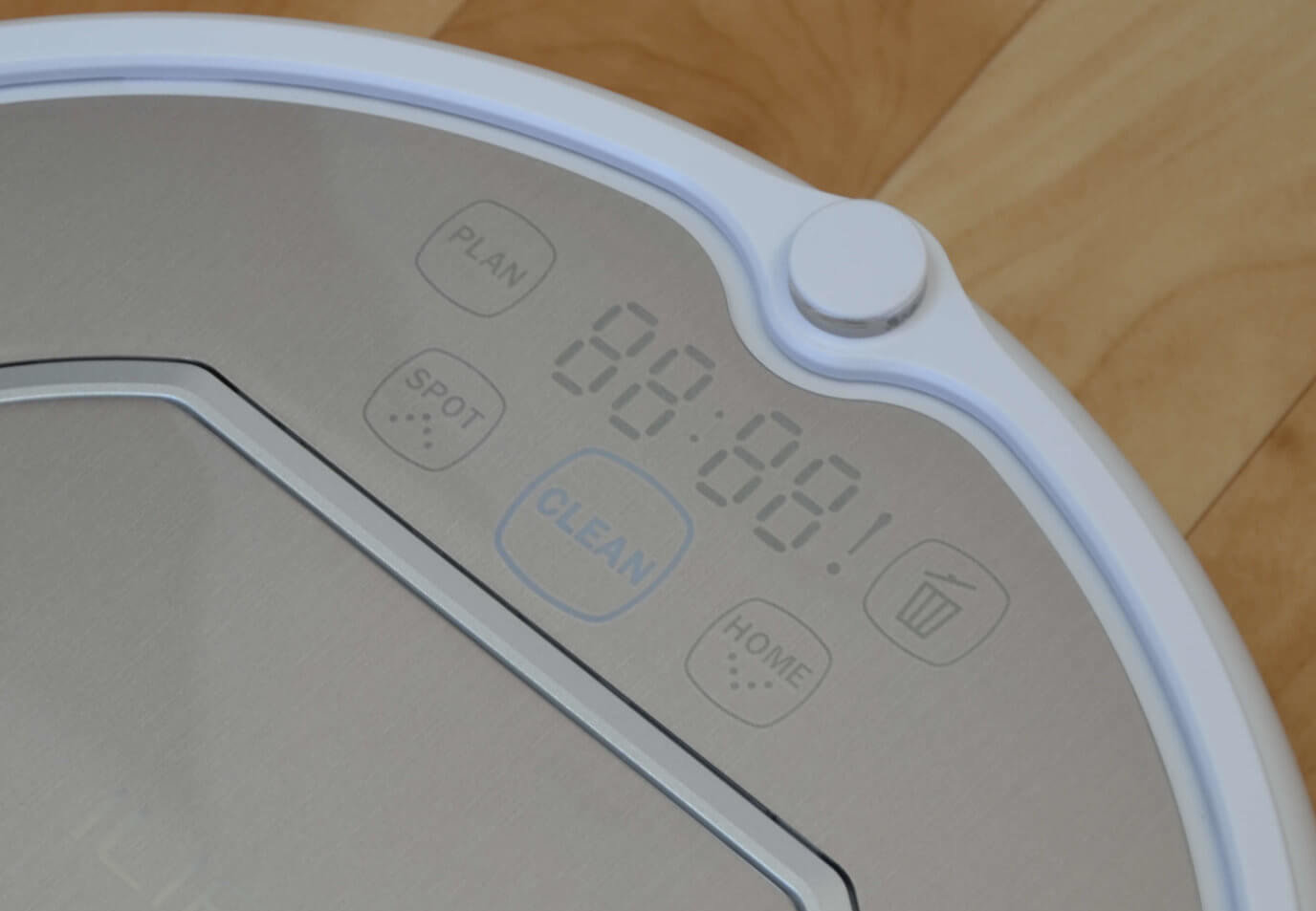
Control Panel
In the top left is the PLAN button. You can use it, along with the lower left and right buttons, to set a cleaning schedule. In the center is the Clean button, which initiates automatic cleaning. To the right of it is the forced return to base button. In the top right is the dust bin full indicator. In the bottom left is the SPOT button, which initiates spot cleaning.
Let's move on to a review of the remote control. It's small and has no display.
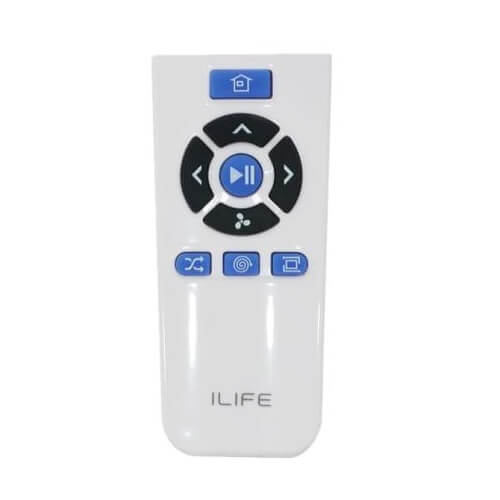
Remote controller
At the top is a button forcing the robot to return to the charging base. Below it are the manual control buttons for the robot vacuum. You can rotate the iLife V55 Pro clockwise or counterclockwise and point it forward. In the center of the joystick is a start/pause button or the automatic mode button. The bottom arrow controls the robot's reverse motion and adjusts the suction power.
Below the joystick are the cleaning mode selection buttons. On the left is the Path mode button, in which the robot cleans in a serpentine pattern; in the center is the spot cleaning mode; and on the right is the perimeter cleaning mode.
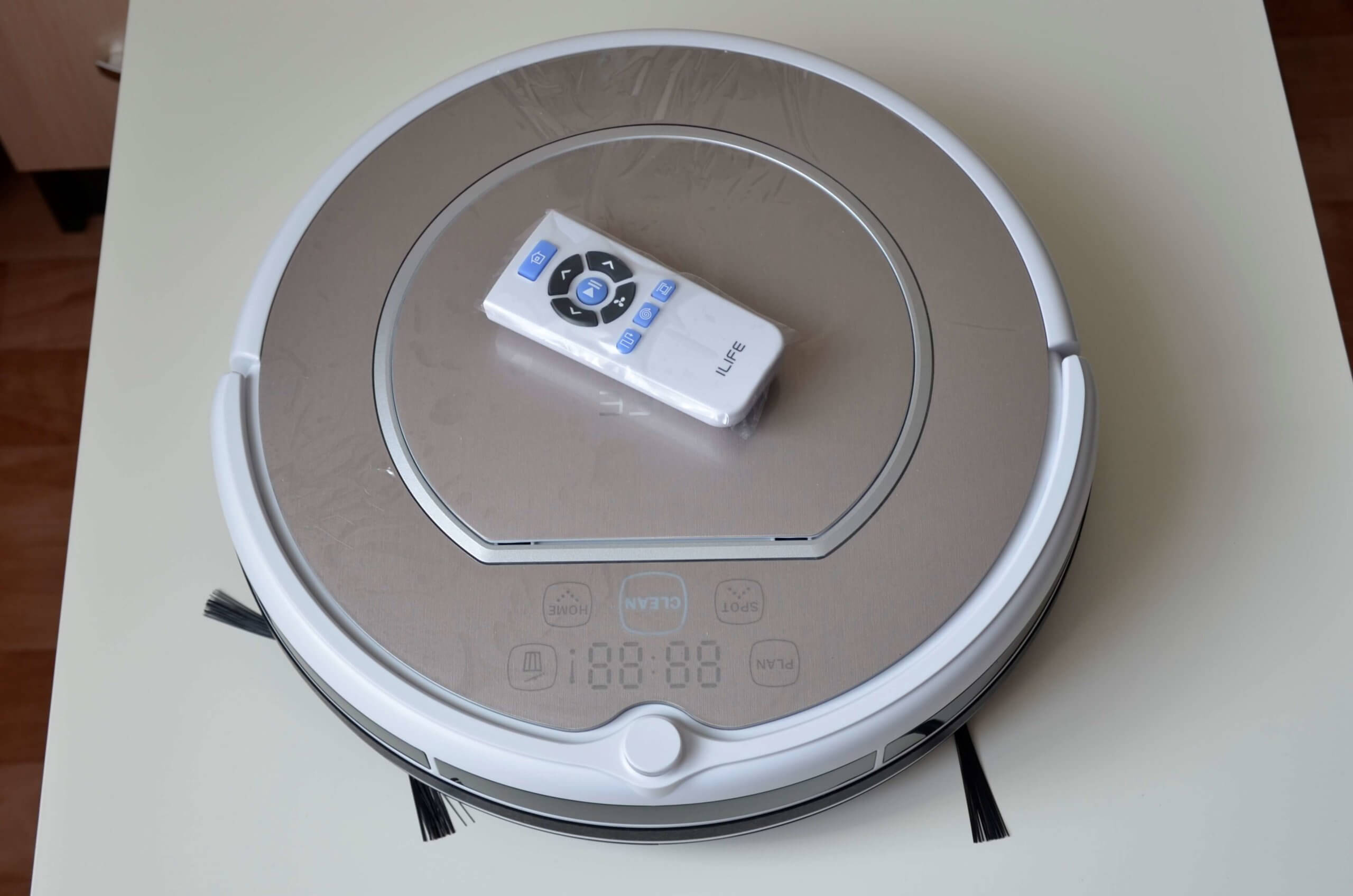
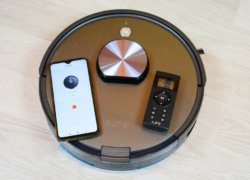
V55 Pro and remote control
In the video below, we show how the robot vacuum cleaner operates in each mode, and how the iLife V55 Pro Grey cleans (wet and dry cleaning test). We recommend checking it out:
Let's sum it up
In conclusion, I'll share my personal opinion of the iLife V55 Pro. I think the robot did a good job and, for a budget robot, it cleans quite well.
Here are some benefits worth highlighting:
- More adequate gyroscope-based navigation.
- There is a snake mode.
- Simultaneous dry and wet cleaning.
- Universal light gray color.
- Good equipment (there are spare consumables and a virtual wall).
- Automatic charging at the base.
- Treats furniture with care and hardly ever hits it.
- Russification and availability of warranty support.
Among the objective shortcomings I would like to highlight:
- Small dust collector capacity.
- Lack of control via mobile application.
Also during our tests the following comments were identified:
- The robot does not clean the area around the base.
- The side brushes scatter some debris.
- Doesn't always work correctly with the virtual wall.
All in all, for $120, it's a pretty good option. There are practically no robots in this segment with more advanced navigation, while also being well-equipped and passing several tests. So, if the iLife V55 Pro Grey interests you, you can definitely consider purchasing it. That's all for now! If you enjoyed this review, we'd appreciate a share!
Analogues: