
iLife V50
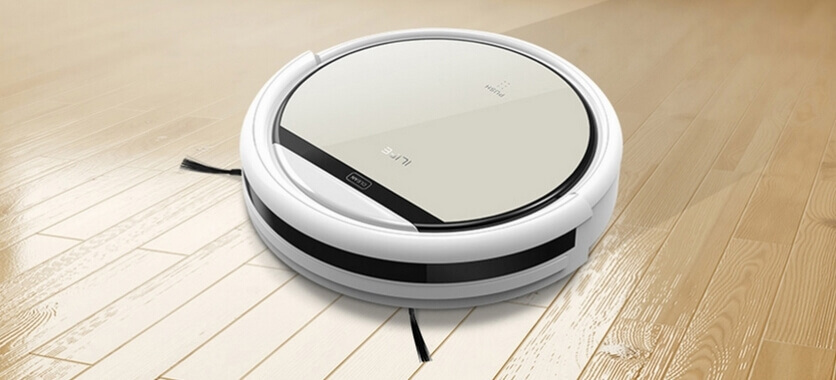
The iLife V50 is one of Chuwi's latest models. It's essentially a stripped-down version. iLife V5s ProThe difference is that the new V50 does not have a separate water tank. A microfiber cloth for wiping floors is included, but it must be wetted manually. This allowed the robot vacuum cleaner to be more affordable; in 2018, its price was $75, while a model with a water tank costs around $125. The robot we're reviewing today is designed for dry cleaning of all types of flooring. It picks up dirt, hair, pet hair, crumbs, and dust. We'll explore the model's capabilities in more detail later in our detailed review of the iLife V50.
Equipment
The iLife V50 package contains:
- A robotic vacuum cleaner with an installed dust collector, side brushes and a rechargeable battery.
- Charging station.
- Power supply (100-240 V, 50/60 Hz at 19 V, 0.6 A).
- Infrared remote control with two AAA batteries.
- Set of spare side brushes.
- Two spare pleated filters for the dust collector.
- Brush for cleaning the housing and filter.
- A pair of microfiber cloths with a mounting tray.
- User manual.
- Warranty card.
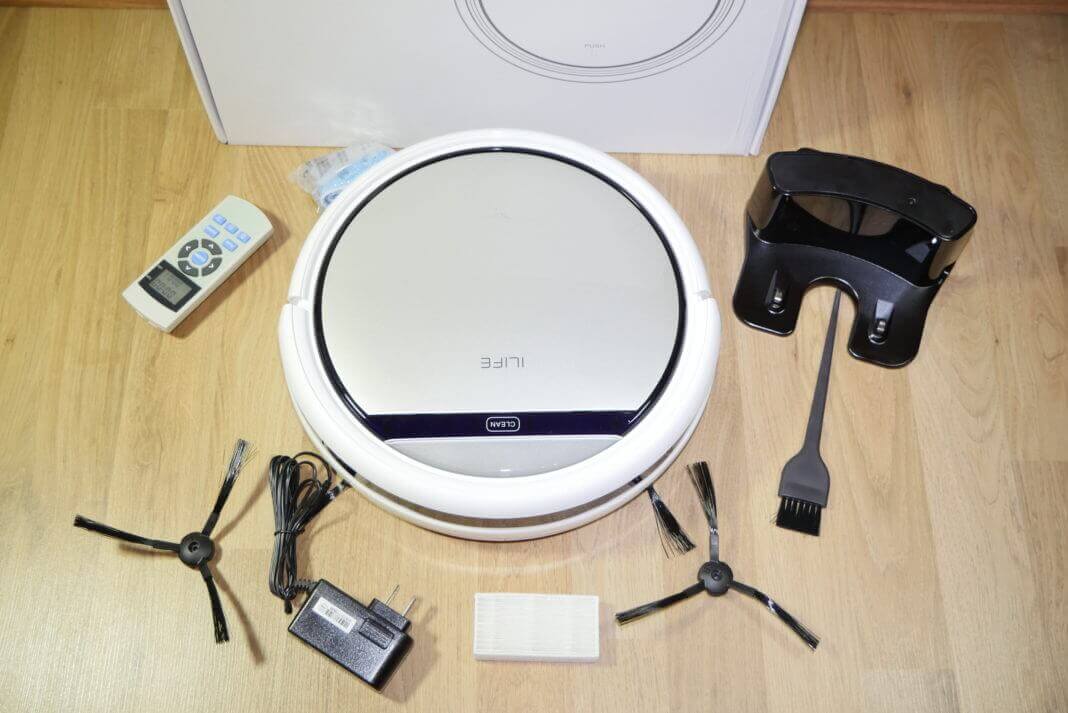
ILife equipment
The robot and its components are packaged in a sturdy outer corrugated cardboard shipping box and a separate inner cardboard box, which features a photo of the device and a description of its main specifications. The box also has a special sealing sticker. All components are neatly arranged in separate compartments and sealed in bags.
Appearance
The robot vacuum cleaner has a matte finish. Its white plastic body is quite striking. This section houses the dust compartment lid with a decorative silver backing and a release button. Its top is covered with laminate and a contrasting tinted insert. Also located here is a single touch button for automatic operation and LED indicators displaying the robot's current status. The iLife V50 is almost perfectly round with tapered edges to allow it to easily navigate obstacles.
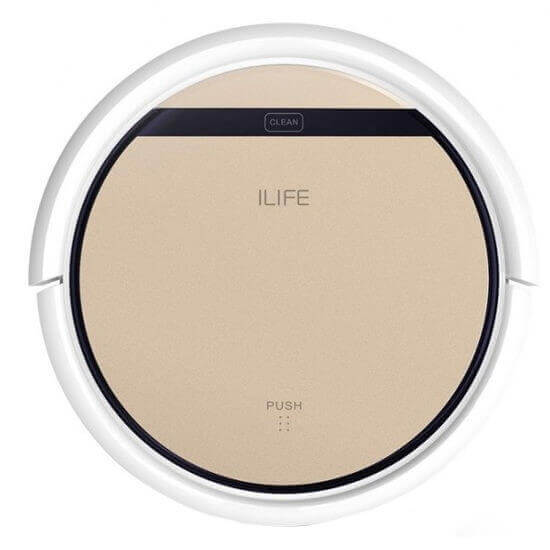
Top view
Viewed from the side, the device features a spring-loaded bumper, traditional for robotic cleaners, with a slight travel. This bumper houses obstacle sensors and an infrared port for docking station recognition. On the back, there's also a power connector, an on/off button, and ventilation holes.
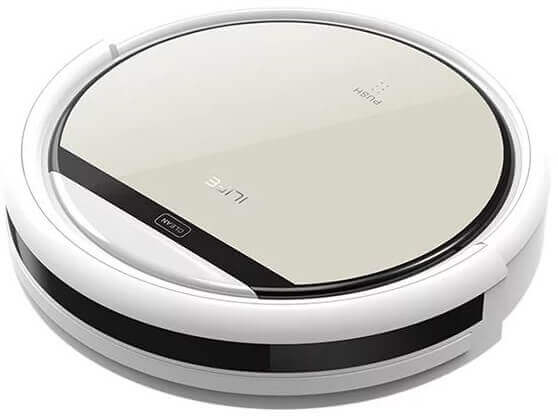
Side view
The bottom features contact pads for docking with the base and automatic charging, two durable rubber wheels, a front swivel roller, a central suction opening, wear-resistant side brushes, height sensors, and an area for attaching a cleaning cloth.
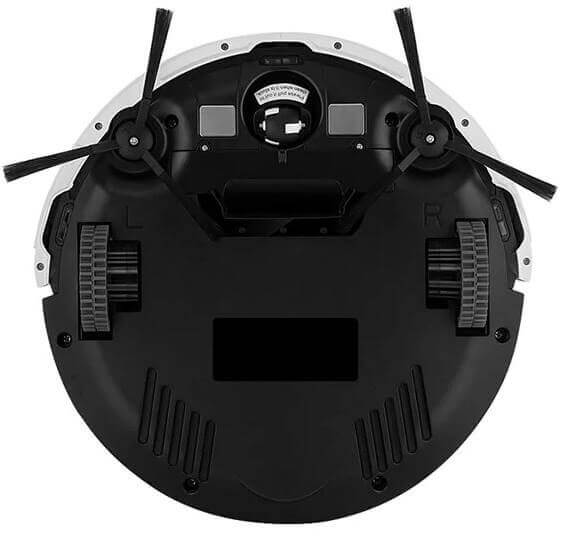
Bottom view
Technical specifications
To give you a general idea of the robot vacuum cleaner's capabilities, here's an overview of the iLife V50's technical specifications:
| Power supply | Li-Ion battery, capacity 2600 mAh |
| Battery life | Up to 120 minutes |
| Charging time | 300 minutes |
| Cleaning area | Up to 150 m2 |
| Suction power | 500 Pa |
| Power consumption | 50 W |
| Maximum speed | 21 m/min |
| Dust collector | Cyclone filter, capacity 300 ml |
| Overall dimensions | 330x330x81 mm |
| Weight | 2.2 kg |
| Noise level | 55 dB |
Functional capabilities
As mentioned, the iLife V50 robot vacuum cleaner is designed for dry cleaning of surfaces. Cleaning is accomplished using a pair of side brushes and a suction port, which collects debris into a transparent 300 ml container inside the robot. This container features a highly efficient filtration system that captures even the smallest dust particles, reducing allergens and keeping the room clean. The filtration system consists of a primary filter for crumbs and hair, as well as an effective filter for the finest dust particles. As the dust container fills, empty it, and gently clean the filters with the included brush.
To prevent dirt and streaks from leaving behind on hard, smooth surfaces, you can attach a microfiber cloth to the bottom of the robot vacuum, and the robot will do its best to thoroughly clean the floor. You can pre-wet the cloth with water to ensure a damp finish.
Overview of the iLife V50's main cleaning modes and algorithms:
- Automatic – the robot vacuum cleaner determines its path of movement independently, depending on the surrounding environment.
- Spot cleaning mode – the device cleans a small, but dirtiest area of the room using spiral movements.
- Corner cleaning mode – the device moves along walls and furniture, cleaning dust around the perimeter of the room.
- Cleaning time setting mode – scheduling the automatic start of the vacuum cleaner every day of the week at a specified time.
Additionally, the robot's trajectory can be controlled manually using the remote control. All modes can only be activated after the automatic mode has been activated.
After finishing its work, the device automatically returns to the charging base to recharge its battery. Alternatively, the robot vacuum cleaner can be charged directly from the power outlet.
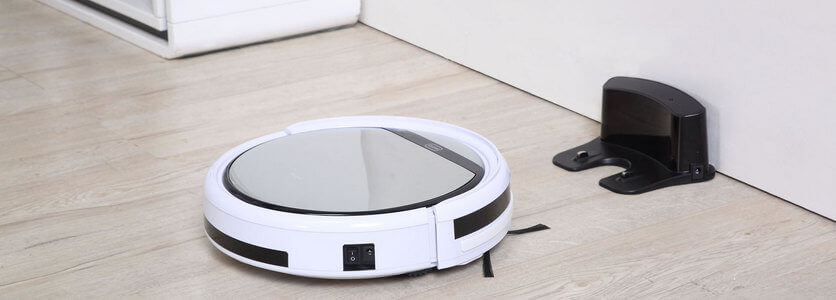
Return to charging
To help navigate its surroundings, the iLife V50 is equipped with a soft bumper and a smart sensor system that helps prevent the product from colliding with interior objects, falling down stairs, and tipping over.
Operating instructions
The iLife V50 user manual is included with the basic package. It covers the basics of the robot vacuum cleaner, describes its features and parameters, operating and maintenance instructions, and troubleshooting steps.
You can download the iLife V50 user manual in Russian by following this link: V50 manualPlease note that this manual is designed for the V5s model, but they are identical except for the addition of a wet cleaning tank. The functionality and manufacturer's recommendations remain the same.
Advantages and disadvantages
The iLife V50 is easily considered a budget robot vacuum cleaner, as its price does not exceed $80. With this in mind, we'll outline its main pros and cons.
Advantages of a robot vacuum cleaner:
- Optimal value for money.
- Good equipment.
- Effective dry cleaning of smooth floors and low-pile carpets, with the option of dry and wet wiping.
- Impressive working area on one battery charge.
- Remote control and charging base included.
- Several cleaning algorithms.
- The battery is replaceable.
- Effective filtration system.
- Low noise level.
Overview of the iLife V50's disadvantages:
- Small volume of dust collector.
- There is no movement limiter.
- The device may move the docking station and not remove all the debris around it.
Considering the pros and cons presented, it's safe to say this isn't the best option in its price range, but it's still quite good. If you're willing to pay a little extra, we recommend choosing one of robotic vacuum cleaners under $100 Some models are free from the above mentioned disadvantages and are just as easy to clean.
Finally, we recommend watching a video review of the iLife V50:
Analogues:
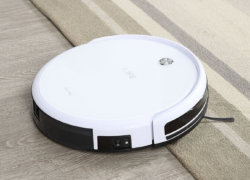
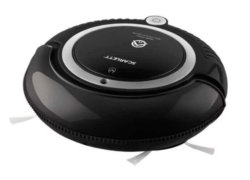
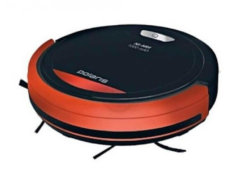
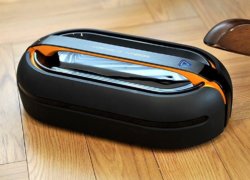
I followed a link to slightly more expensive vacuum cleaners, where "Some models are free of the listed disadvantages and clean just as well." Honestly, except for the last two with gyroscopes, I didn't see any advantages over this model.
I'm quite satisfied with the vacuum cleaner. When used once a week, the battery lasted about 80 minutes, but after prolonged idle time, it only lasted about 30 minutes before shutting off.
In point 7 of the advantages, you mentioned that it has a replaceable battery. How do I change it?