
SWDK ZDG300: An affordable yet effective robotic mop from Xiaomi
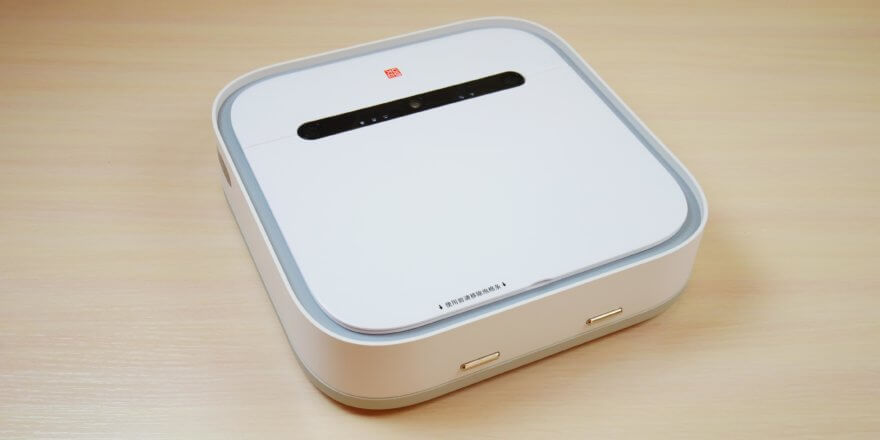
Hello everyone! We've received a rather interesting device for review. It's the only robotic floor cleaner in the Xiaomi line, called the SWDK ZDG300. At the time of writing, the price is around $160. We're focusing on the pricing from the Xiaomi store, which provided this robot for review and testing. Speaking of the store, it's worth noting that they offer good prices on the entire Xiaomi range, are among the first to release new products in Russia, and offer a warranty on all products and deliver throughout Russia. Incidentally, if you click "robovac.washerhouse.com," you can get a discount of up to 10% on the entire product range when ordering from the store. So, back to the robot. This model is quite attractive for the price, as it features movable platforms for scrubbing tough stains, as well as a camera for navigation that allows you to create a map of the room and save it to memory, which unlocks useful functionality later. Below, we'll take a detailed look at and test the SWDK ZDG300 robotic floor polisher, and then share our opinion on whether it's worth buying. We'd be grateful if you'd appreciate our efforts by subscribing and liking after watching the video. So, let's get started!
Equipment
The SWDK ZDG300 arrived in this box:
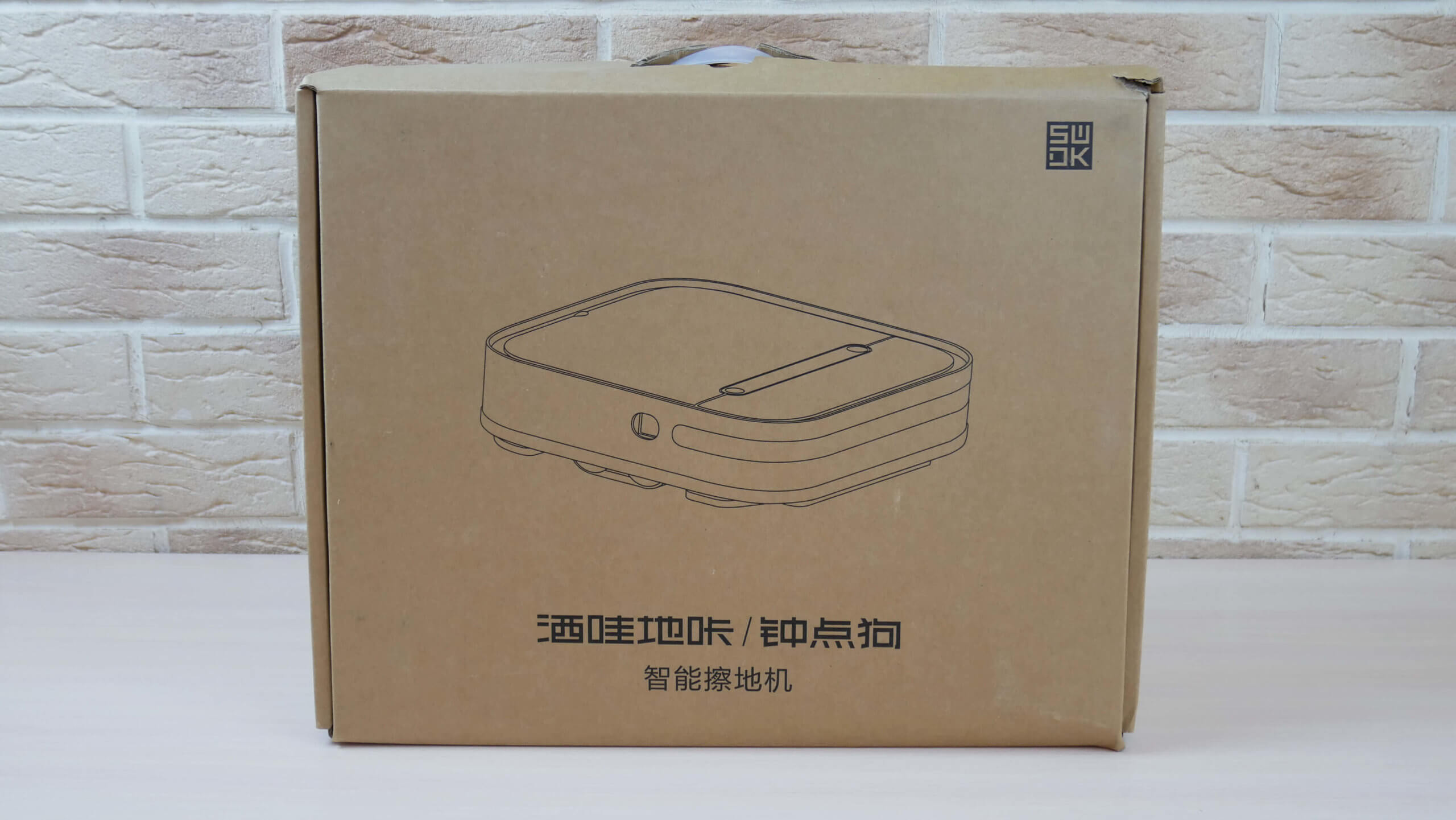
Box
In addition to the robot itself, it contains:
- A mat for the docking station that protects the floor from excessive moisture after the robot returns to charge.
- Charging base.
- Power adapter with Chinese plug.
- Adapter for European plug.
- Operating instructions in Chinese.
- Measuring cup for pouring water into the robot's tank.
- One set of reusable napkins.
- Two sets of disposable napkins.
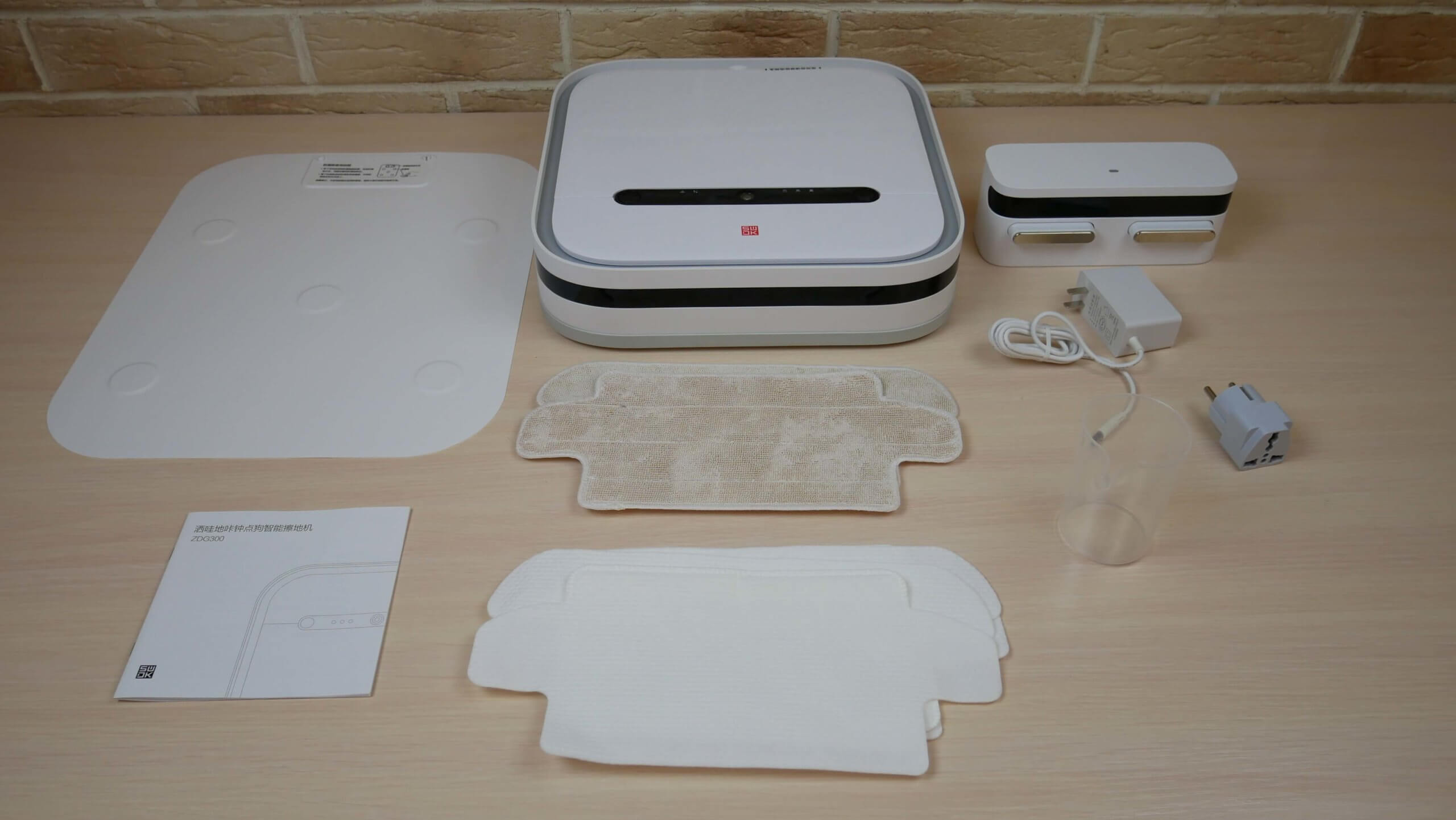
Equipment
Appearance
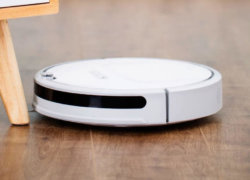
Now let's look at the robot's appearance. It's square, measuring 32 by 32 centimeters. It's only 8 cm tall. It's thinner than similar robots and can clean even under low furniture, such as kitchen cabinets.
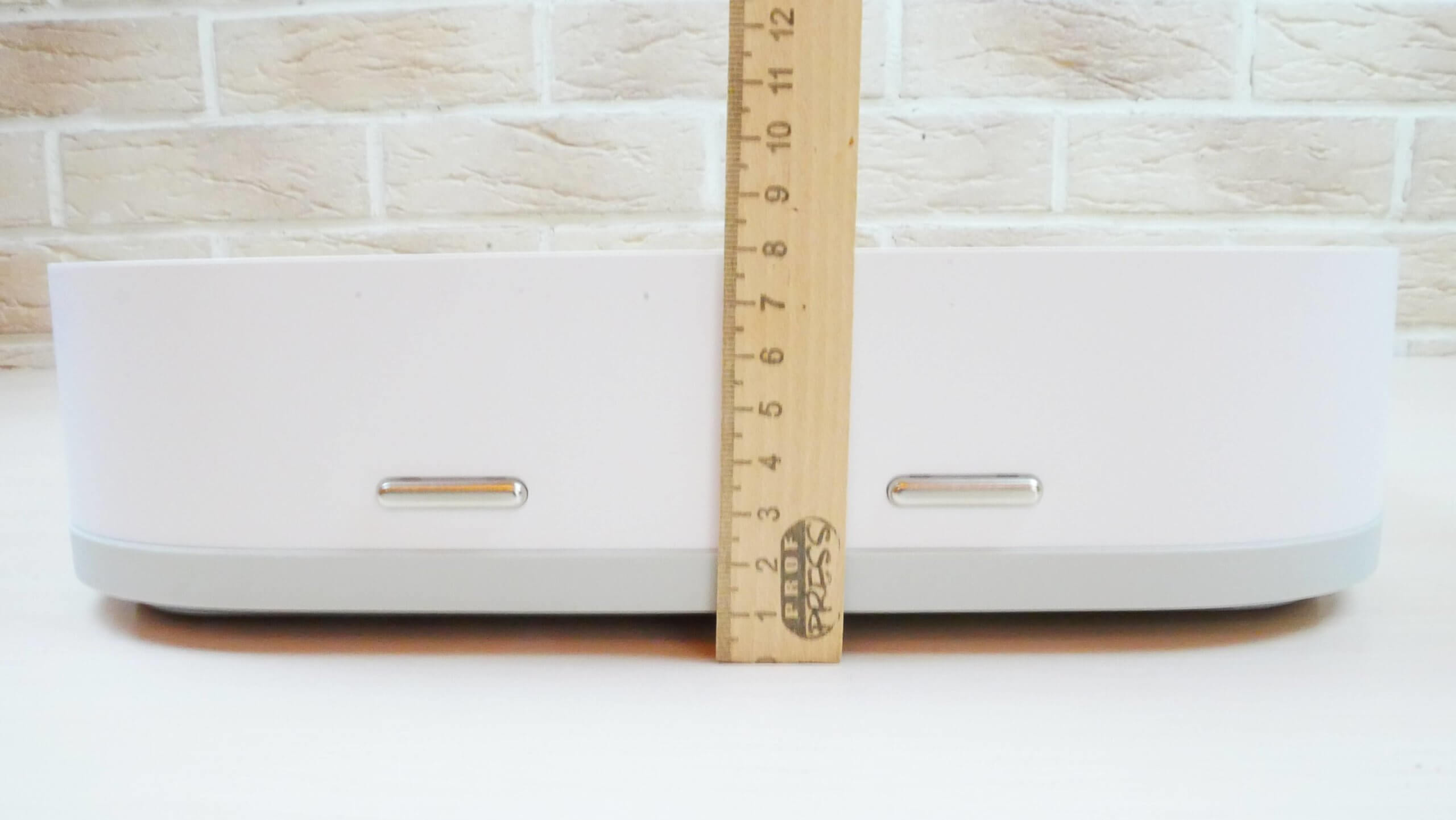
Body height
A soft-touch mechanical bumper is located around the entire perimeter, and on the right side we see a wall sensor.
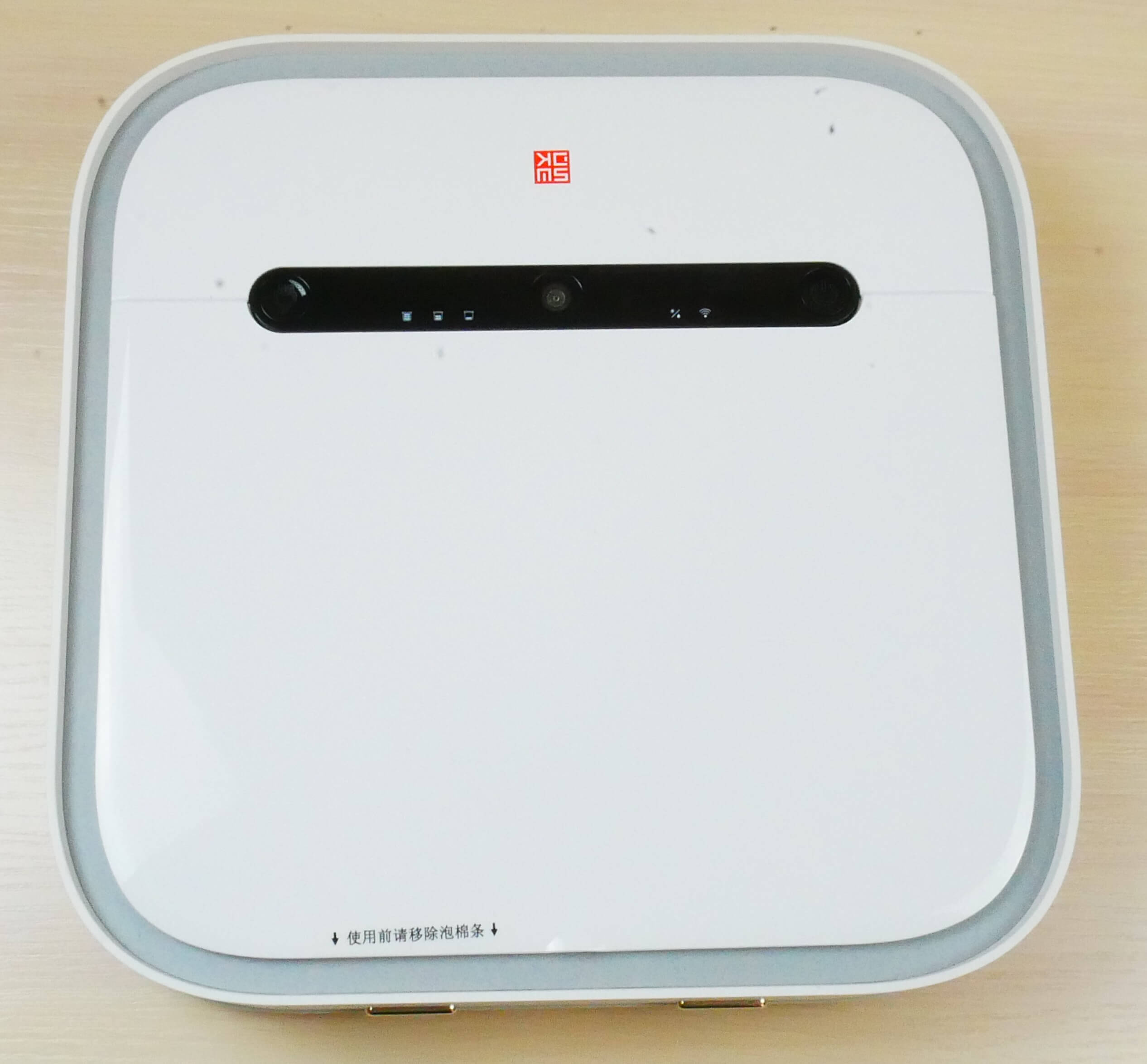
Top view
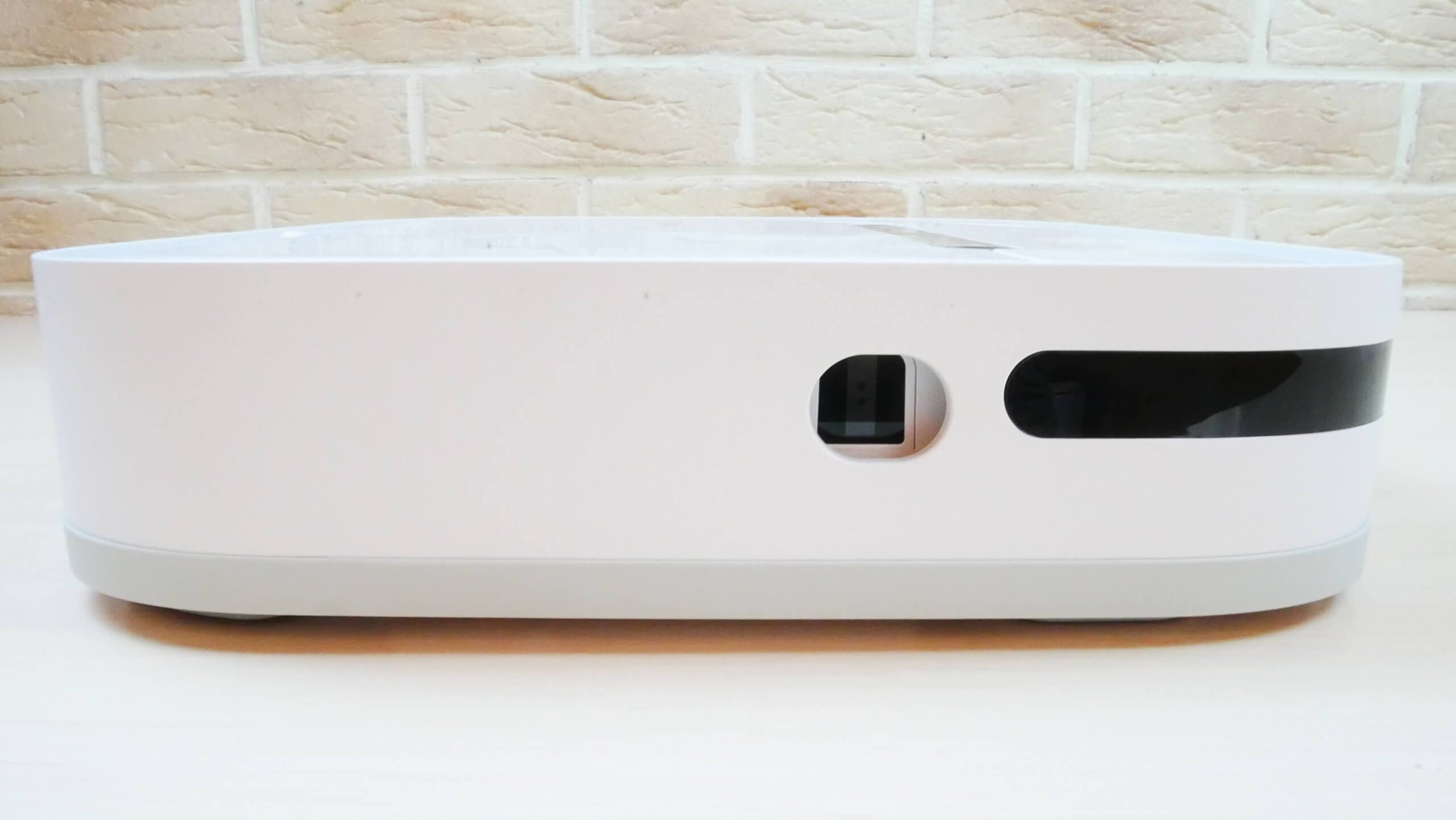
Side view
The top panel features a fairly informative control panel. It includes a power button and a forced return to the charging base. There are also numerous indicators indicating the robot's status.
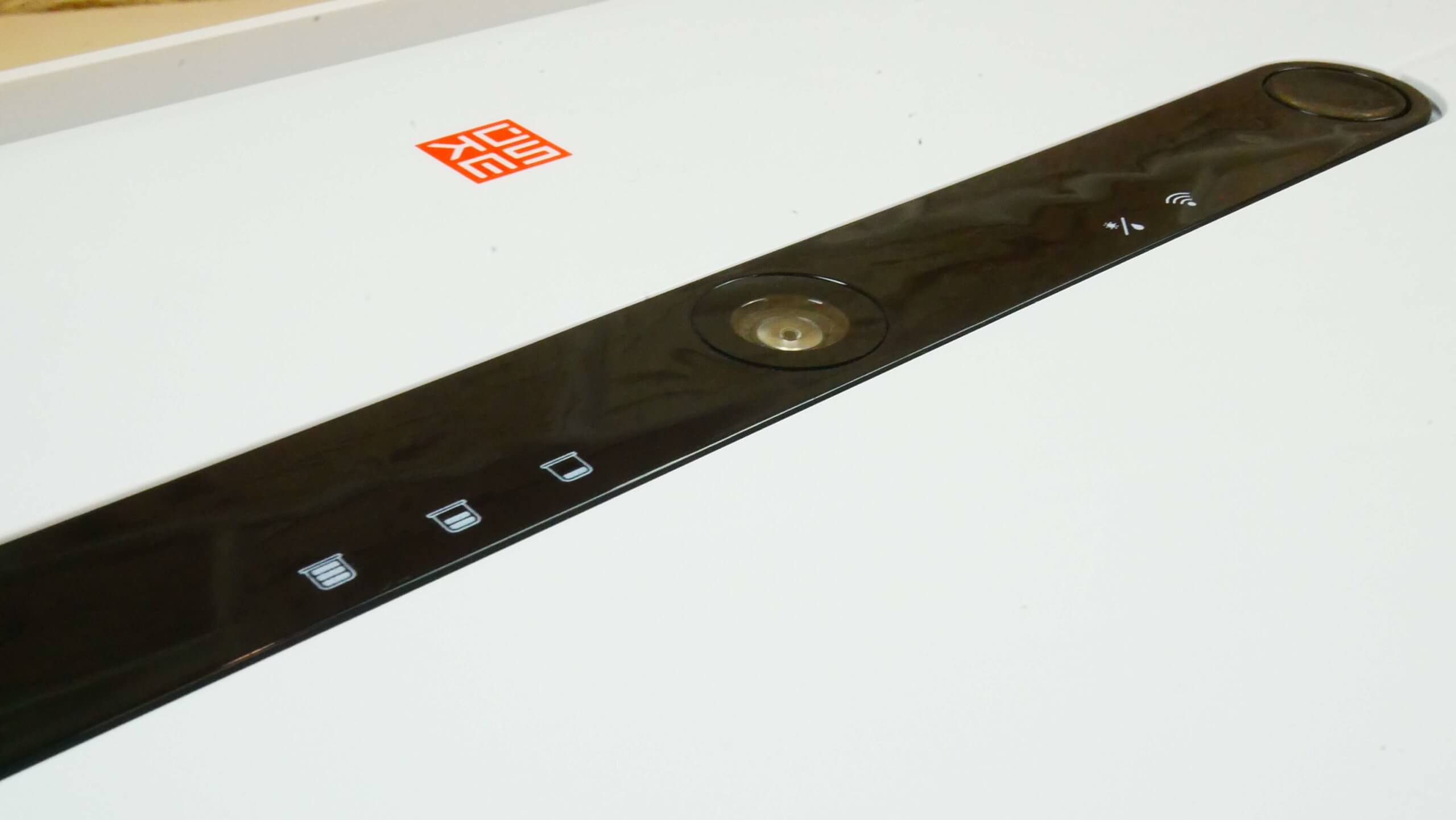
Control Panel
Under the top cover is a button for draining the tank, as well as a hole for filling it with water. On the bottom of the cover, we see a special plug that prevents accidental spillage when the floor polisher is turned upside down—for example, when installing or removing the cleaning pads.
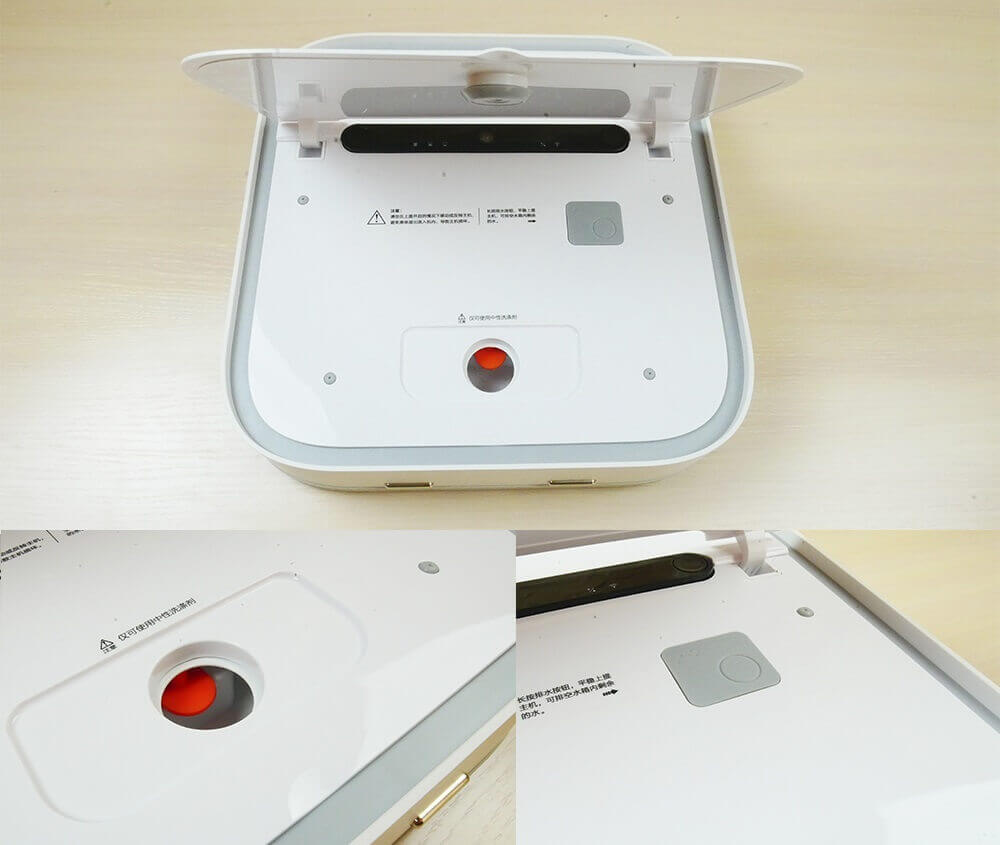
Placement of the water tank
Let's look at the robot's structure from below. We see that the propulsion system is based on tracks. There are only two fall protection sensors installed at the front. But they are fully functional, as we've verified.
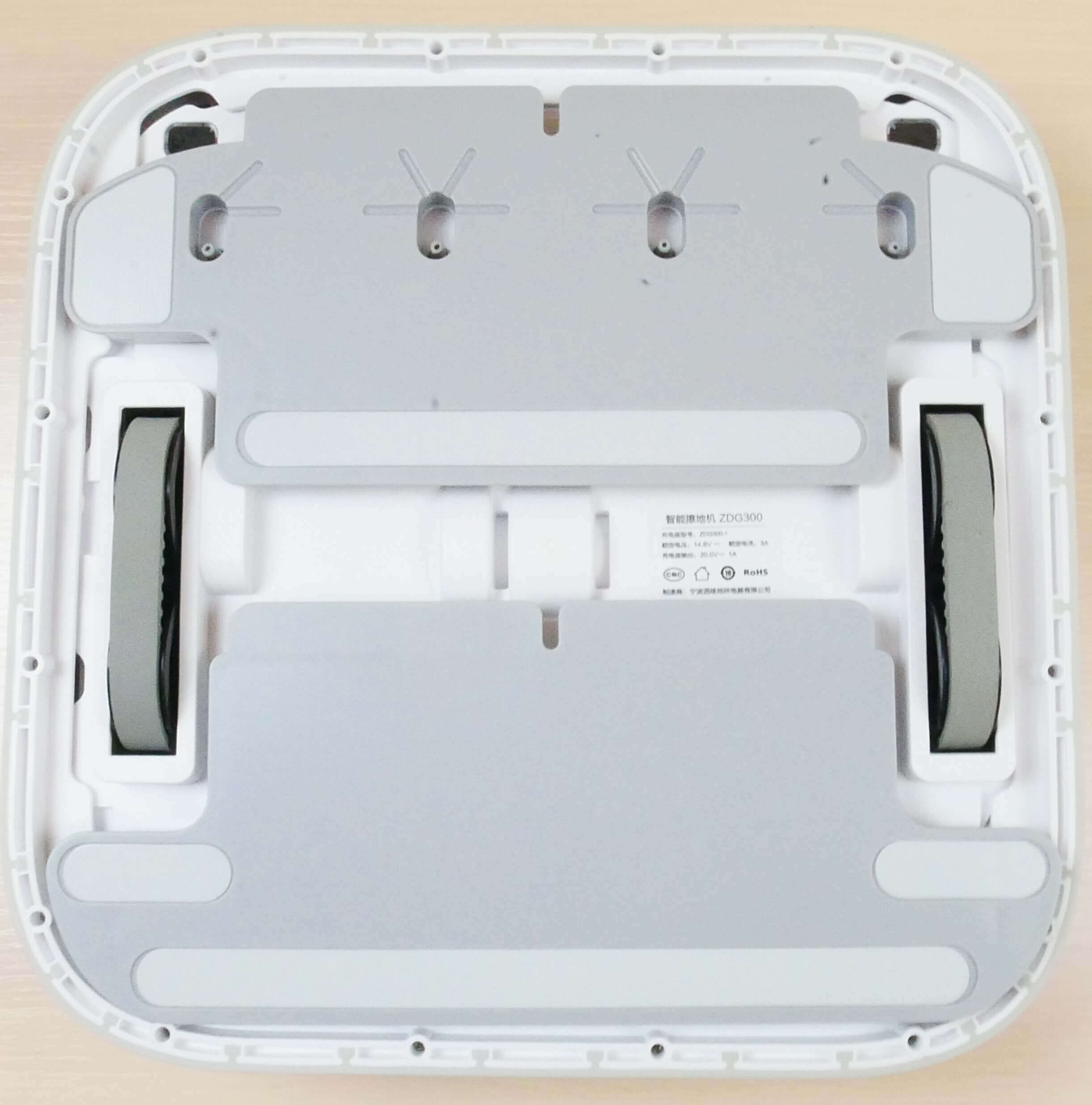
Bottom view (without napkins)
The wipes are mounted on removable platforms. They are secured with pockets and Velcro. On the front platform, you'll find four nozzles for dispensing water onto the wipes.
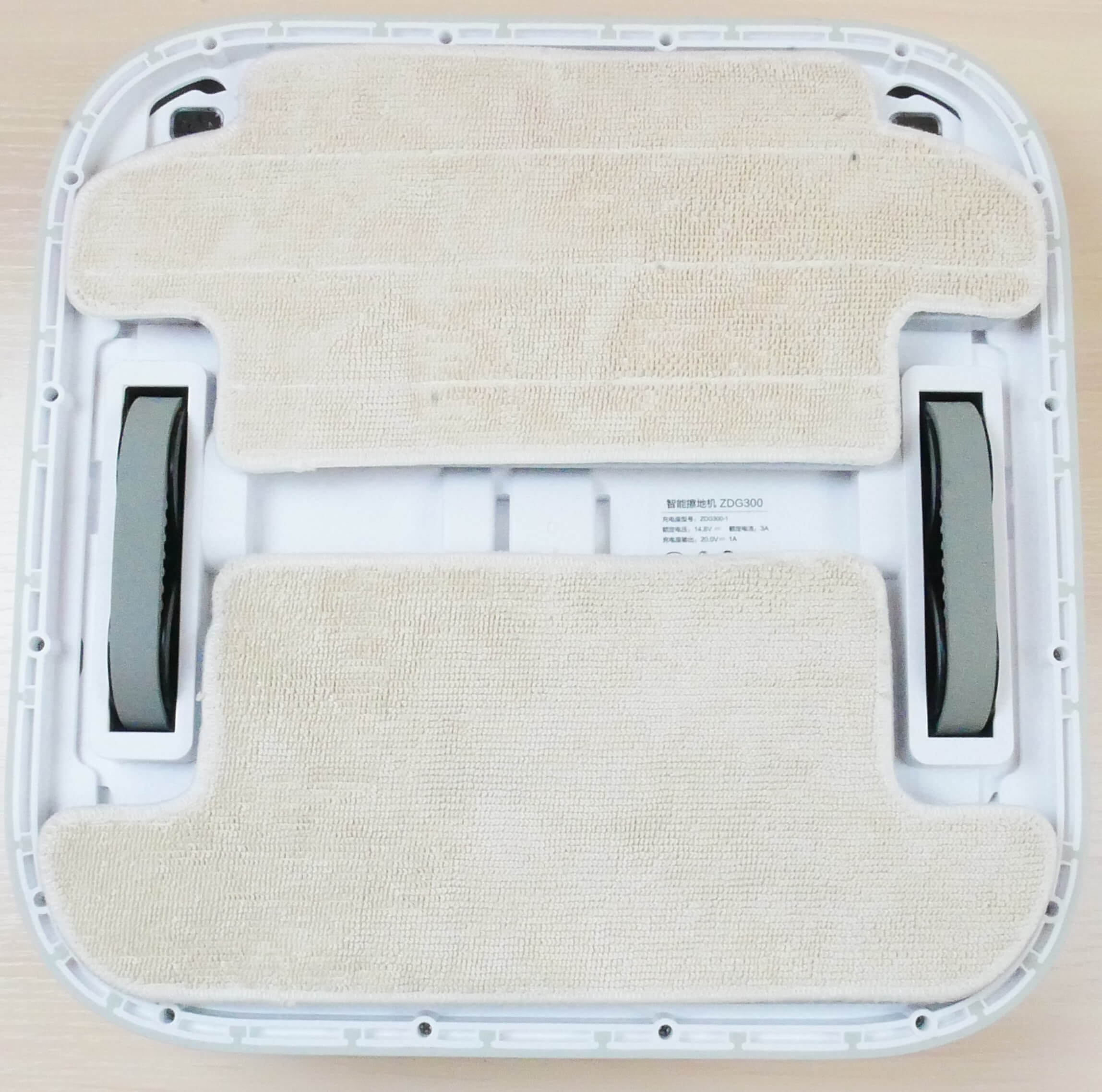
Bottom view with napkins
Overall, there are no complaints about the design so far, considering the price.
Technical specifications
Let's take a look at the main characteristics of the Xiaomi SWDK ZDG300, as stated by the manufacturer:
- Li-Ion battery 2500 mAh.
- Operating time up to 120 minutes.
- Cleaning area up to 120 m².
- Water tank capacity: 240 ml
- Dimensions: 320×320×80 mm
- Noise level up to 71 dB
It's worth noting that due to its design, the robot's clearance is limited to 5 mm. I didn't find this information in the instructions, but it managed to overcome interior thresholds during testing.
Functional capabilities
Let's move on to a feature overview. The SWDK ZDG300 is controlled via the Mi Home app. It's worth noting right away that this robotic mop is designed for the Chinese market. Therefore, first, select the China region in the settings. Then, find the robot in the list of devices. It will be labeled "sawadika robot." Select it and connect it to your home network. It's simple; connection should be straightforward.
The app interface is in English, which is important to note. The main control panel displays a map of the room, which the robot has stored in its memory. Below are the floor polisher control buttons. These include a forced return to the charging base, Start/Pause, adjustable water flow (3 levels), and setting cleaning zones on the map. Regarding the latter feature, you can set rectangular areas on the map where the robot will target for spot cleaning. These could be entire rooms, for example.
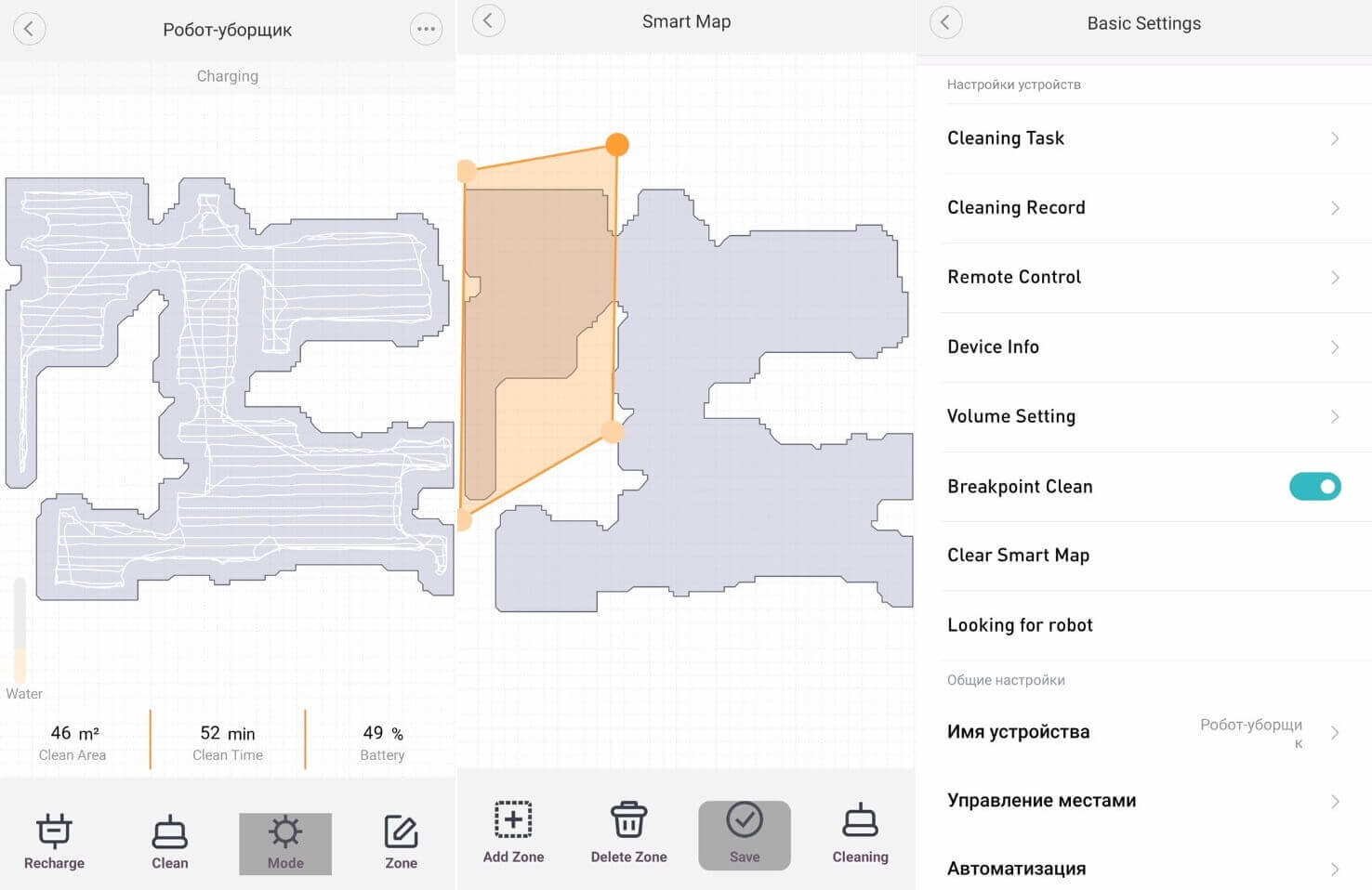
Application functions
By the way, on the main working panel, to the left below the constructed map, there is a scale displaying the water level in the reservoir.
In the settings section, you can set up a cleaning schedule by selecting the time, day of the week, and water level on the cloth.
There's a cleaning log where you can view details of completed cleanings. You can also control the robot manually using the virtual remote control. Here you can also select local cleaning mode, automatic cleaning, or return the robotic mop to the charging station.
You can also adjust the volume of voice notifications, and ideally, you can turn them off, since the Xiaomi SWDK ZDG300 speaks Chinese anyway.
Apparently, there is a function to continue cleaning after recharging at the base, search for the robot by sound signal and the ability to change the name of the device.
This is the app's core functionality. Personally, I miss the ability to set restricted areas on the map and adjust platform speed, as some similar apps do. Otherwise, everything is as expected for camera-based navigation.
Testing
A detailed video review and test of the Xiaomi SWDK ZDG300 has already been prepared and published on our channel. You can watch it:
Navigation
Let's move on to the tests. First, let's check how the SWDK ZDG 300 navigates a room with obstacles. And here I was in for a rather unpleasant surprise. When I launch the app, the robot doesn't enter active mode, and all functions on the main control panel, including the map display, are unavailable. No matter how many times I tried resetting the settings or reconnecting the robot, the control panel still doesn't display. This issue (State Loading) has also been reported by other users, as evidenced by online reviews. I haven't figured out how to fix it. However, in manual control mode using the virtual remote control, there is a Start/Pause button, and it helped me remotely start the robotic mopper.
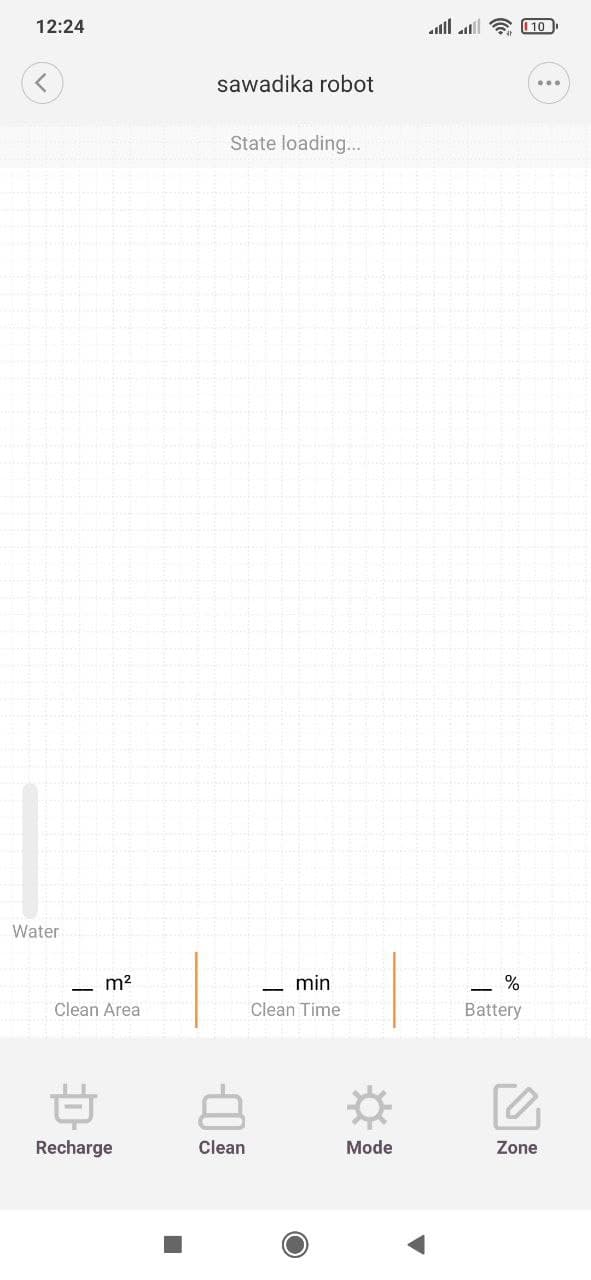
State Loading
As for navigation, the SWDK ZDG300 first sweeps the entire accessible area in a serpentine pattern, then initiates perimeter cleaning mode. After this, the robot automatically returns to the base to charge. There were no uncleaned areas, but its contact with the furniture was a bit rough, and it did dislodge a box. However, it did circle around one of the chair legs, which was surprising. I found a report with a saved map in the cleaning log. Here's how the robot navigated the room:
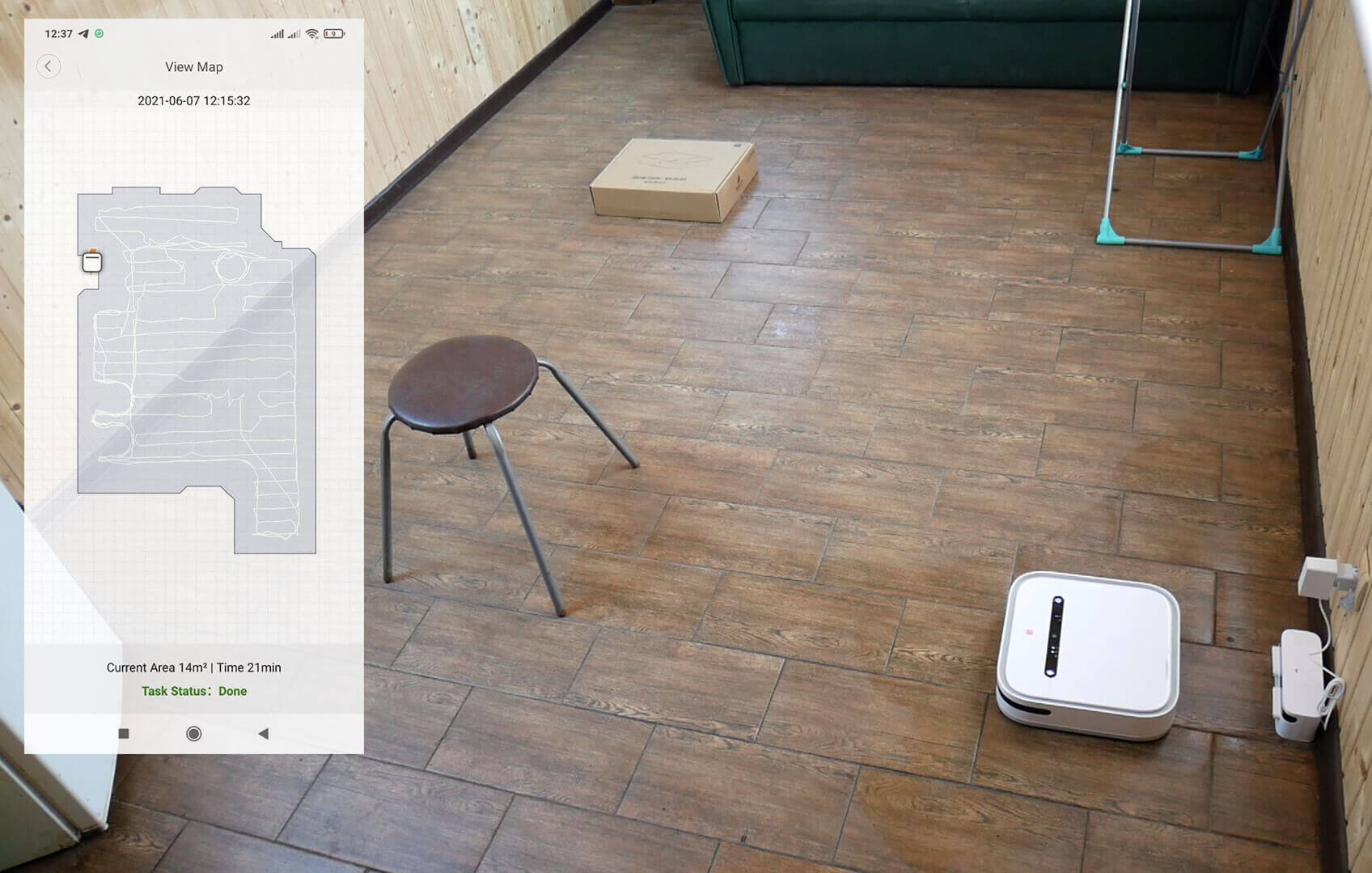
Navigating within a room
As for indoor cleaning, the robotic mop took 52 minutes to clean a house with a useful area of approximately 34 square meters. With an additional perimeter pass, it covered an area of 46 square meters. There were no uncleaned areas, and it returned to its base without any problems. There are no complaints about the navigation; the SWDK ZDG300 navigates well, considering its camera and budget price.
Quality of dirt removal
Now let's test how well the SWDK ZDG300 removes tough, dried-in stains from floors. For the test, we spilled sauce and coffee on the laminate flooring and left it for 24 hours.
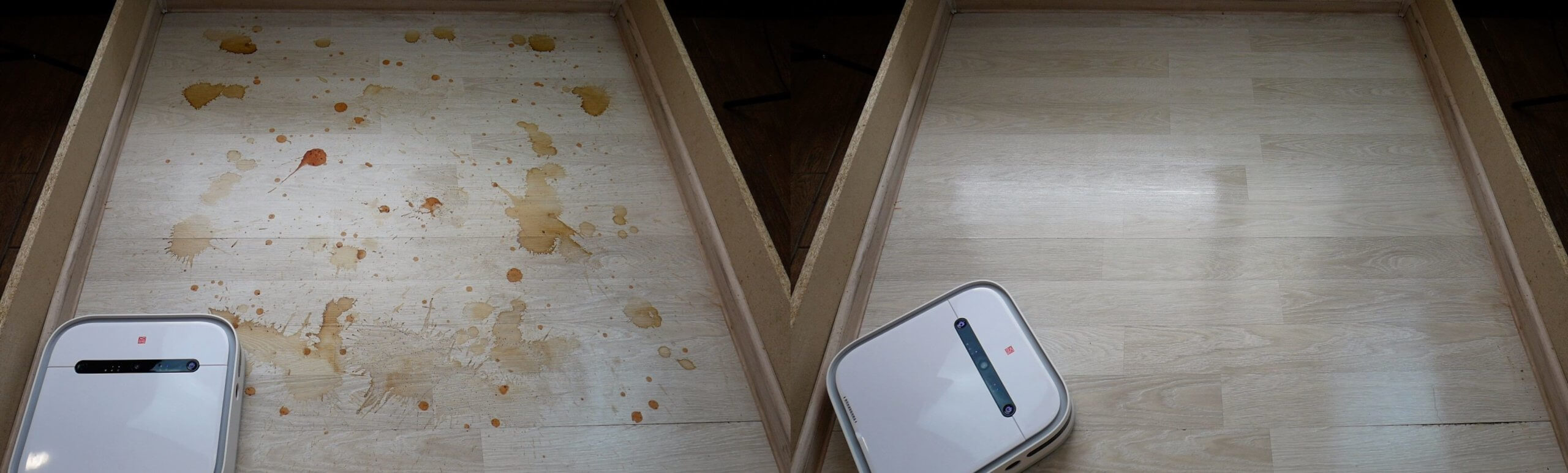
Quality of removal of difficult stains
The robot removed almost all the stains on its first pass, and completely cleaned the floor on its second pass. The dirt removal performance is very high. Similar robots in our tests achieved similar results only on their third pass.
The robot's next task was to remove paint and lipstick. It accomplished this task almost perfectly. Some small marks remained, but the bulk of the dirt was removed.
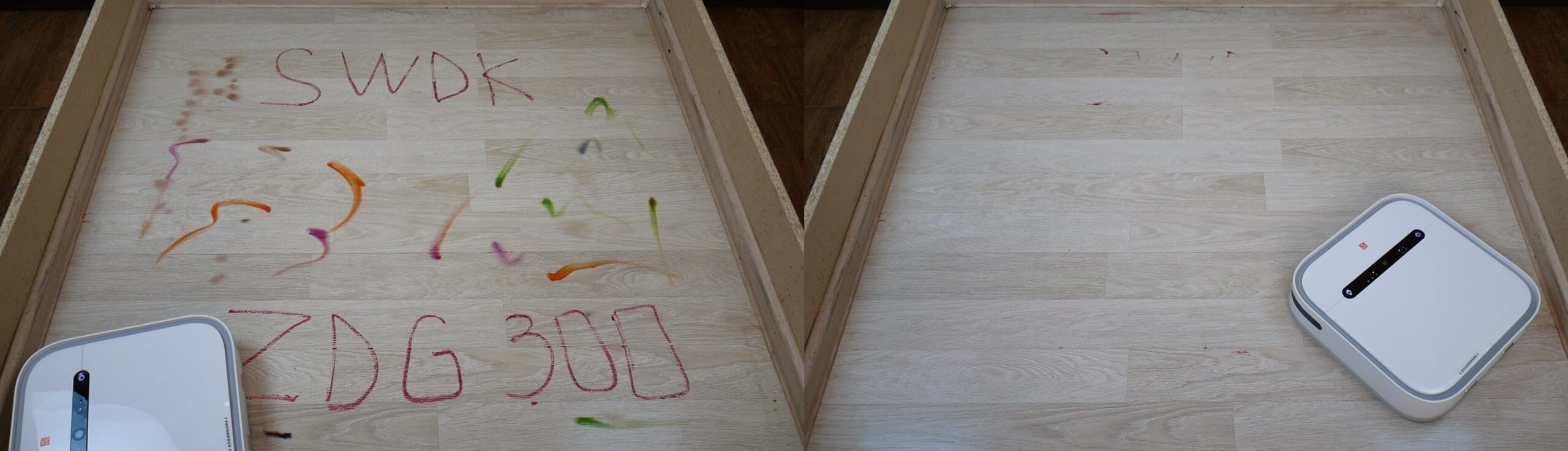
The quality of paint and lipstick removal
For the final test, the stand was stained with slightly dried shoe stains. This wasn't a problem for the SWDK ZDG300 either. It cleaned away all the dirt efficiently and without leaving streaks. Only a small stripe remained along the baseboard; the robot's design doesn't allow it to clean right up to the baseboard, unlike its competitors, so it's important to keep this in mind.
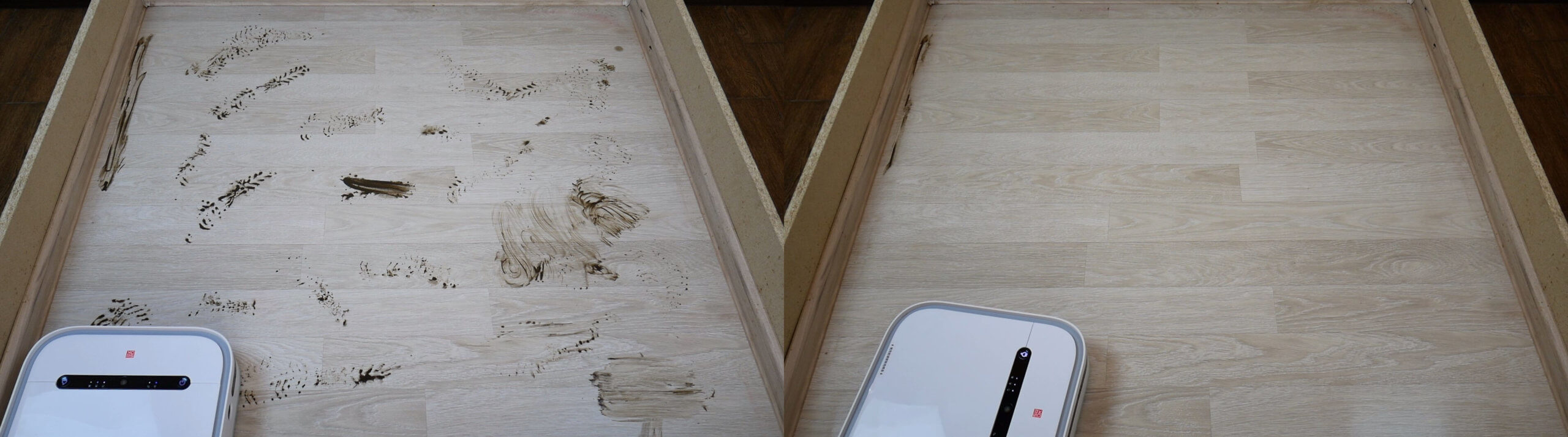
Quality of dirt removal
But in any case, based on the results of three tests, I can say that this robotic floor polisher really does a good job of removing difficult stains.
We also recommend checking out our ranking of the best robotic floor cleaners of 2021, which included this machine: https://robovac.washerhouse.com/en/rejtingi/robovac-5-luchshih-robotov-poloterov-2021-goda.html.
Driving on dark surfaces
We also tested whether the SWDK ZDG300 is sensitive to dark surfaces, detecting them by elevation changes. No, the robot has no problem with this.
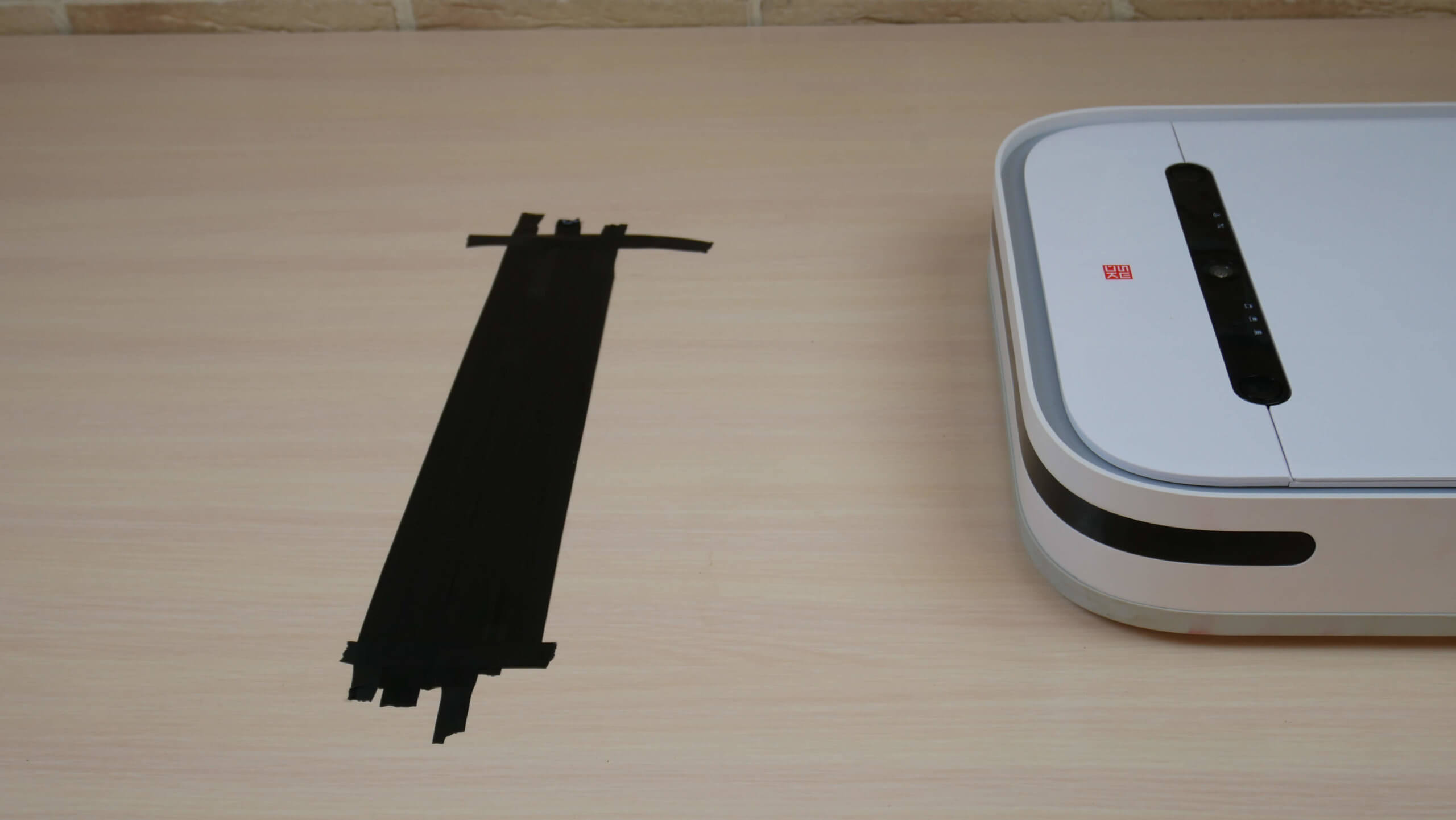
Driving on dark surfaces
Noise level
Finally, let's check the noise level of the SWDK ZDG300. It's between 69-72 dB. Yes, it's quite noisy, as stated in the manufacturer's specifications.
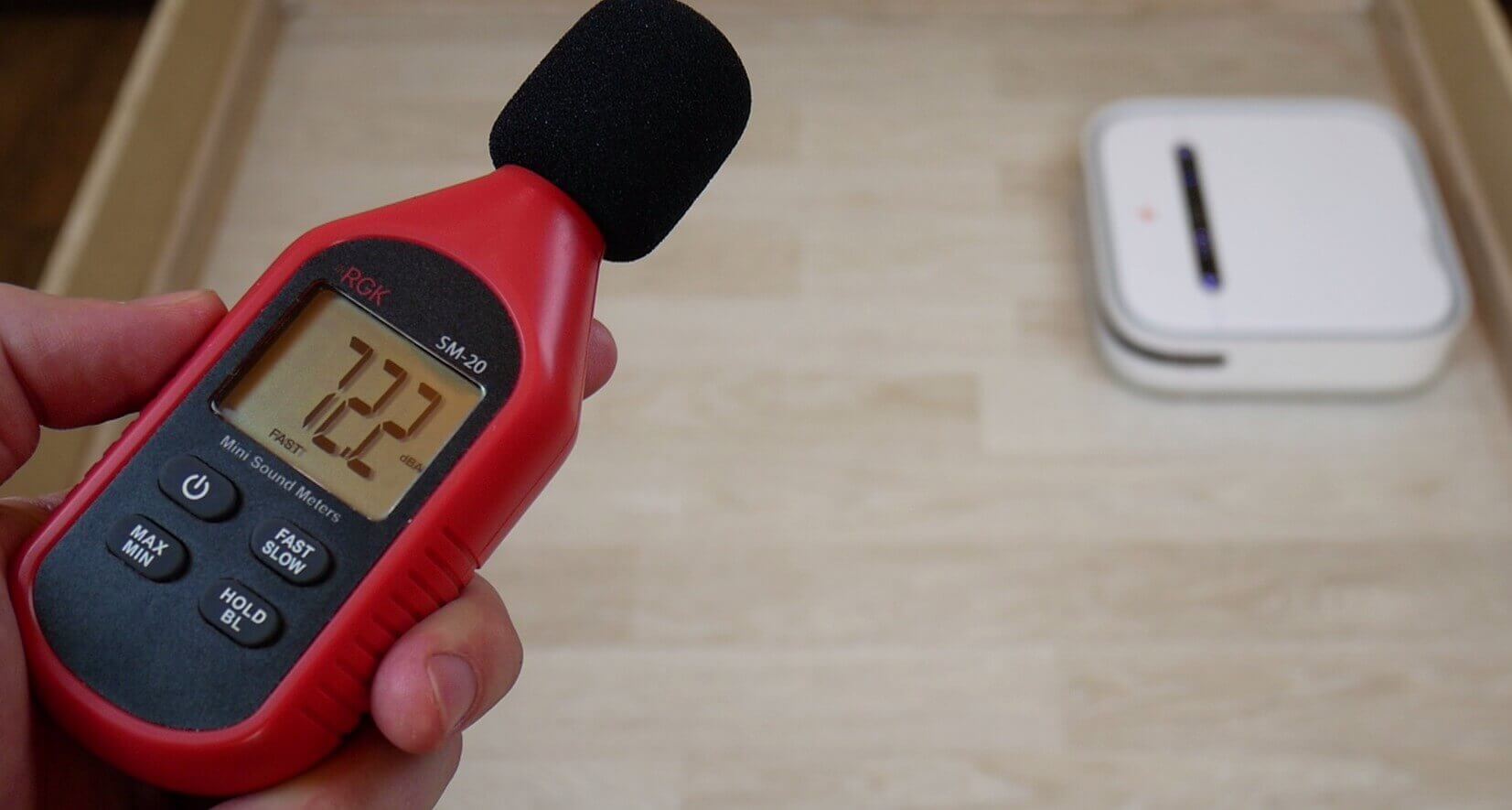
Noise level
Let's sum it up
The SWDK ZDG300 was thoroughly reviewed and tested. This robot left me with mixed feelings, and those who read the review carefully will understand why. Let's take it one step at a time.
Let's start with the good. This model's advantages, considering the price:
- Good navigation.
- Saving the map to memory.
- Select cleaning zones on the map.
- Small body height.
- High quality of dirt removal.
- The robot is not afraid of dark surfaces.
- Control from a smartphone.
That's where the advantages end. As for the disadvantages, there are quite a few, and most are related to the app rather than the robot itself. Specifically:
- The application is slow on the Chinese server.
- The interface is in English.
- During testing, the application lost connection with the robot and all functions on the main work panel became unavailable.
- The noise level is above average.
- The robot does not vacuum, it only mops the floor.
- There is no possibility to limit cleaning zones.
If it weren't for the robot's crude software, which causes a lot of inconvenience, I'd say it's practically the best robot mop for the money. If the problem is resolved, I'll post in the comments what caused it and how to fix it. In any case, you can launch it from your smartphone; it's just limited in functionality. Otherwise, the Xiaomi SWDK ZDG300 left a positive impression, and it performed well as a floor mop.
On this note, I'd like to conclude this review. Thanks again to Xiaomistore for providing this opportunity to test the robot. If you have any questions, please ask them in the comments. Happy shopping, everyone. Bye!
Analogues:
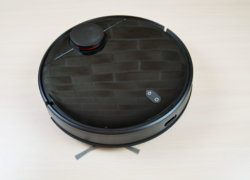
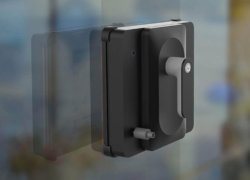
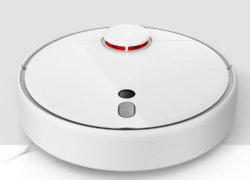
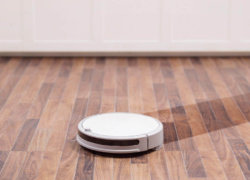
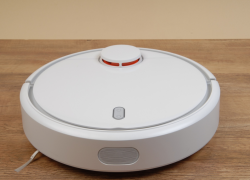
One of the model's drawbacks you missed is the inability to use the iOS app. This has been mentioned in many reviews, and we encountered it ourselves. You can only start washing, but not change settings or view the performance map. We had to install an Android emulator on my computer and adjust the humidity level (which significantly impacts the cleaning performance).
If it weren't for this problem, the robot would be priceless! It really does clean well. If you buy more cloths, you can use them every day after vacuuming and live a clean life.
I'm writing a review because I couldn't find any information about this anywhere. I spent several hours poking around—I hope this helps someone.
So, if you don't have an Android device, like me, the robot works via the Tuya app, but it's impossible to download it for iOS in Russia. The Smart Life app, which is similar to the device, doesn't recognize it, no matter how hard you try. But you can still fully utilize all its features. To do this, follow these steps:
1) Install the Mi Home app and log in.
2) You must set the region to “China” in the settings
3) Next, add the device in the application (this is done quite easily via an access point)
4) After this, the device appears on the main screen, but it is impossible to control it, nothing loads - the message “State loading” hangs endlessly
5) Close the Mi Home app completely and turn on our much-loved VPN.
6) Reopen Mi Home and everything works, all controls are loaded, the “State loading” message disappears (sometimes it takes 10 seconds).
Hope this helps someone.