
Xiaomi Mi Robot Vacuum Cleaner 1S: A New Level of Navigation
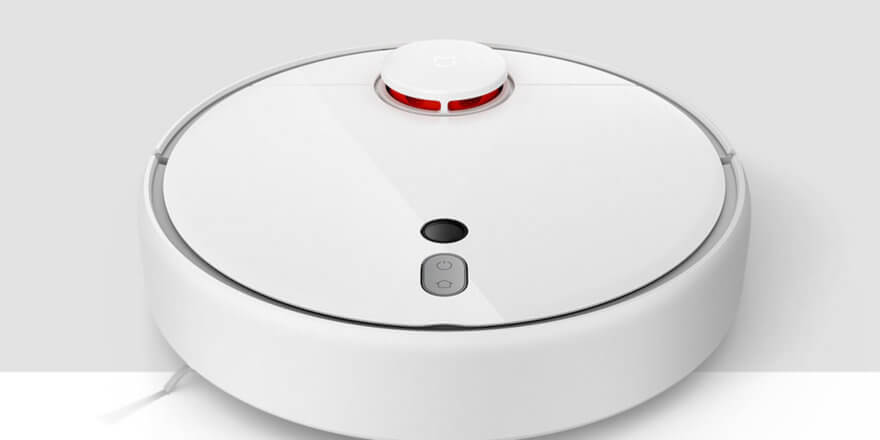
Another new product of 2019 from the well-known company Xiaomi is the Xiaomi Mi Robot 1S, or as it is also called, the Mijia 1S. This is an updated model of the first generation (Xiaomi Mi Robot Vacuum Cleaner), which has upgraded navigation, suction power, and other important features. It's worth noting right away that this model is not suitable for mopping floors, so it can be considered the company's flagship among robot vacuum cleaners designed for dry cleaning. The new one can be considered the absolute flagship. Roborock S6, which was also released recently. In this article, we provided an overview of the Xiaomi Mi Robot 1S, examining the specifications and features of the new model.
Equipment
The delivery set is, as always, meager and includes:
- The robot vacuum cleaner itself.
- Charging base with power cable.
- Brush for cleaning the filter.
- Instructions.
There are no spare parts, so it is better to order replacement filters, main and side brushes immediately upon purchase.
Appearance
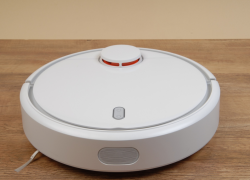
The design of the new Xiaomi Mi Robot 1S hasn't undergone any significant changes. The only immediately noticeable feature is the camera on the top panel, next to the navigation buttons. This is the key element of the upgrade, but more on that later.
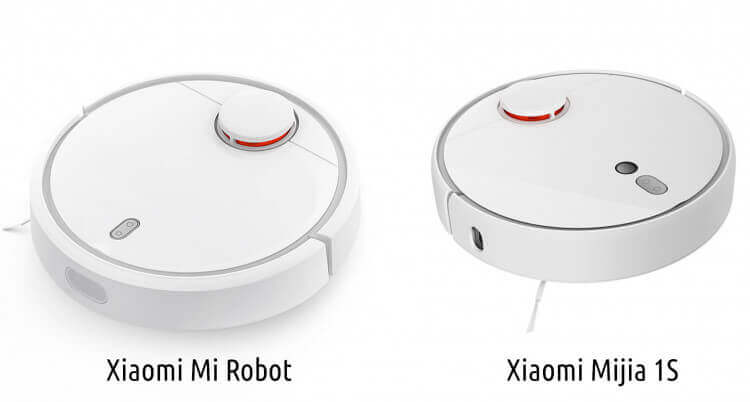
Comparison with the first generation
Otherwise, the robot, like its predecessor, is equipped with a lidar, two control buttons, and a mechanical touch bumper.
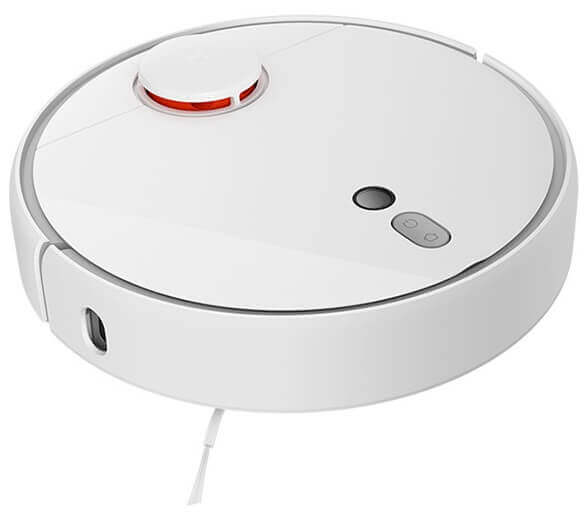
Top view
At the bottom there is one side brush, a central bristle-petal turbo brush, a swivel roller, wheels and various sensors.
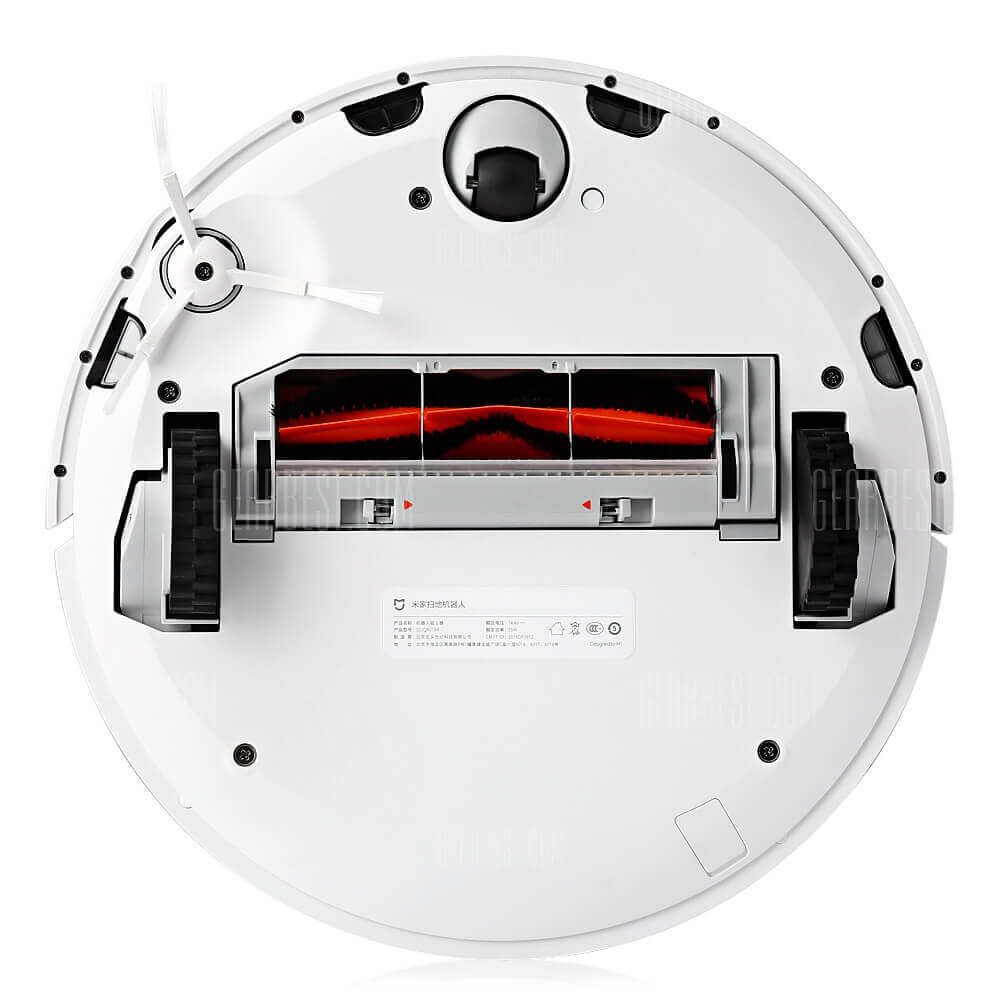
Bottom view
Technical specifications
The changes in specifications are minor, but they do exist. Suction power has increased to 2000 Pa compared to 1800 Pa in the previous model. Now the robot vacuum cleaner performs even better on carpets, as well as removing debris, sand, and pet hair from floors. The robot's diameter has also increased by 5 mm. The remaining specifications of the Xiaomi Mi Robot 1S are as follows:
| Battery | Li-Ion 5200 mAh |
| Opening hours | up to 150 min |
| Charging time | 240-300 min |
| Dust collector capacity | 0.42 l |
| Cleaning area | up to 250 sq.m. |
| Noise level | 50-55 dB |
| Dimensions | 35x35x9.6 cm |
| Weight | 3.8 kg |
| Filtration system | Primary filter + HEPA filter |
| Sensors | 12 pcs (gyroscope, lidar, visual, dust, obstacle detection, collision, fall, electronic compass, odometer, fan speed sensor) |
Features - What's New
Now comes the most important part of the review, where we'll cover the new features and capabilities of the Xiaomi Mi Robot 1S. Let's start with the most important part: the camera.
The robot vacuum now navigates and maps its surroundings using not only a laser rangefinder but also a built-in camera. The new navigation system, according to the manufacturer, has increased cleaning efficiency by 13%.
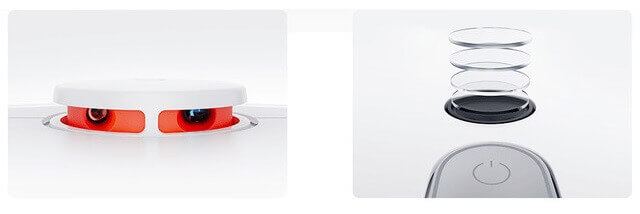
Lidar and camera
Here's how the new navigation system works: a laser rangefinder scans the room and creates a plan, while a camera allows you to determine the location of doorways to plan the most efficient cleaning route.

Orientation in space
The new Xiaomi robot vacuum cleaner divides the room into rooms, allowing you to select specific rooms for cleaning in the app. This is very convenient and allows you to plan your cleaning precisely.

Selecting a cleaning area
The Xiaomi Mi Robot 1S is also equipped with a new quad-core Conrtex-A35 processor, which reduces power consumption by 10% and improves performance by 40%.
CPU
Speaking of the app, you can now define the cleaning zone directly on the map (virtual wall), select the desired area for floor cleaning, monitor the cleaning process in real time, and program the robot not only to turn on by day of the week, but also by time.For example, you can set a schedule so that the robot vacuum cleaner cleans the living room twice a week at 1:00 PM, and the bedroom and kitchen three times a week at 10:00 AM. Flexible settings allow you to optimize the cleaning process and make it more convenient for users.
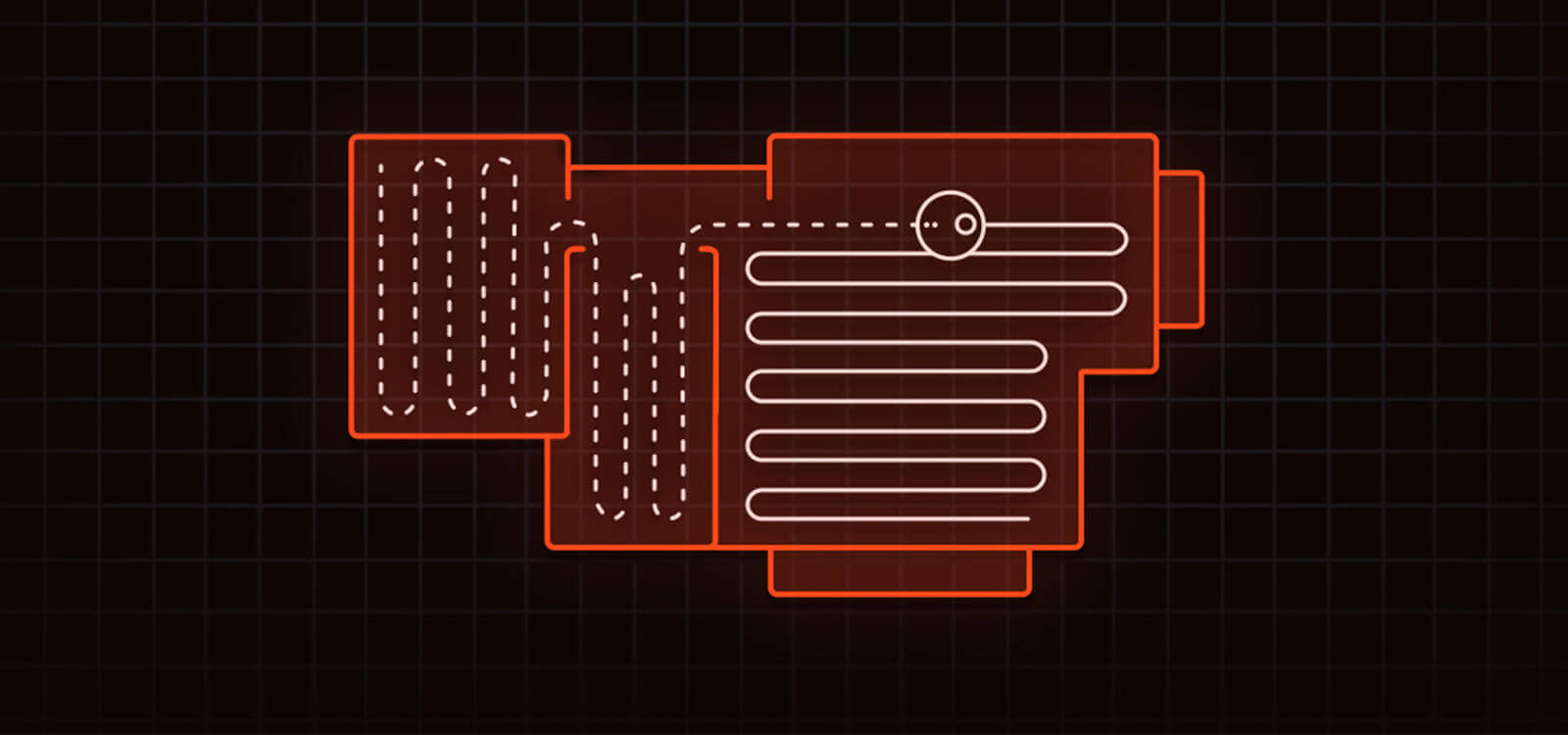
Route
The final important change is the ability to control the robot via the proprietary Xiao Ai voice assistant. Now, using voice commands, you can check its status, start cleaning in a specific room, or inquire about its battery life. This is very convenient, but it would be great if the model also supported more familiar voice assistants like Alexa and Google Assistant.
Let's sum it up
Having analyzed all of the above, let's highlight the main pros and cons of the Xiaomi Mi Robot 1S robot vacuum cleaner. Among the advantages, we can highlight:
- A new level of navigation and spatial orientation.
- Extended functionality of the mobile application.
- Flexible settings for cleaning schedule and route.
- High suction power.
- Capacious battery, long operating time on one charge.
At the same time, the disadvantages of the model are as follows:
- Small dust collector.
- Poor equipment.
Overall, the shortcomings are typical for most Xiaomi robots, but this doesn't stop them from reaching the top of ratings and becoming bestsellers. Specifically, this model is clearly better than its predecessor, the Xiaomi Mi Robot Vacuum Cleaner, and its navigation is better than that of the Roborock S50. Meanwhile, the price of this model in 2019 is around $200. For this price and with such functionality, there are simply no comparable products when it comes to dry cleaning. This model is clearly worth the money and is one of the best in its budget class.
We also recommend checking out a comparison of Xiaomi robot vacuum cleaners:
We hope this Xiaomi Mi Robot 1S review was interesting and helped you make your purchase decision. If you have any questions, please ask them in the comments, and let's discuss!
Analogues:
- iLife V80
- Genio Deluxe 500
- iClebo Pop
- iRobot Roomba 676
- iBoto Aqua V715B
- Ecovacs DeeBot OZMO 600
- Xiaowa Roborock E352-00
Hello! If I order from Taobao, will the Xiaomi Mi Robot 1S app work in Russia? Is there a Russian or English language version?
Hello! Can you provide a more in-depth comparison of the Vacuum Cleaner 1s and Roborock S 50?
Hello, could you tell me where I can download voice control for this model in Russian? And the instructions?
Hello, I have a question: we bought this assistant, connected it to the China region, and it spoke Russian. We decided to try other voices, but we accidentally changed it to Chinese. Now it's babbling along nicely in Chinese, but we can't get it back to Russian. How can I fix this?
Hello. They say that due to the lack of a front sensor, it has trouble seeing obstacles and constantly bumps into them.