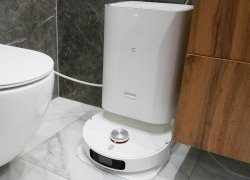
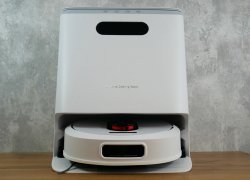
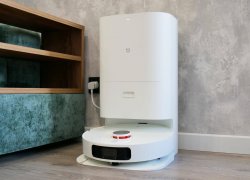
Xiaomi MIjia OMNI 2 (C102CN): What's Wrong with It?! REVIEW and TEST of the 2023 New Product
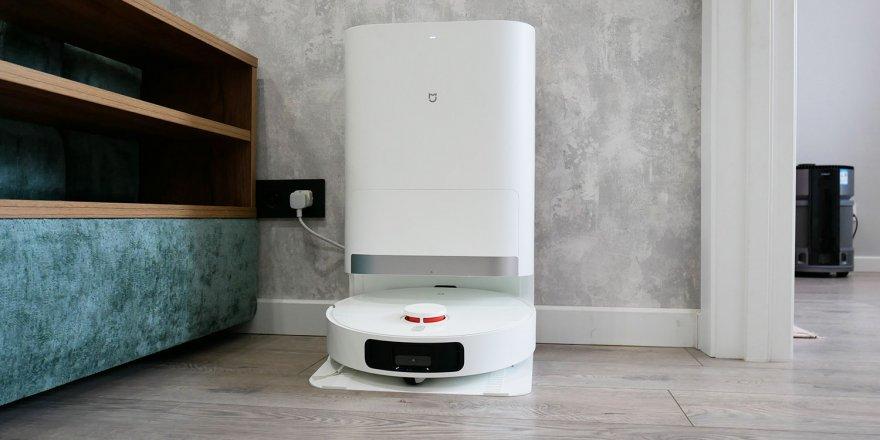
The Xiaomi MIJIA Omni 2 C102CN is an updated version of the previously released Mijia OMNI B101CN and OMNI 1S. The new model is priced slightly lower than its predecessors, at around $450-$500, or $4.80-$5.40 at the exchange rate at the time of writing. Below, I'll be thoroughly testing the MIJIA Omni 2, discussing how it differs from previously released models, and highlighting the pros and cons I discovered. Let's get started!
Equipment
The robot vacuum cleaner arrived in a branded box like this:
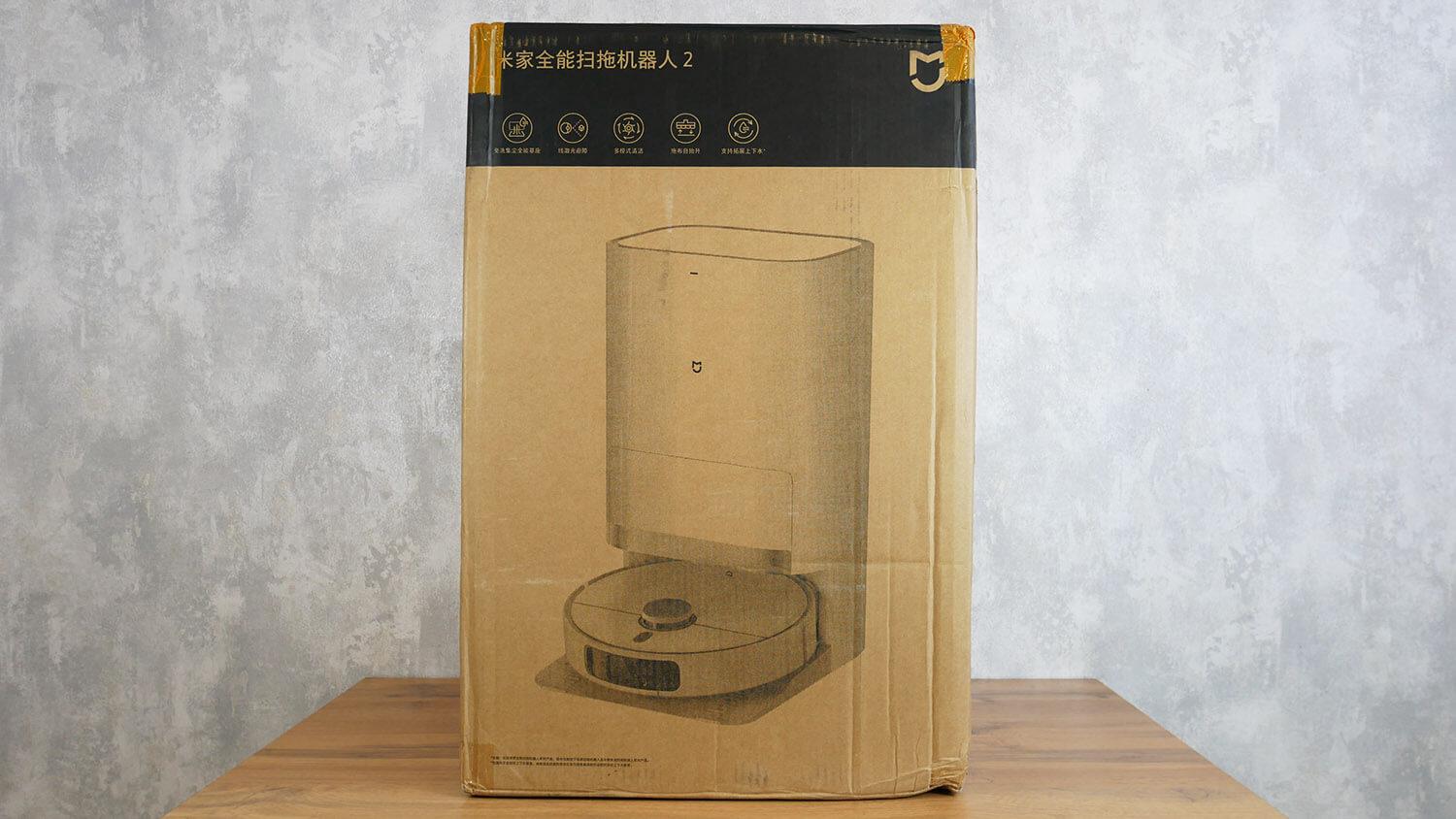
Box
The package includes:
- Two napkin holders.
- Power adapter with Chinese plug.
- Adapter for European socket.
- Operating instructions in Chinese.
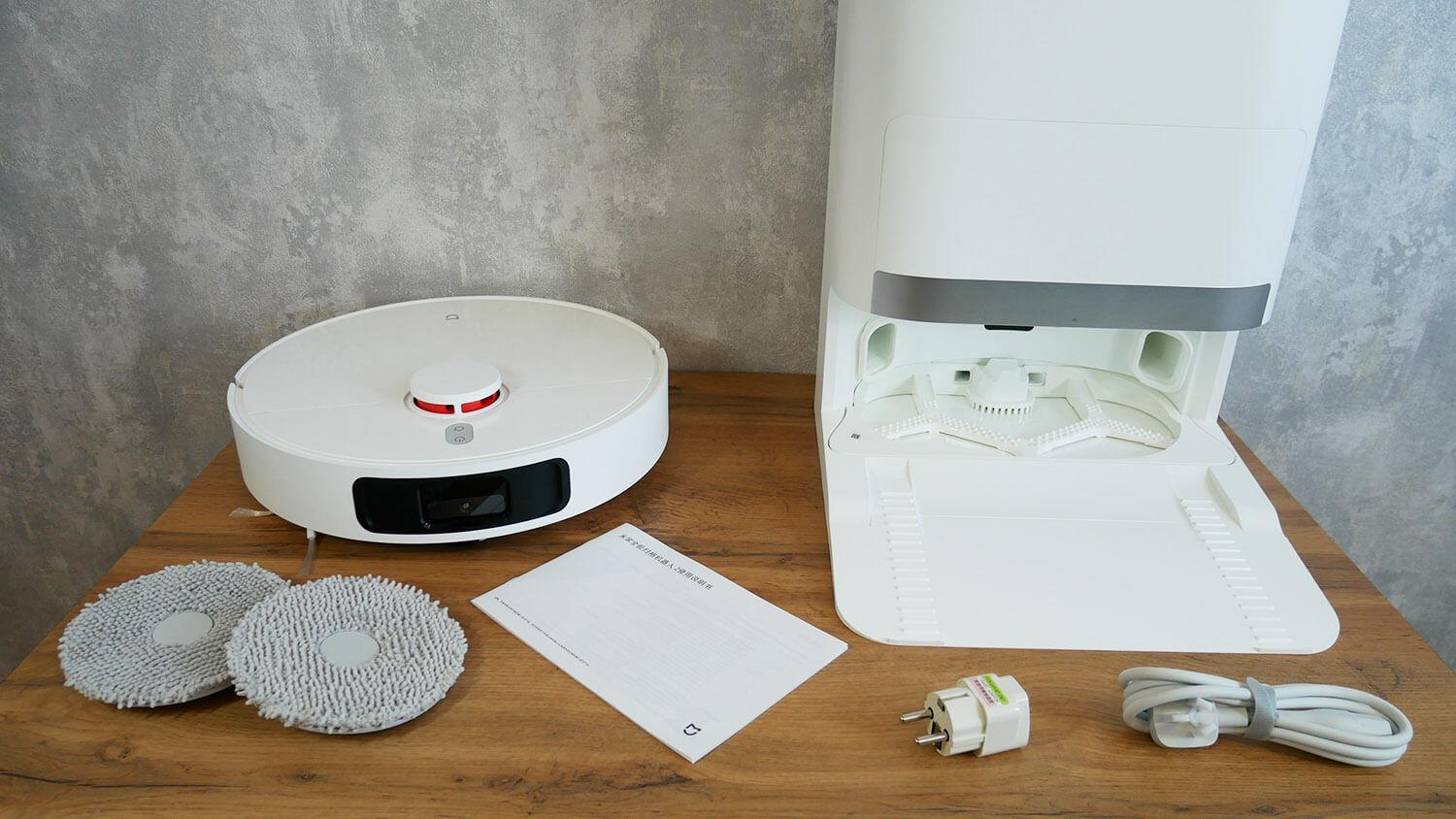
Equipment
The kit is standard. There are no spare parts or accessories. An optional sewer and water supply connection module is available, starting at $130 or $140.
Appearance
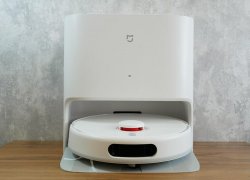
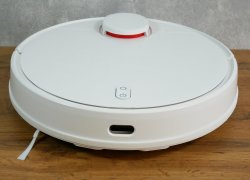
Let's take a look at the MIJIA Omni 2's design. Let's start with the robot vacuum cleaner itself. It's white and has a round body. The robot doesn't have any wall sensors; instead, it has a front-mounted system for detecting and avoiding objects on the floor.
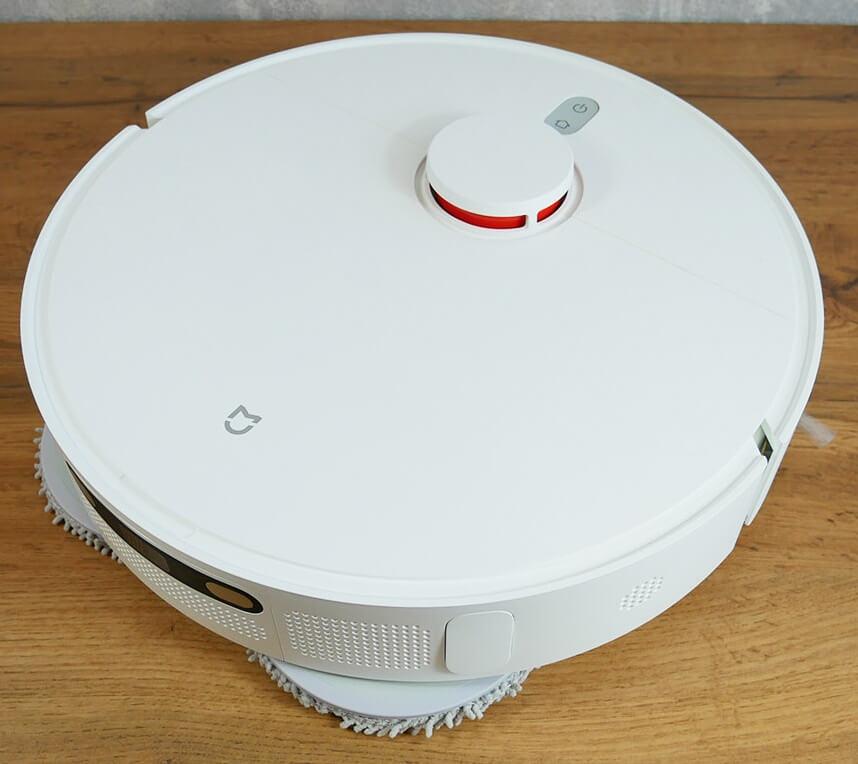
Top view
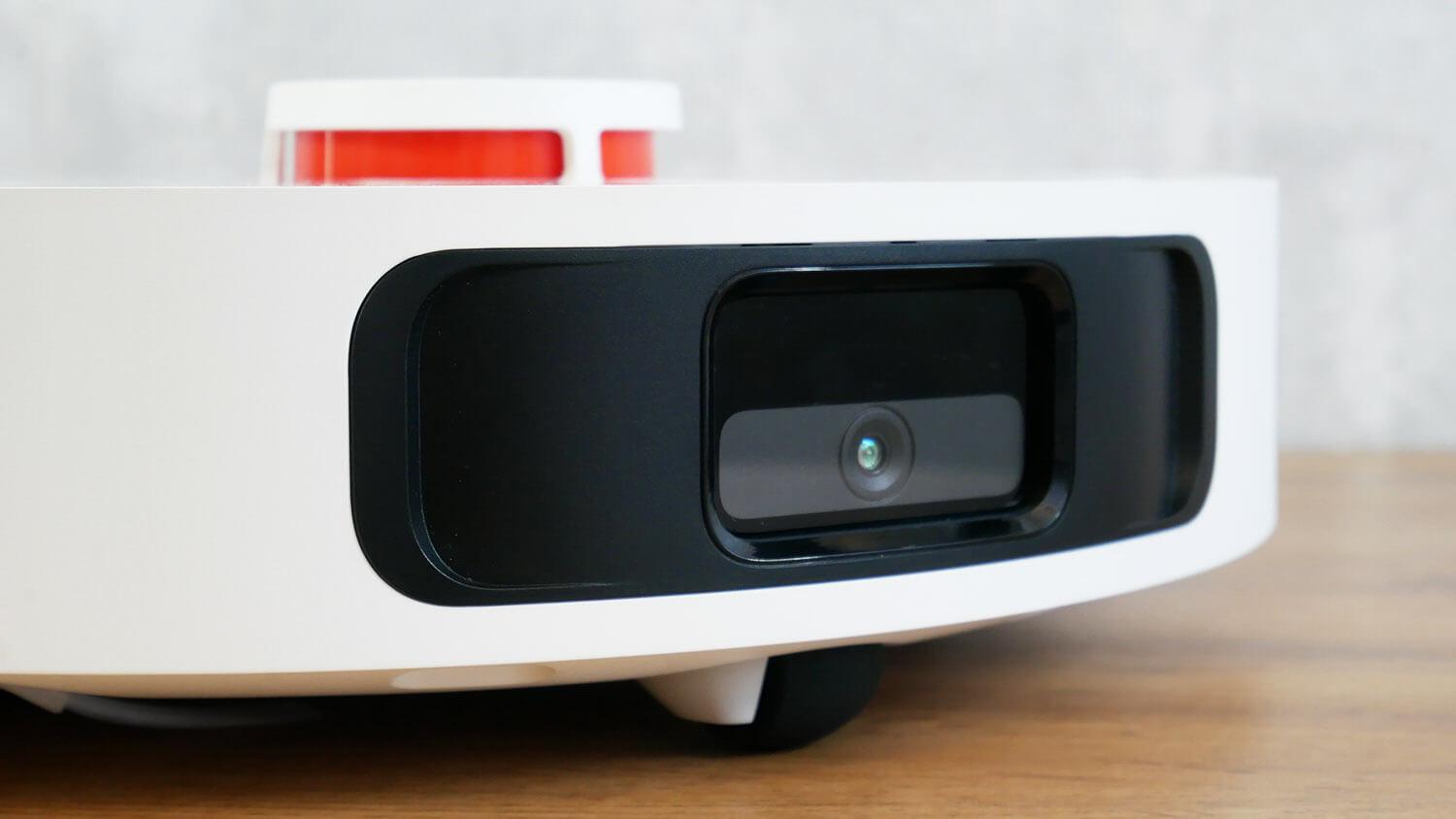
Object Identification System
The control panel has two mechanical buttons. The lidar is responsible for navigation and is equipped with a spring-loaded cover to prevent it from getting stuck under furniture.
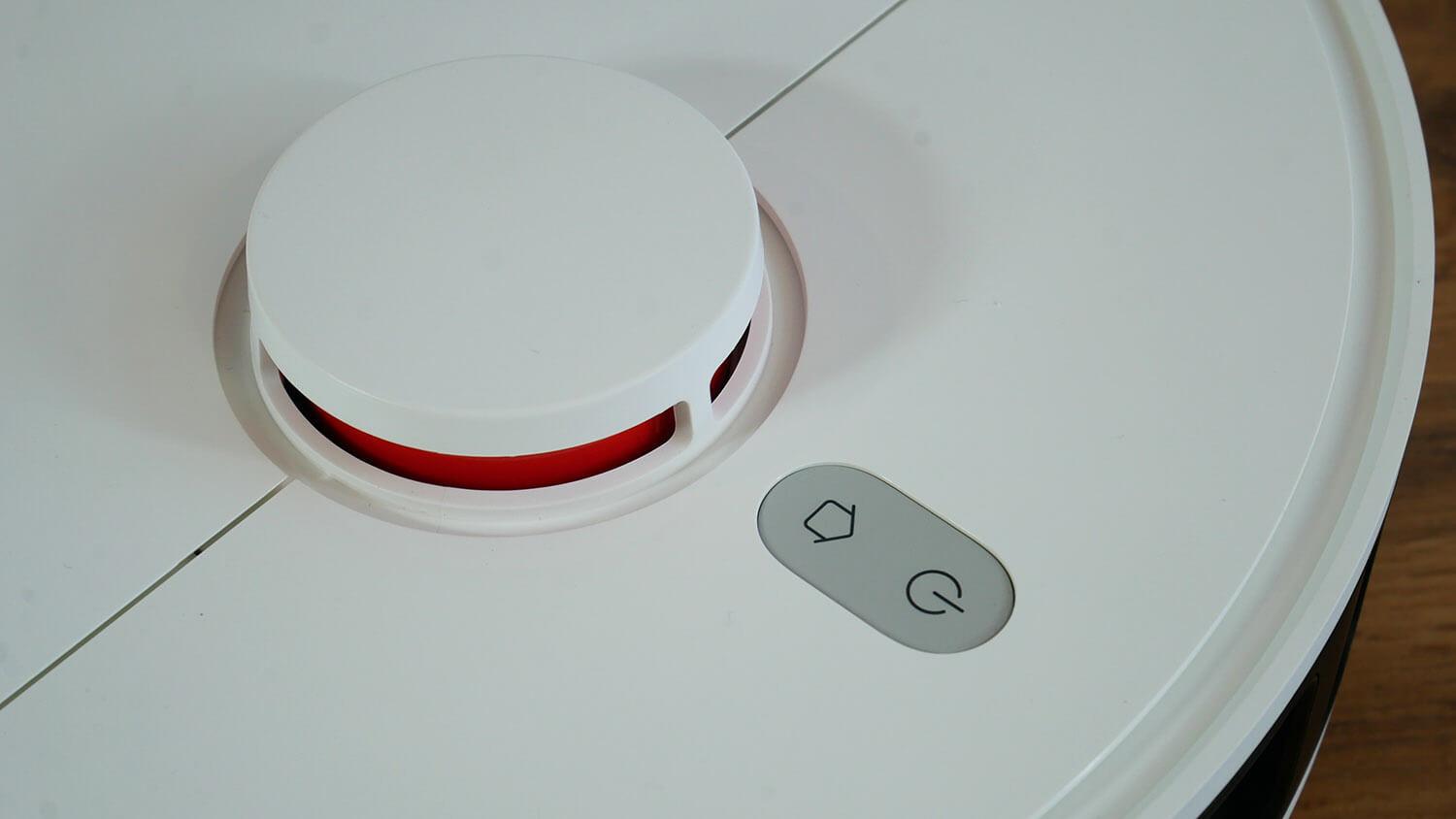
Control panel and lidar
The dust collector is located under the top cover. The filtration system is HEPA-based and has a mesh filter. The robot does not have a built-in water tank, as there are no nozzles for pumping water into the robot at the station. The cloths are only moistened at the station during washing.
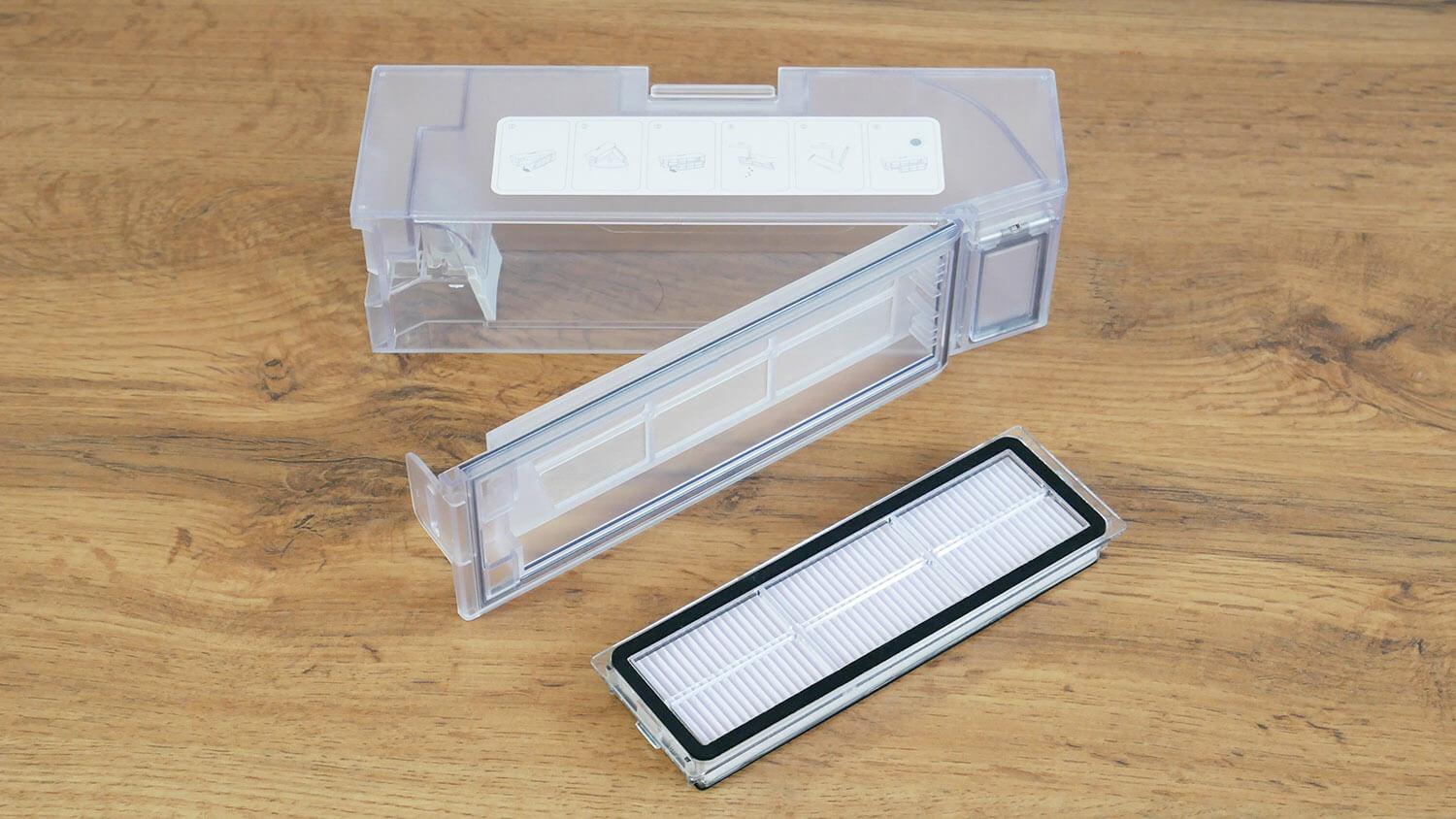
Dust collector
The robot has four fall protection sensors on the bottom. There's no carpet sensor. It has a single, three-beam, quick-release side brush. The center brush unit is floating. The turbo brush has bristles and petals, and can be removed on both sides to remove tangled hair and pet hair. That's a plus!
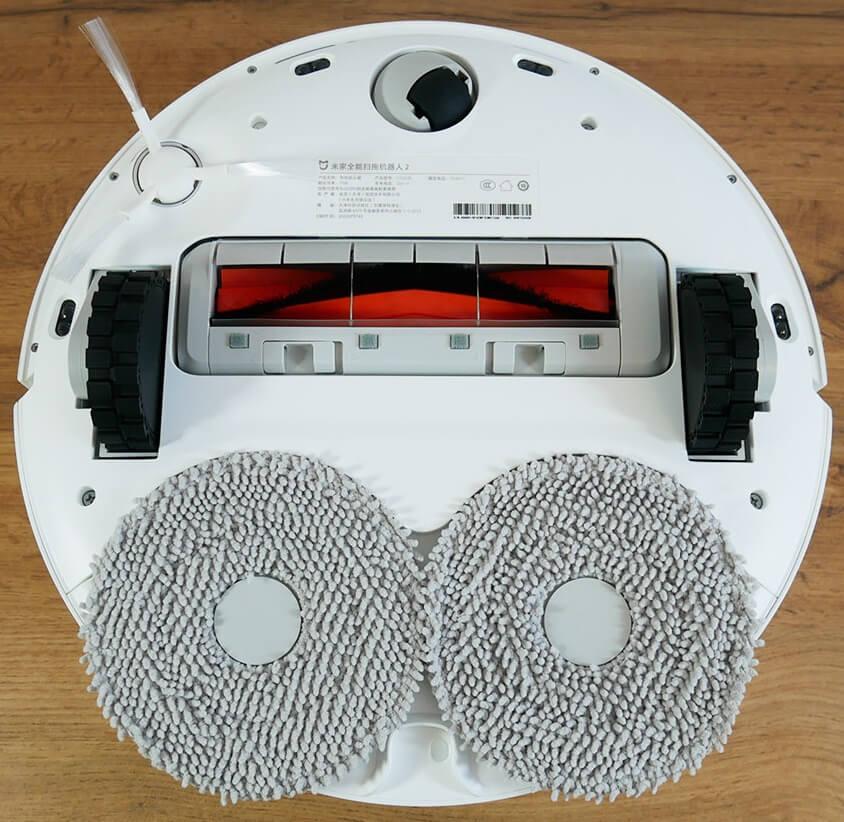
Bottom view
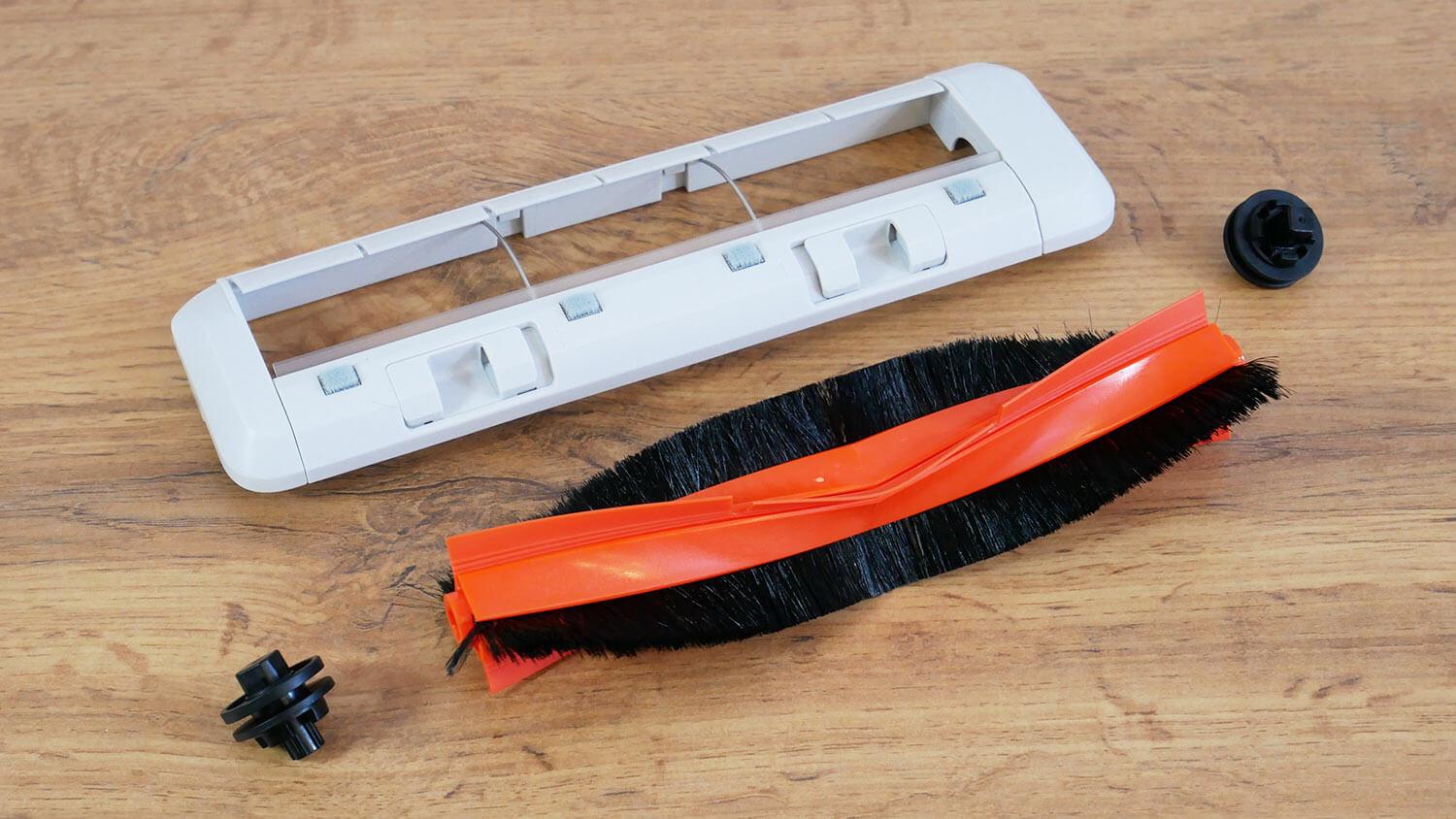
Central brush
The napkins are attached to the holders with Velcro, which in turn are attached to the robot with magnets.
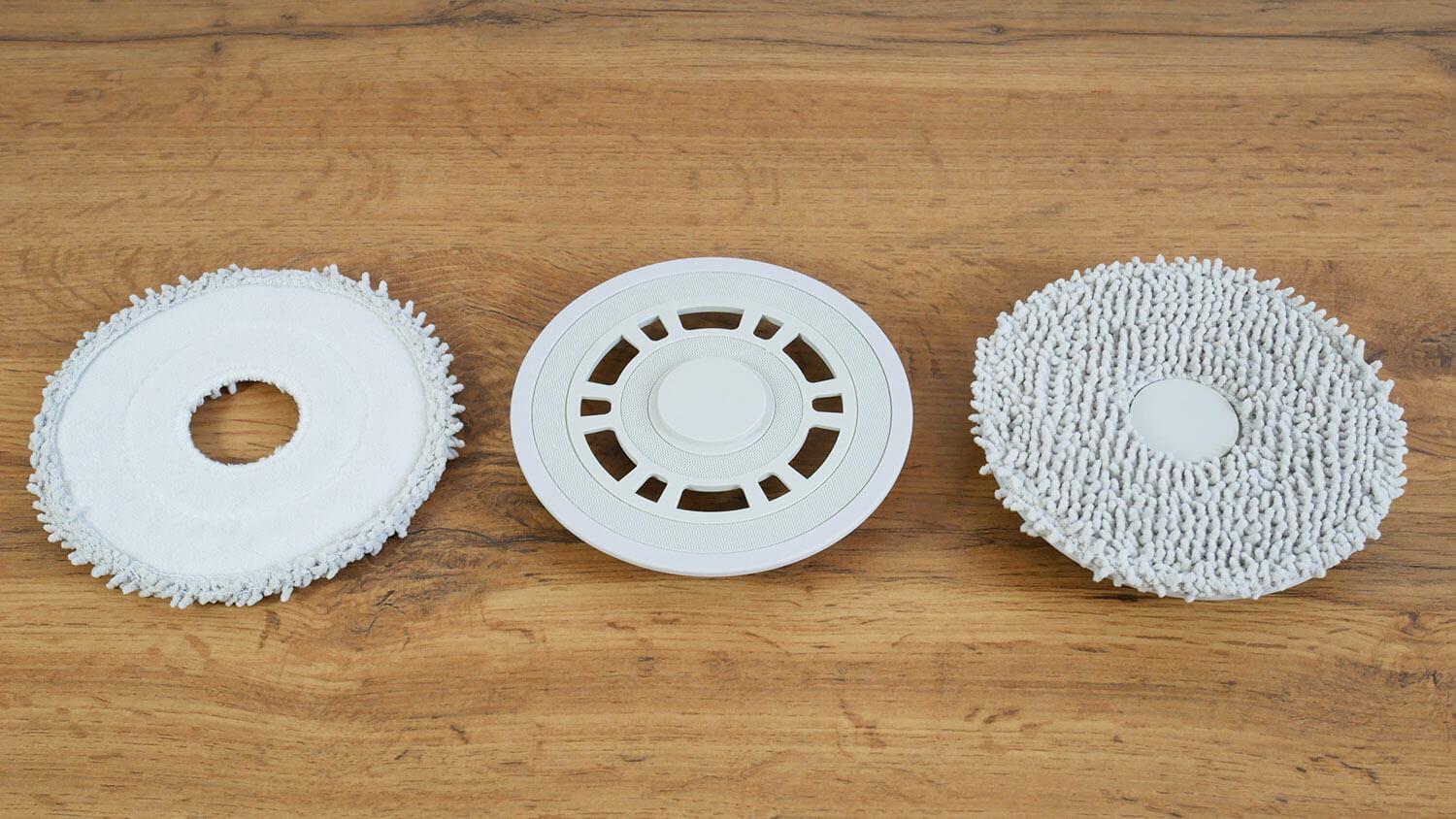
Napkins with holders
In carpeted areas, in dry cleaning mode, when the robot passes through the cleaning area, and when it returns to the station, the pads are automatically lifted. I'll explain how it all works in the feature overview.
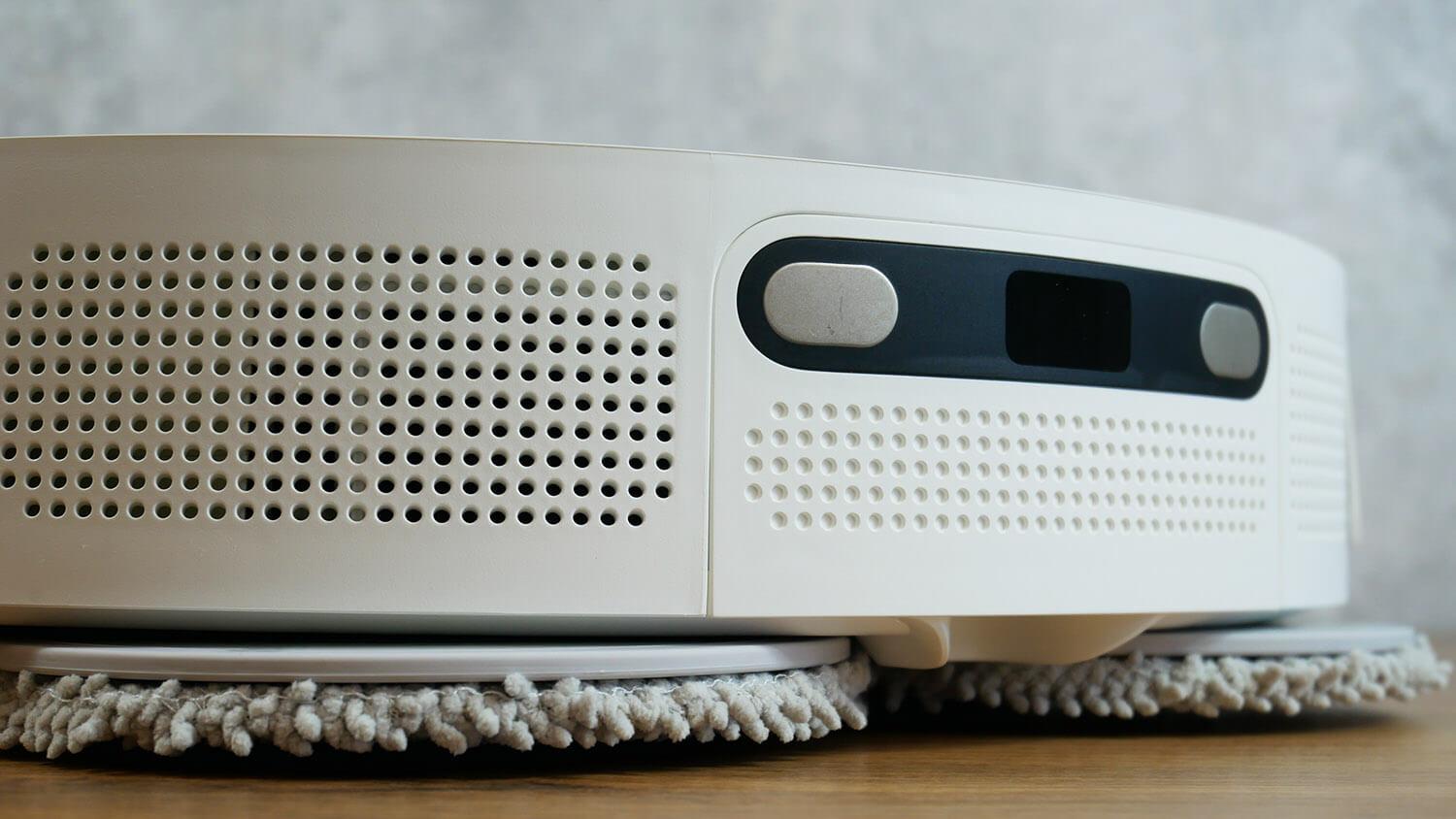
Lifting napkins
Speaking of the station, the robot vacuum cleaner self-empties the dust bin, washes the cloths, and dries them. Keep in mind that drying occurs with room-temperature air; the station doesn't heat it.
This station can be connected to both sewer and water lines. The module itself has been slightly modified, so you'll need to order the version specifically for the Mijia OMNI 2.
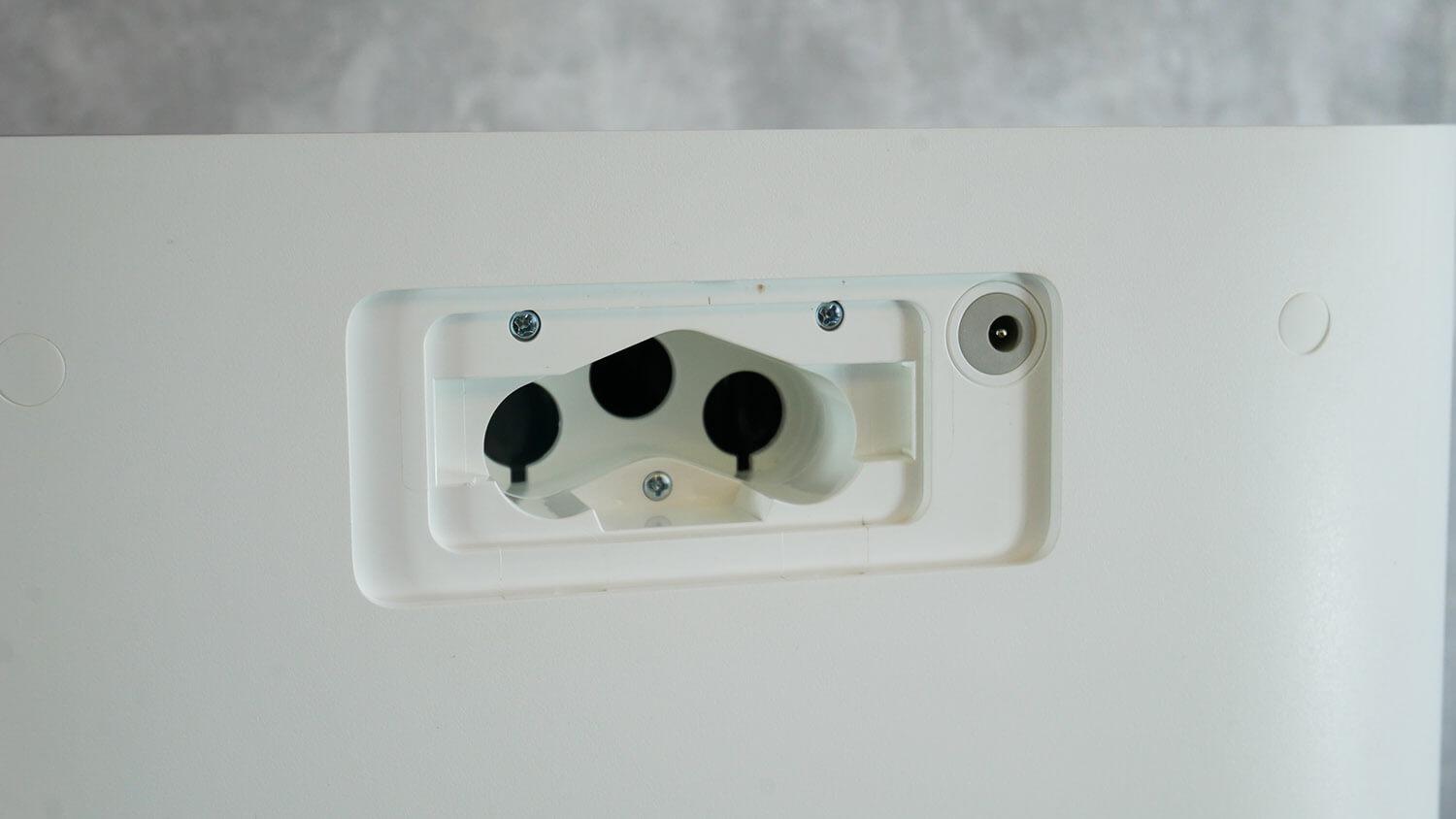
Bends for connection to sewerage and water supply
The napkin tray isn't completely removable. You can remove the comb module for washing, then wash the flat bottom by hand. Not very convenient. Above, under the lid, is the compartment with the waste bag. The bag is a standard size, with a capacity of 2.5 liters.
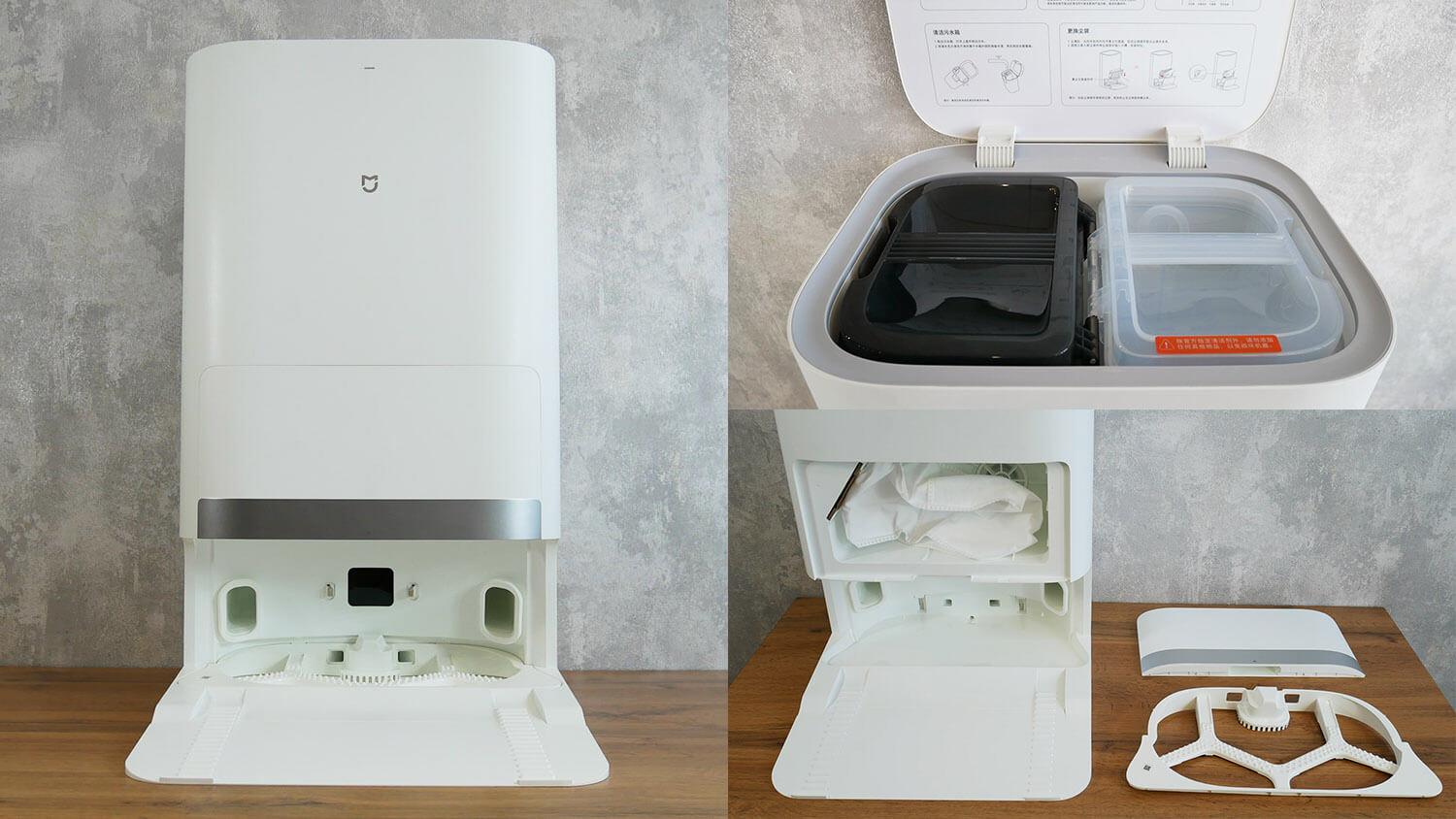
Station
The water tanks are located under the top cover. Their capacity has been increased from 2.5 to 4 liters, which is a plus if you don't plan to connect the station to the water supply! Under the tank are plugs for connecting the module to the sewer and water supply. There is no detergent cartridge; its compartment is only provided in a special module for connection to utility lines. This is important to keep in mind.
Overall, we see that the assembly has been reduced in cost by removing some sensors, the water tank, and the hot-air dryer. That's why the price is lower. This decision is controversial.
Technical specifications
The main characteristics of Mijia Omni 2, as stated by the manufacturer:
Robot vacuum cleaner:
- Li-Ion battery 5200 mAh.
- Suction power up to 6000 Pa.
- Cleaning area> 150 sq.m.
- Dust collector: 350 ml.
- Water tank: none.
- Obstacle clearance up to 20 mm.
- Dimensions: 350*97 mm.
Station:
- Power consumption: up to 1000 W.
- Clean water tank: 4 l.
- Dirty water tank: 4 l.
- Bag in the station: 2.5 l.
- Dimensions: 586*427*340 mm.
We see that they've increased suction power, which will definitely be verified in tests. They've also increased the capacity of the water tanks, but that was mentioned earlier.
Functional capabilities
Speaking of the robot's functions, it's controlled via the proprietary Mi Home mobile app. Since the robot is a Chinese version, you need to connect via the China region. The app interface is partly in English and partly in Russian. However, understanding the functions is easy. The robot speaks both English and Chinese, which is important to keep in mind.
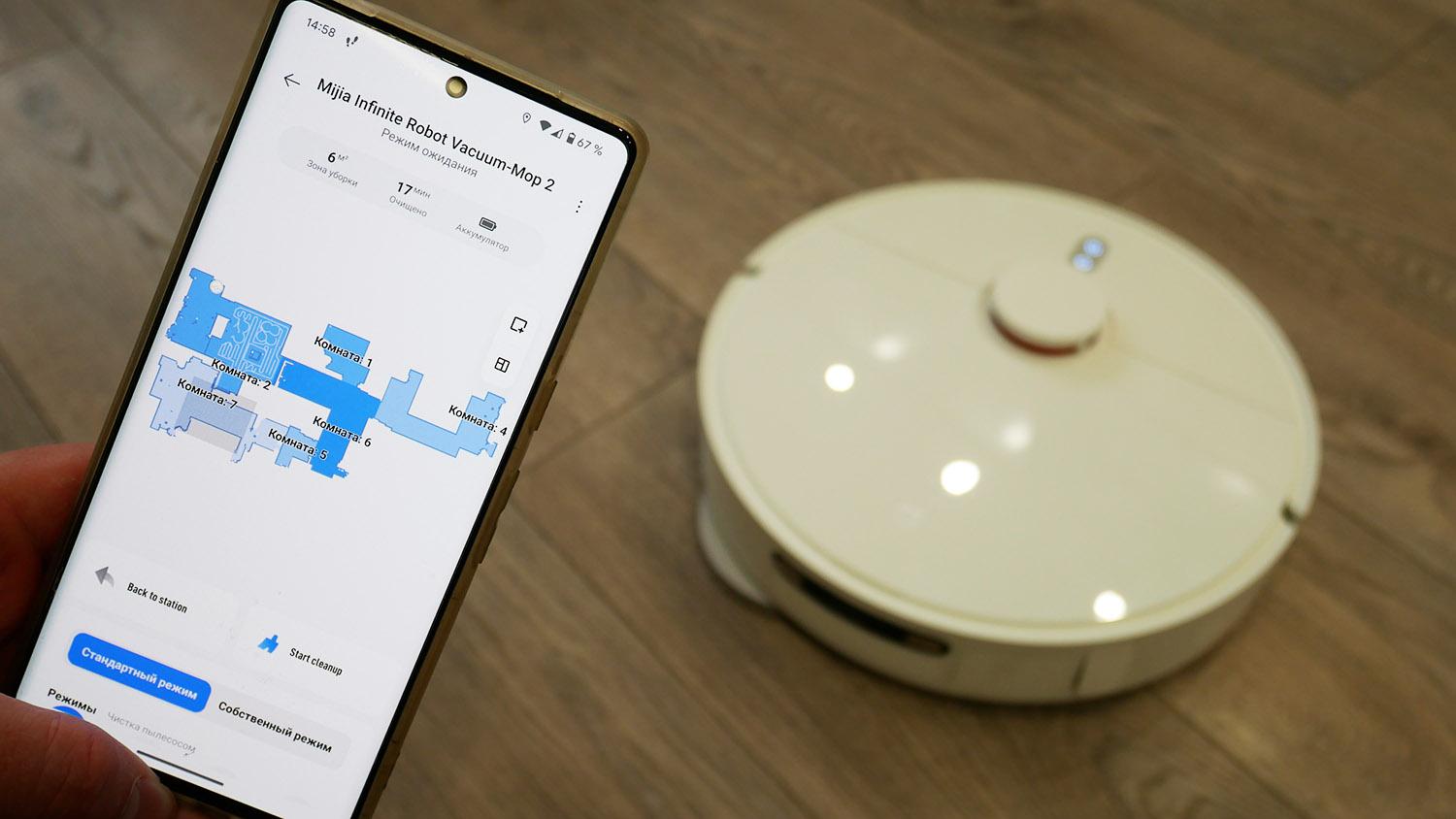
Control via app
The main functions of the Xiaomi MIJIA Omni 2 are displayed on the screen:
- Self-cleaning dust collector.
- Washing napkins at the station.
- Drying napkins (without heating the air).
- Identifying objects on the floor.
- Saving multiple cleaning maps.
- Zoning of premises into rooms.
- Selecting areas and rooms for cleaning.
- Virtual walls and no-go zones.
- Suction power adjustment.
- Frequency of washing napkins (5/8/10 sq.m.).
- User mode.
- Cleaning along the baseboard.
- Adding detergent (optional).
- Self-cleaning station.
- Wet cleaning mode after Dry cleaning.
- Areas with carpets.
- Cleaning log.
- Setting up cleaning according to a schedule.
- Increased power on carpet.
- Carpet cleaning in wet cleaning mode.


Functions
We see that five new features have been added, and I'll go into more detail about each one. Baseboard Cleaning is a special mode in which the Xiaomi MIJIA Omni 2 cleans along the perimeter, rotating its back toward the edges, allowing for better cleaning of dirt along baseboards and furniture. This is because the cleaning pads extend beyond the edge of the device. This is a really cool update, but it's a shame this feature wasn't added to the previously released OMNI 1S and B101CN, as well as other models. There's no design obstacle, just marketing.
But I can say that the function isn't perfect. Due to the lack of a wall sensor, the robot sometimes moves away from the baseboard, leaving unwashed areas. Still, it's definitely better than before!
As mentioned earlier, automatic detergent dispensing is possible by installing a special module into the station for connection to utility systems. It contains a compartment for a detergent cartridge.
The station's self-cleaning function helps wipe dirt off the bottom, and I'll show you how it works in my tests.
The next update added a sequential cleaning mode. First, the robot vacuum dry-cleans the entire available area with its cleaning pads raised, then it starts mopping the floor. Here's a caveat: this model doesn't have a carpet sensor, so it doesn't automatically detect carpets. You need to set up carpet zones on the map. When entering these zones, the robot automatically lifts its cleaning pads and increases suction power. Or, conversely, it can avoid these zones, which essentially serves as an alternative to wet-cleaning no-go zones. It all depends on which mode you choose.
But the inability to more flexibly adjust the cleaning frequency of the wipes is a shame. There are only three options: every 5 square meters of cleaning, every 8, or every 10. Ideally, a wider range of areas and the ability to return the robot to clean the wipes after each cleaned area would be ideal.
This model doesn't have remote home monitoring. It only automatically detects objects on the floor. You can't disable the bumper sensors in the settings, which is a shame. I'll explain why later.
Testing
A detailed video review of the Xiaomi MIJIA Omni 2, including all tests, has already been prepared and published on the channel:
Navigation
And finally, let's move on to the tests. First, we'll test the Mijia Omni 2's navigation in a room with obstacles. The robot vacuum first navigates the perimeter of the room, then cleans the entire accessible area in a serpentine pattern. The dryer's legs presented a bit of a challenge, but it was able to free itself from the trap and continue cleaning. It also swept around a box and chair legs, then returned to its station. The test was successful.
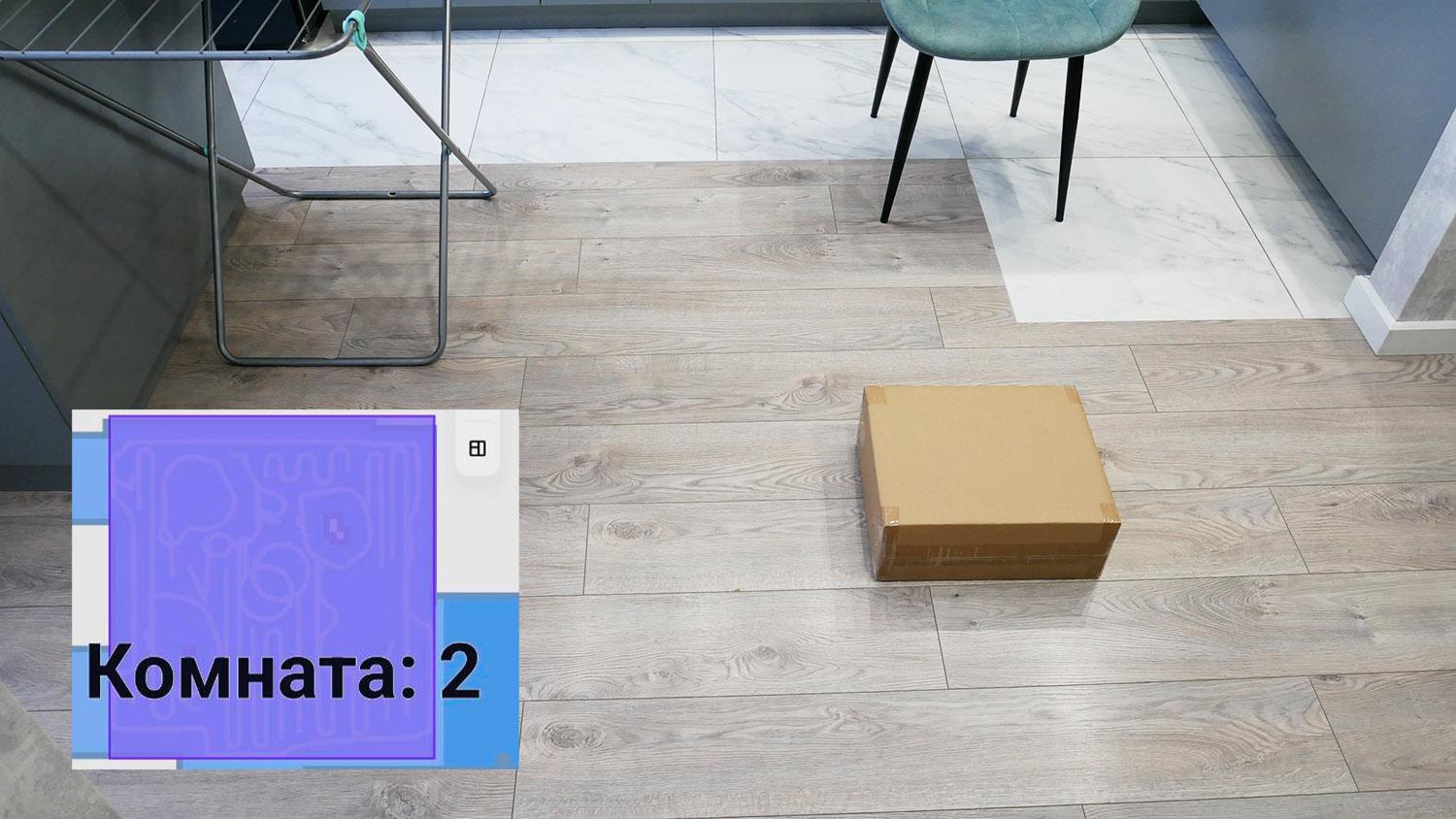
Navigating an Obstacle Room
Speaking of navigation within the house, the robot vacuum cleaner cleans room by room, following the perimeter, then in a serpentine pattern. Every 10 square meters, as I determined, it returns to the station and rinses the wipes, then resumes cleaning from where it left off. Ultimately, the apartment was cleaned with three intermediate trips to the station. There were no uncleaned areas; this model has excellent navigation!
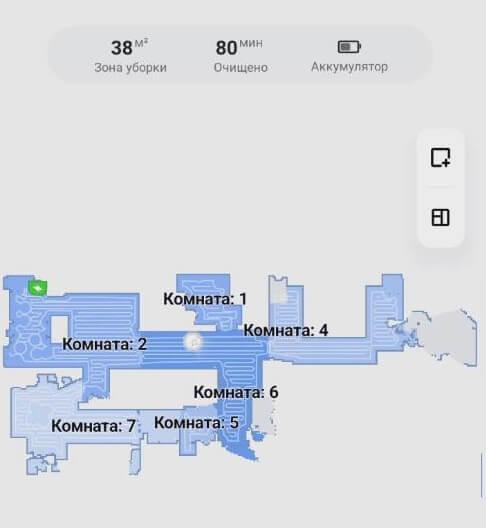
Navigation within the home
Definition of objects
There are some questions about the object detection system. The robot failed to accurately navigate around a wire, a fake pet surprise, and a bathroom scale. In total, it failed to identify three of the six objects. However, it also didn't chew on socks or wires. So, it's safer than similar robots that don't have an object detection system at all, but the sensors installed are significantly inferior to competing AI-powered solutions.


Definition of objects
The situation was similar in complete darkness – no errors, but half the items moved while cleaning. Test failed!
Suction power
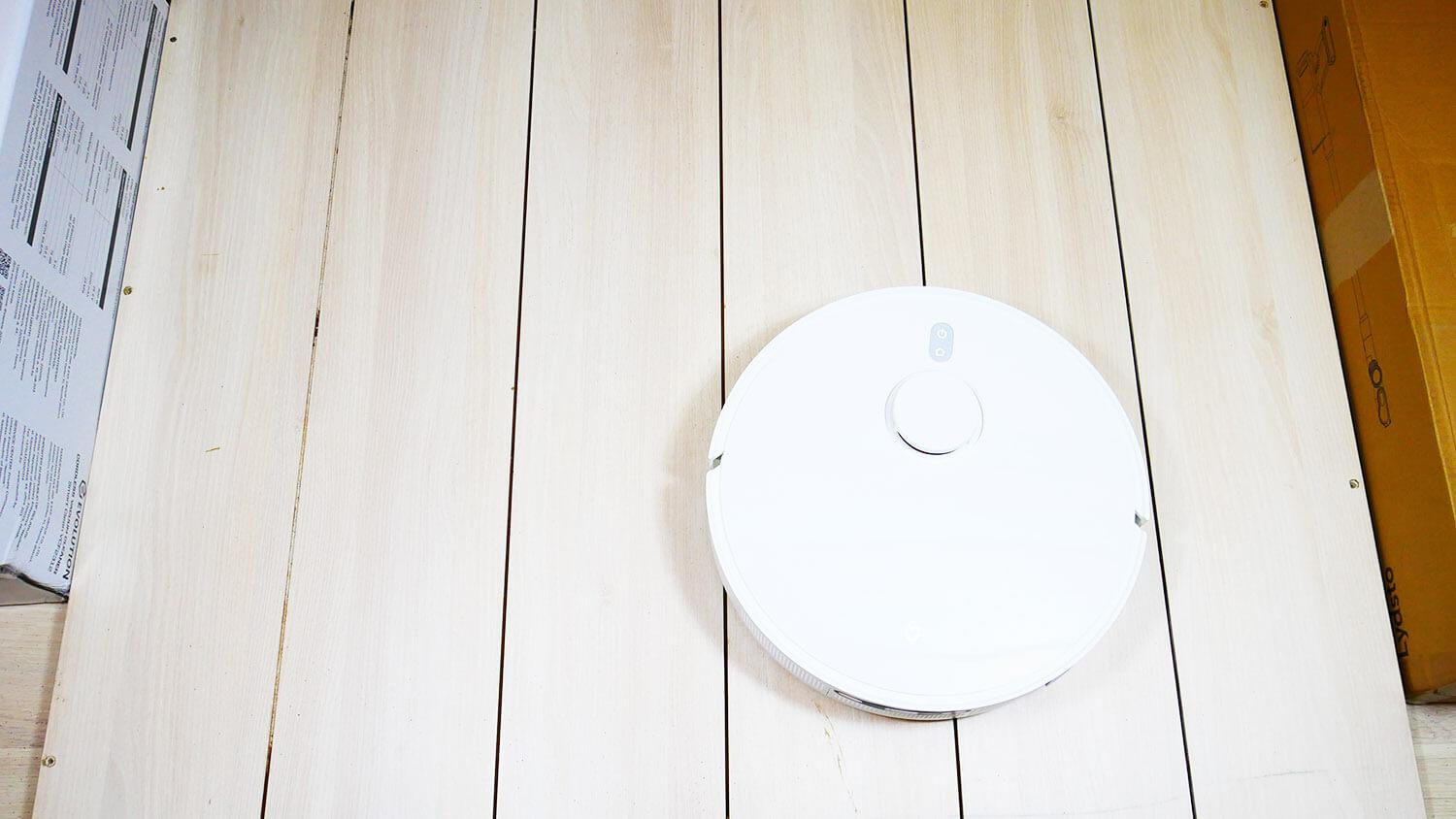
Regarding suction power, here's an interesting point: the Xiaomi Mijia Omni 2 was only able to suck up debris from crevices 2 and 4 mm deep, just like its predecessor, the Omni 1S, which claims 4000 Pa. So, the actual suction power hasn't been increased in this model. While 4 mm is a decent figure, it's sufficient for household cleaning, especially without carpets.
Suction power
Dry cleaning
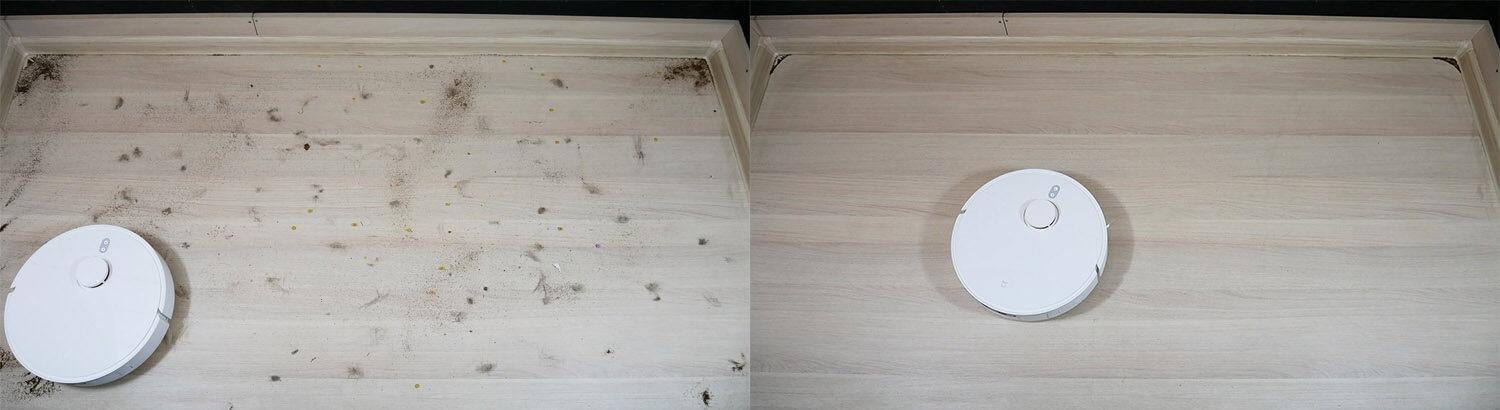
The collection performance of various types of debris on laminate floors is good. Only a small amount of debris remains in corners, where round robotic vacuums can't reach. The central brush caught some hair and fur. However, the majority of the debris was collected in the dust bin. Test passed!
Dry cleaning
Carpet cleaning
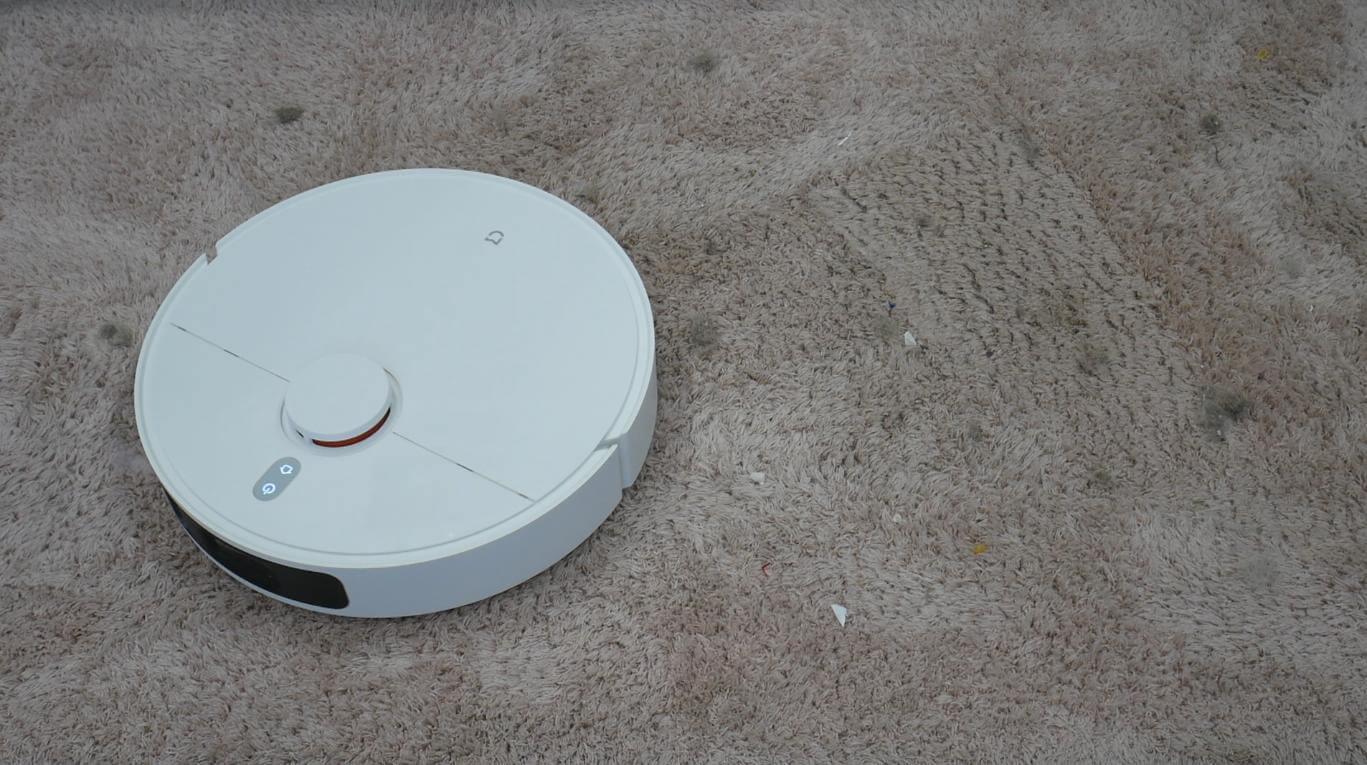
However, problems arise when cleaning medium-pile carpets. The bumper's sensor system detects the pile as an obstacle, preventing the robot from moving across the carpet and instead backing away or spinning in place. Moreover, these sensors cannot be disabled. The robot is unable to function on medium-pile carpets.
Carpet cleaning
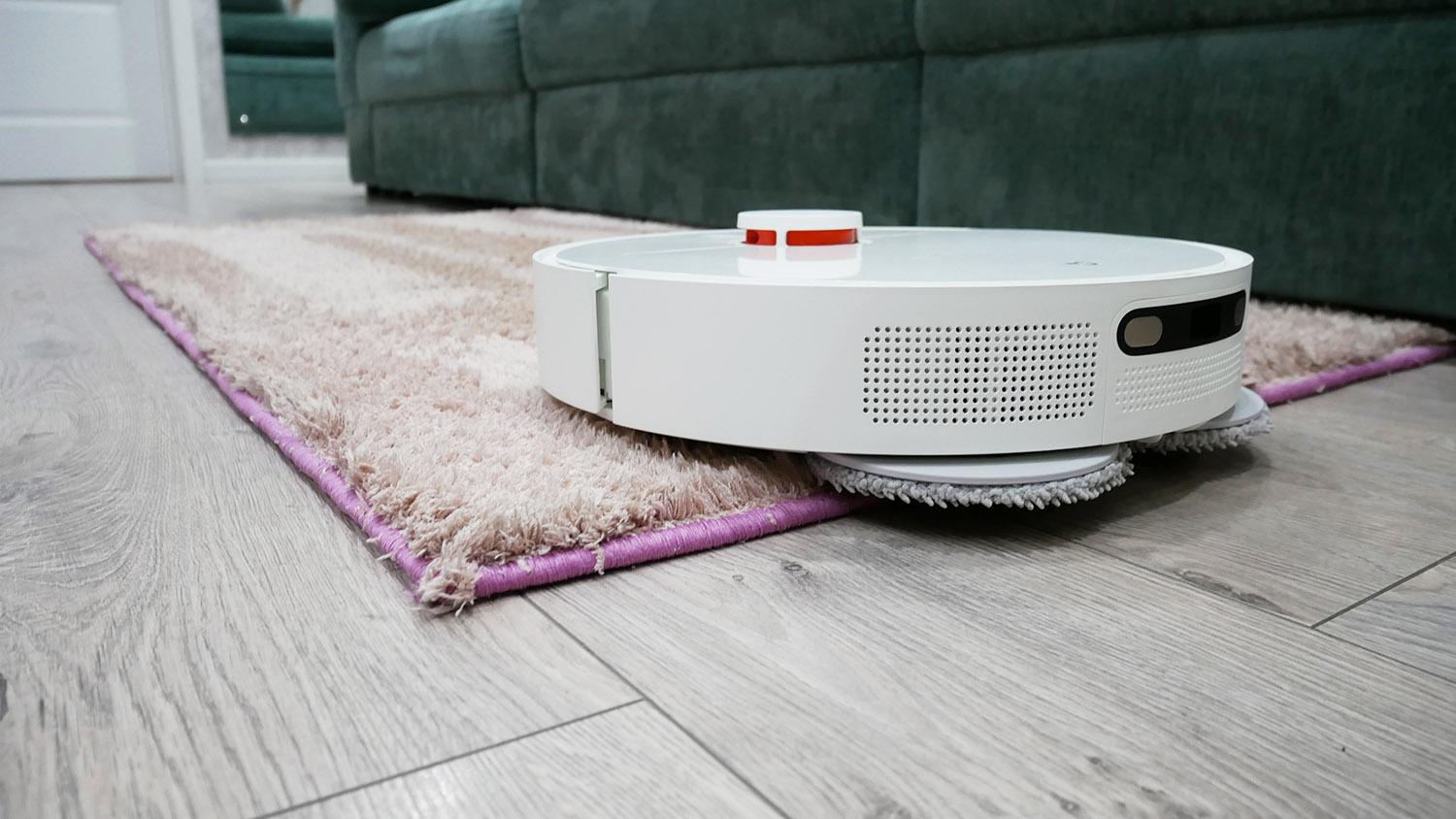
Please note that the robot is not capable of automatically avoiding carpets during wet cleaning, so it may end up on carpet with rotating cloths.
Wet cleaning and carpets
The problem is solved by installing special carpet zones in areas with carpets. Here's how it works: When the robot vacuum cleaner enters these zones, it lifts the carpet mats and automatically increases suction power.
Wet cleaning and carpets
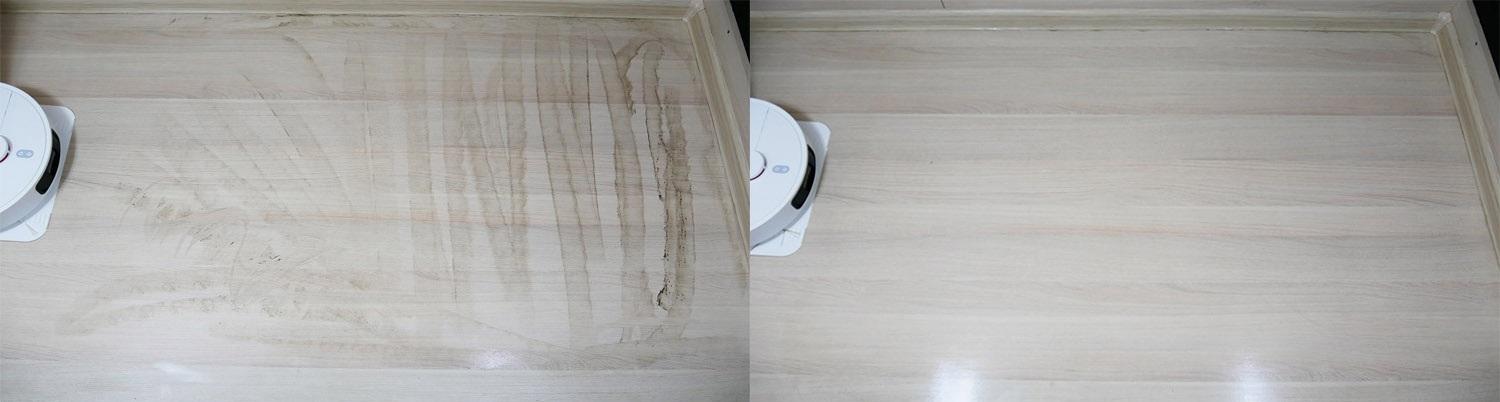
Wiping off dirt
The robot does a great job of removing dirt. It even eliminates blind spots along the baseboard thanks to its edge cleaning mode. This is a major advantage of this model!
Wiping off dirt
Removing difficult stains
The Xiaomi Mijia Omni 2 wasn't quite up to the task of removing tough stains. It managed to remove coffee stains, but tough, dried-on sauce stains proved a challenge. It didn't remove all stains. Its cleaning performance was inferior to some similar devices. Nevertheless, I believe the wet cleaning function is more than sufficient for everyday use.
Rinsing quality of wipes
I'd like to immediately talk about the effectiveness of the station itself. Let's start with the cleaning quality of the wipes. After extensive testing, the wipes weren't washed very well at the station, and they were also in very poor condition. However, in everyday use, after washing the floor, the wipes are washed well at the station. A minimal amount of dirt is removed under the pressure of warm water. That's a plus.
Let me explain how the station's self-cleaning feature works. You activate it in the app, after which the robot moves out of the station and collects water in the tray. You're then prompted to manually clean the bottom for three minutes, after which the dirty water will automatically drain into the station's dedicated reservoir. It's not very convenient, but at least it's better than nothing.
Self-cleaning quality
The dust bin's self-cleaning performance is near perfect. I ran the robot vacuum in a room with a lot of debris. It cleaned everything perfectly, and we saw that the dust bin was completely full. We returned the robot vacuum to the docking station and saw that the dust bin was completely empty after self-cleaning. This robot's self-cleaning performance is excellent!
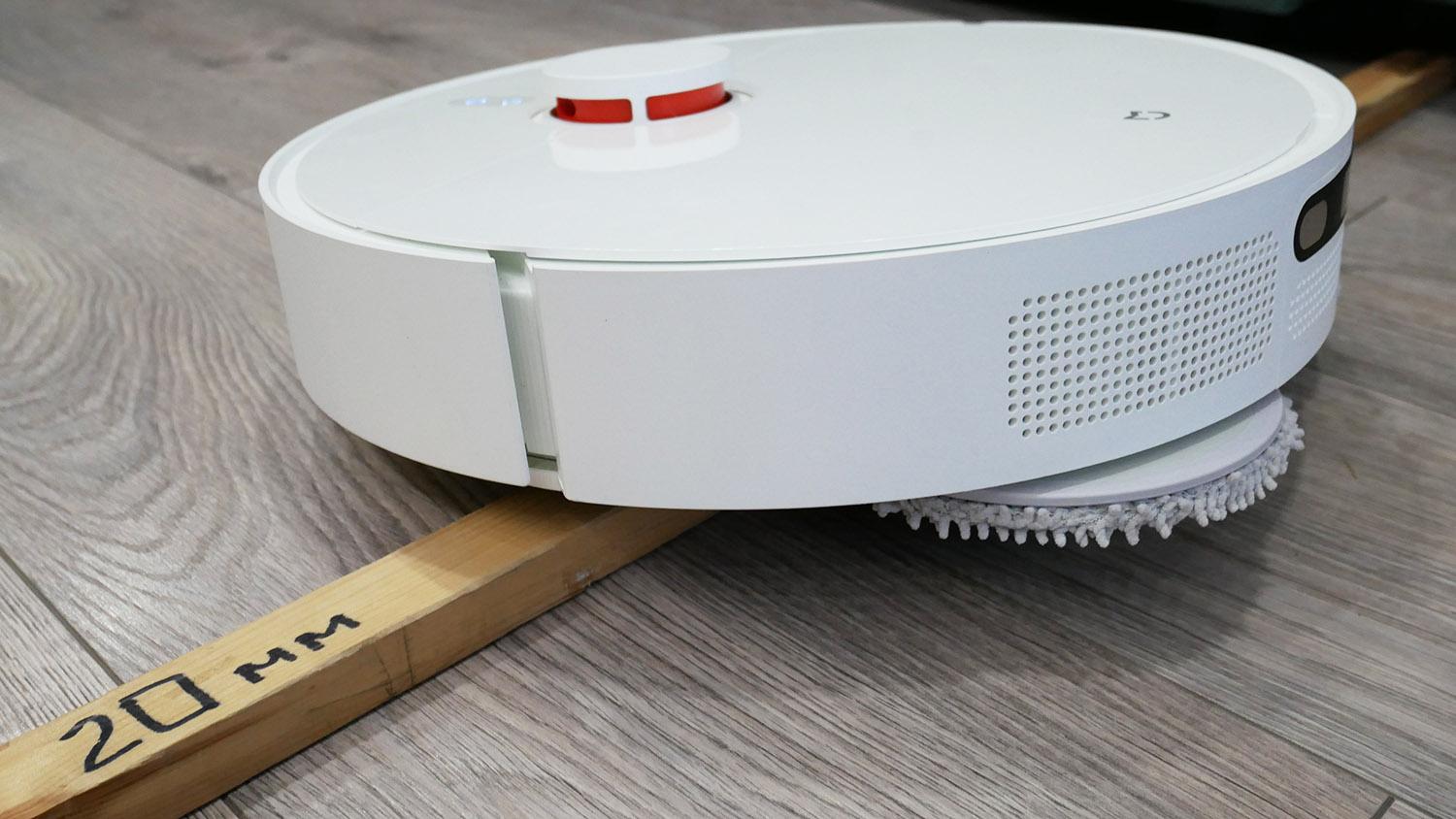
Obstacle clearance
The robot vacuum easily navigates 2 cm high thresholds, lifting up the cleaning cloths as it goes. That's a plus!
Obstacle clearance
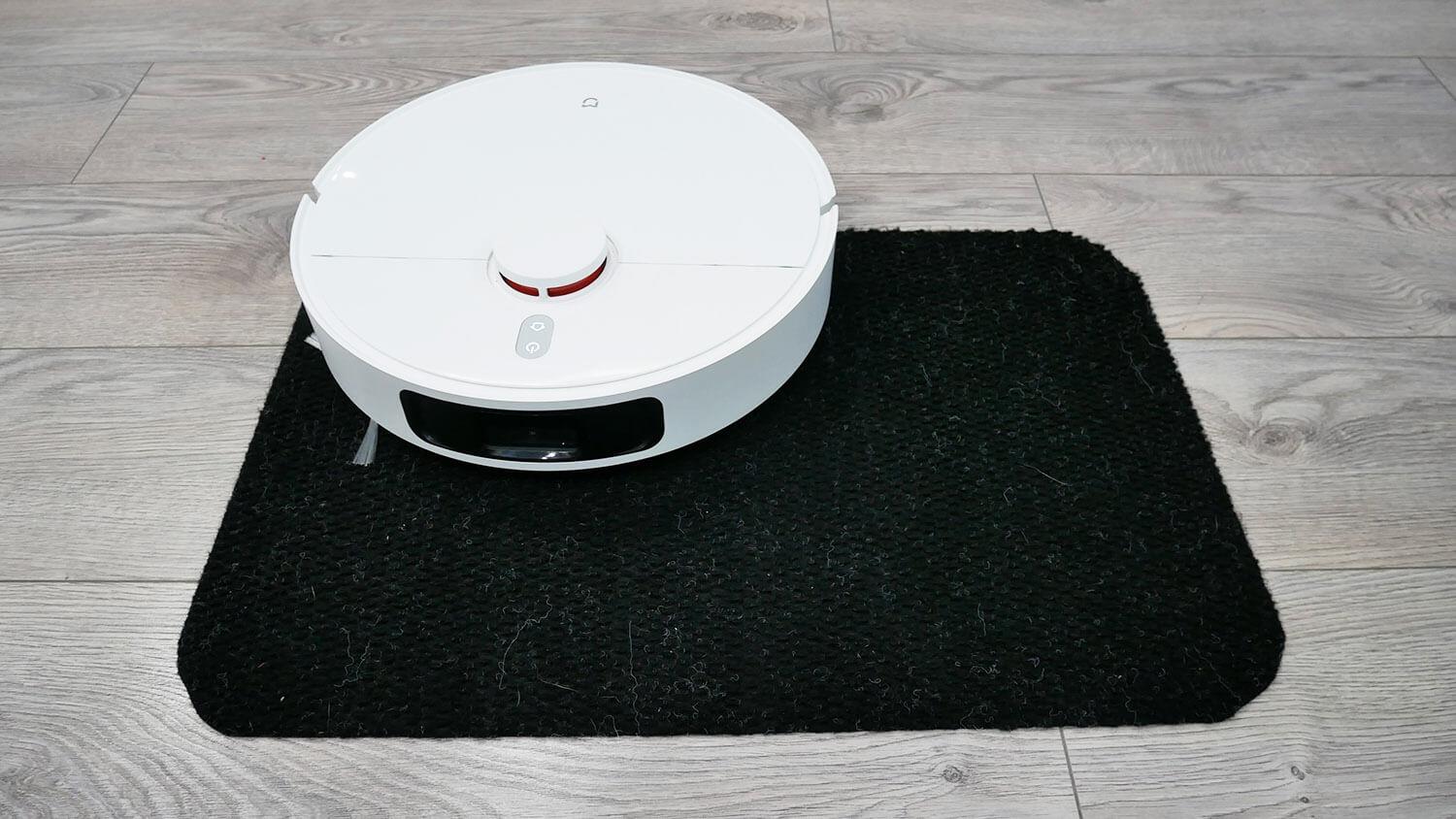
Driving on black surfaces
It's also not afraid of black surfaces, easily driving on completely black carpet. This is another advantage of the robot!
Driving on black surfaces
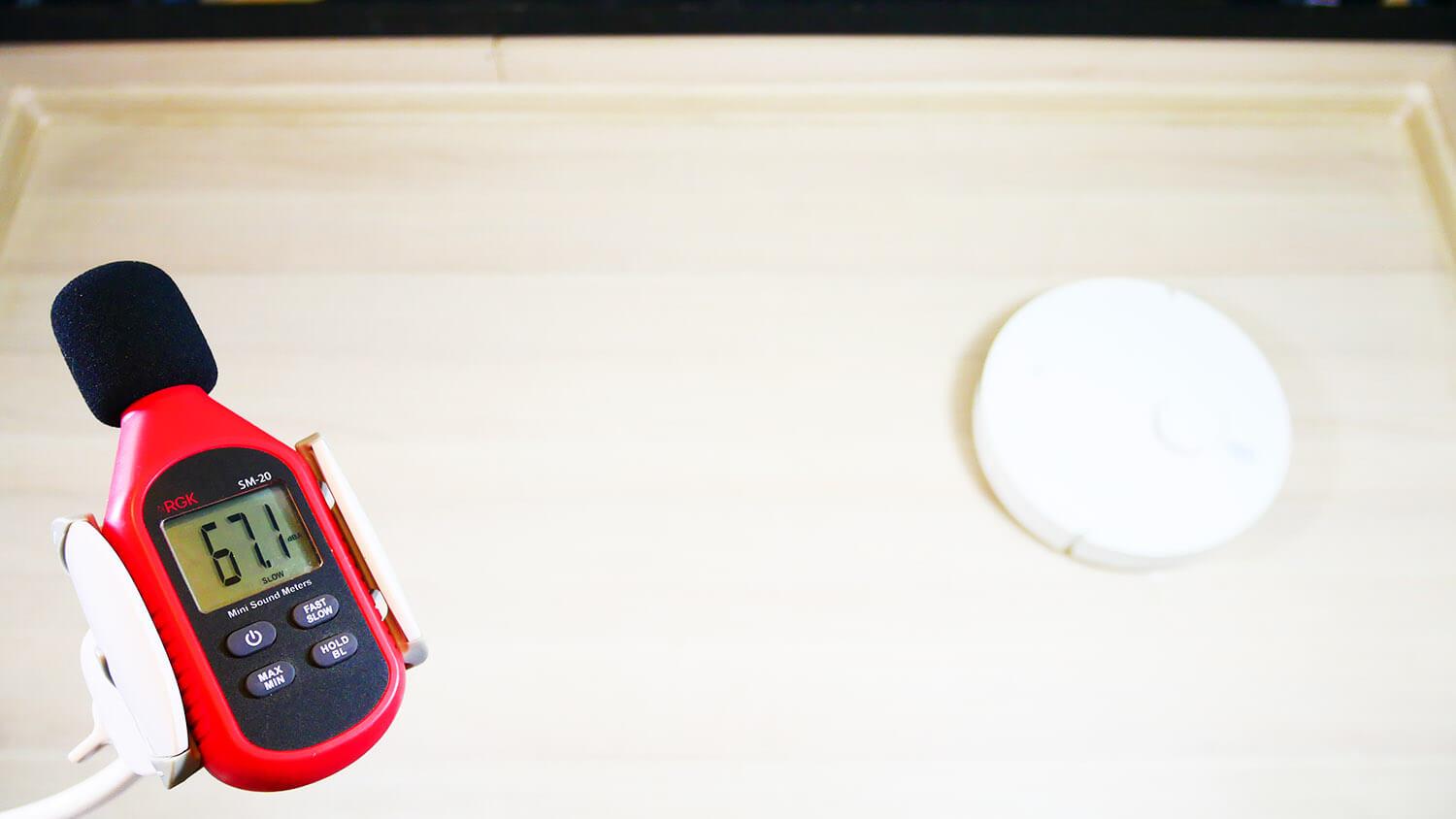
Noise level
Well, as for the noise level, it is standard, within the range of 57-71 dB.
Noise level
Personal opinion
The Xiaomi MIJIA Omni 2 robot vacuum cleaner has been thoroughly reviewed and tested. According to our rating system, it scored 154 points, slightly inferior to its predecessors Mijia OMNI B101CN And Xiaomi Mijia Infinite Robot Vacuum-Mop 1S, which scored 166 and 167 points respectively.
Overall rating of tested robot vacuum cleaners:https://robovac.washerhouse.com/en/rejtingi/robovac-obshhij-rejting-robotov-pylesosov-robo.html.
I'll highlight the pros and cons, and then express my personal opinion of this robot vacuum. I liked the following:
- Capable of wiping the floor right up to the baseboard.
- Combined station for self-cleaning of dust collector and washing of napkins.
- Possibility of connection to sewerage and water supply.
- Increased capacity of water tanks at the station.
- High-quality self-cleaning and washing of napkins.
- High-quality cleaning on hard surfaces, including high-quality floor washing over large areas, thanks to the station.
- Increased suction power.
- Two rotating cloths remove dirt better.
- Napkin lifting function.
- A large number of functions for flexible adjustment of cleaning parameters.
- Good cross-country ability.
- The robot vacuum cleaner is not afraid of black floor coverings.
- Optimal price considering the possibilities.
Speaking about the disadvantages, I would say that the main ones are:
- Unable to clean medium pile carpets due to an object detection system that cannot be turned off and which detects carpet pile as obstacles.
- The system for identifying objects requires fundamental revision.
- Drying of napkins with hot air is not provided.
- There's no automatic napkin lift feature for rugs. You have to manually set rug zones on the map, which isn't very convenient.
- The robot's assembly has been reduced in cost. There are no wall or carpet sensors, no built-in water tank, and so on. While these aren't critical, they nonetheless impact the robot's functionality and usability.
- The declared power was not confirmed in tests.
- Limited options for setting the frequency of washing napkins.
- The robot vacuum cleaner is designed for the Chinese market. It doesn't speak Russian, and the app interface isn't fully translated.
Ultimately, my opinion of the robot is mixed. On the one hand, it's great that they added the baseboard cleaning feature. And overall, for a price of under $500, the robot remains just as functional, with a full-fledged cleaning station, lidar, and a lifting mechanism for the cleaning pads. However, its design is inferior to its predecessors and only really excels in its baseboard cleaning feature. If this feature is added to previously released models, the Mijia OMNI 1S would certainly be a better choice, as it didn't have such issues cleaning carpets and is better built. In my opinion, even in 2023, the Mijia OMNI 1S remains Xiaomi's best robot vacuum cleaner, and the only thing it lacks is the baseboard cleaning feature.
So, we hope this feature will be extended to its predecessors. If not, I would still recommend the Xiaomi MIJIA Omni 2 primarily for cleaning hard floors, given the issue with carpets and the lack of a carpet sensor. In any case, for a budget of under $500, it's a good option if your primary concern is high-quality floor cleaning over large areas.
On that note, I'd like to end this review. If you have any questions, please ask them in the comments. Happy shopping, everyone. Bye!