
Genio Windy W200: the first robotic window cleaner in the manufacturer's line
Hello to all our readers! We continue testing household cleaning robots, and another interesting model has come to us for review: the Genio Windy W200 window cleaning robot. At the time of writing, its price is under $180, which is average for the market. Below, we'll take a detailed look at the robot's design, its features, and, most importantly, how it cleans windows. We'd be grateful if you'd appreciate our efforts by subscribing and liking after watching the video. So, let's get started!
Equipment
First, let's look at the package contents. The Genio Windy W200 arrived in this bright, branded box:
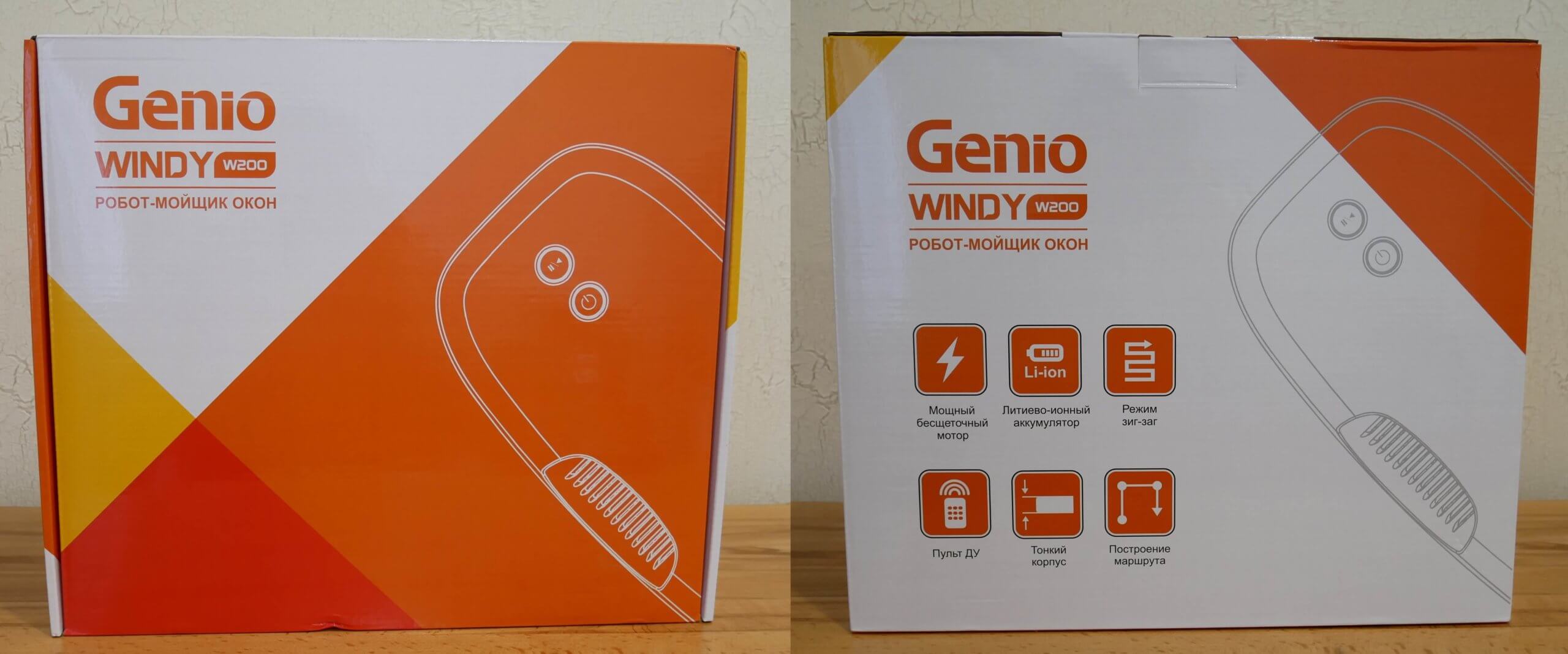
Box
It contains:
- Power unit.
- Cord for connecting the power supply to the network.
- Safety rope with carabiner.
- Remote control.
- Operating instructions in Russian.
- A spray bottle for applying cleaning liquid to a cloth.
- And 6 sets of cleaning wipes. One is already installed on the robot.
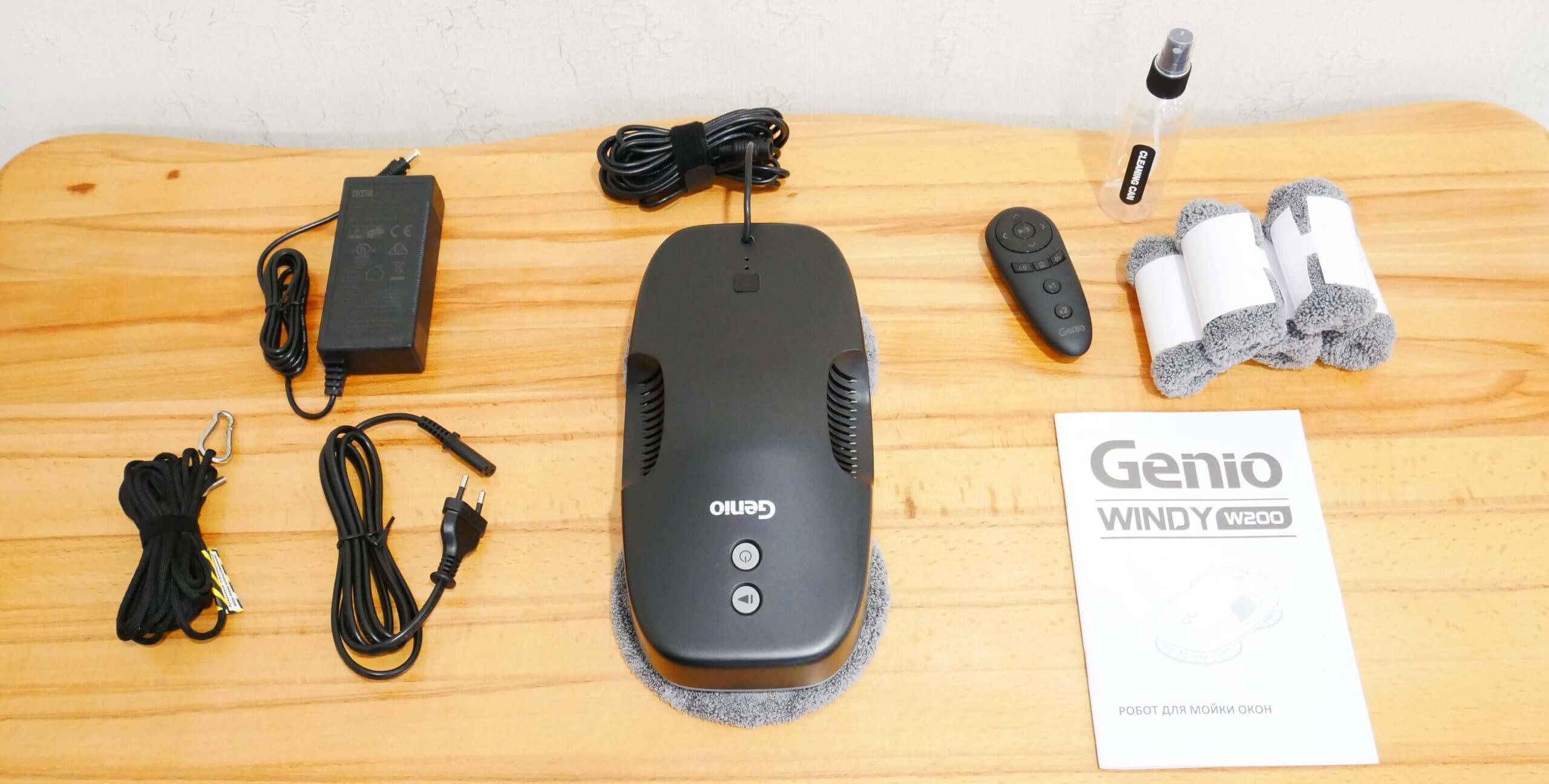
Equipment
The kit is missing batteries for the remote control and the cleaning fluid itself, but otherwise includes everything you need to operate the robotic window cleaner.
Appearance
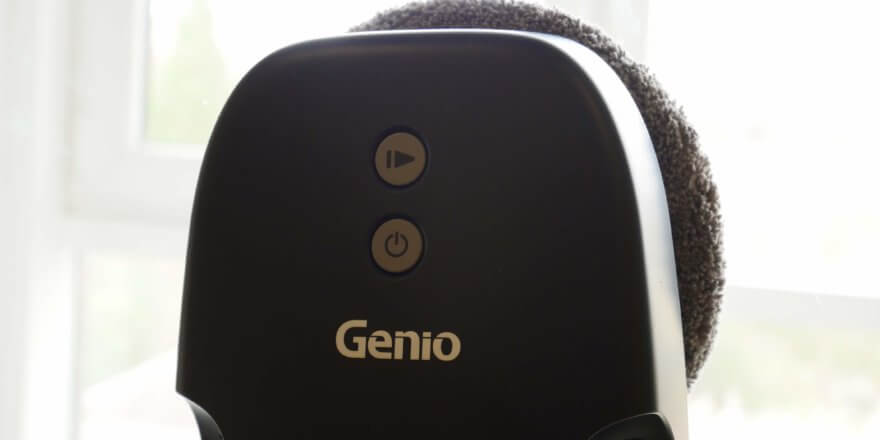
Now let's take a look at the Genio Windy W200's design. The robot is finished in black, matte plastic. On top, you'll find the company logo and two control buttons: power on/off and start/pause.
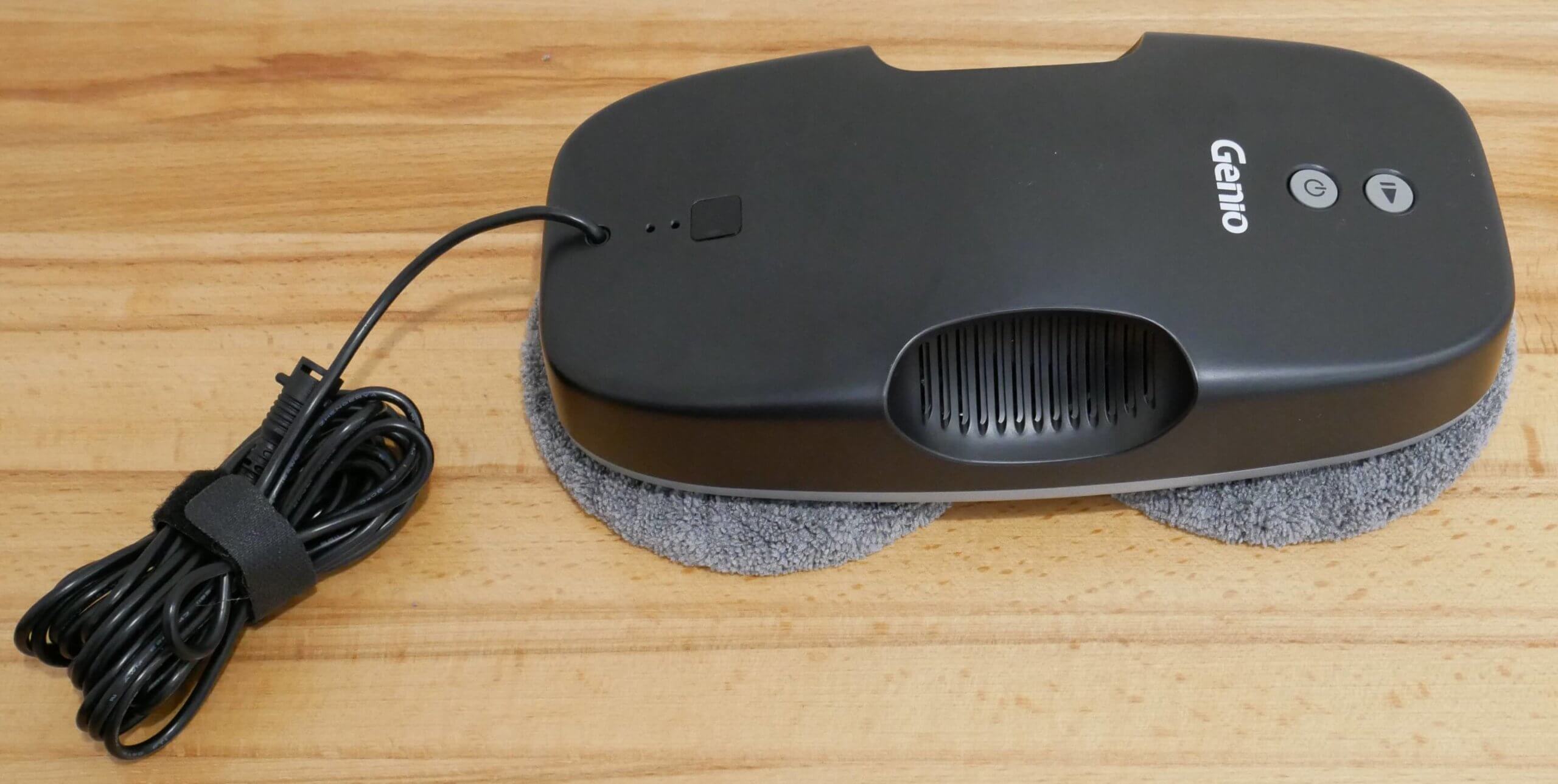
Top view
The robot's body is recessed for easy gripping when positioned on a window. These recesses also house the exhaust vents for the motor, which suctions the body to the surface.
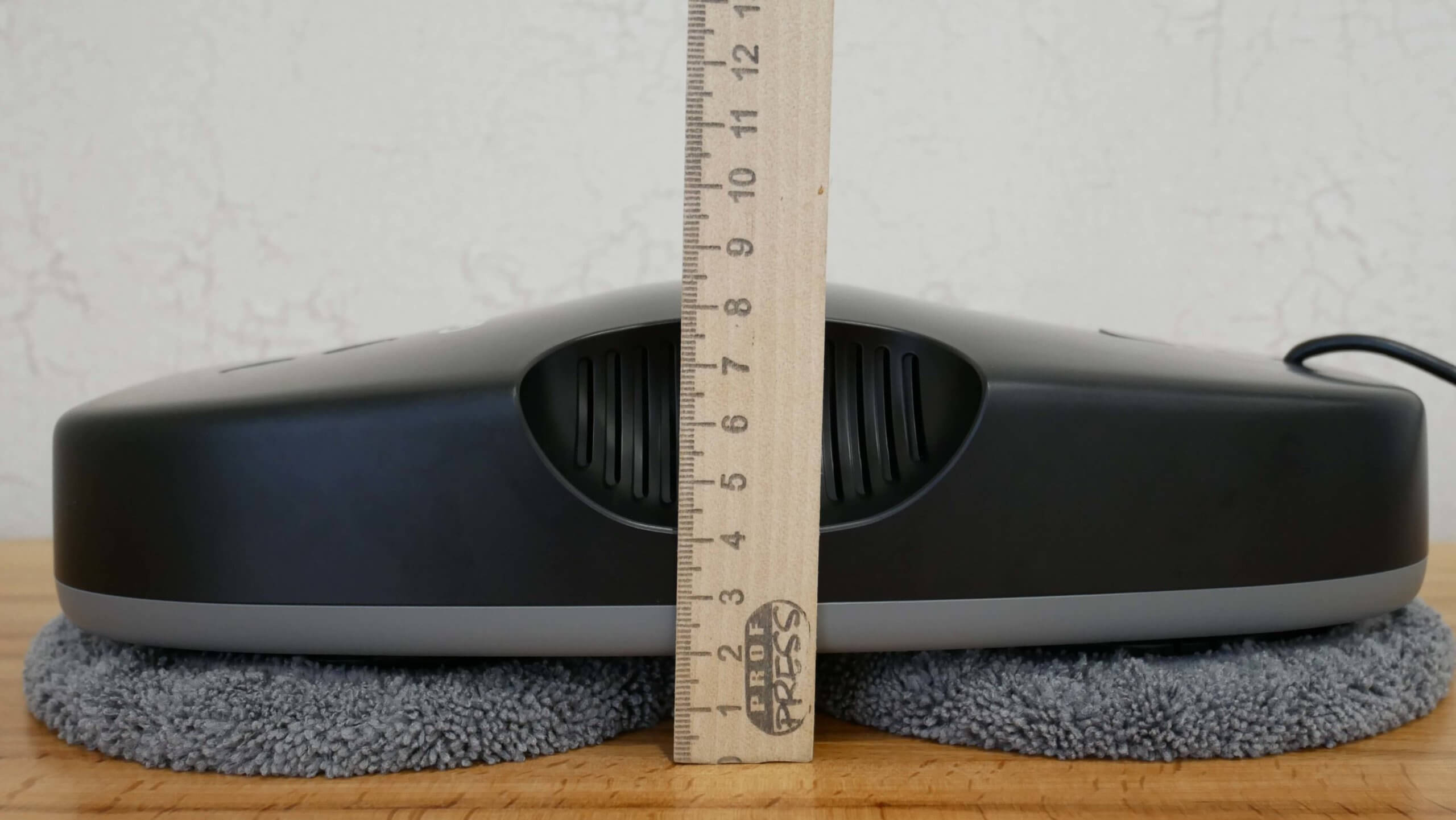
Body height
Additionally, the robot's status indicators are located on the top of the body. Next to them, you can see the connected cord, which is not detachable from the robot.
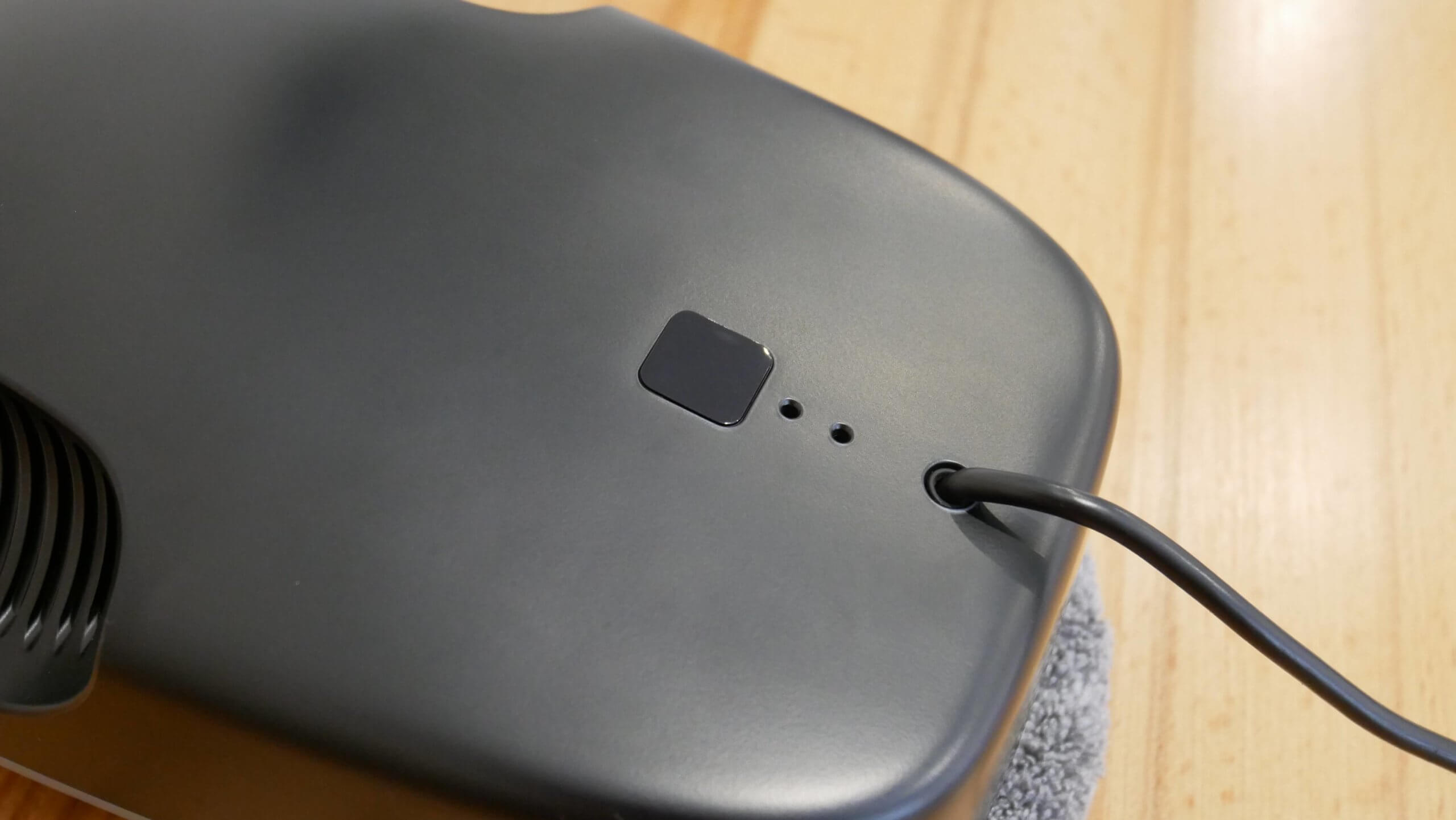
Indicators
On the back are two rotating round platforms. They hold rings with cleaning cloths. The robot's status indicators are also located on the underside. Around the perimeter, you can see sensors that help the Genio Windy W200 navigate its surroundings.
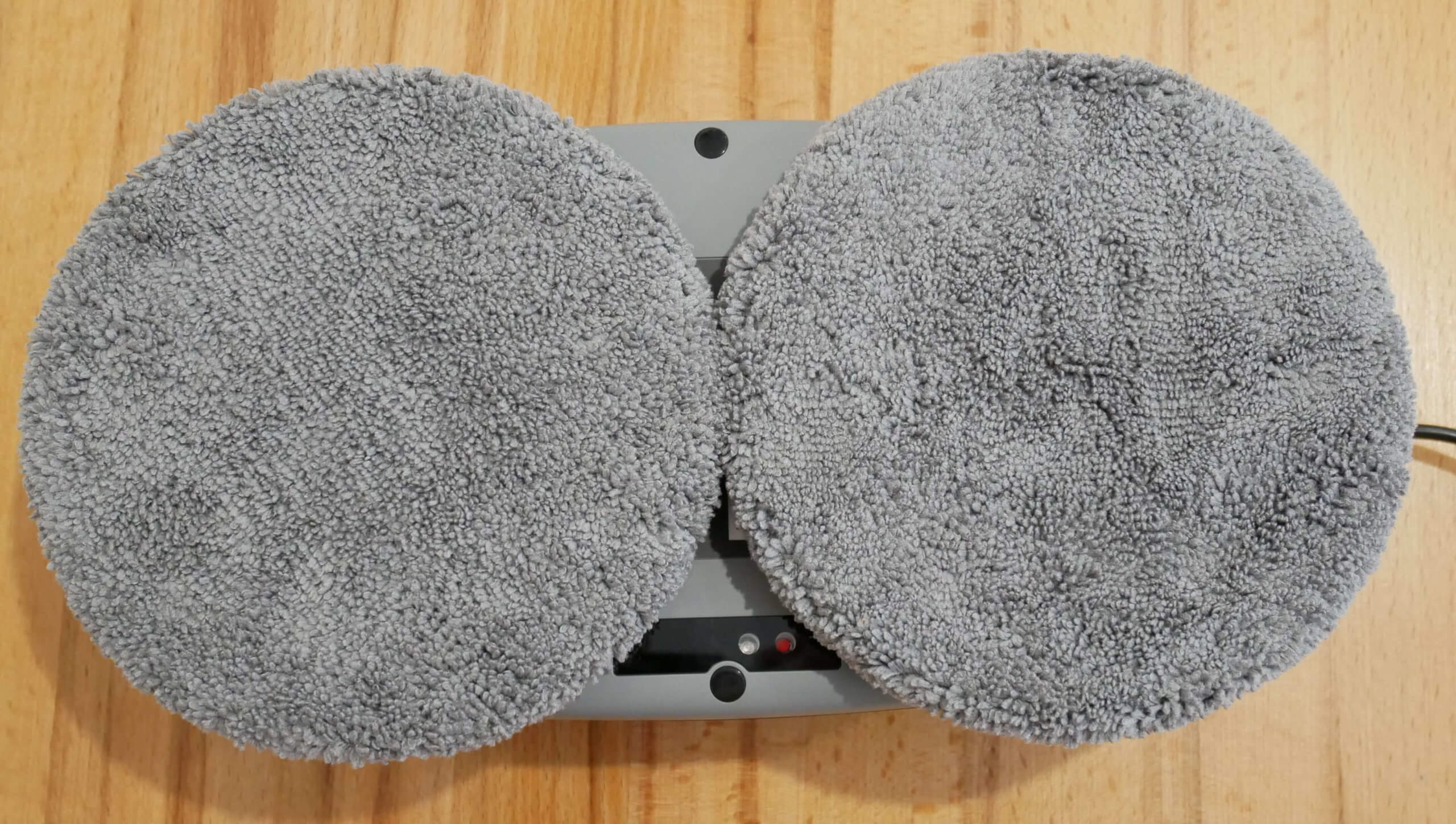
Bottom view with napkins
The rings are attached to the platforms like this. We place the napkins on them.
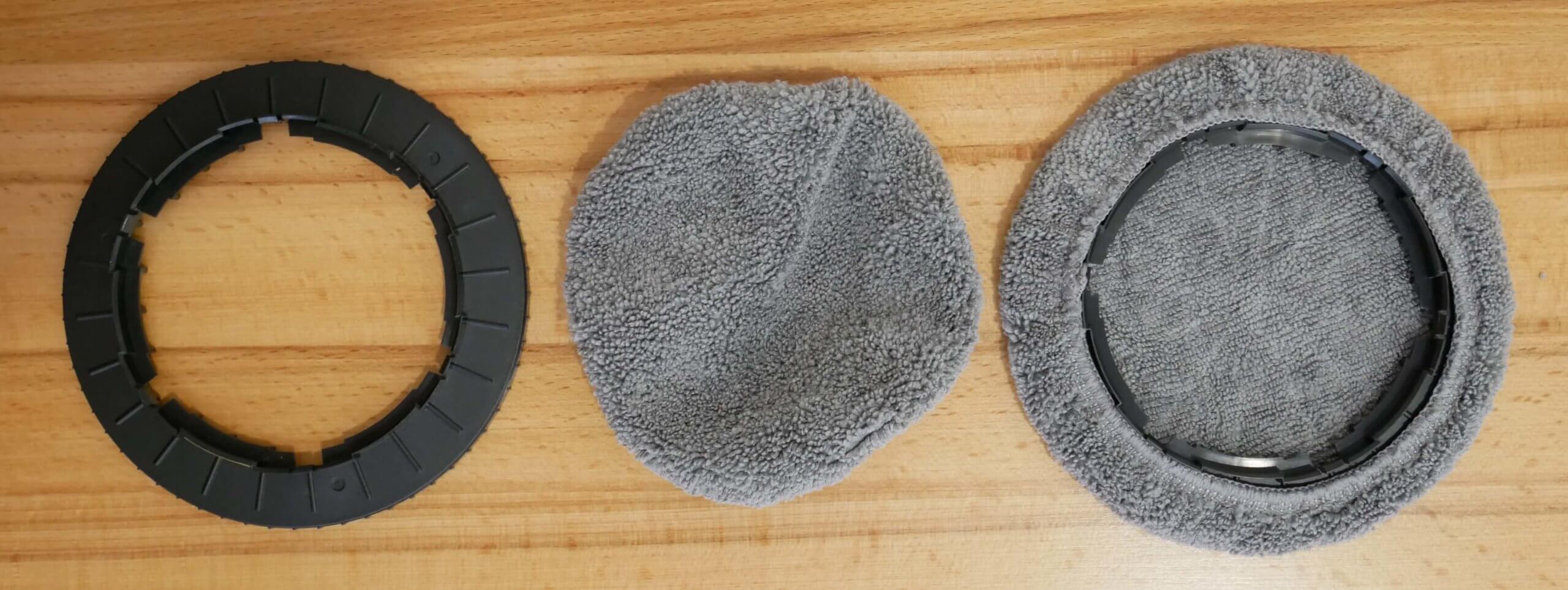
Installing the napkin
This hole is used to attach the safety tether to the robot. Next, I'll show you how to properly attach the tether to prevent the Genio Windy W200 from falling from a height.
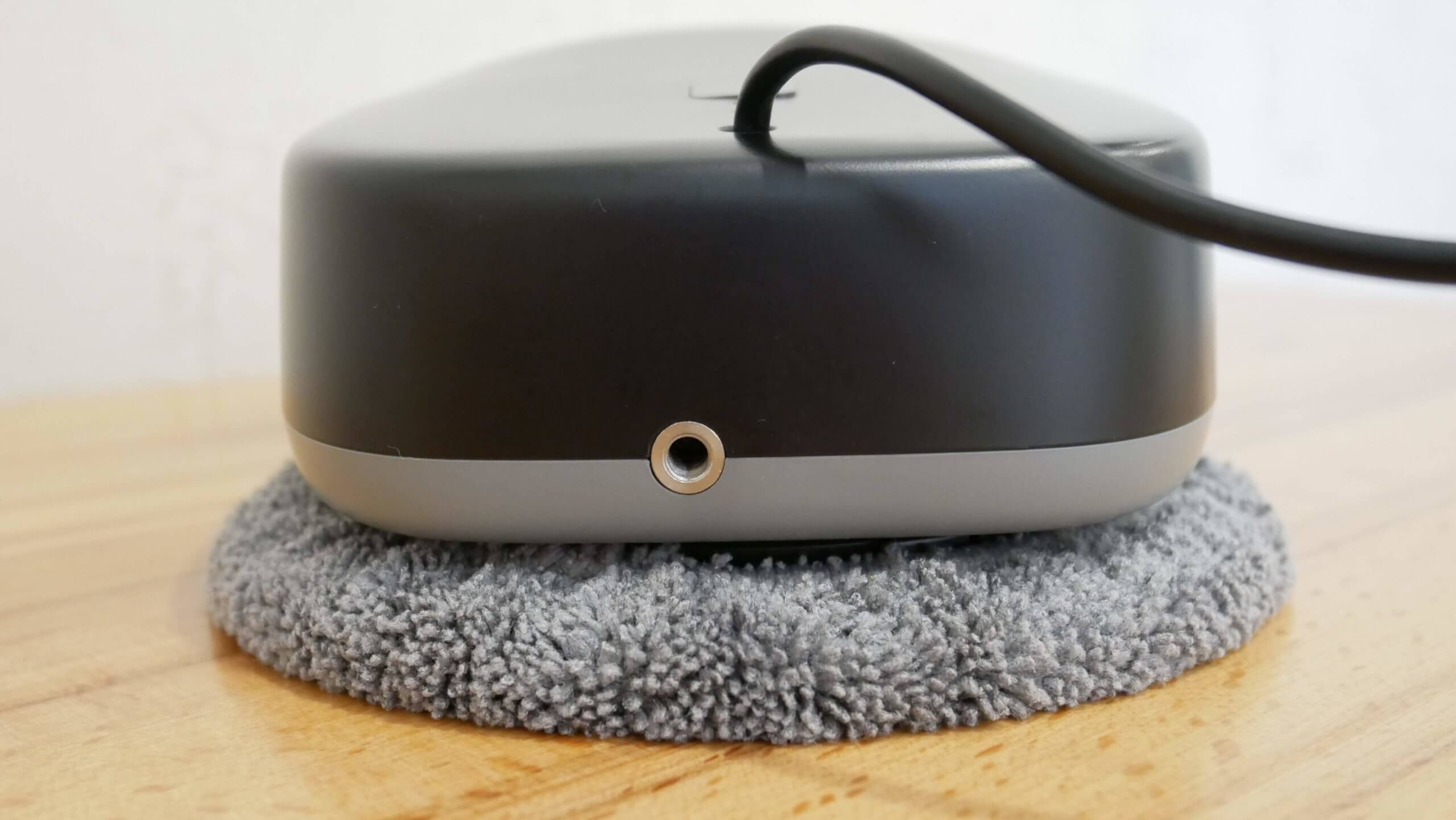
Connector for attaching insurance
Overall, this robotic window cleaner has a quite attractive design and above-average build quality. Its compact body, just 85 mm, is also noteworthy. This makes it suitable for use on windows protected by bars.
Technical specifications
The main characteristics of the Genio Windy W200, as stated by the manufacturer:
- Battery capacity: 650 mAh
- Battery life: 20 min.
- Suction power from 2600 to 3400 Pa.
- Cleaning speed up to 1 m2 in 3 min.
- Dimensions: 375x315x85 mm.
- Weight: 1.14 kg.
Functional capabilities
Let's move on to an overview of the Genio Windy W200's features. This robotic window cleaner is controlled via a remote control. It features manual control, a start/pause button, three motion modes, and the option to select single or double sweeps across the entire cleaning area.
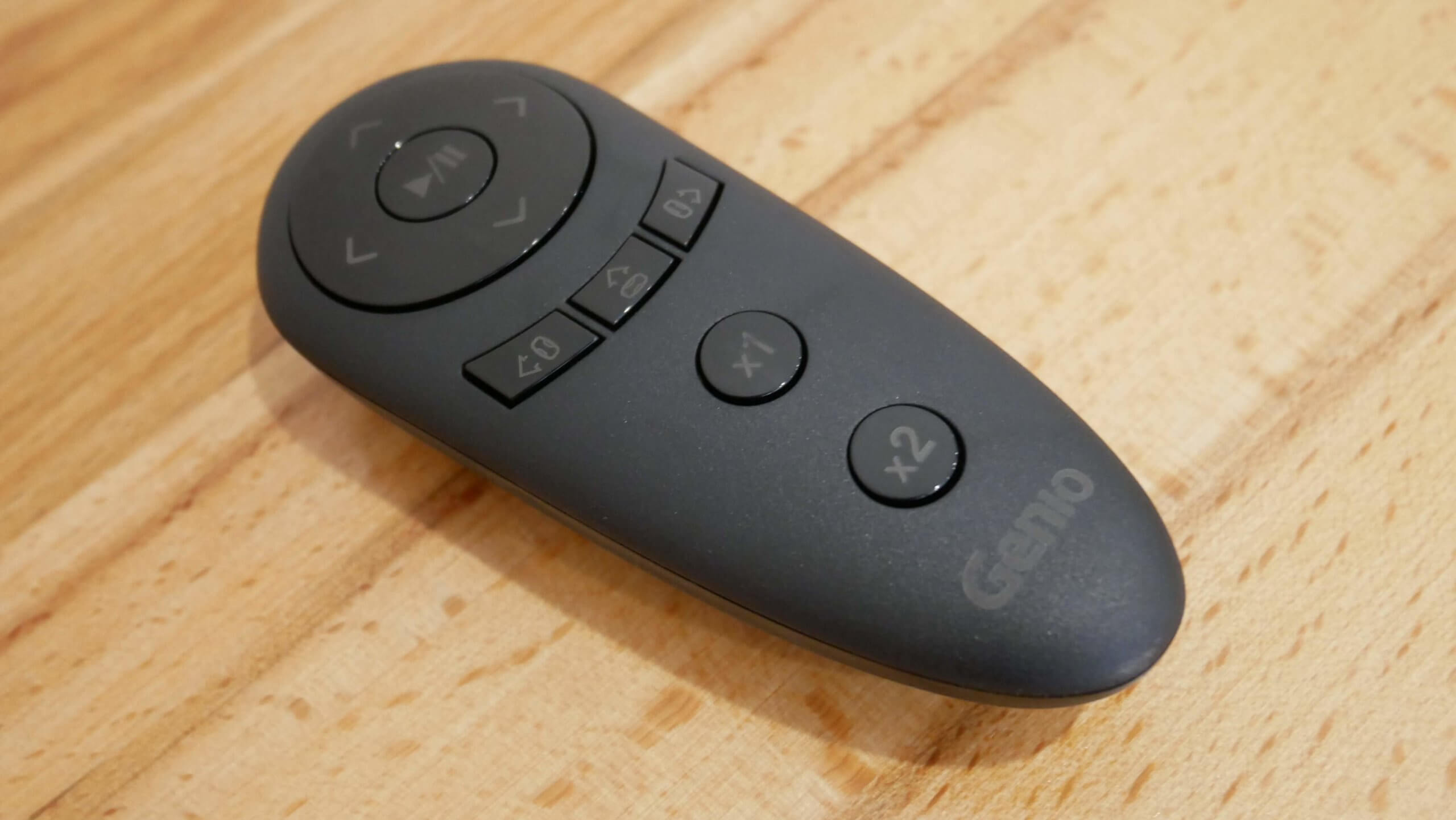
Remote controller
There's no additional smartphone control. However, it's unlikely to be very useful, as you'll still have to be close to the robot to start it or remove it from the window. You wouldn't want to start such a device remotely from your smartphone. Otherwise, the functionality is quite standard for this type of equipment.
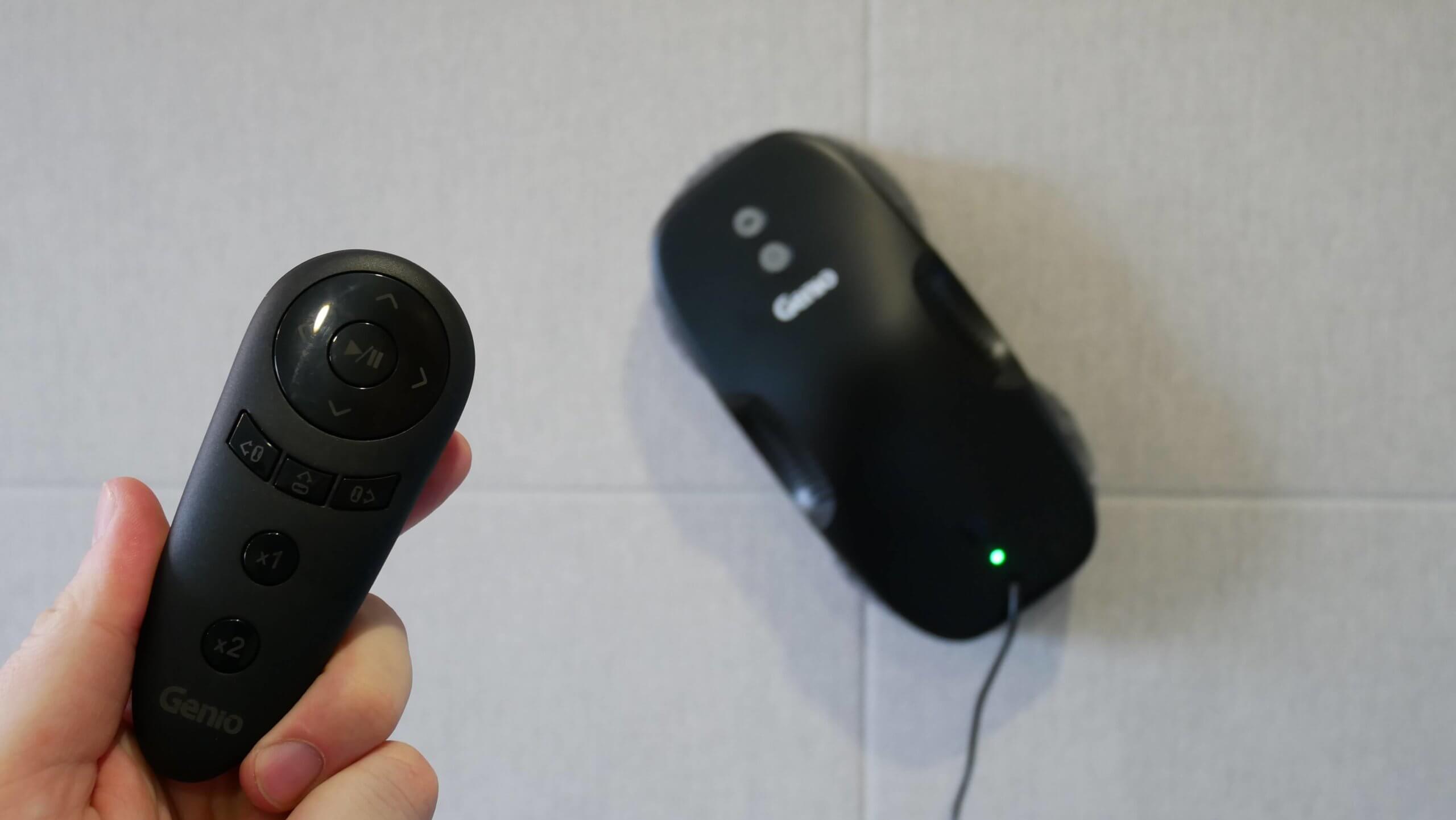
Control
Getting ready for work
Before we begin testing, I'll show you how to prepare the Genio Windy W200 for use. First, connect the window cleaning robot to the power outlet. Connect the power cord from the robot itself to the power adapter, and then connect another cord from the power adapter to a power outlet. The next step is attaching the safety cord. Screw the screw on the safety cord into the robot itself until it stops, and secure the other end with a carabiner to a stationary object that can support the robot's weight if it falls. The best option is a radiator under a window or the leg of a cabinet or bed.
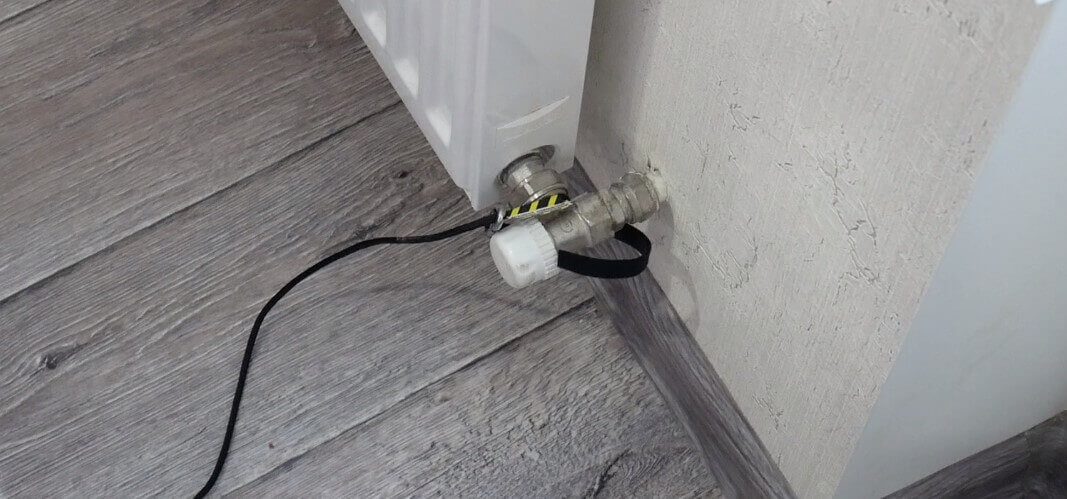
Attaching the safety device to the radiator
After this, apply a small amount of window cleaning fluid or at least water to the cleaning wipes. Avoid over-wetting the wipes, as this will cause the robot to slip across the window or prevent it from working at all. Find the optimal level of wetness through trial and error.
Well, after completing all the described steps, you can install the robot on the window.
Testing
A detailed test has already been prepared in video format. We recommend watching our video:
Let's move on to the tests. First, let's check how the Genio Windy W200 cleans a window from the outside. We ran it on a dirty window and then compared the condition of the adjacent dirty window with the one we'd run the robot on.
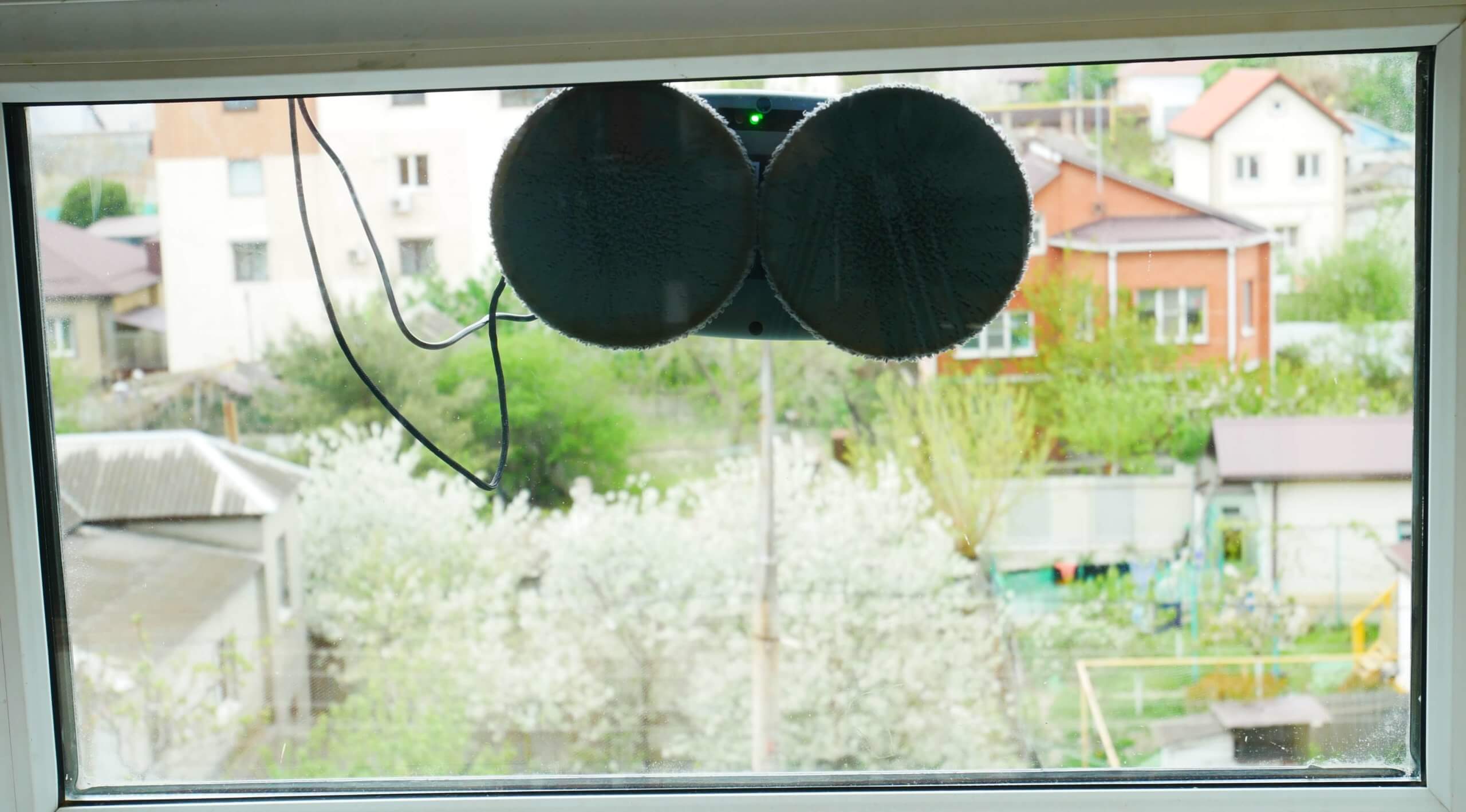
Washing a small window
And you see that the difference is significant:

Clean and dirty window
Genio Windy W200 cleaned the window from dust and a small amount of dirt after the winter period.
On a larger window, he also completed the task without any problems:
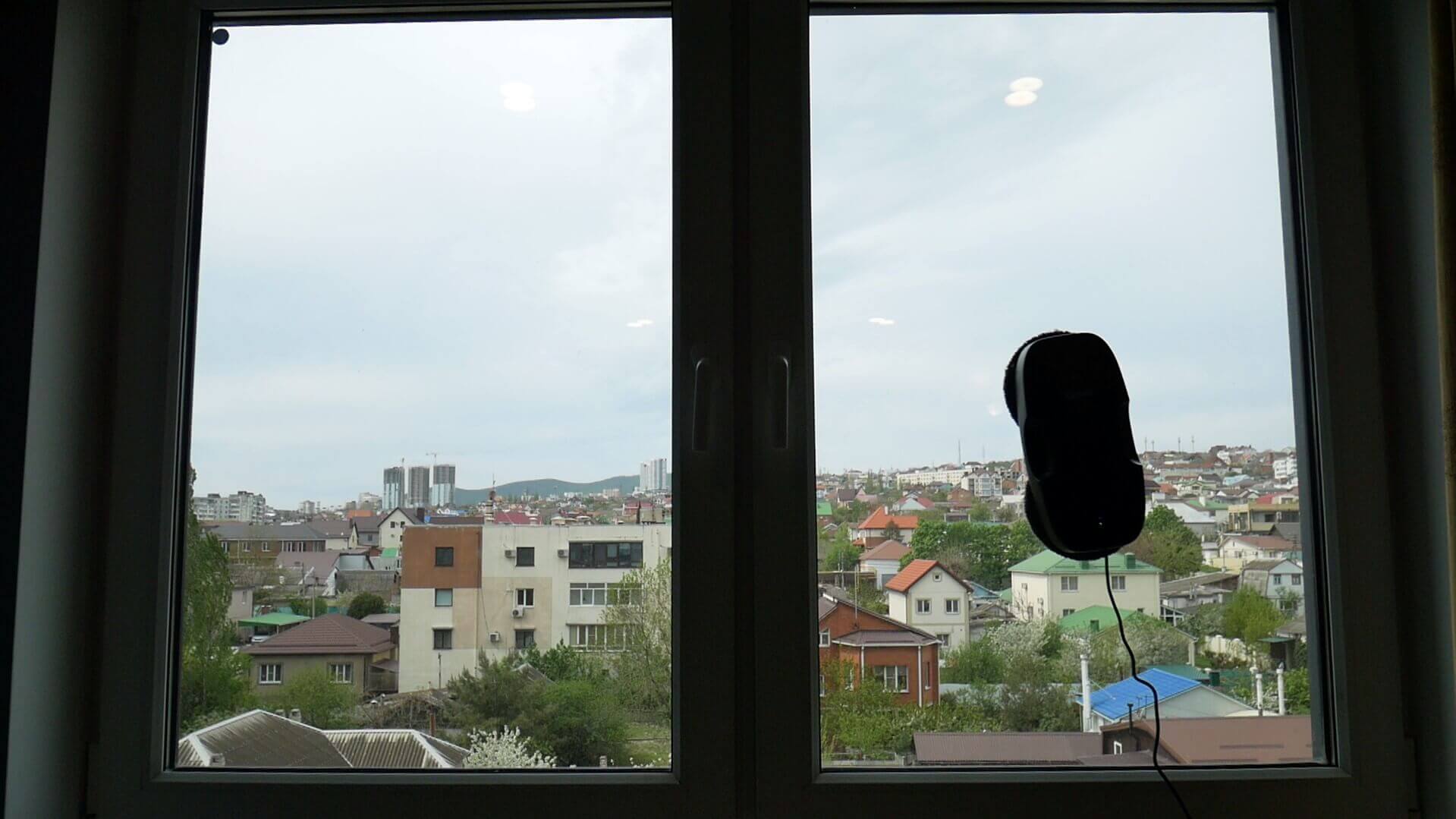
Washing a medium-sized window
We also deployed the robot on one of the blind bays of the glassed-in balcony. You can clearly compare its effectiveness with the adjacent, dirty bay.
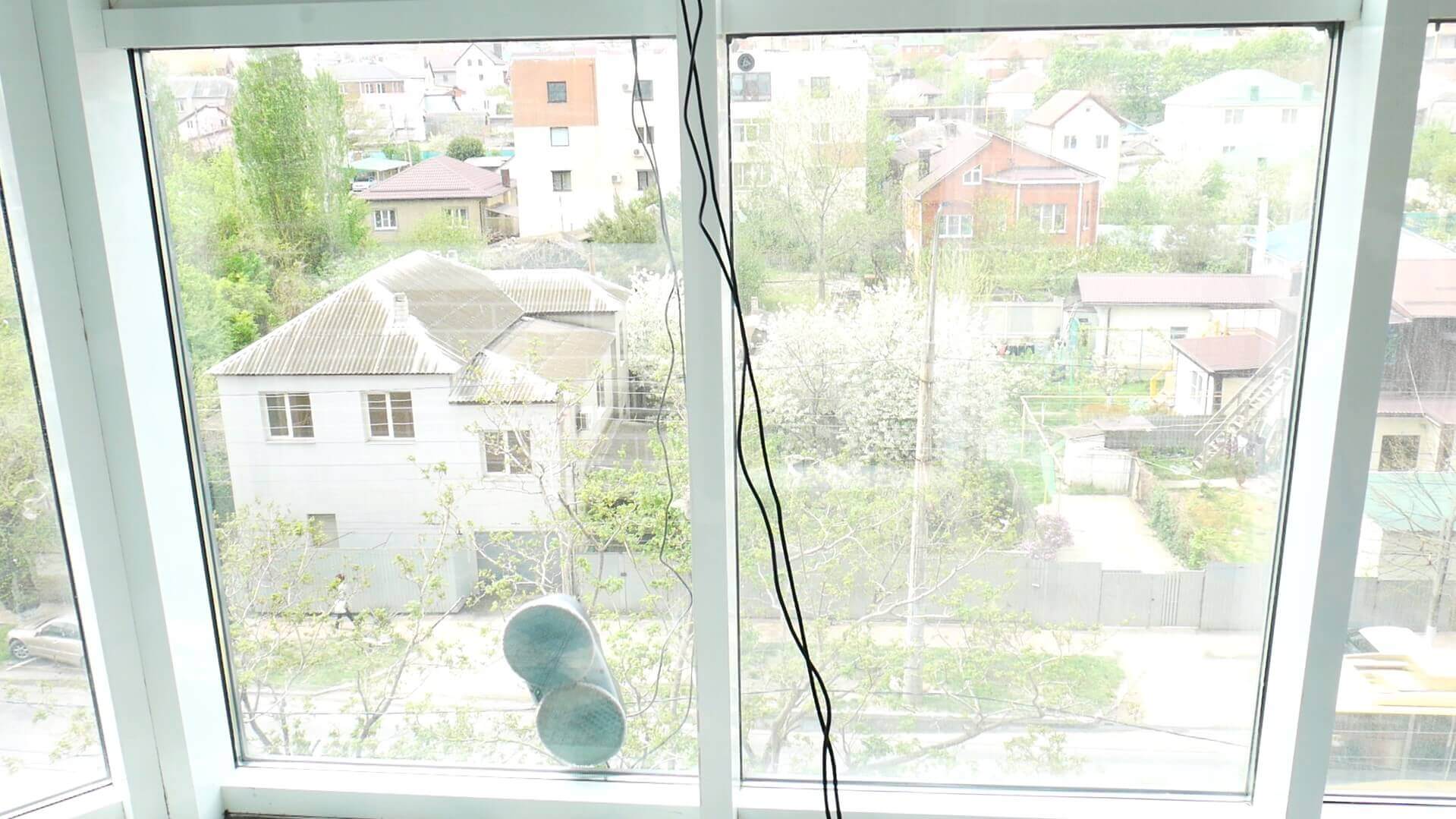
Washing a glazed balcony
The only criticism I have about the Genio Windy W200 is that, like all other robotic window cleaners on the market, it's unable to clean dirt in corners due to the design of its cleaning module. Otherwise, its window cleaning performance is comparable to other similar products. You can judge the condition of the cleaning cloths for yourself after testing:
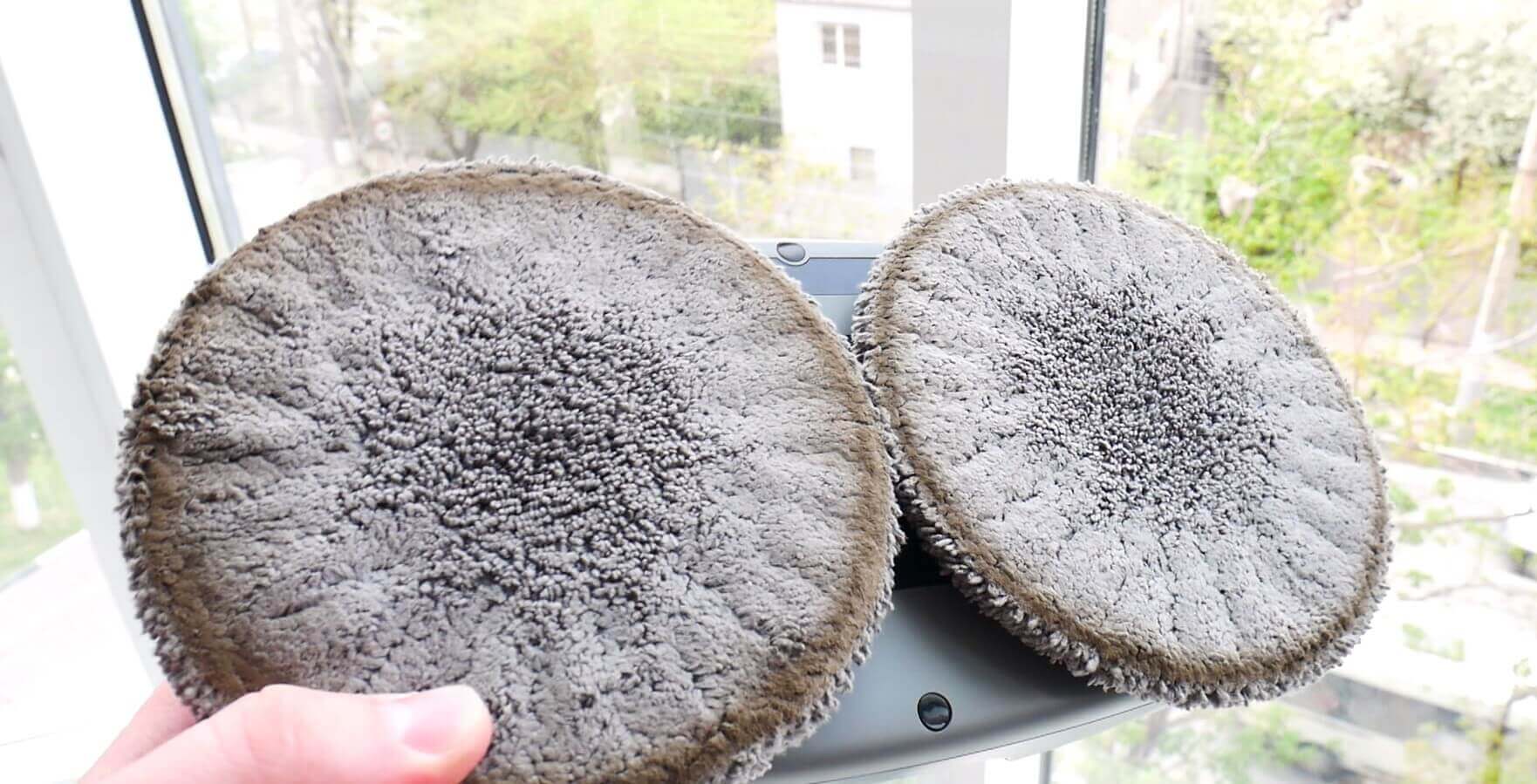
Condition of napkins
Additionally, the Genio Windy W200 can be used not only on windows but also on any other hard surfaces, such as tiled walls. It's especially useful where walls and ceilings meet, where it's hard to reach.
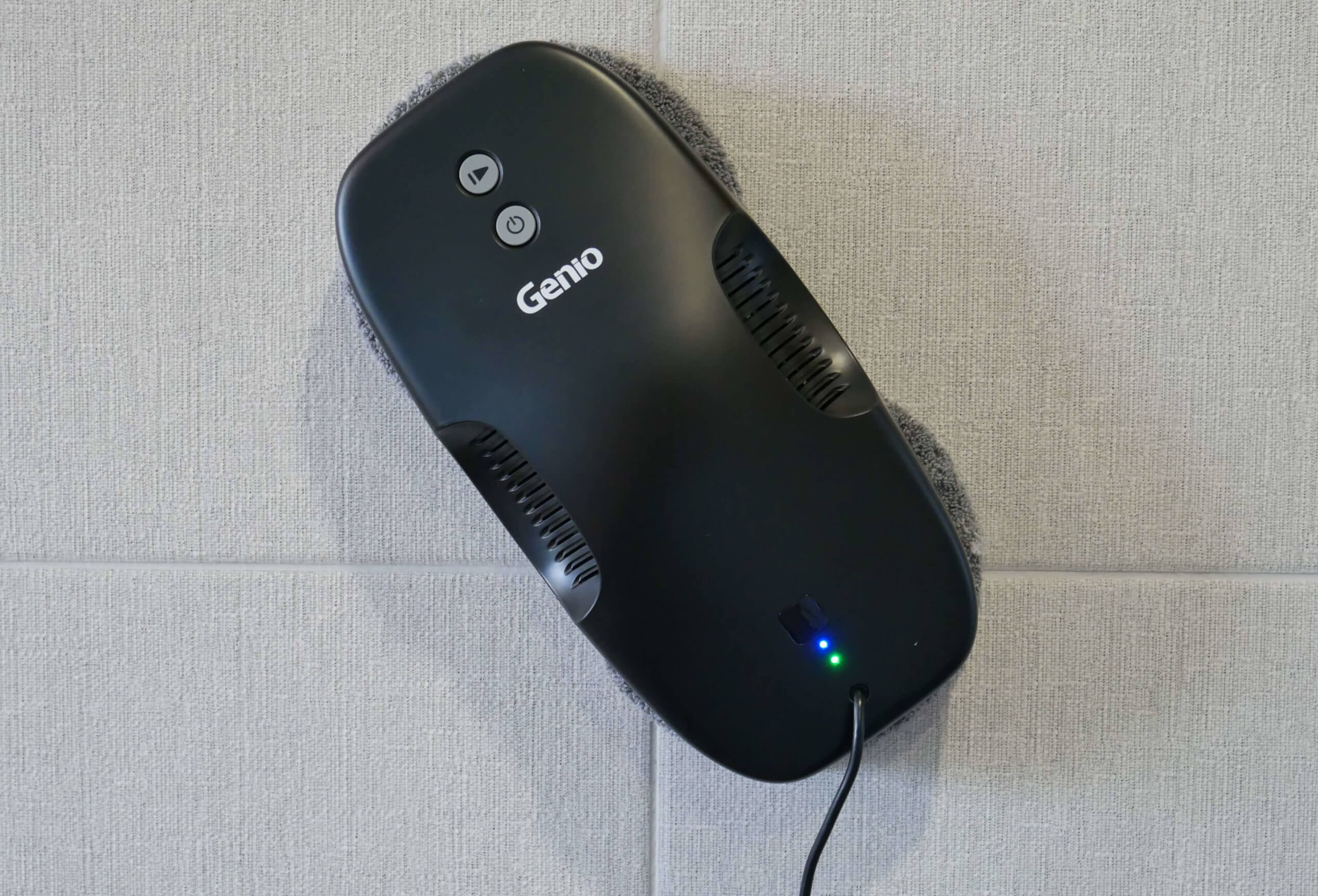
Washing tiles
Besides vertical surfaces, the Genio Windy W200 can also work on horizontal surfaces. Perhaps you'll find a use for it there, too.
Finally, I'll talk about emergency mode during a power outage. If the power goes out in your apartment or you accidentally trip a wire and pull the plug, the robot can operate in emergency mode for up to 20 minutes. During this time, it will beep and the indicator light will flash red. This will allow you to quickly detect the problem and remove the robot from the window.
Let's sum it up
The Genio Windy W200 has finally been reviewed. Our testing revealed no critical comments or shortcomings. It's compact, lightweight, and gets the job done. In our opinion, the device is worth the money and definitely worth considering. Furthermore, the model is versatile and can be used on surfaces of various textures and sizes, including horizontal ones.
Let us repeat that the only small remark is that this robot is not able to clean corners completely, like all the others window cleaning robotsWell, there are no other complaints about this model specifically.
If you have any questions, please ask them in the comments below. Happy shopping, everyone!
Good afternoon! Where can I buy this robot? What country is it from? I can't find it on Amazon or AliExpress. Thank you!
Good afternoon! Genio sells its products throughout the Russian Federation. There are many options available online.
Why does it slow down on narrow windows up to 50 cm?
Well, that's how his navigation works.
Hello! What is the disc diameter of this wonderful assistant? Thank you.