Smart Modes in Robot Vacuums: Useful or Just Hype? A Review of CleanGenius, SmartPlan, and Other Solutions
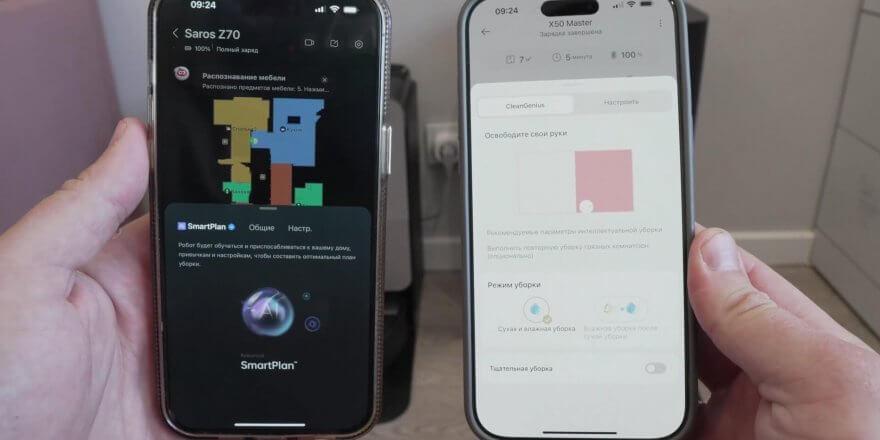
By 2025, almost every self-respecting brand has already implemented so-called smart or intelligent cleaning modes in their robot vacuums. So in this review, I'll tell you whether these AI-powered innovations from brands are truly useful for the home or just marketing hype. I'll explain in detail, based on personal experience, and with illustrative examples. So, let's get started!
I decided to test the smart modes on the top-end models of the new robot vacuums. Specifically, the Roborock S9 MaxV Ultra, Dreame X50 Master, Ecovacs Deebot X8 PRO Plus, and 3i P10 Ultra. These are SmartPlan, CleanGenius, Smart Hosting, and AI Auto, respectively. I'll share my observations and the results I obtained.
The video is already ready and published on the channel:
Branded mode SmartPlan by RoborockThe robot vacuum cleaner cleaned my apartment using its usual pattern: around the perimeter, then in a serpentine pattern. In the walk-in closet, the smallest room on the map, the robot decided to walk in a crisscross pattern. After cleaning, the reports displayed statistics, namely the area cleaned, the time spent, and the number of wiper washes at the station. But these statistics are also displayed in the standard modes. What was added was a section with a map of uncleaned zones and color-coded zones based on soiling levels. I can't say the new statistics are particularly helpful. The selected power level isn't displayed on the control panel, meaning I can't determine which mode the robot chose to clean in, nor did it appear in the statistics after cleaning.
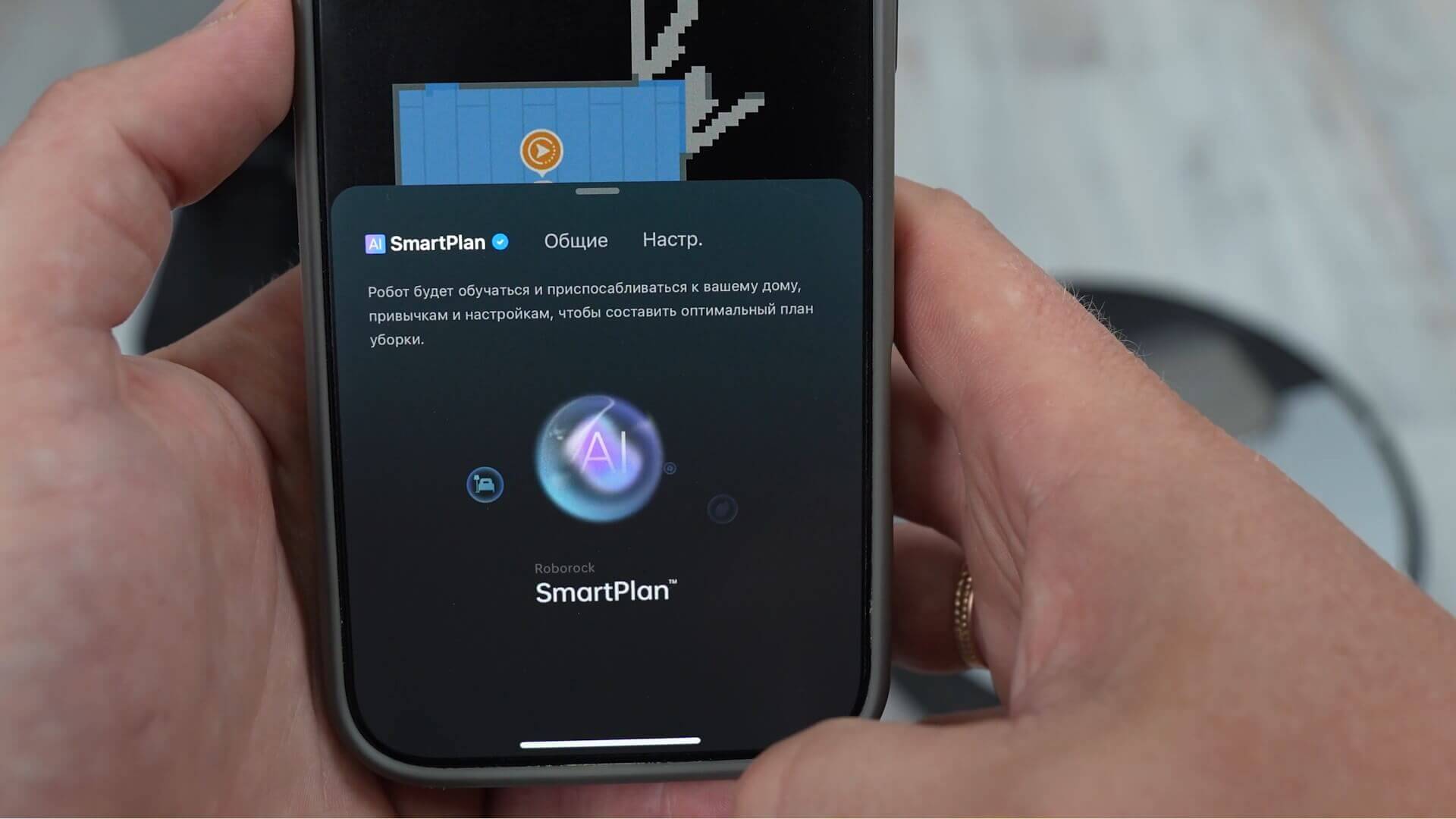
SmartPlan by Roborock
An interesting observation: in Smart mode, the robot used 23% of the battery charge. The same area at maximum power drained 35% of the battery. It can be concluded that the robot wasn't cleaning at its maximum power.
Moving on, the next smart mode is CleanGenius by DreameI'll be testing it on the flagship Dreame X50 Master. In Smart mode, the robot vacuum cleaned the entire available area, using 39% of its battery charge, cleaning 39 square meters in 45 minutes. At maximum power, it used 44% of its battery charge. Consequently, in Smart mode, the suction power in my case was practically at its maximum.
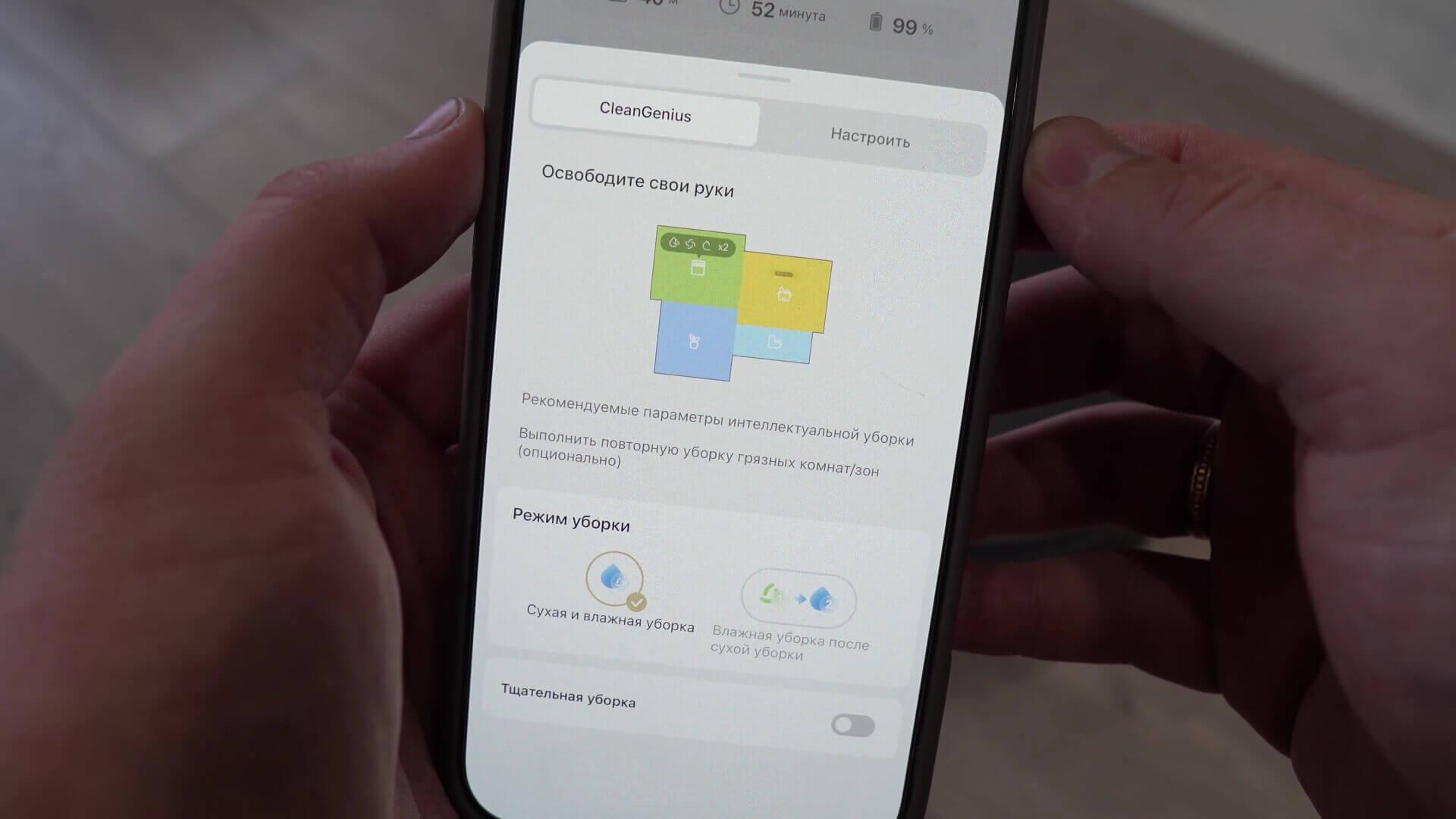
CleanGenius by Dreame
The cleaning statistics display the area and time spent cleaning, as well as a section showing uncleaned and cleaned areas, as well as areas with increased soiling. Even though the floor was visually identical before cleaning, the algorithms showed varying soiling levels in different rooms. A suggestion is also made to restart cleaning the dirtiest areas. Interestingly, Clean Genius mode now includes a feature for thoroughly cleaning the floor while simultaneously dry and wet mopping. With standard settings, this feature is only available in floor mopping mode, and when dry and wet mopping, the robot can only clean using the standard snake pattern. This is more of a brand feature limitation than a demonstration of intelligent cleaning in Smart mode.
Now I'll tell you about Smart Hosting from Ecovacs Using the Deebot X8 Pro Plus as an example, the robot vacuum used 41% of its battery in Smart mode, and 68% at maximum power. In both cases, the cleaning pattern was standard: perimeter and serpentine. This means it wasn't working at full power. The statistics show the area cleaned and the time spent. The map shows the dirtiness level of each room. In my case, all the rooms were clean, and the increased dirtiness level was indicated on the carpet, which is logical.
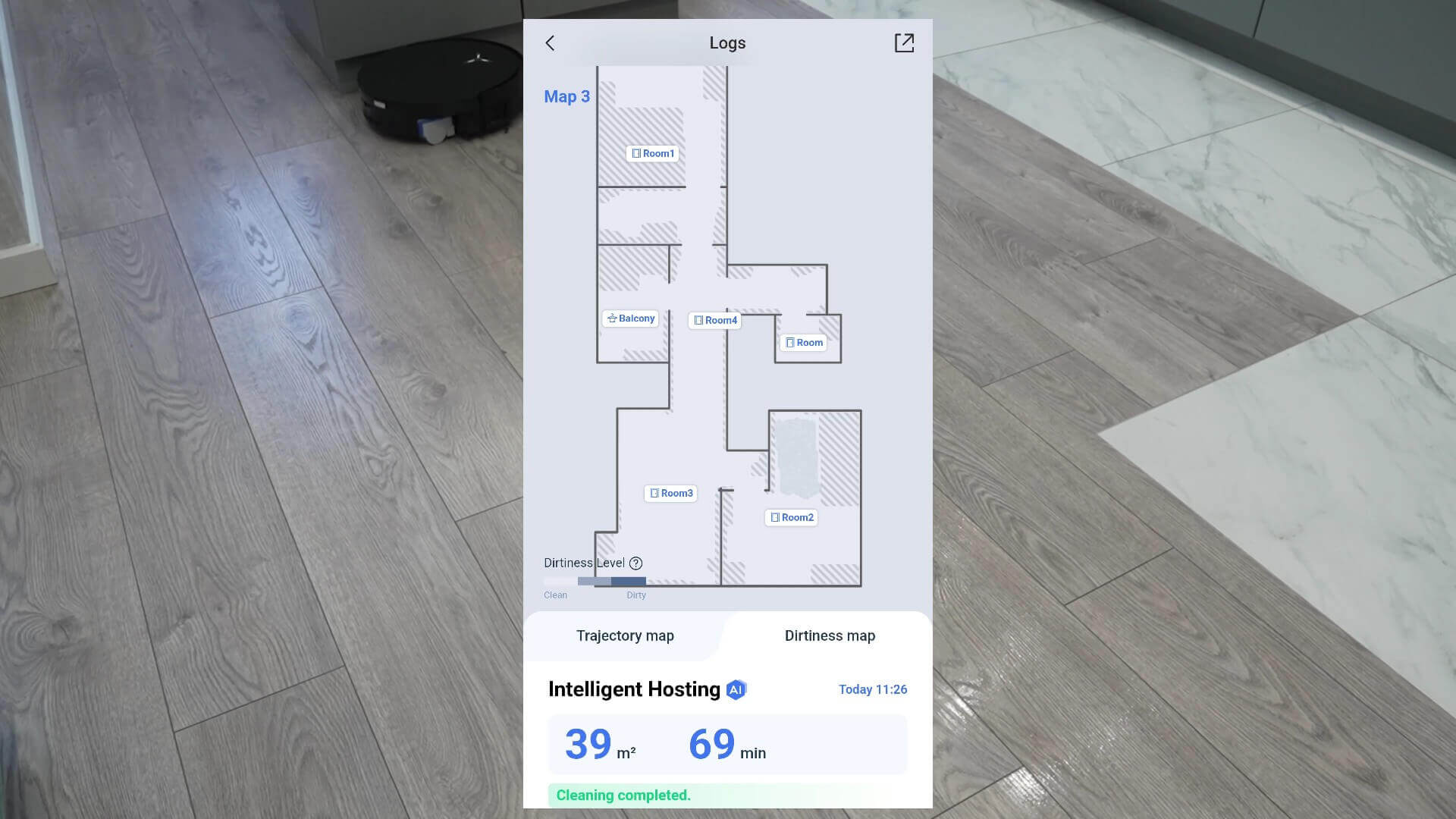
Smart Hosting from Ecovacs
Well, the last of the tested modes is – AI auto from 3i roboticsIn Smart mode, the robot vacuum used 20% of its battery. There were no double passes, just a standard serpentine pattern with a preliminary perimeter sweep. At full power, the robot used 27% of its battery. This means it wasn't working at full power in Smart mode. There are no additional statistics in the app. It only states that AI-powered Smart Cleaning can enable floor type recognition, dirt detection, and pet area cleaning, where suction power is increased.
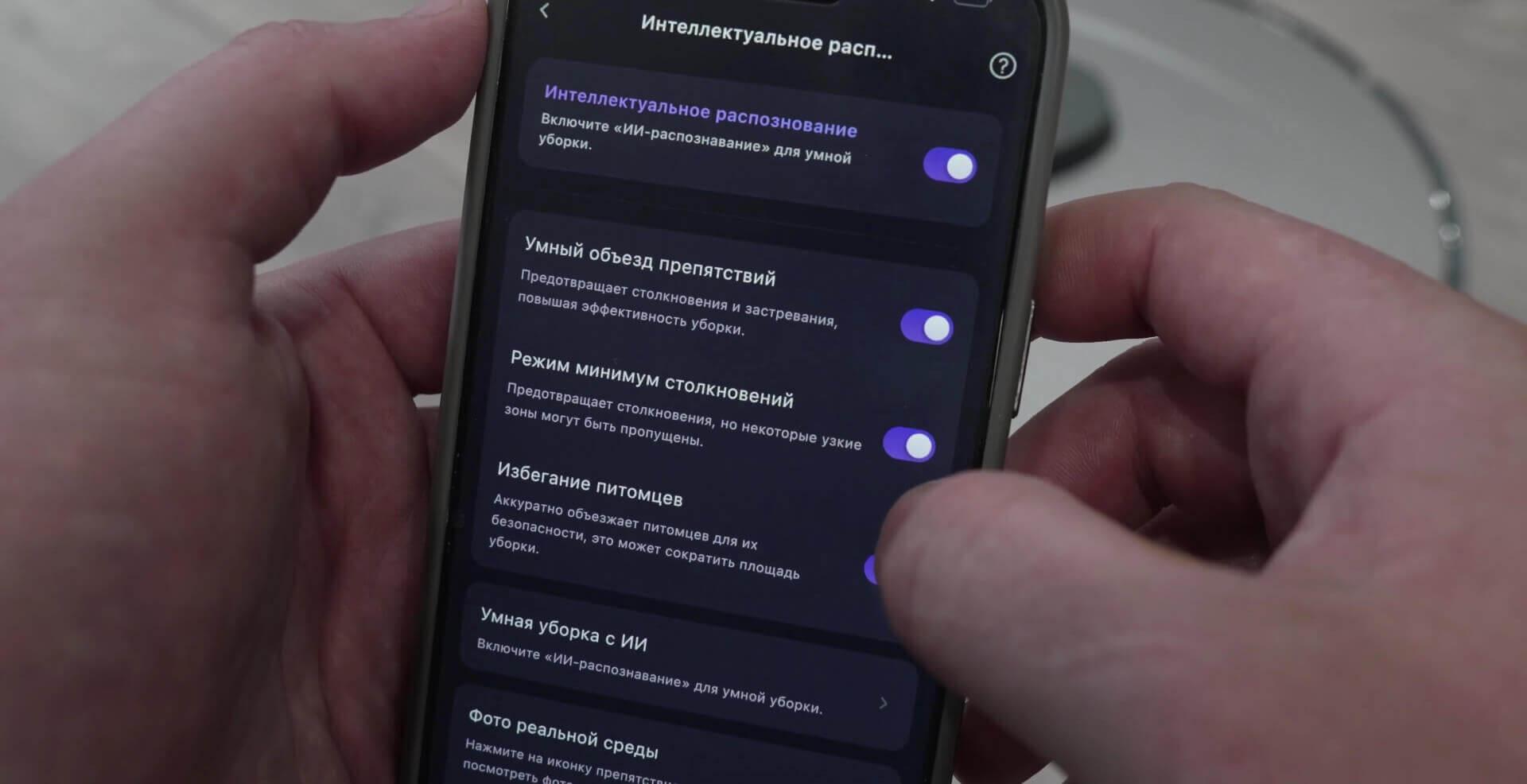
AI auto from 3i robotics
What's the bottom line? In my opinion, the smart modes implemented at the time of this comparative test, which was July 2025, are more of a marketing gimmick than anything truly useful. In all cases, there's no way to monitor the power level or water flow. There's no way to influence anything. Moreover, judging by numerous online reviews, robots can behave inappropriately in smart mode, or at least not as expected: they don't clean some rooms, they avoid others as if they were obstacles, and they can increase or decrease power on a clean, hard floor.
I honestly don't understand why smart modes are even necessary when all modern robots have a custom mode, allowing you to flexibly customize cleaning parameters for each room, taking into account the type of flooring, the direction of the flooring, the presence of cows, and so on. This means you can specify which areas the robot should vacuum only, which areas it should only mop, which areas it should pass twice, and which areas it should pass once, and so on. Once you've configured the parameters in custom mode this way, you can more effectively and efficiently replace any existing smart mode.
But if the manufacturer implements some kind of intelligent, useful functions in Smart Mode that are not available in the standard settings, this is rather an absurd reduction in functionality that could have been there anyway.
So, that's how it works for now, at least in my experience. If you have your own observations, positive experiences with smart modes, or any comments, I'd love to hear everyone's thoughts in the comments. That's all from me. Thank you for your attention, and happy shopping. Bye!