
Genio Laser L800: A Robot Vacuum Cleaner with 5G Wi-Fi
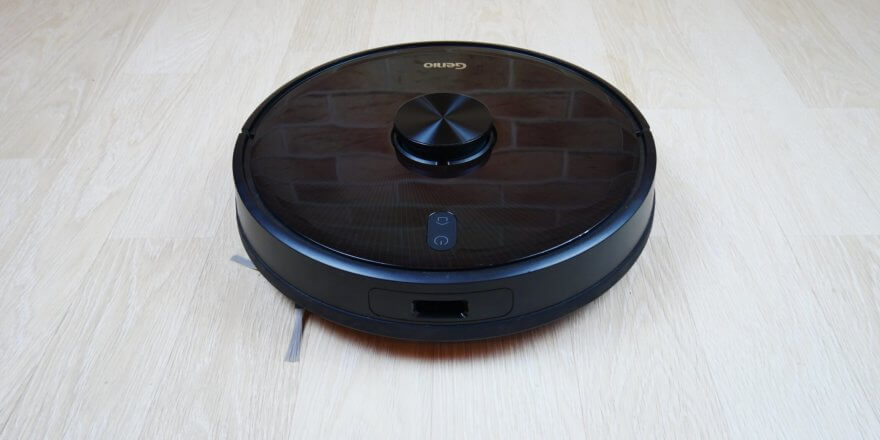
Greetings to all readers! We've received a new product from the popular company Genio for review, the 2020 flagship—the Genio Laser L800. The robot costs $350 at the time of writing, placing it in the premium segment. This robot vacuum cleaner is equipped with lidar for navigation, is suitable for both dry and wet cleaning, and is controlled by both the remote control and a mobile app, all while boasting a full suite of advanced features. The Genio Laser L800 also boasts several unique features compared to its competitors. I'll tell you all about them later, following a detailed review and testing of the new product. So, let's get started!
Equipment
First of all, let's show you what's included with this model.
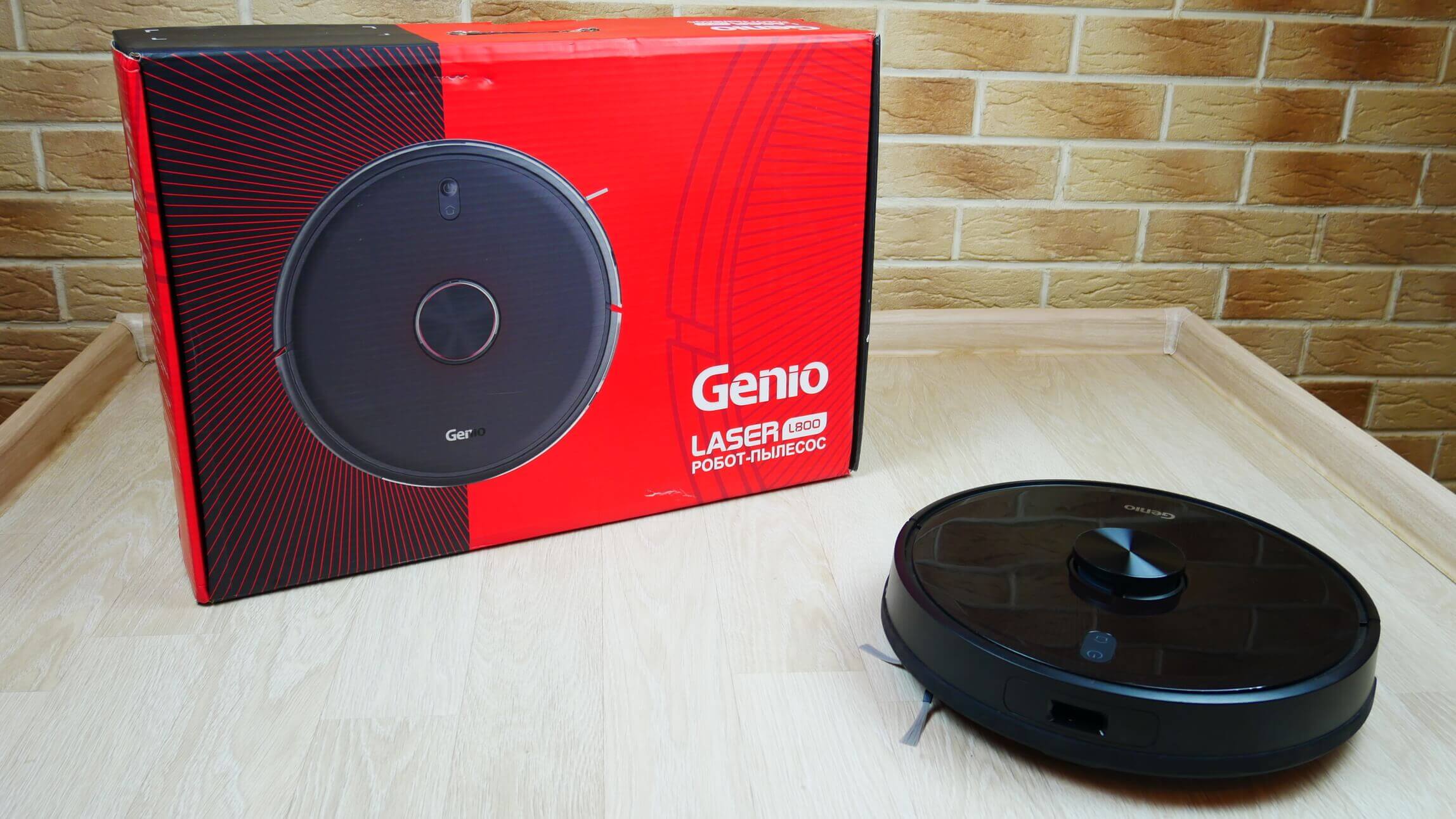
Box
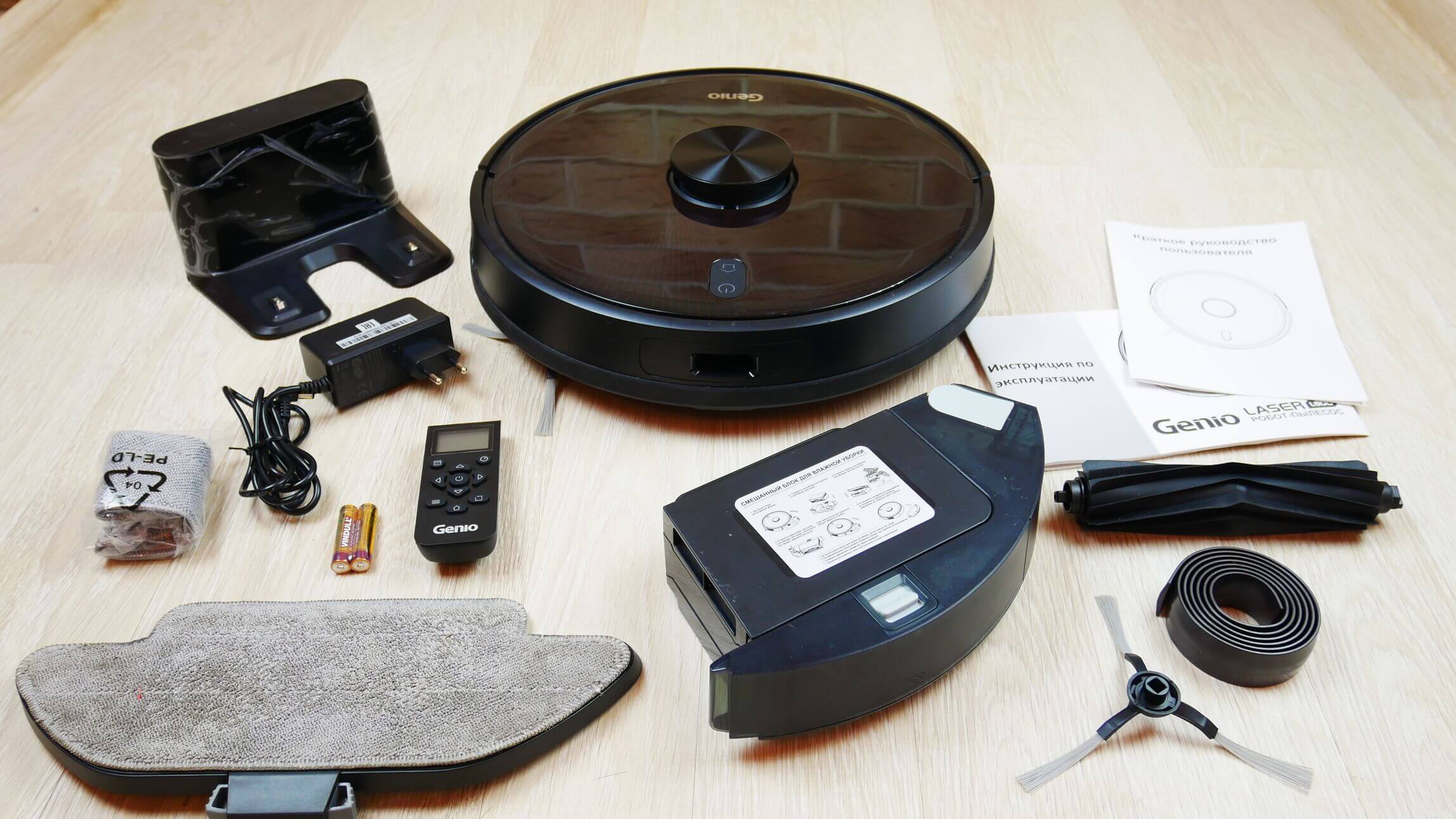
In addition to the robot vacuum cleaner with the dust collector installed, the box contains:
- Charging base with a separate compartment for storing excess cable.
- Power adapter for connecting the base to the network.
- Quick start guide and operating instructions (all documentation in Russian).
- Remote control with power supply elements.
- Separate combined container for water and waste.
- Nozzle with attached microfiber cloth.
- Spare microfiber cloth.
- Replaceable central silicone brush.
- Magnetic tape.
- Spare side brush.
Genio package
The kit is nearly complete. All necessary consumables and accessories are included. The only thing missing is a spare HEPA filter.
Appearance
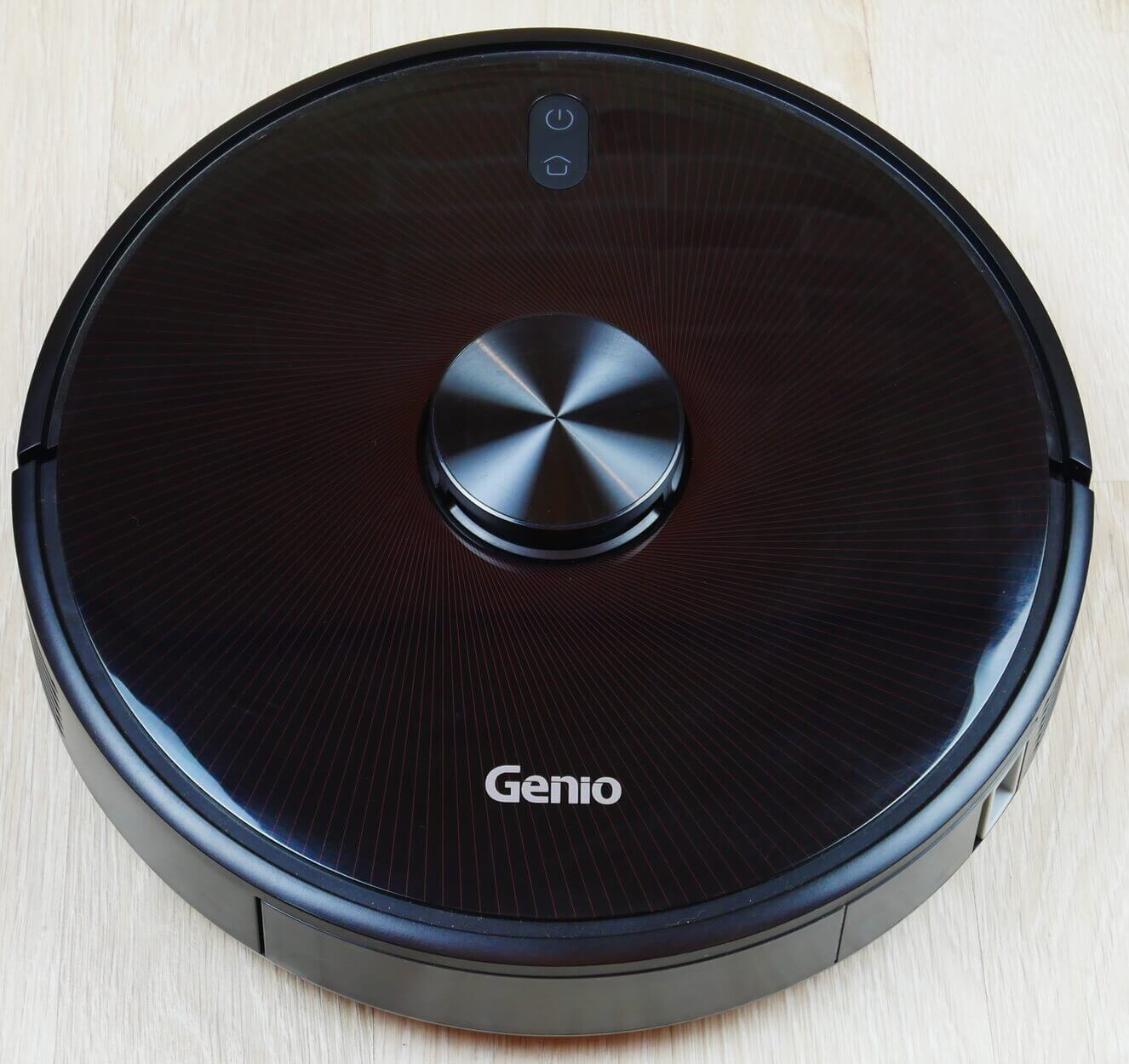
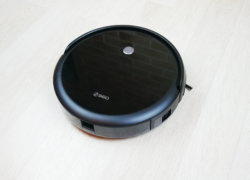
Now let's take a closer look at the Genio Laser L800's design. A lidar sensor is mounted on the top, responsible for the robot's navigation and room mapping. On the top panel, we see two mechanical control buttons: start/pause and forced return to the base for charging.
Top view
The dust container is removable from the rear; we'll discuss it later. On the mechanical bumper, we see a wall sensor on the side and an obstacle proximity sensor on the front.
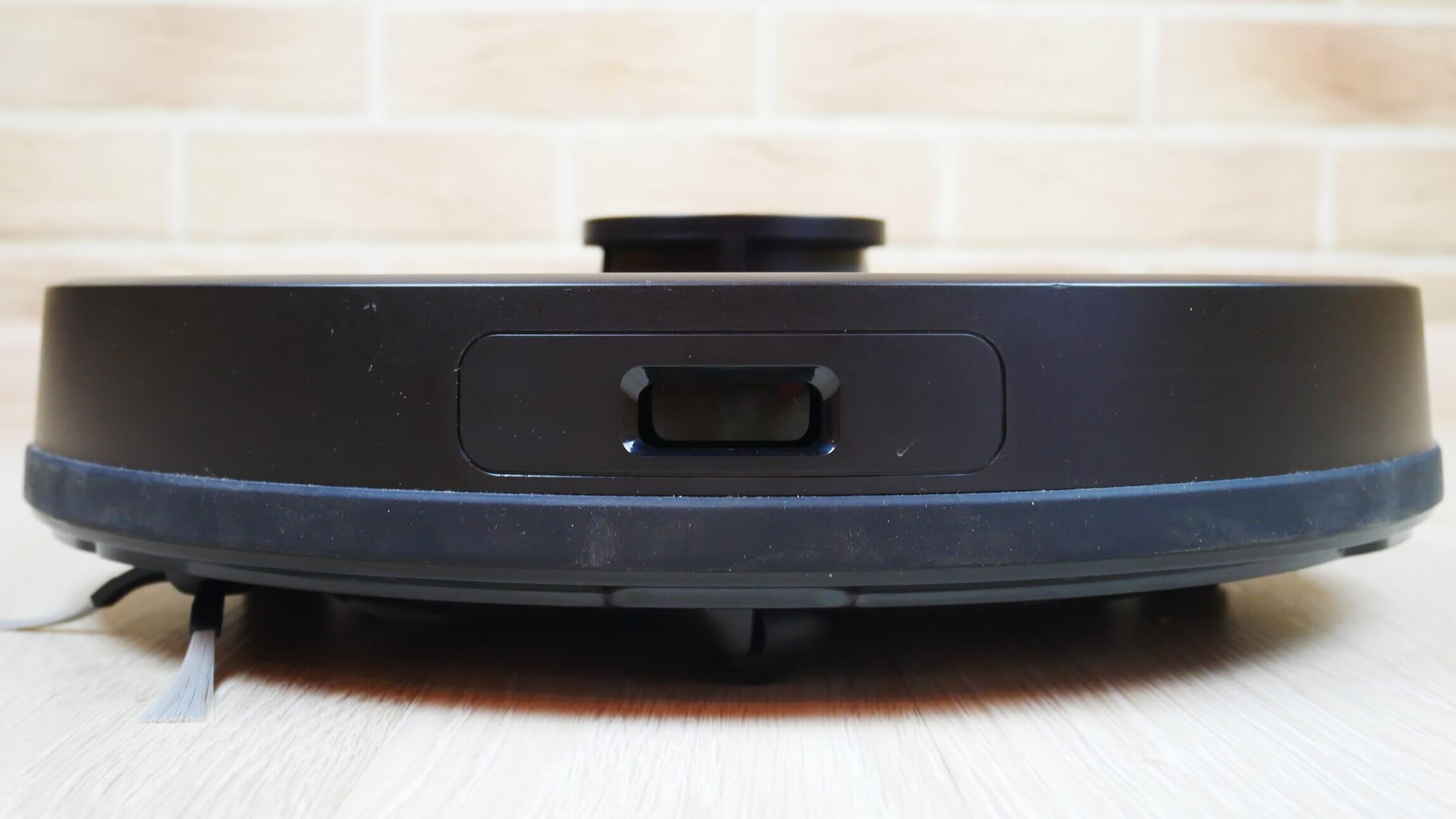
Front view
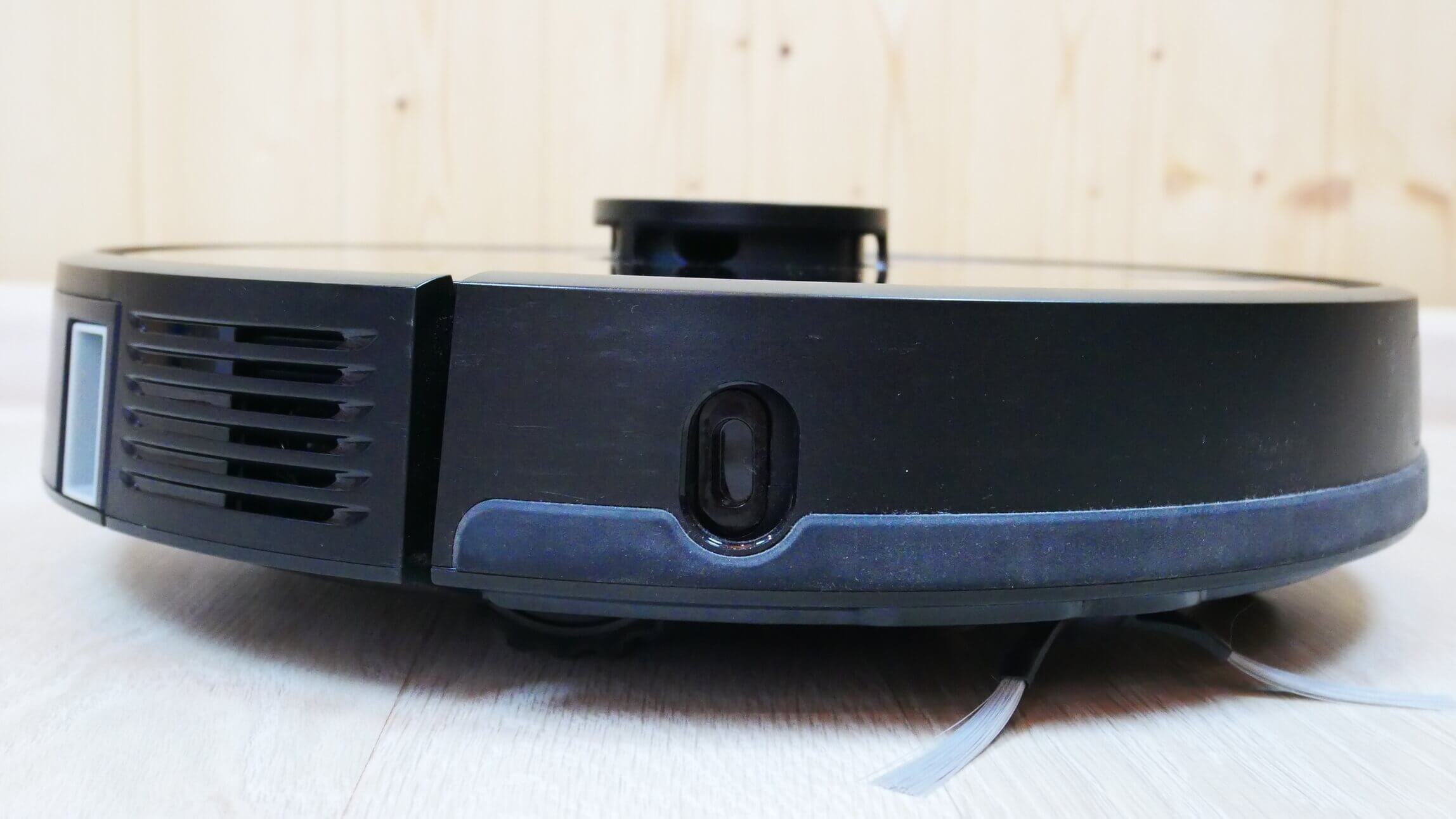
Side view
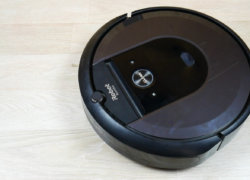
It's important to note that the lidar is equipped with a mechanical button to prevent it from getting stuck under furniture. The waste container is ejected by pressing the button. The design and layout are very similar to the solution. iRobot Roomba i7+It is designed in a similar way.
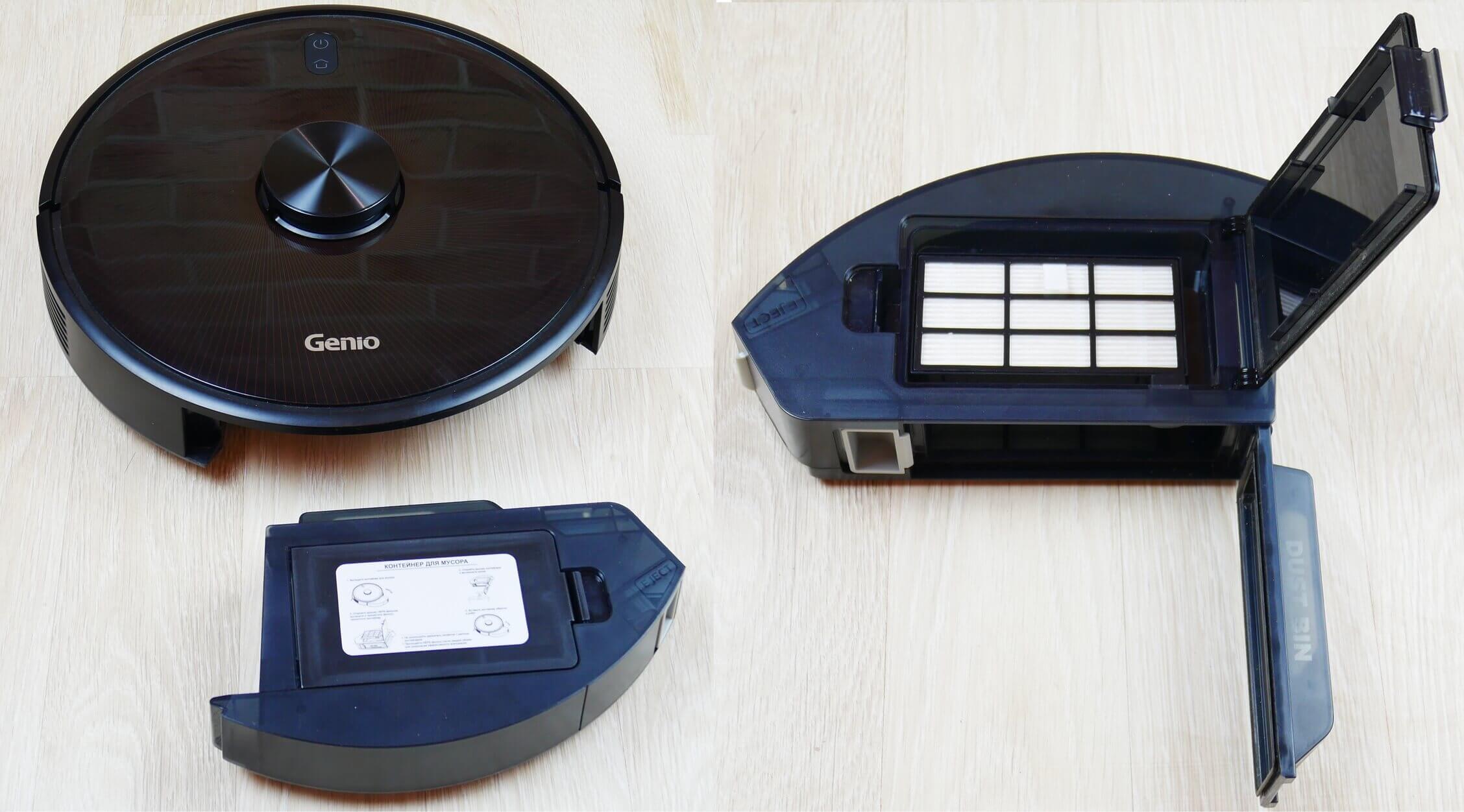
Dust collector location
The top of the container immediately shows a manufacturer's care label. Under the lid is a HEPA filter. Surprisingly, there's no additional mesh filter.
The dust container opens for easy emptying. A protective cover prevents accidental spillage when removing the container from the robot.
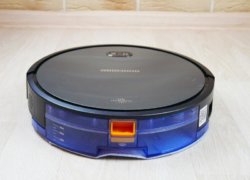
This dust collector can be replaced with a combined waste and water container. It holds 260 ml of water and 240 ml of dry waste. The tank houses a pump for electronic locking and water flow control.
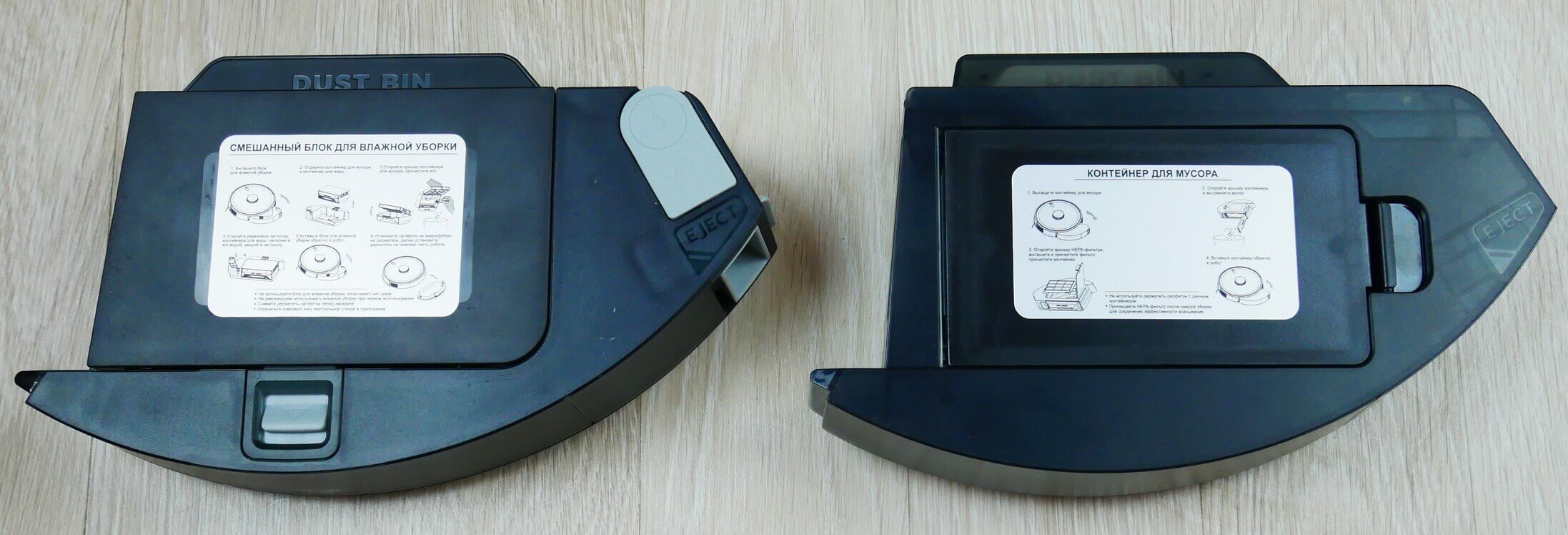
Replacement containers
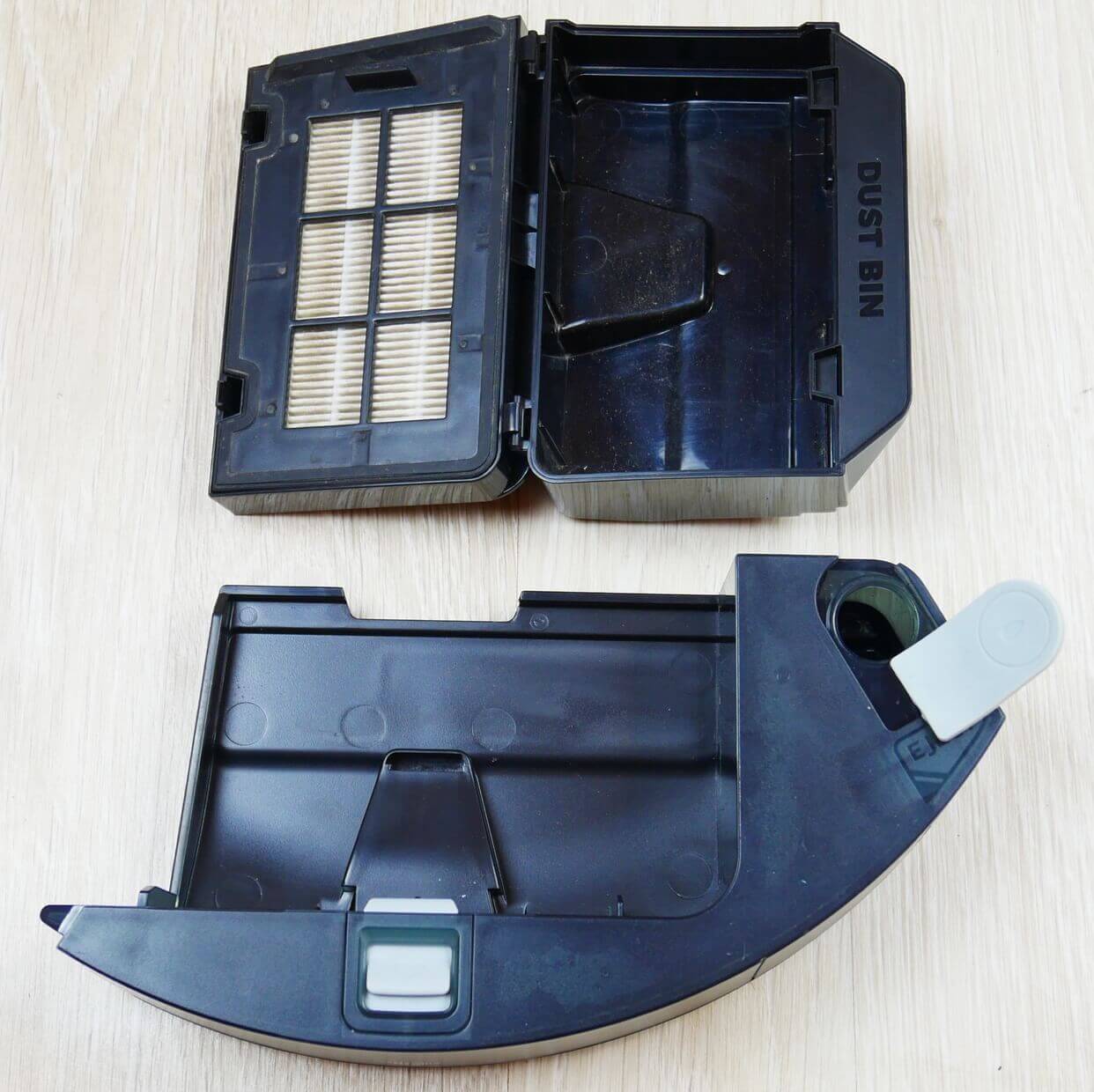
Combined container design
Let's look at the robot's structure from below. We see that there's a single side brush, a three-pronged, bristled one. The central brush is a non-detachable, bristled-petal brush. Only one cap is removable.
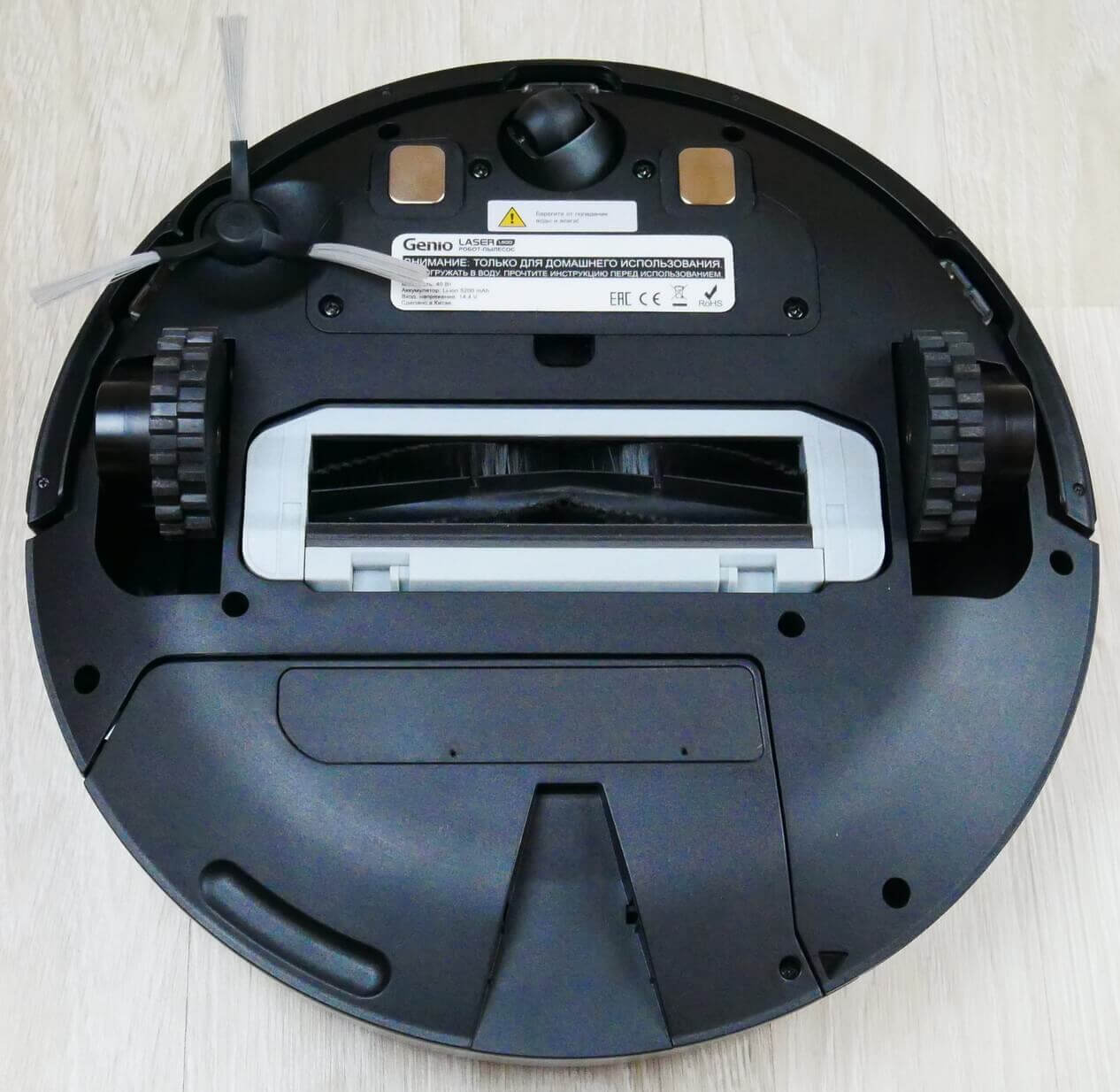
Bottom view with bristle-petal brush
You can replace it with a silicone roller, which is less likely to tangle up fur and hair.
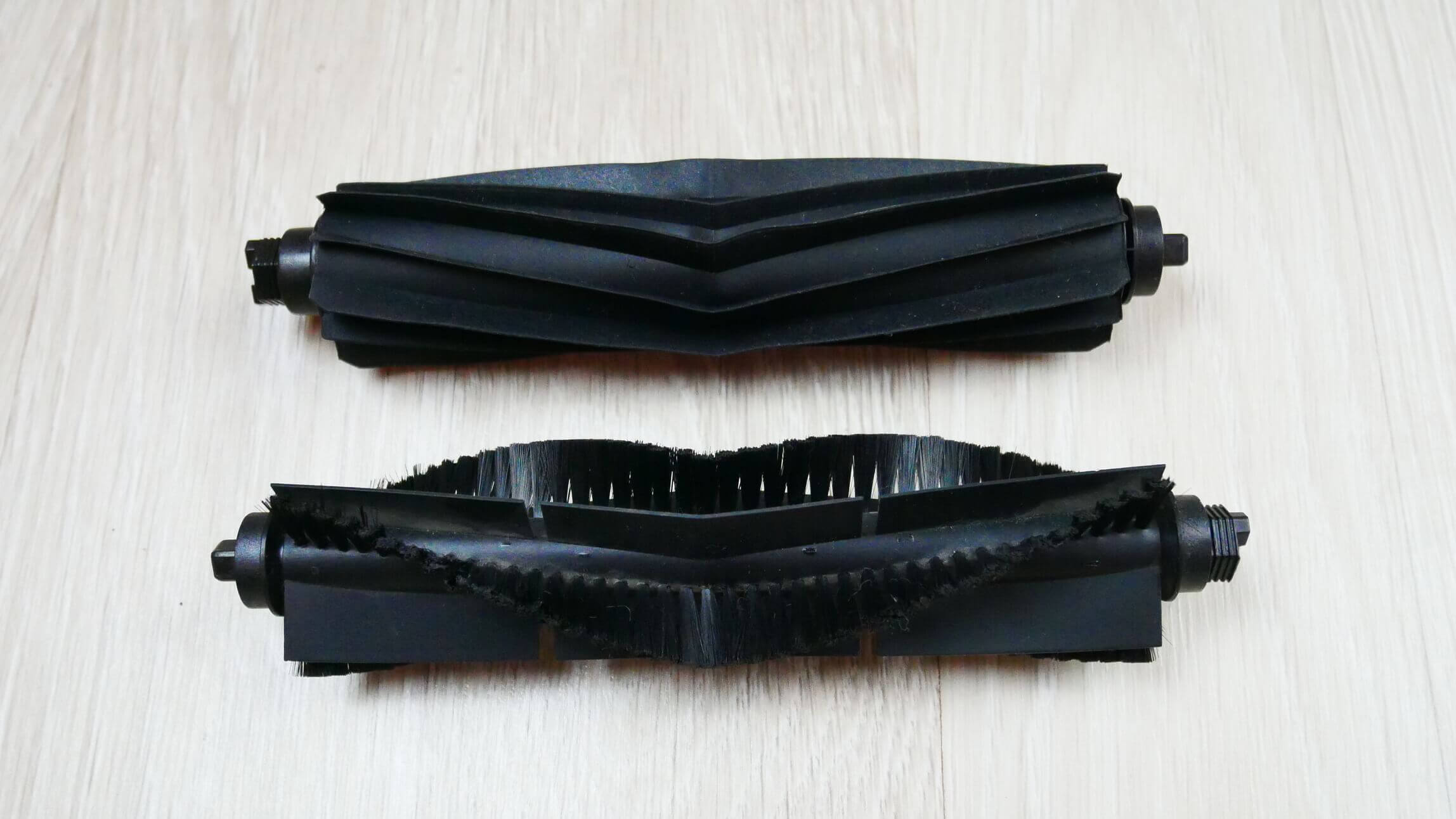
Replacement brushes
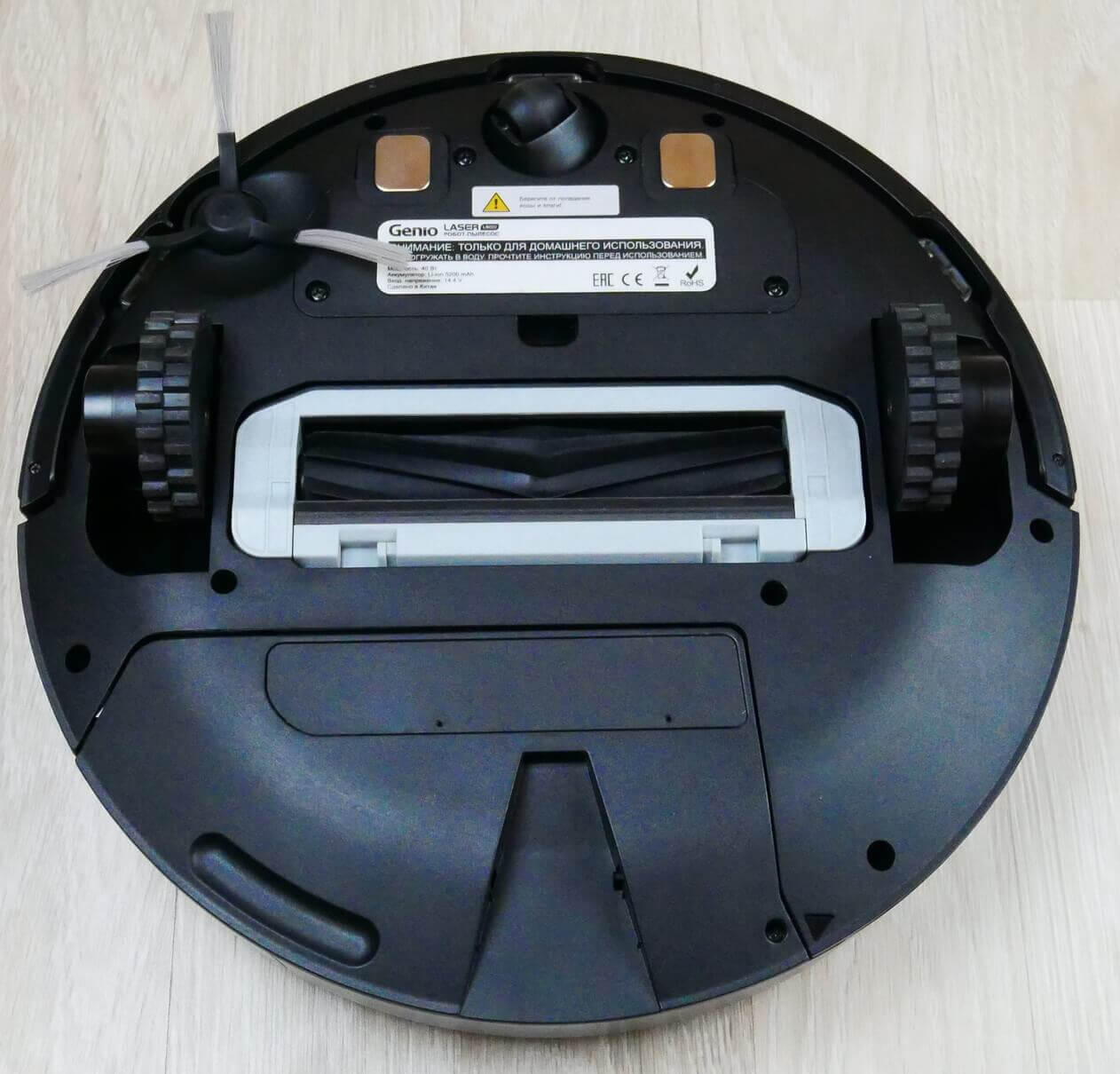
Bottom view with silicone brush
The wet cleaning nozzle is attached from below into a special groove on the clamps.
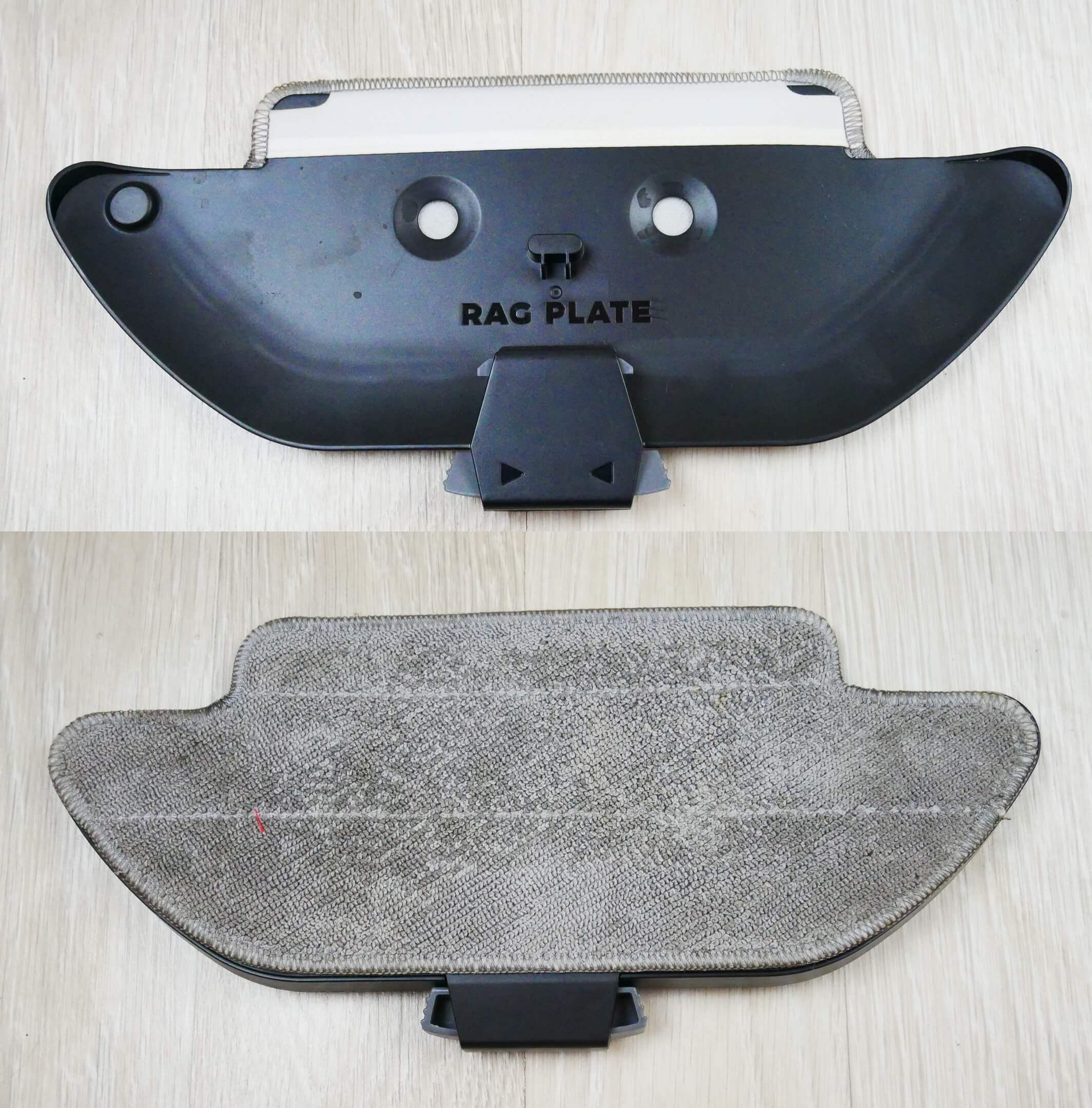
Nozzle
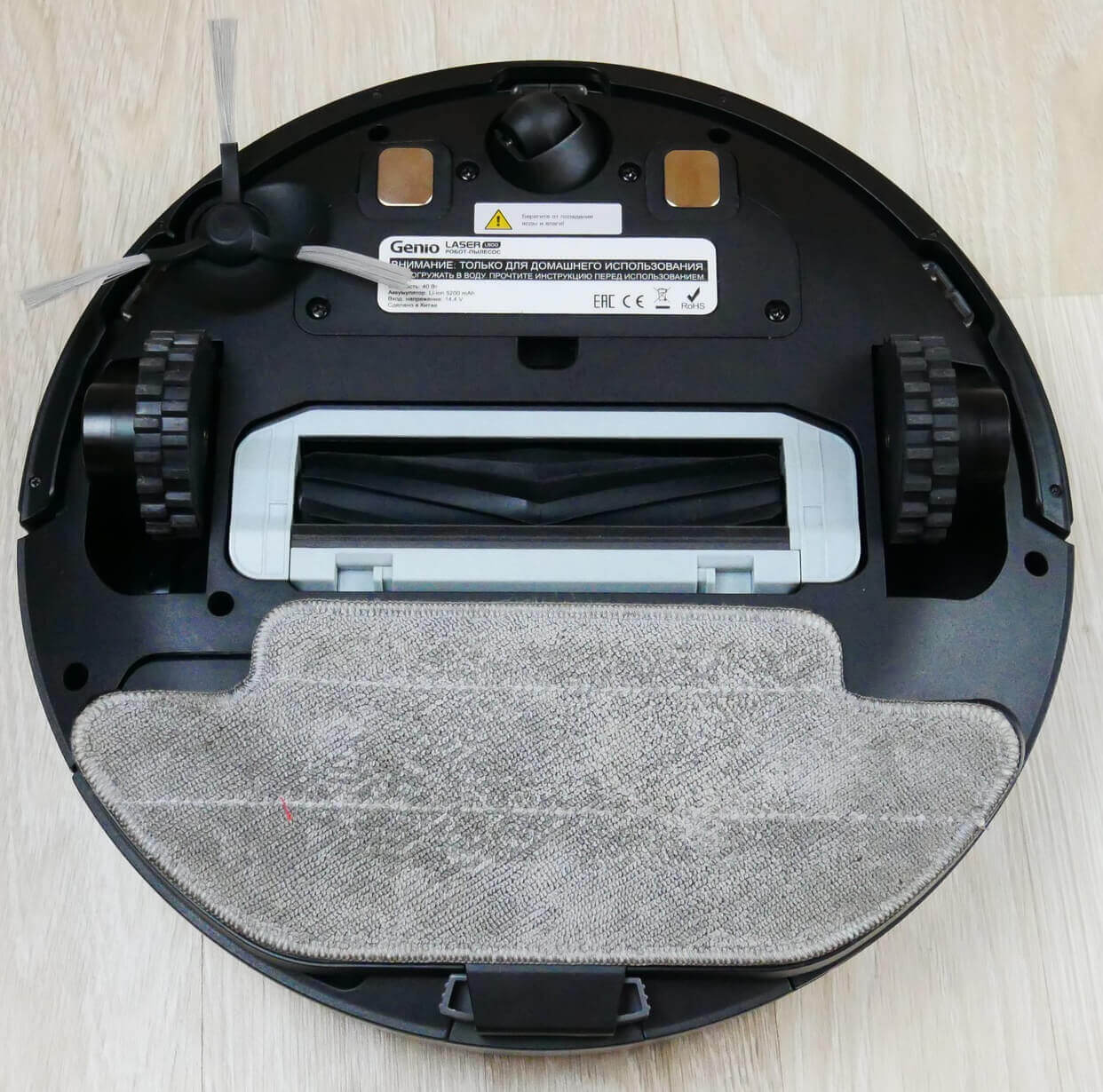
Bottom view with napkin
Overall, the robot is well-made. It's heavy, suggesting the hardware isn't cheap. First impressions are definitely positive.
Technical specifications
Let's look at the main characteristics of the Genio Laser L800:
| Type of cleaning | Dry and wet |
| Power supply | Li-Ion battery 5200 mAh |
| Suction power | Up to 2700 Pa |
| Opening hours | Up to 150 minutes |
| Cleaning area | >100 m2 |
| Height of obstacles | Up to 20 mm |
| Dust collector capacity | 500 ml |
| Capacity of the combined container | 240 ml for waste and 260 ml for water |
| Overall dimensions | 340x95 mm |
| Noise level | Up to 68 dB (in MAX mode) |
Overall, the specifications are quite competitive for the premium segment. We'll check later to see how some of the stated specifications match reality.
Functional capabilities
It's much more interesting to see what the new Genio Laser L800 can do. The main features are available in the app, so let's start there. First, you need to download the app to your smartphone, log in, and connect the robot to your Wi-Fi network. And here's an important detail about this robot vacuum: it can connect not only to a 2.4 GHz network but also to 5 GHz networks. This may be an important feature for some.


Connecting to 5G
The robot connects to the network without any problems, and the app is in Russian. We conducted a test run to help the robot map the room and save it to its memory. After that, all functions become available.
So, the map is accurate, and the robot automatically zones it into rooms, which is a plus. The settings include a do-not-disturb mode, voice alerts can be turned on and off, and their volume can be adjusted. Incidentally, the Genio Laser L800 speaks Russian.
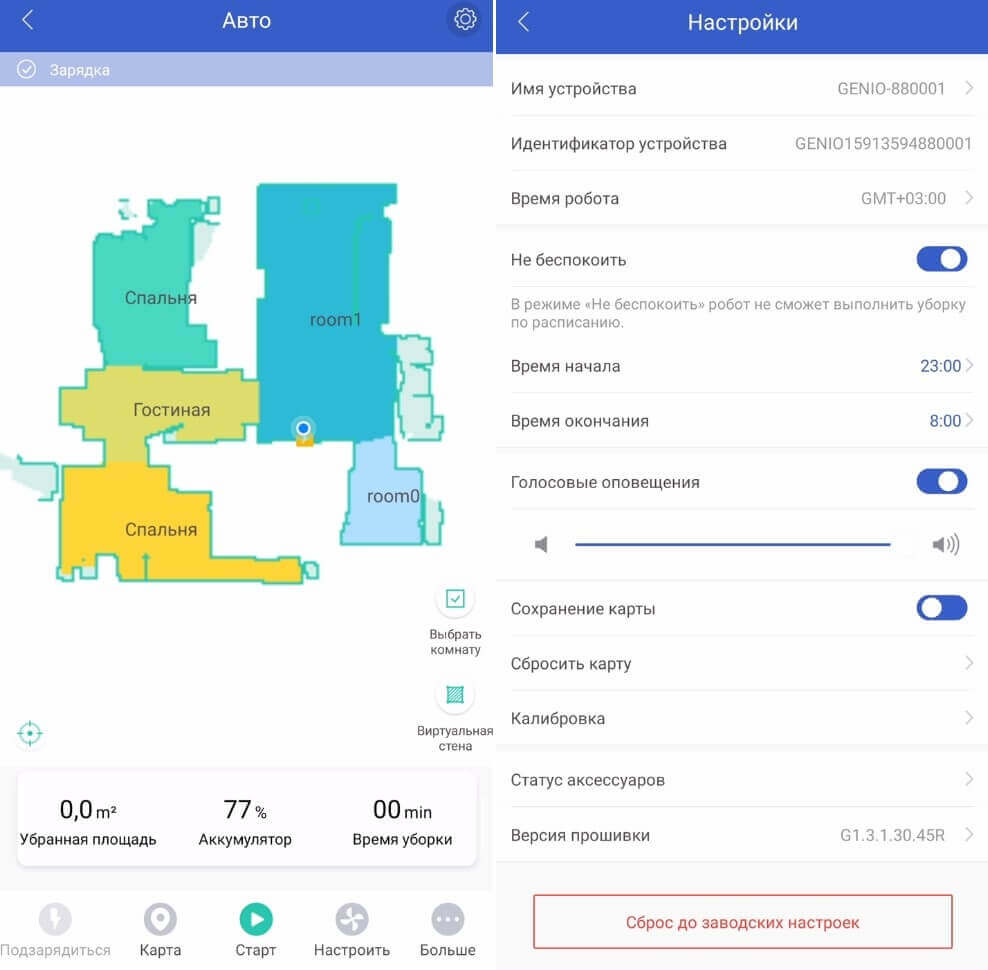
Basic settings
Map saving mode must be enabled; it can be reset if necessary. You can also check the status of consumables and update the firmware version.
At the bottom of the main screen, we see a row of buttons. The first one forces the robot to return to its base. The second one is for working with the map. This section deserves more attention. You can choose from several saved maps, which is convenient if your home has several floors. You can also edit the map, combining several rooms into one or, conversely, dividing a room into additional zones. You can also change the names of rooms. These are the basic options for working with the map.
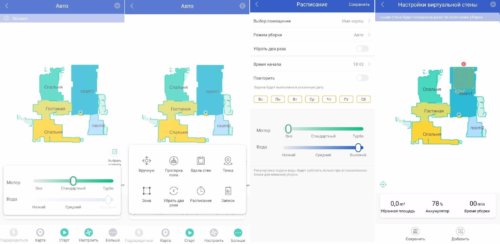
Functions
The next button on the main control panel starts the automatic cleaning mode. Next to it are the suction power and cloth wetting controls.
Additional features include manual control and a floor mopping mode. In this mode, the robot moves in a Y-pattern like a floor polisher. Other features include perimeter cleaning, spot cleaning in a selected area, cleaning in specified areas, double-pass cleaning, scheduled cleaning, and the ability to view cleaning history. With scheduled cleaning, you can select the desired rooms to clean, one of three operating modes, double-pass cleaning, start time, and days of the week. You can also adjust the power and wetness level of the cleaning cloth.
And of course, you can set no-go zones on the map where the robot shouldn't go. The functionality is impressive!
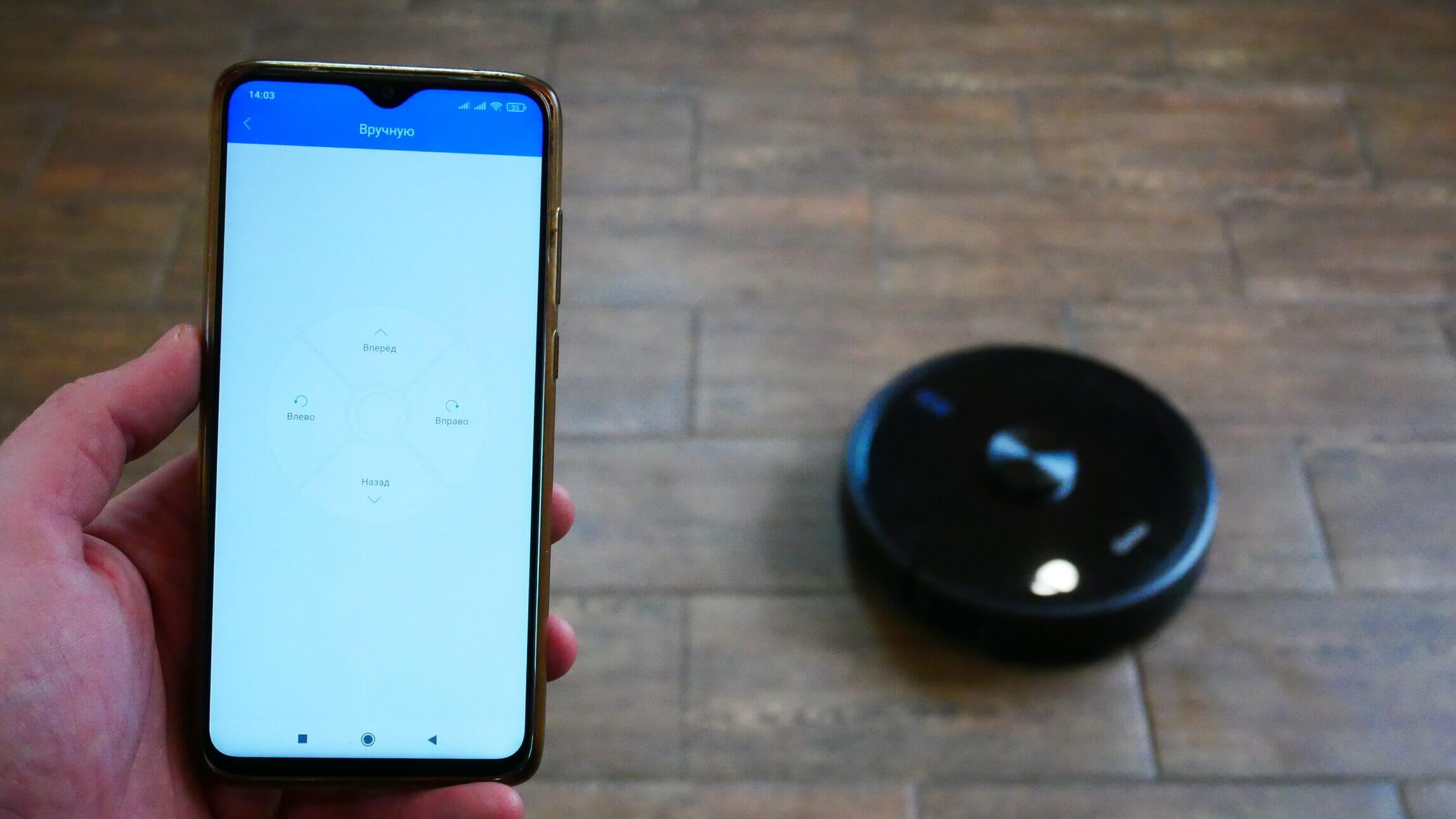
Control from a smartphone
If you have any questions about the robot, you can visit the help section and read the manufacturer's information. You can also visit the official website for contact information or to order consumables.
Additionally, the Genio Laser L800 is controlled by a remote control.
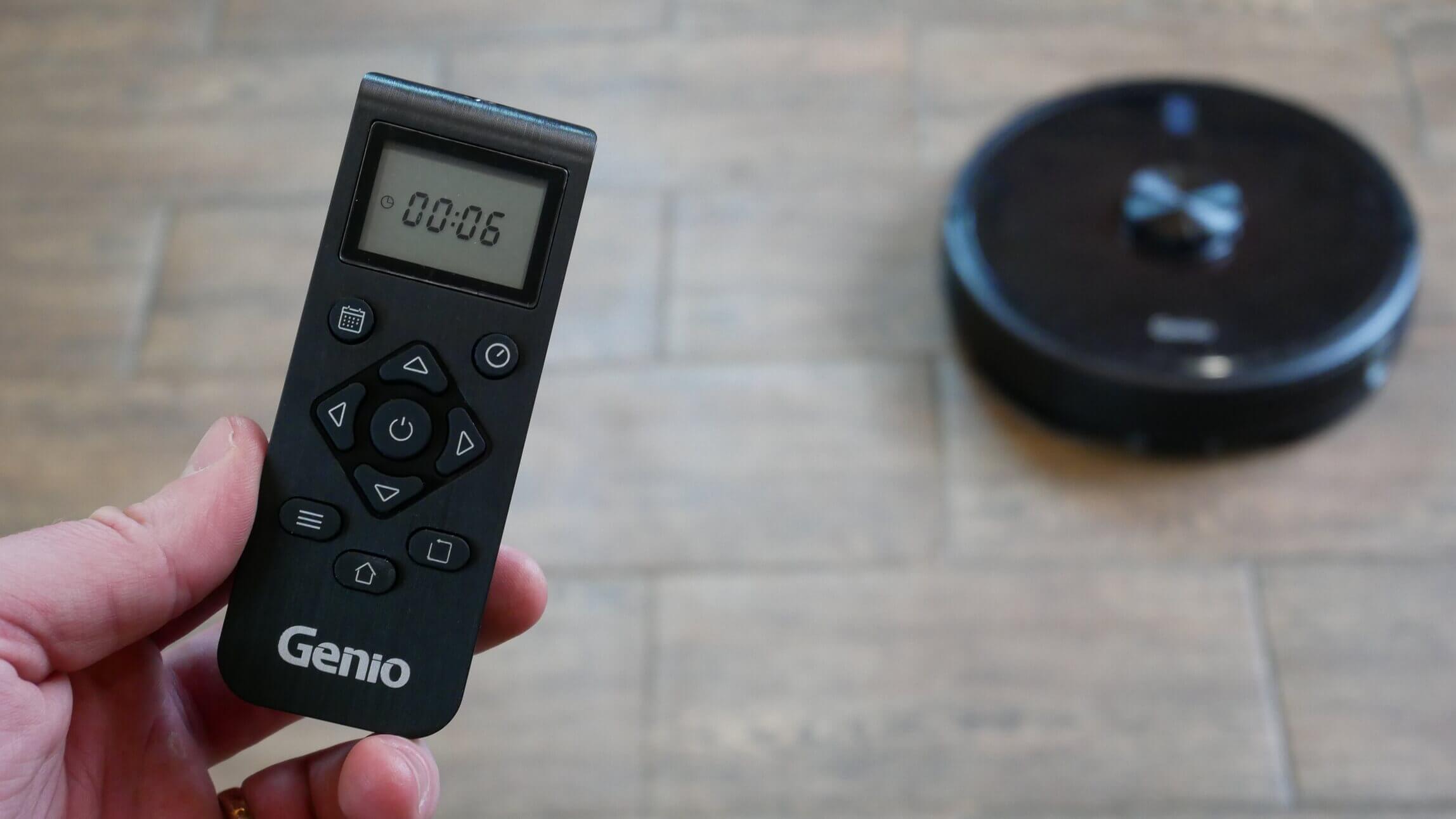
Remote control
You can set scheduled cleaning, real-time cleaning, or manually direct the robot to the desired location using the corresponding arrows. You can also enable automatic cleaning, select suction power, enable edge cleaning, or force the robot to return to its base. The only thing missing from the remote control is a spot cleaning mode, but all the main functions are duplicated.
Testing
We recommend watching our video for a detailed review and test of the Genio Laser L800:
The test results are presented below in text form.
Navigation
Let's move on to testing. First, we'll test this robot's navigation within a single room with obstacles.
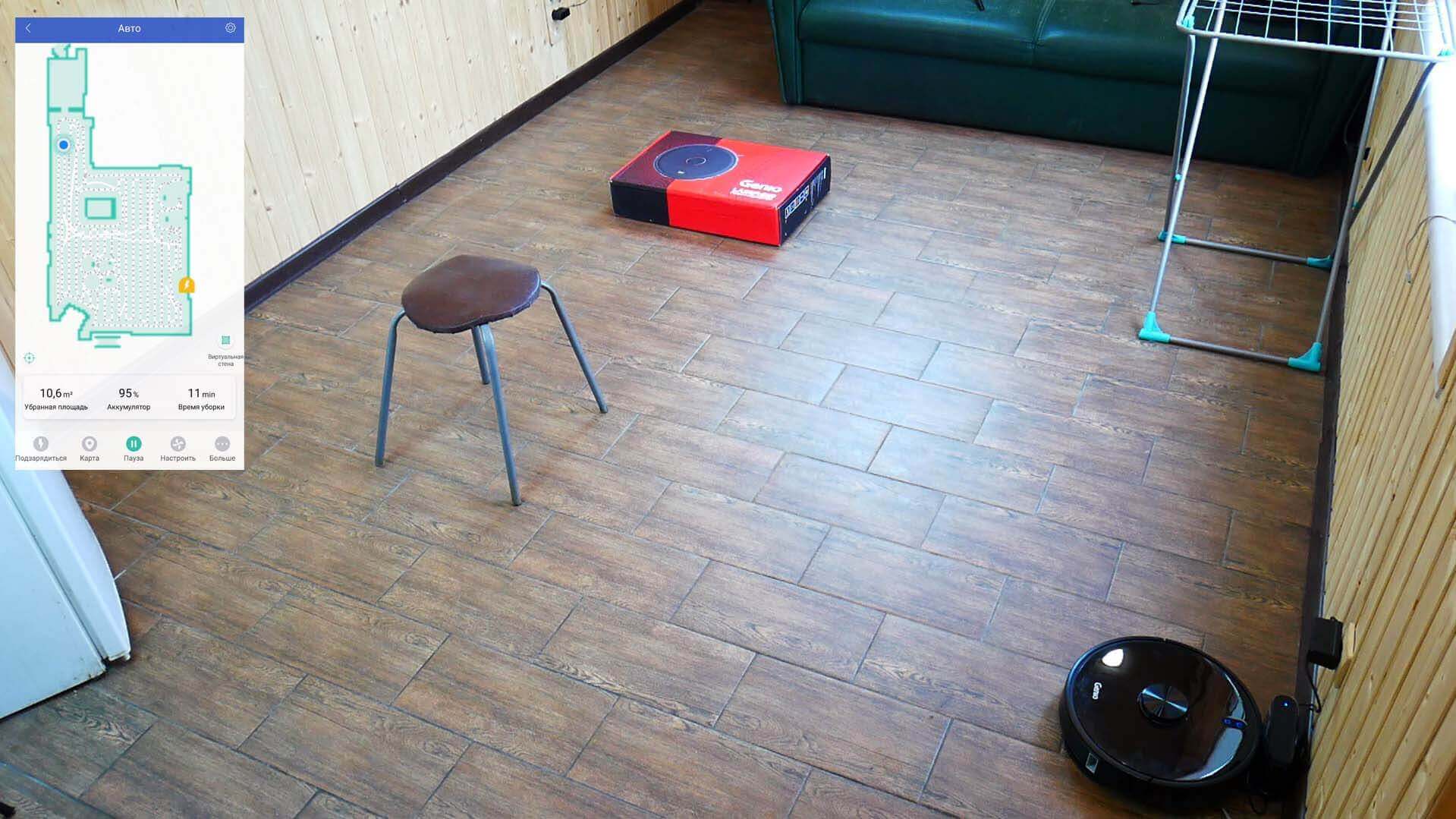
Navigating within a room
The Genio Laser L800 first sweeps the perimeter. It's worth noting that it didn't cover the entire room, but rather a large portion. It cleaned the remaining small area separately, dividing the area into several zones. It didn't get stuck on the dryer. After that, it cleans in a zigzag pattern. It cleans objects and furniture very gently, and even cleaned around all the chair legs. This is a big plus. It took 12 minutes to clean 10.6 square meters. The speed is standard for a robot vacuum. robotic vacuum cleaners with lidar.
Now let's see how this robot will navigate the entire house. The map has already been created and saved in its memory.
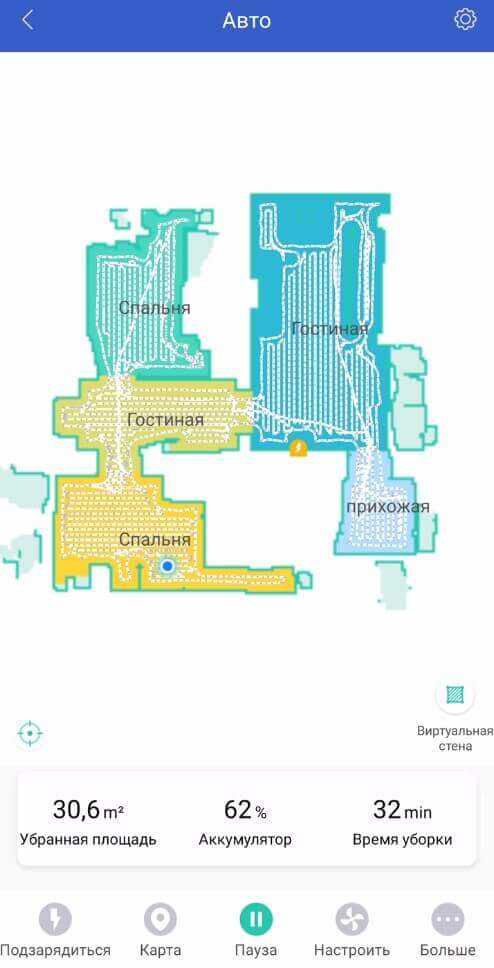
Navigation within the home
The Genio Laser L800 navigates room after room, first along the perimeter and then in a serpentine pattern. Navigation is good, leaving no uncleaned areas. It took 33 minutes to clean 30.6 square meters. There are no complaints about navigation; the robot navigates large spaces perfectly.
Suction power
It's much more interesting to test how well the Genio Laser L800 sucks up debris from crevices of varying depths.
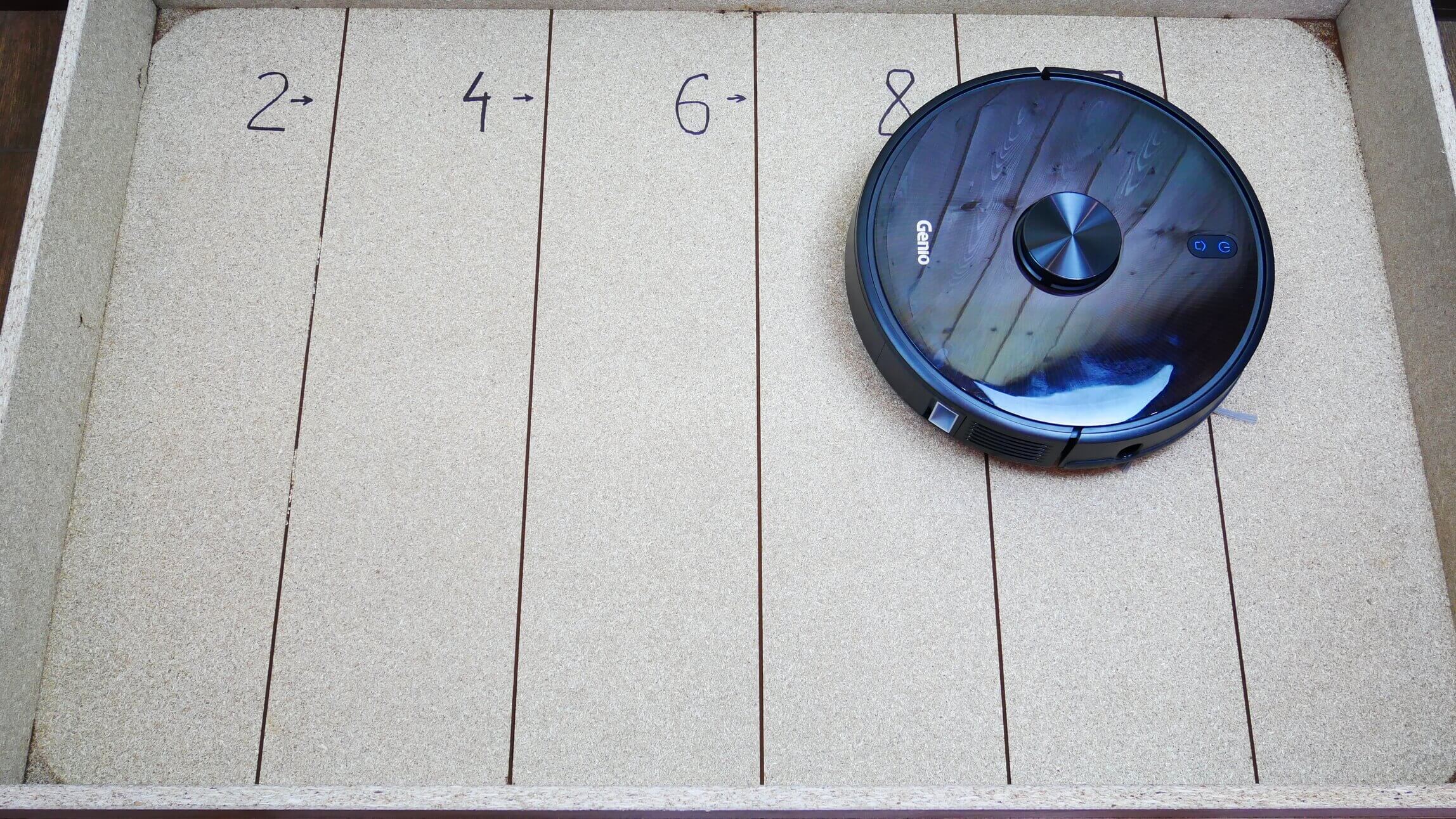
Suction power
Like most robot vacuums, it can vacuum up to 2 mm deep. This is the standard depth between tiles, so it's sufficient for keeping your home clean, but there are more powerful models.
Dry cleaning of laminate flooring
Now let's see how well the Genio Laser L800 picks up various debris on laminate flooring. In our case, this included pet hair, various grains, and ground coffee as imitation dust.
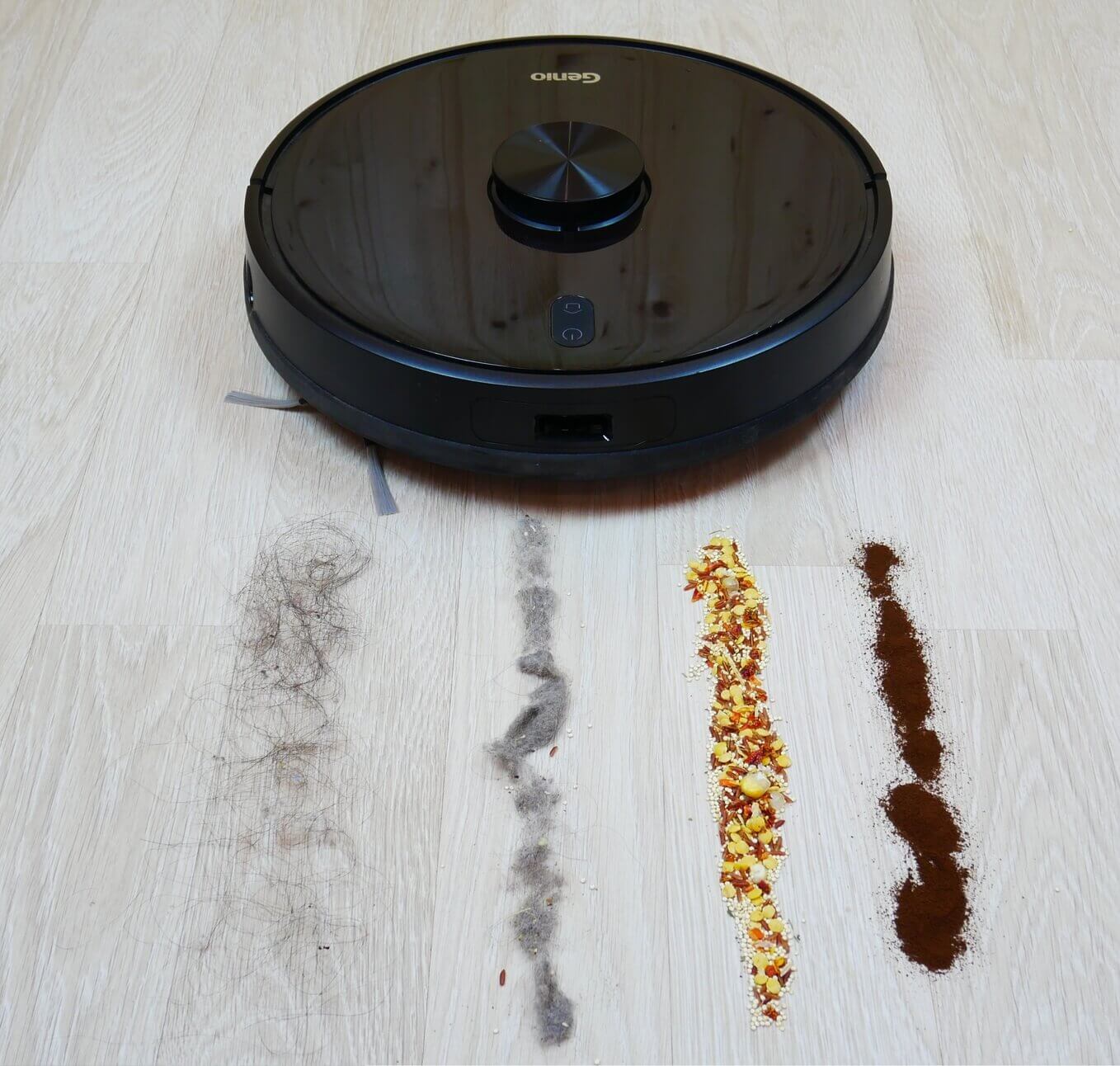
Garbage before the test
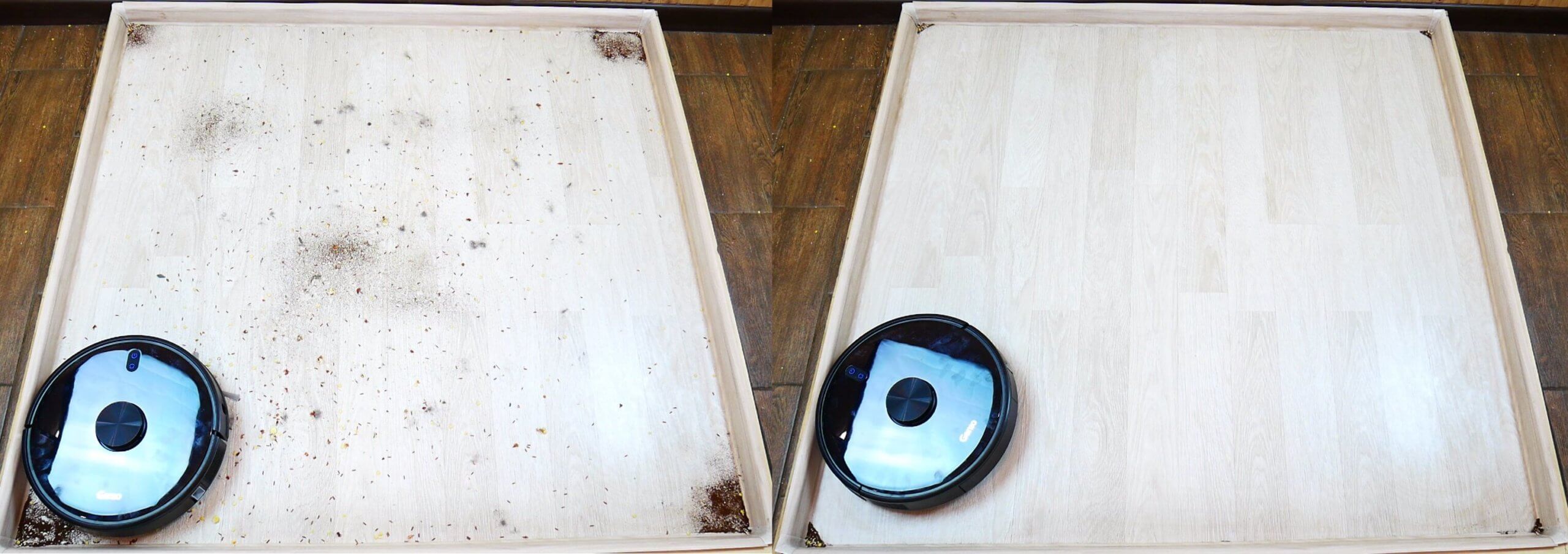
Dry cleaning quality
The robot vacuum collected almost all the debris, leaving some in the corners, but this is a problem with all round robot vacuums. Hair and fur got caught in the brushes, but the bulk of the debris ended up in the dust bin. The test was successful.
Cleaning the carpet
The Genio Laser L800 performed slightly worse on carpet. It picked up most of the debris, but some hair, fluff, and cereal remained. Cleaning performance on carpet was above average, but not excellent.
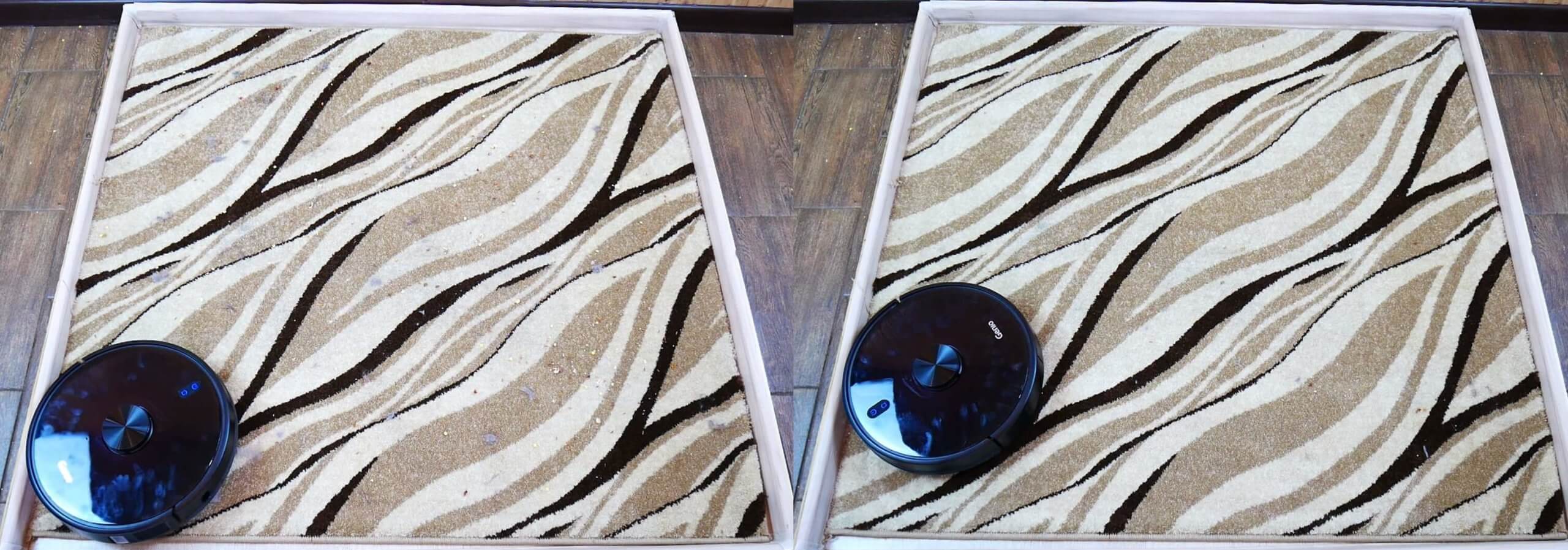
Cleaning the carpet
Wet cleaning
Let's see if the Genio Laser L800 can remove dried-on dirt from laminate flooring.
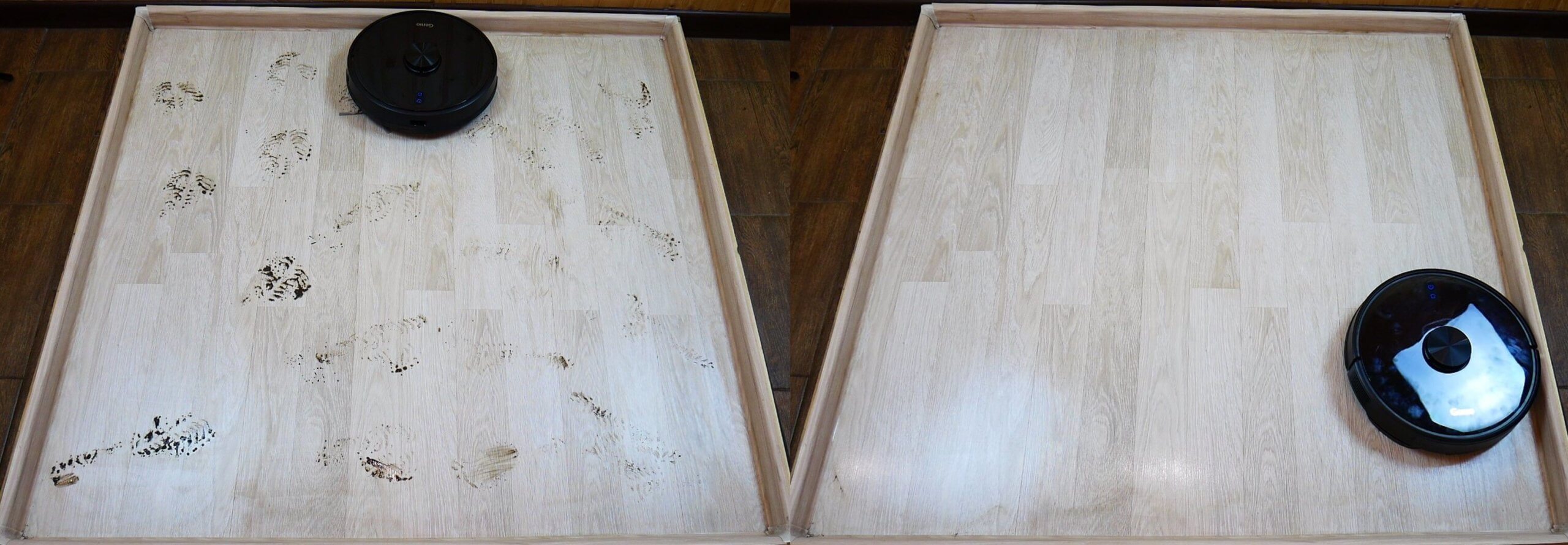
Quality of dirt removal
Yes, most of the dirt was removed, but there were still some streaks and unfinished areas near the corners. As with the carpet, the cleaning quality was above average, but not perfect. However, it's worth noting that the cloth pressed firmly against the floor.
This robot is suitable for everyday wet cleaning. It can handle light dirt and dust. Water flows well onto the cloth, evenly wetting it.
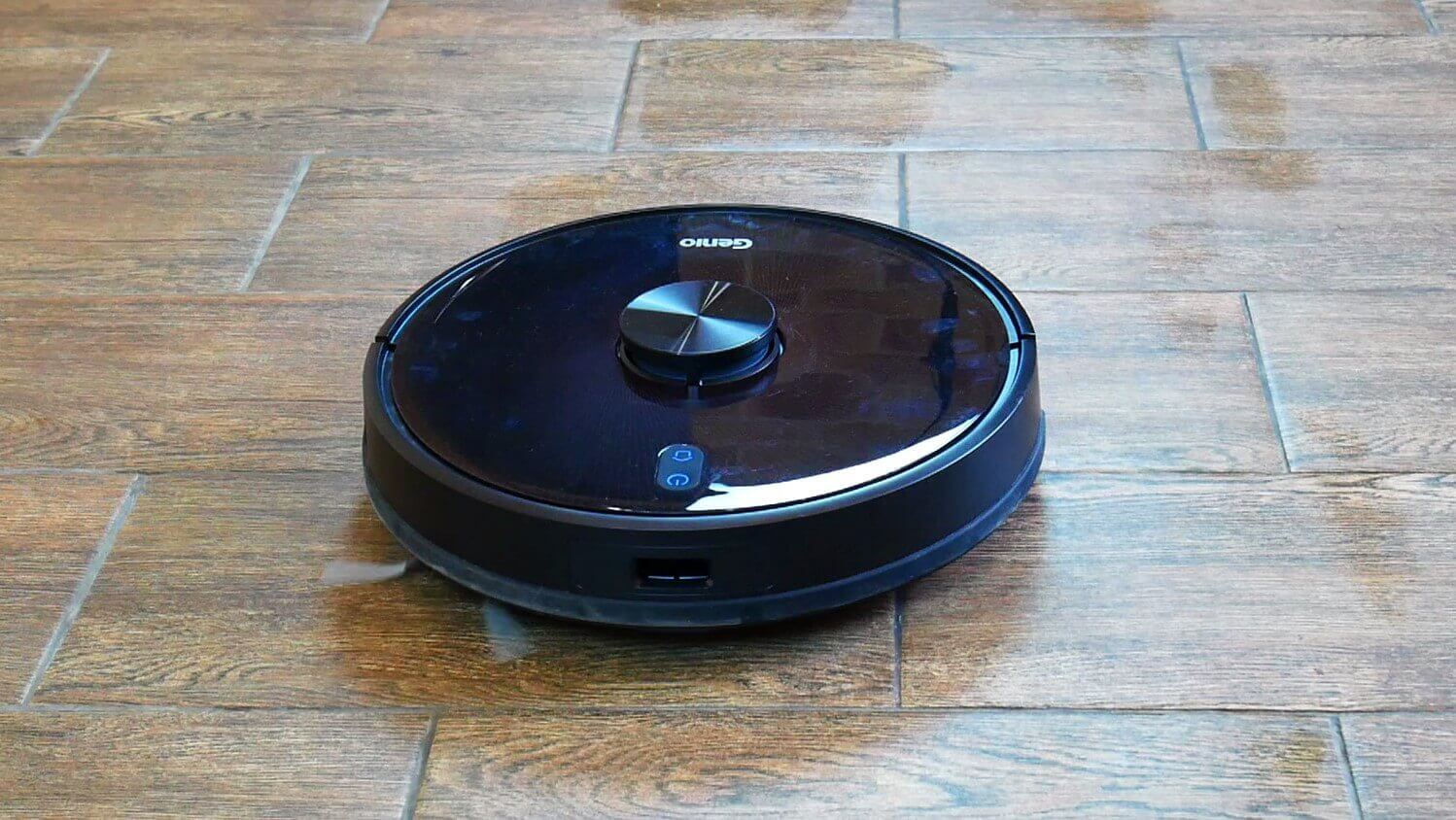
Wet cleaning
When wet cleaning, the snake-like pattern was set to the maximum water flow level. Even then, the robot didn't flood the floor too much, so it wouldn't damage wooden flooring.
Obstacle clearance
The Genio Laser L800 moves confidently over thresholds of 10, 15 and 20 mm, so the cross-country ability is good.
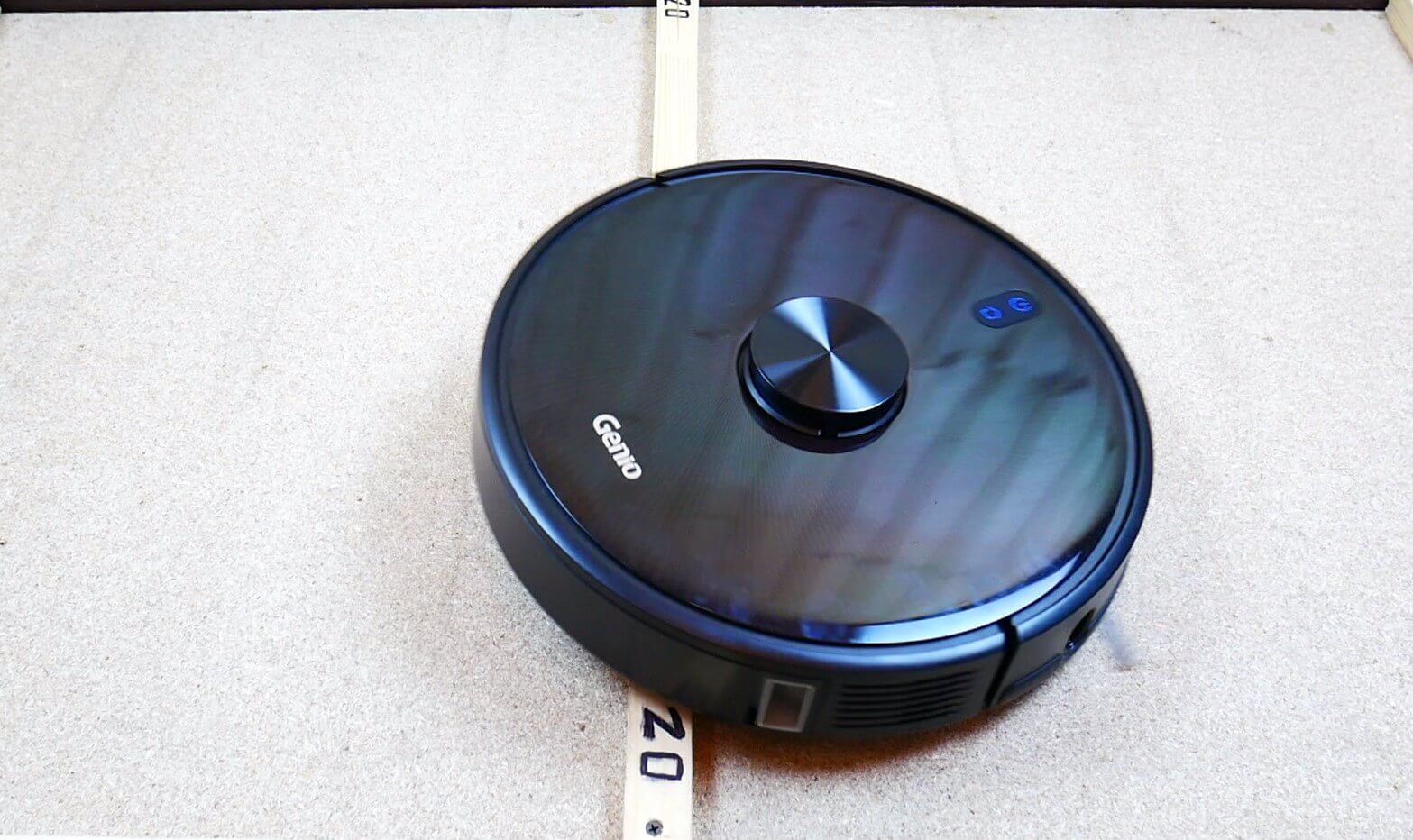
Threshold passability
Dark spots
Let's check whether this robot vacuum cleaner is afraid of dark surfaces, recognizing them by their height differences.
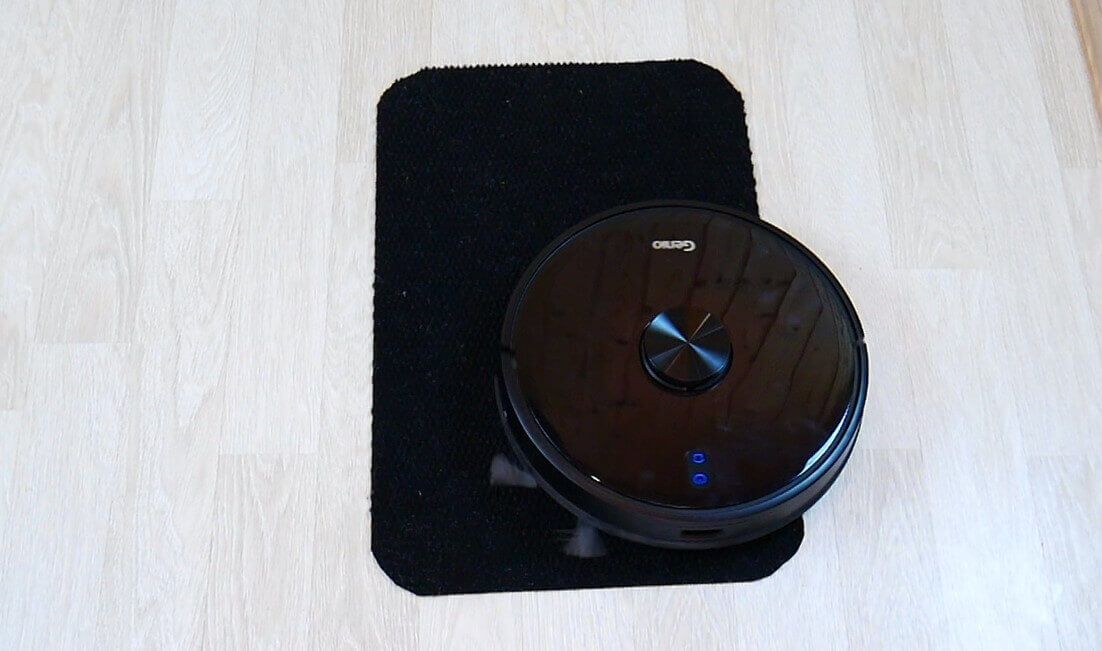
Driving on dark surfaces
No, there were no problems with the black mat. The Genio Laser L800 slides onto it easily, which is a plus.
Noise level
Finally, let's measure the noise level. At minimum power, the noise level was between 60-63 dB. In standard mode, it reached 65 dB, and at maximum power, the noise level reached 68 dB. Overall, the Genio Laser L800 isn't very noisy.
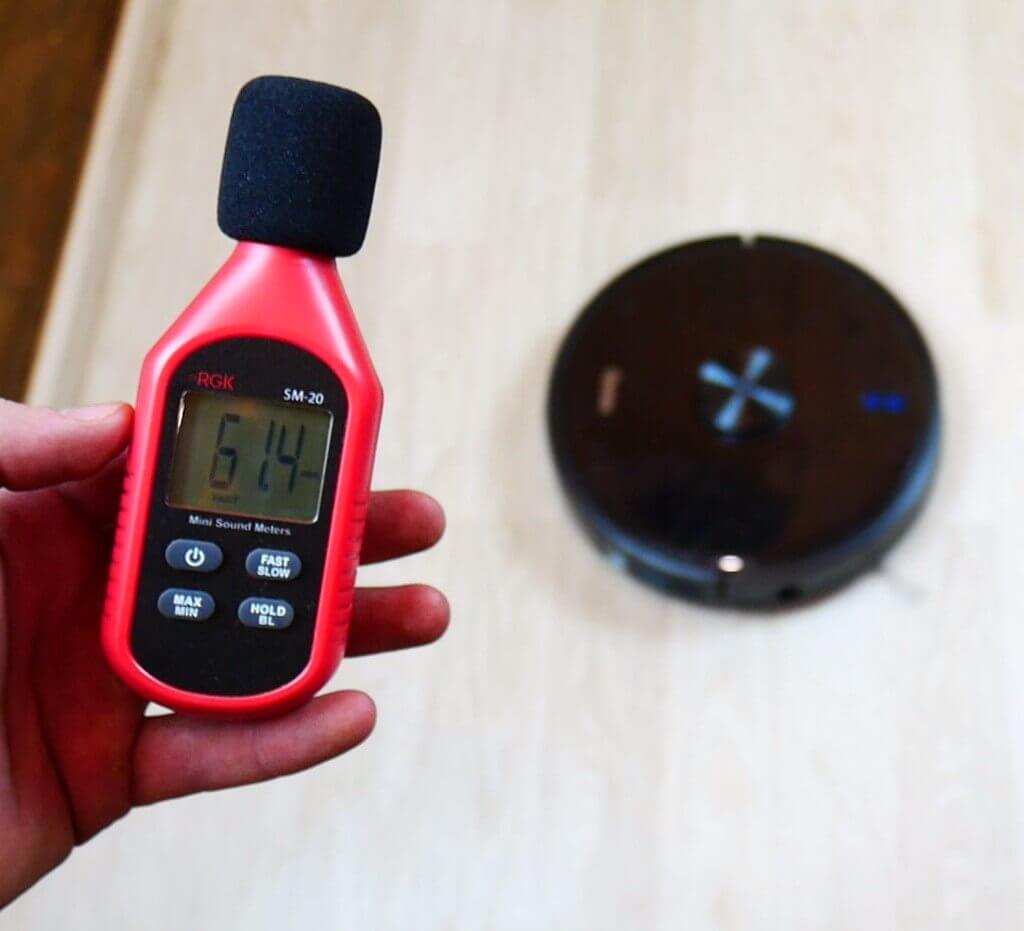
Measuring noise levels
Let's sum it up
The Genio Laser L800 has been thoroughly reviewed and tested. Now we'll evaluate it based on various criteria, taking into account its price range and the results of our testing.
Navigation 10 out of 10. We have no complaints about this robot's navigation. It navigates perfectly, handles objects delicately, creates an accurate map of the room, automatically divides it into rooms, and stores multiple maps in its memory. It has all the necessary map-management features. While we could deduct a point for the lack of a floor recognition feature, the price is affordable, so this robot's navigation is very high-quality, compared to its closest competitors.
Versatility 10 out of 10. The robot is controlled both by remote control and via a mobile app. It even works with 5 GHz networks. Its high threshold clearance allows it to access fluffy carpets for cleaning. It features both dry and wet cleaning functions, allowing the robot to vacuum and mop simultaneously. Furthermore, a replaceable tube brush is included. Based on all of this, there's no reason to deduct points.
Design and execution 9 out of 10. The robot is very well made; it doesn't look like a cheap Chinese robot with lidar. Its design is premium. It falls a bit short of perfection only because the central brush doesn't completely disassemble for cleaning hair, and the side brush has only one, and its bristles aren't very flexible, making it less effective at picking up debris on carpets. But these aren't critical flaws anyway.
Cleaning quality 8 out of 10. I'm deducting points only because the robot doesn't clean carpets very well and isn't able to completely remove dried-on dirt from floors. However, for an automated home cleaning system, its cleaning performance is clearly above average. And its suction power is higher than many similar products.
Functionality 9 out of 10. The Genio Laser L800 offers all the latest features and capabilities. The only drawback is the lack of a self-cleaning base and object recognition camera. Furthermore, the robot doesn't increase its power when entering carpets. Otherwise, it has everything you'd expect from a premium robot with good navigation. Moreover, the key functions are duplicated on the remote control, which may be important for some people.
Manufacturer support 10 out of 10. Genio has been around for years, specializing in robotic vacuum cleaners with a warranty and customer support. The robotic vacuum cleaner is controlled via a proprietary mobile app, which is user-friendly and available in Russian. Furthermore, you can order all the necessary consumables and accessories on the official website, so I believe the manufacturer's customer support is top-notch.
Total 56 out of 60 points
The robot is really very interesting and deservedly enters our Best robot vacuum cleaners of 2020It left a good impression after a thorough testing. There are a few issues, but overall they aren't critical, so if you're interested in this model, we definitely recommend it. Happy shopping!
A truly excellent model. The navigation is simply superb. The wet cleaning performance is excellent. It doesn't glitch, let alone dry cleaning. It doesn't crash into furniture or walls, and it works in the dark! It works even with a weak internet connection. The maps in the app are simple and feature-rich. It never misses cleaning spots! It never got stuck or confused, even though the layout was complex. This is thanks to the excellent navigation. Everyone is happy with the purchase. The app is installed on three different phones and works flawlessly.
If you need constant, hassle-free control of your robot via an app, this isn't it. I don't know why the robot becomes unavailable in the app—whether it's hibernating on its own or the servers are glitching—but it's an unpleasant fact. The company produces several robot models and three apps for them, and judging by the reviews, none of them work properly. The manufacturer doesn't seem to be bothered by app issues.
Overall, I'm extremely dissatisfied with the purchase. I wouldn't recommend it to anyone.
Is this robot friends with Alice?
Comment: We purchased the robot on September 11th. Today is November 12th, and, unfortunately, we're having a ton of problems. I admit we were just unlucky, but the robot worked perfectly for a week and a half. It cleaned cleanly and quietly, created maps beautifully, and cleaned both dry and wet—everything was perfect. It wasn't long before some glitches started. First, we noticed the robot making a strange whistling noise while cleaning. The manufacturer advised cleaning the front wheel. The wheel turned out to be clean.
And then it all started: I sent the robot to the children's room, it drove along one wall and returned to the base; I sent it to the hallway, and it returned to the kitchen. In the living room, it drew a corner it didn't want to clean. When I saved the map, there was nothing standing or lying in that corner, and there were no pets. I reloaded the map, but nothing changed. It started having trouble finding the base. It's located in the living room near the wall, and the robot either circles around it and can't reach it, or it goes straight to the same wall, but in the kitchen. The robot is clean, dust-free. It doesn't clean some empty squares, which it always cleaned before. And then things got worse. I started calling the official dealership, they promised to call back and asked me to email a video and screenshots.
I did everything, they sent me some formal replies by email, and no one called me again. They advised me to send the robot in for diagnostics. They sent me the address of a service center in St. Petersburg. Today we took the robot there, but it turns out there hasn't been a service center at that address for five months. I tried calling them, and the manager, who was only interested in sales, replied, "Well, did I really send you that address?
"Not me, look for who wrote these letters to you." Although their official website lists an address that's long gone. Bottom line: I've never fallen for blogger ads, so I don't know what came over me this time. A robot that costs 32,000 rubles isn't even close to worth it. It's not worth the cost of operation, not even the maintenance. It's a waste of money; I'd be better off buying a well-known Chinese unit for the same price. I don't recommend buying it; if something happens, you won't even be able to find the cause; neither the seller nor the manufacturer cares.