
Roborock E4: A more affordable robot vacuum cleaner with navigation and wet cleaning
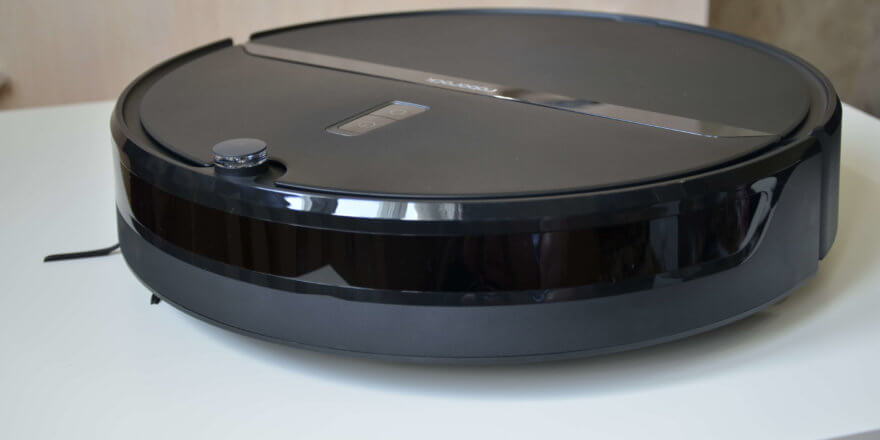
Welcome to all our readers! We continue testing new robot vacuums, and today we're reviewing the Roborock E4. We reviewed the Global version, but fully Russified Roborock E4s, including a Russian voice pack and documentation, have already arrived in Russia. The price of this model at the time of writing is $200. This robot is no longer considered a budget option, but it's also significantly cheaper than the premium S5 and S6 series models. Let's take a look at the new Roborock E4, how it cleans, and what opinions we have about it after testing. Special thanks to Lamobile for providing the robot for review. I'd be grateful if you'd rate this article and subscribe to our newsletter.
Equipment
Let's start with the package. The robot vacuum cleaner comes in a branded box with brief information about the model. The photo immediately shows that a wet cleaning nozzle is installed underneath, making the model suitable for mopping floors as well. App control is also supported. The box states that the Roborock E4 cleans 10% faster than previously released budget models in the line. The robot vacuum cleaner uses a serpentine motion, so navigation is included.
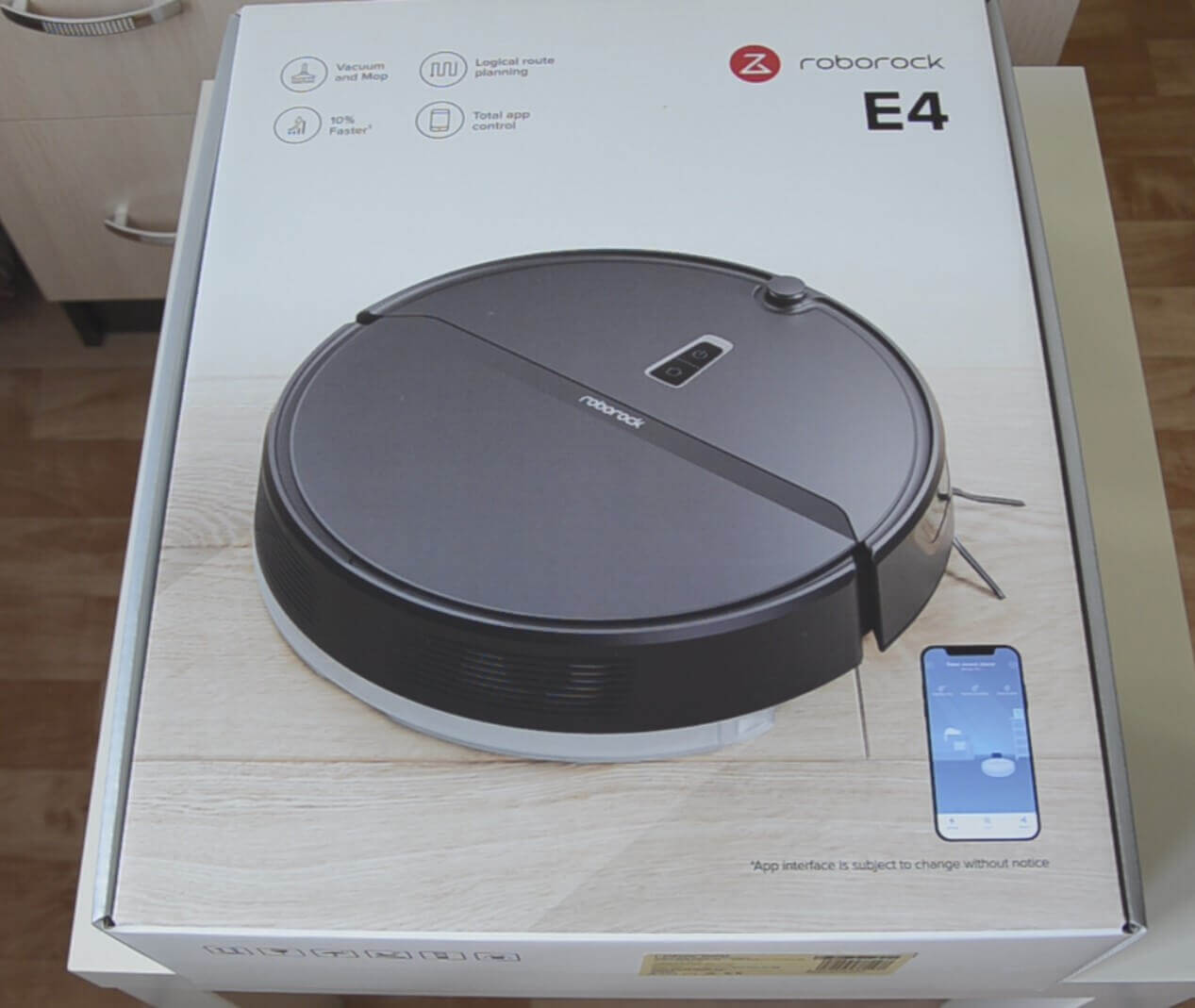
Box
In the box we see the following components:
- Plastic base for the docking station.
- Wet cleaning nozzle with a microfiber cloth installed.
- Spare metering valves.
- Operating instructions.
- Power adapter for connecting the base to the network.
- Charging base.
All components are shown in the photo:
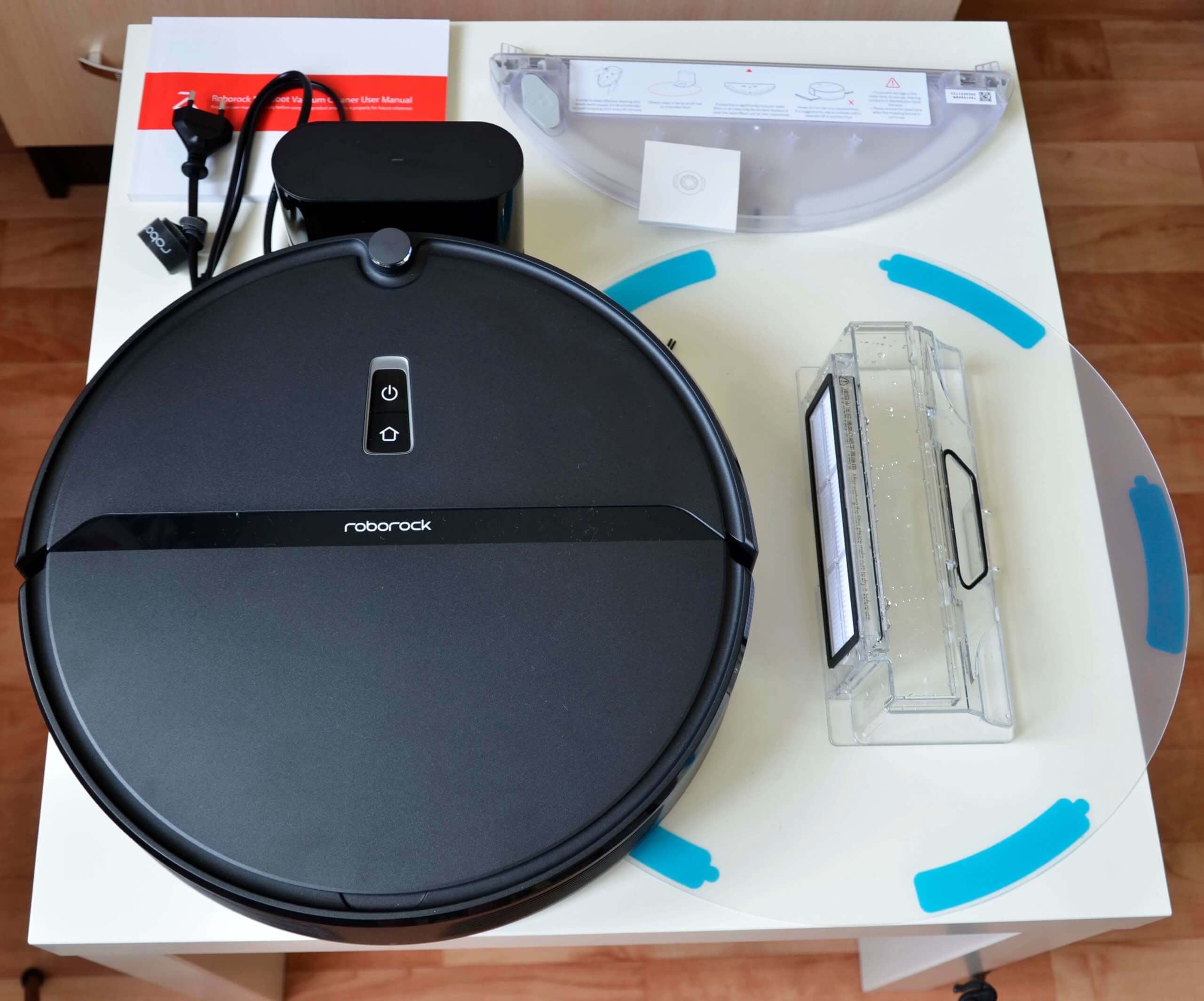
Equipment
Let's take a closer look at the wet cleaning attachment itself. It features mechanical water flow adjustment, as implemented in Roborock S6 And S6 PureThe nozzle holds up to 180 ml of water. Water is poured through a special opening with a sealed valve.
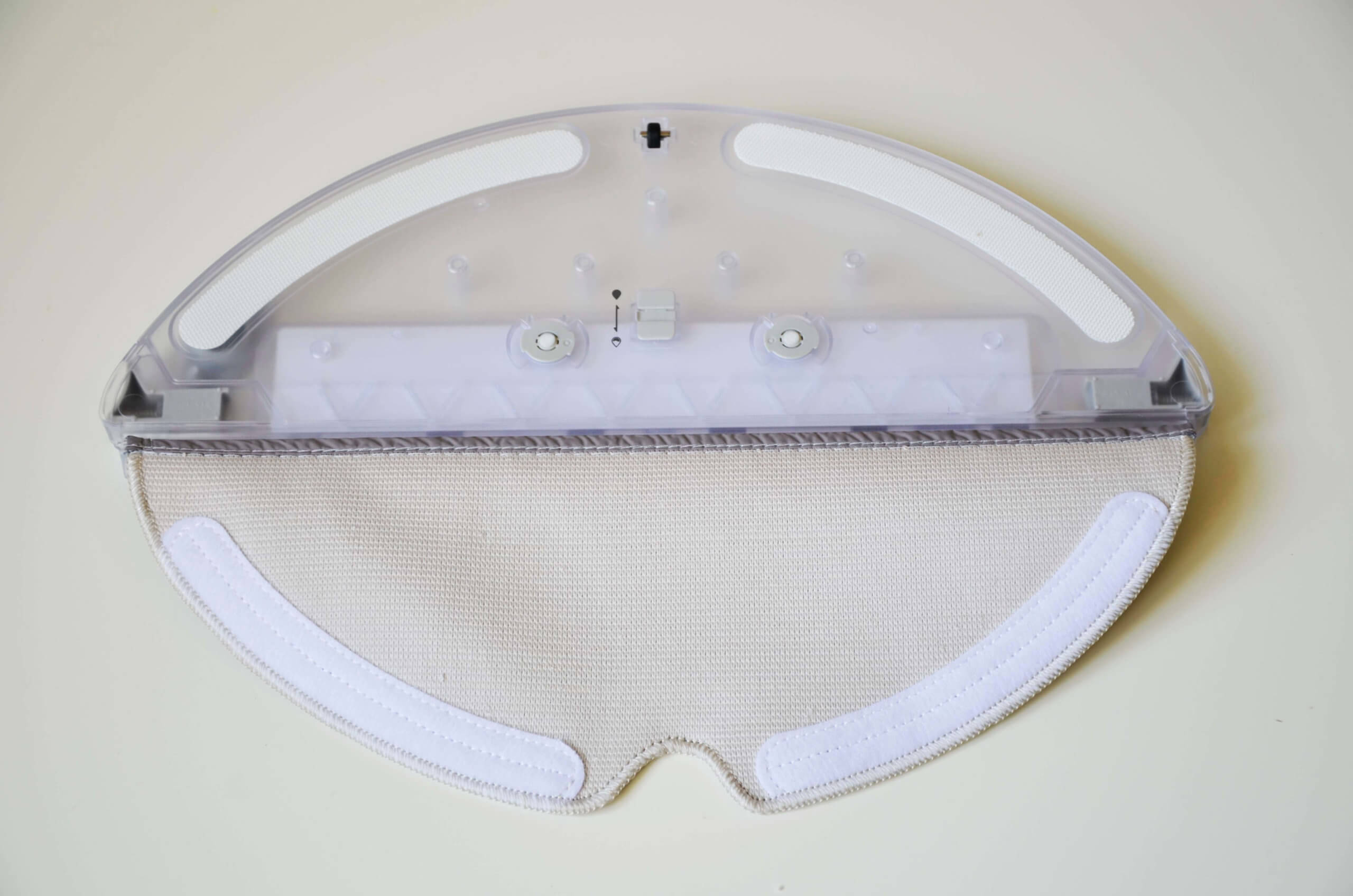
Nozzle with a napkin
Appearance
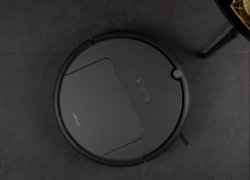
Now let's take a look at the robot vacuum cleaner itself. The plastic is black and matte. The quality of the plastic is slightly inferior to Roborock's flagship models, but it's still better than most similar products in this price range.
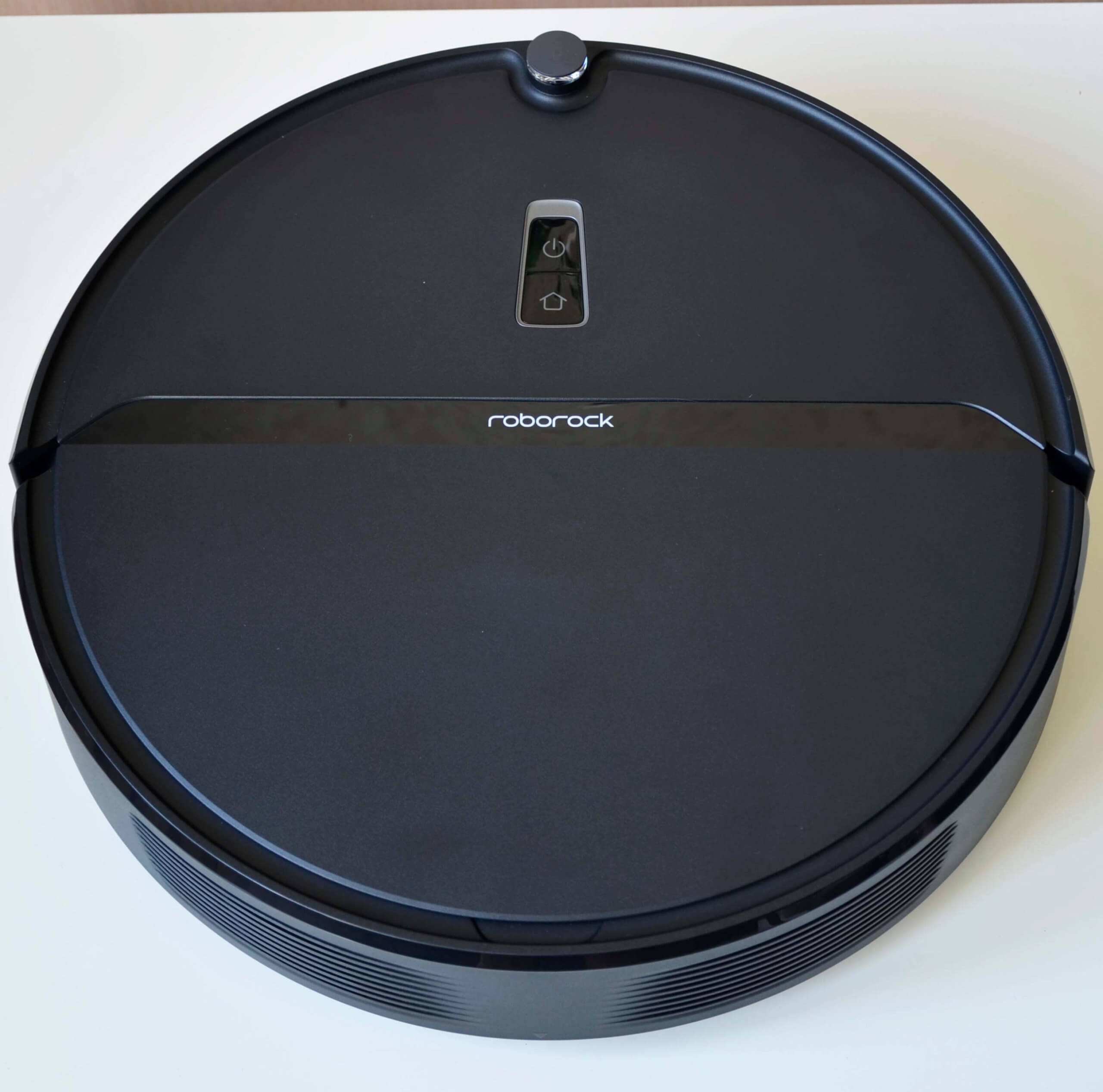
Top view
Beneath the film, we see a glossy black strip bearing the company logo. Above it are the power button and the return-to-base button. There's no camera or lidar; the robot navigates using a gyroscope and other sensors.
The dust container is located under the top cover. It's quite roomy, holding 640 ml.
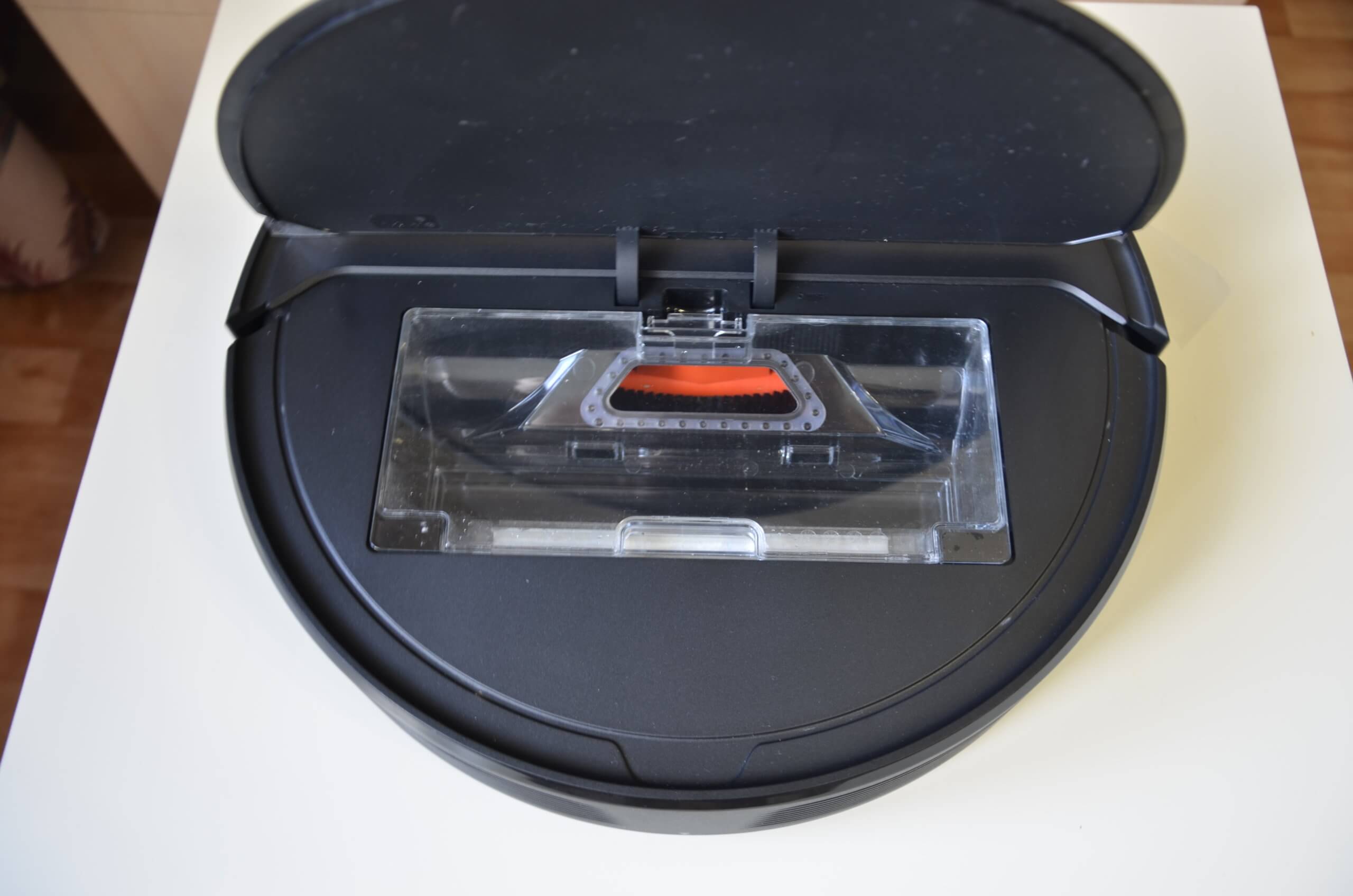
Dust collector location
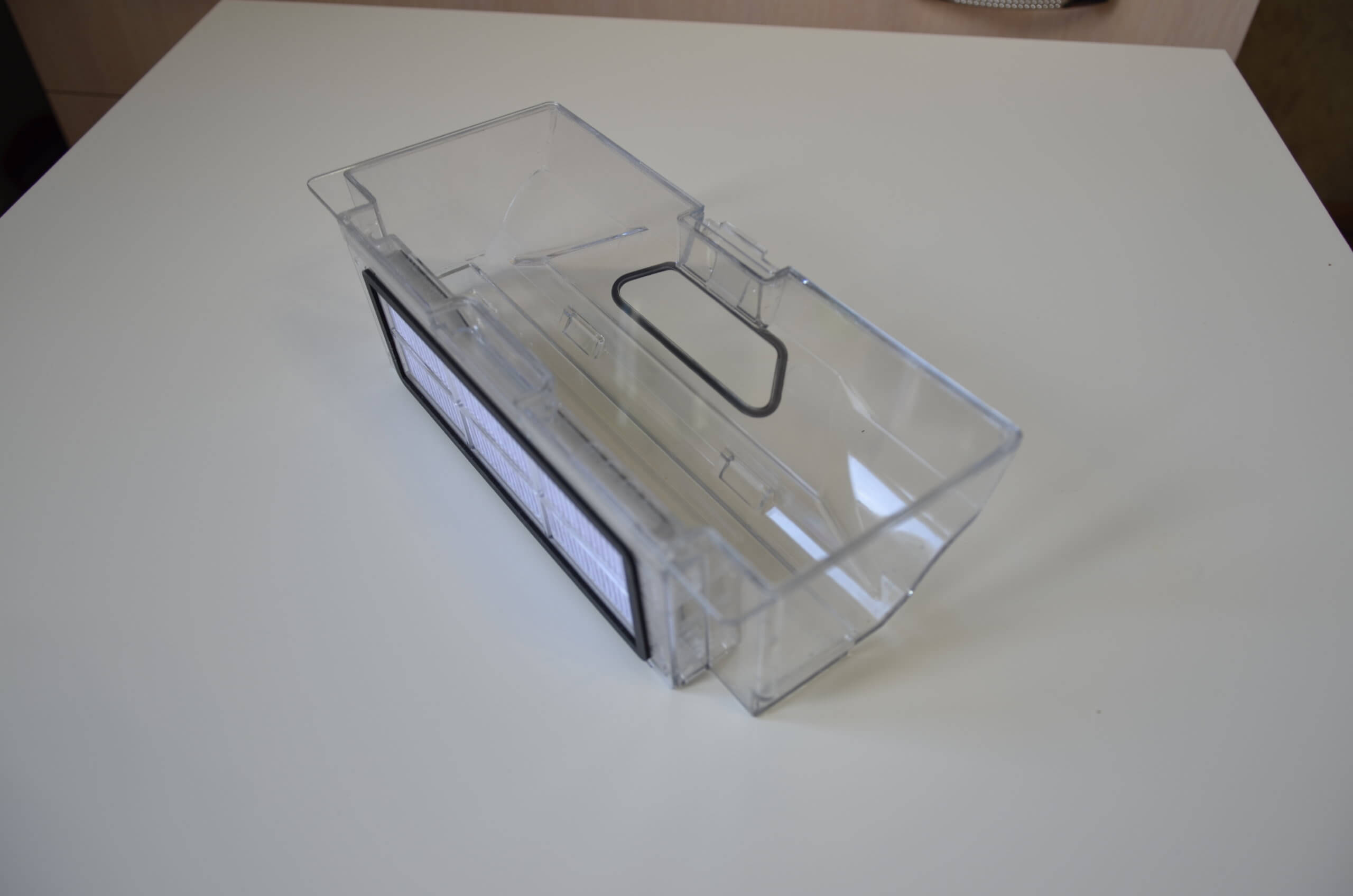
Dust collector
The front of the robot vacuum cleaner features a soft-touch mechanical bumper and a sensor for locating the charging base. We're not a big fan of these sensors, as they increase the height of the robot vacuum cleaner, making it less likely to travel under low furniture.
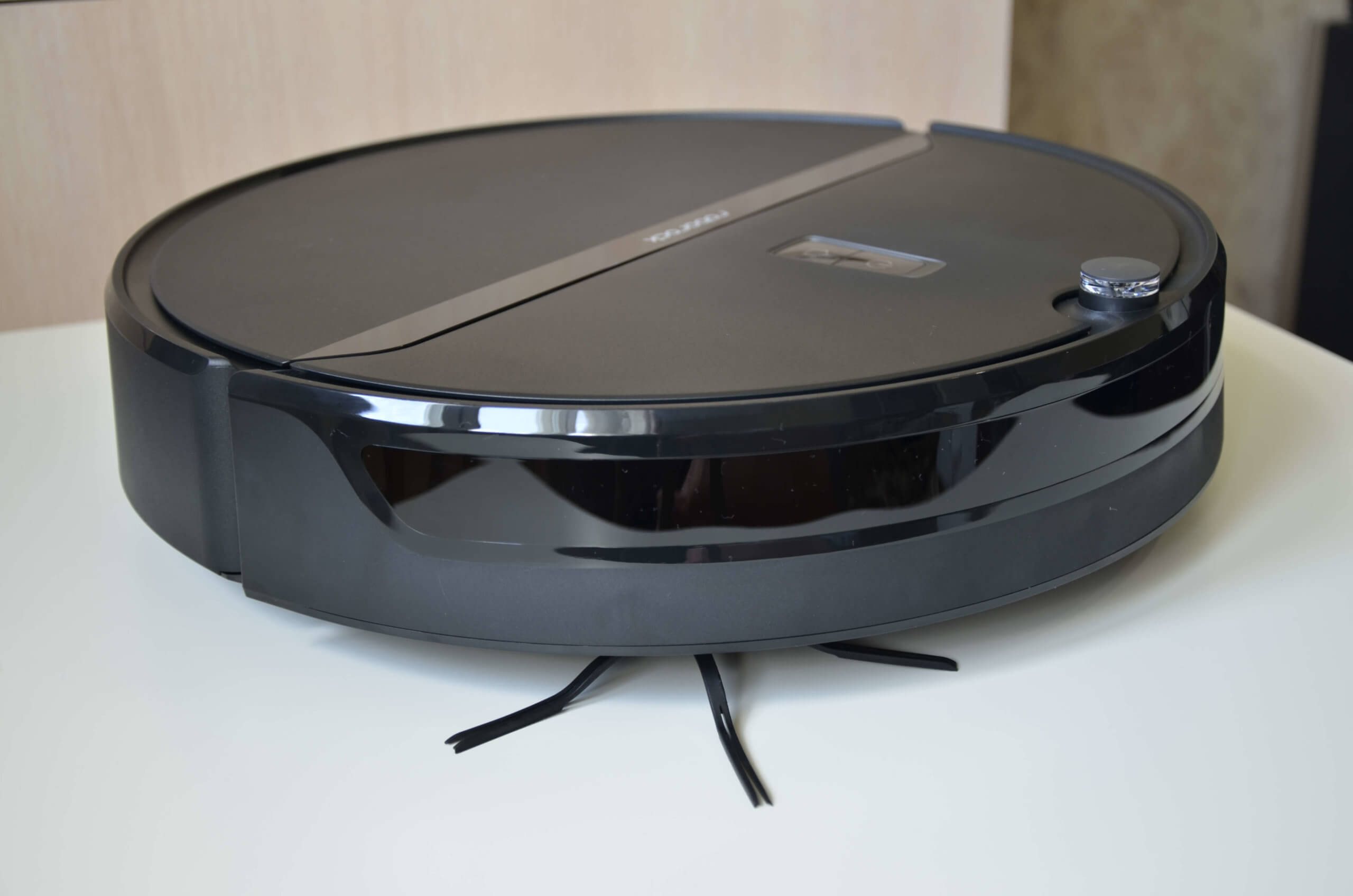
Side view
Let's turn the robot vacuum over and see what it looks like from underneath. We immediately see a five-blade silicone side brush. It's more wear-resistant and better at picking up debris along walls and in corners.
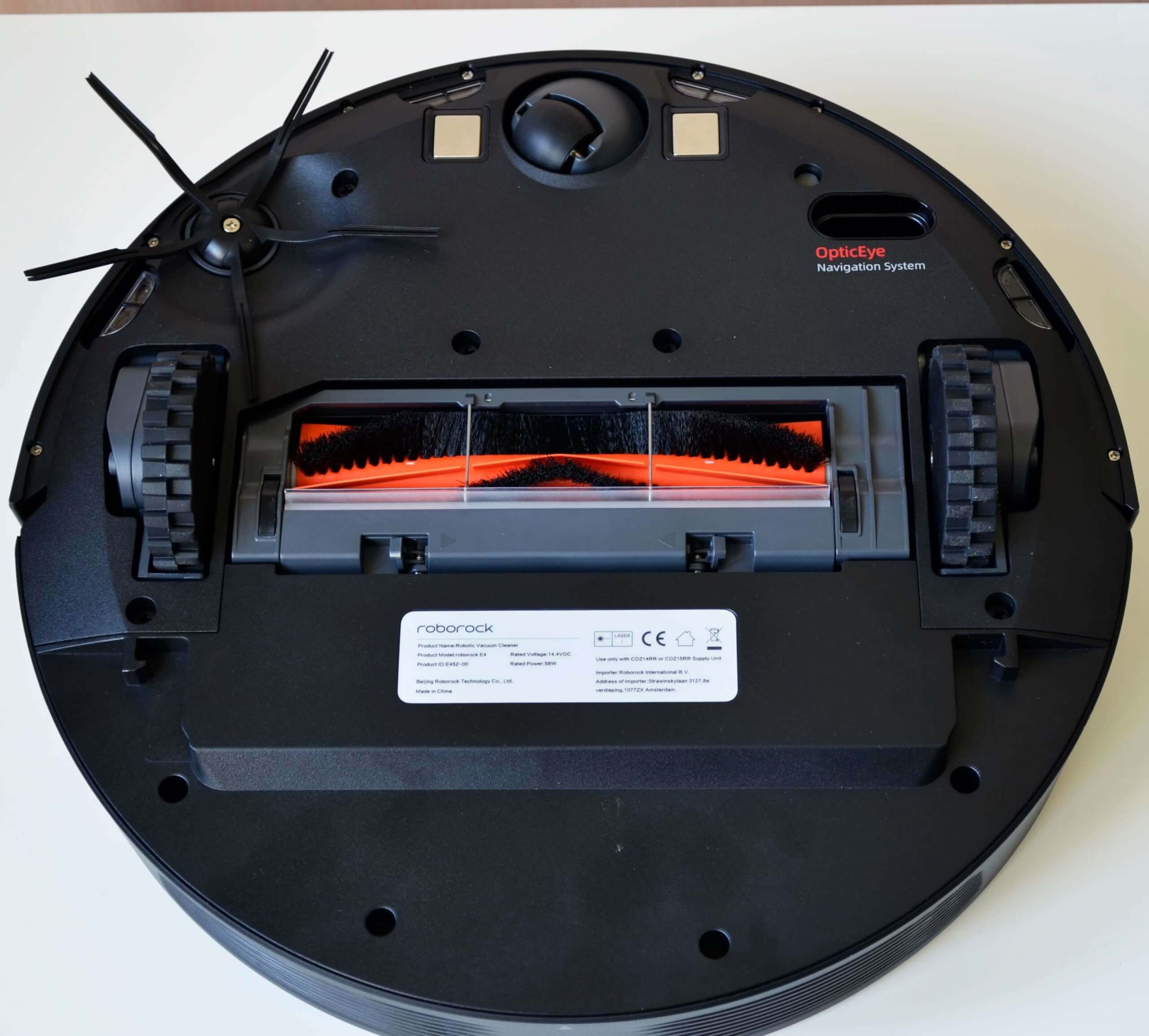
Bottom view
The central brush is equipped with an anti-tangle system. The brush is made of bristles and petals and cannot be disassembled.
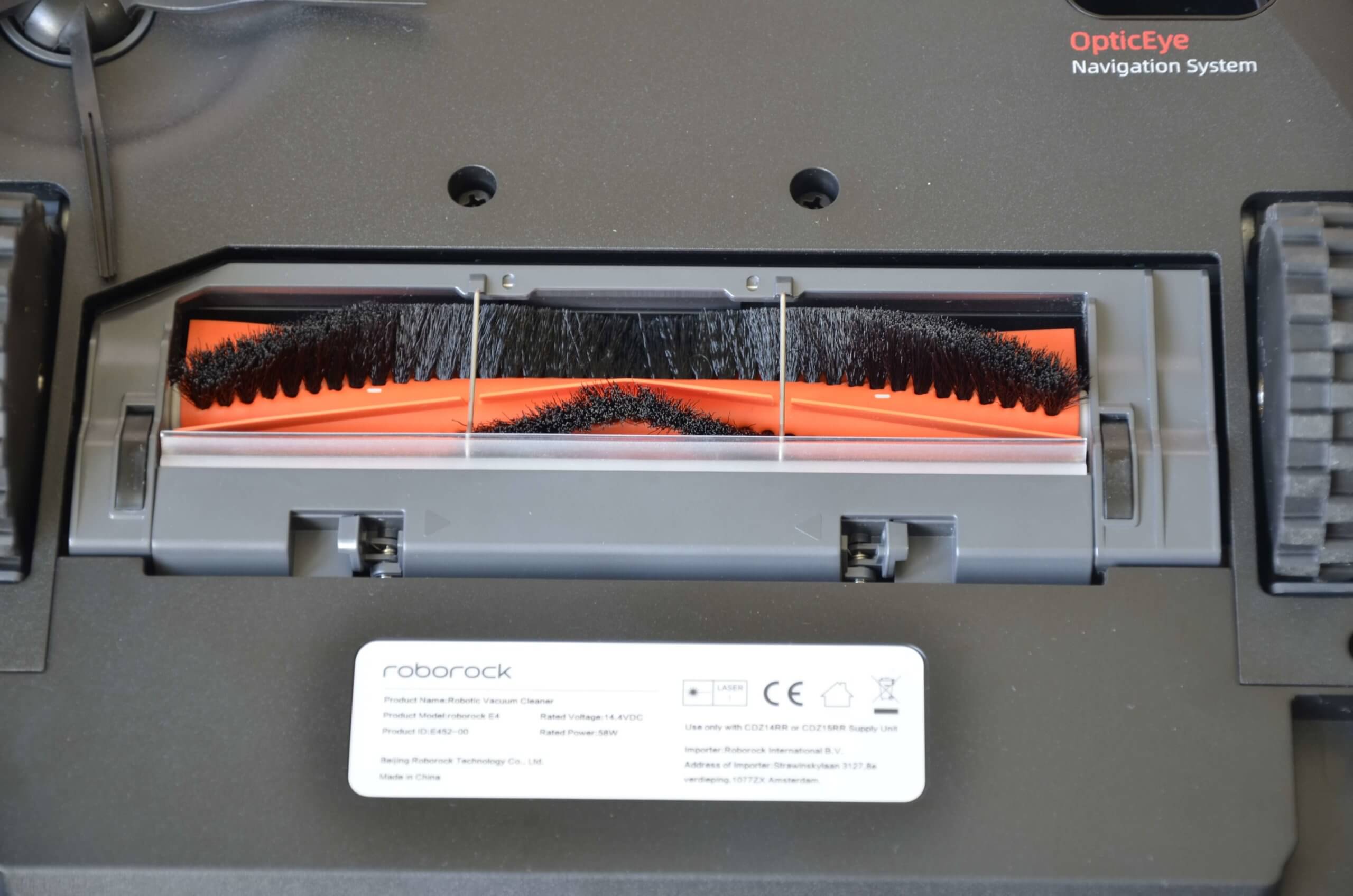
Central brush
An additional nozzle for wet cleaning is installed at the bottom.
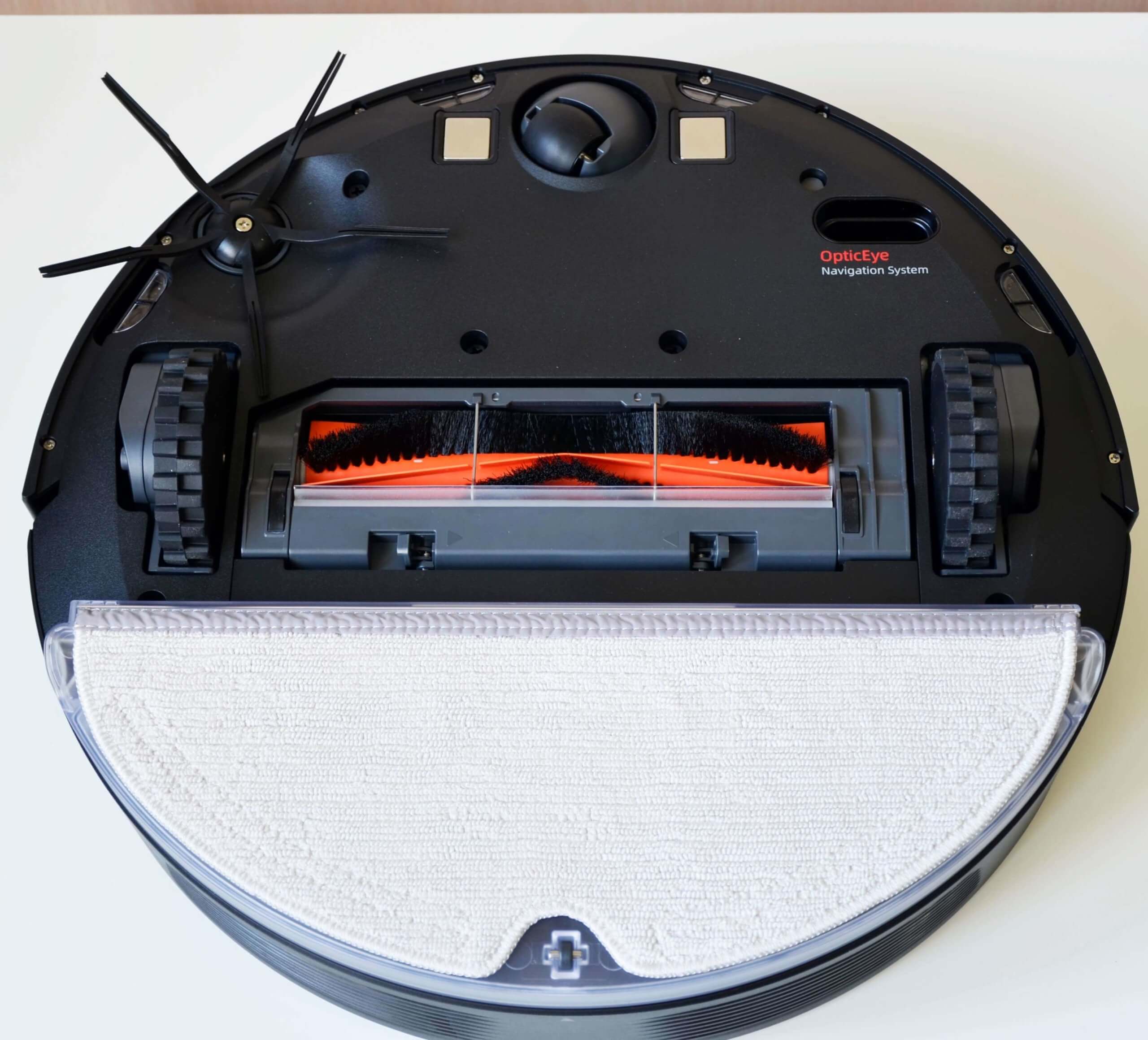
Bottom view (with napkin)
The final feature worth highlighting is the OpticEye optical sensor. It combines a laser and LED motion tracking system for highly accurate distance and movement analysis. Combined with a dual gyroscope, the robot better navigates its surroundings and develops an optimal navigation algorithm. This type of sensor has not previously been included in any Roborock robot vacuum.
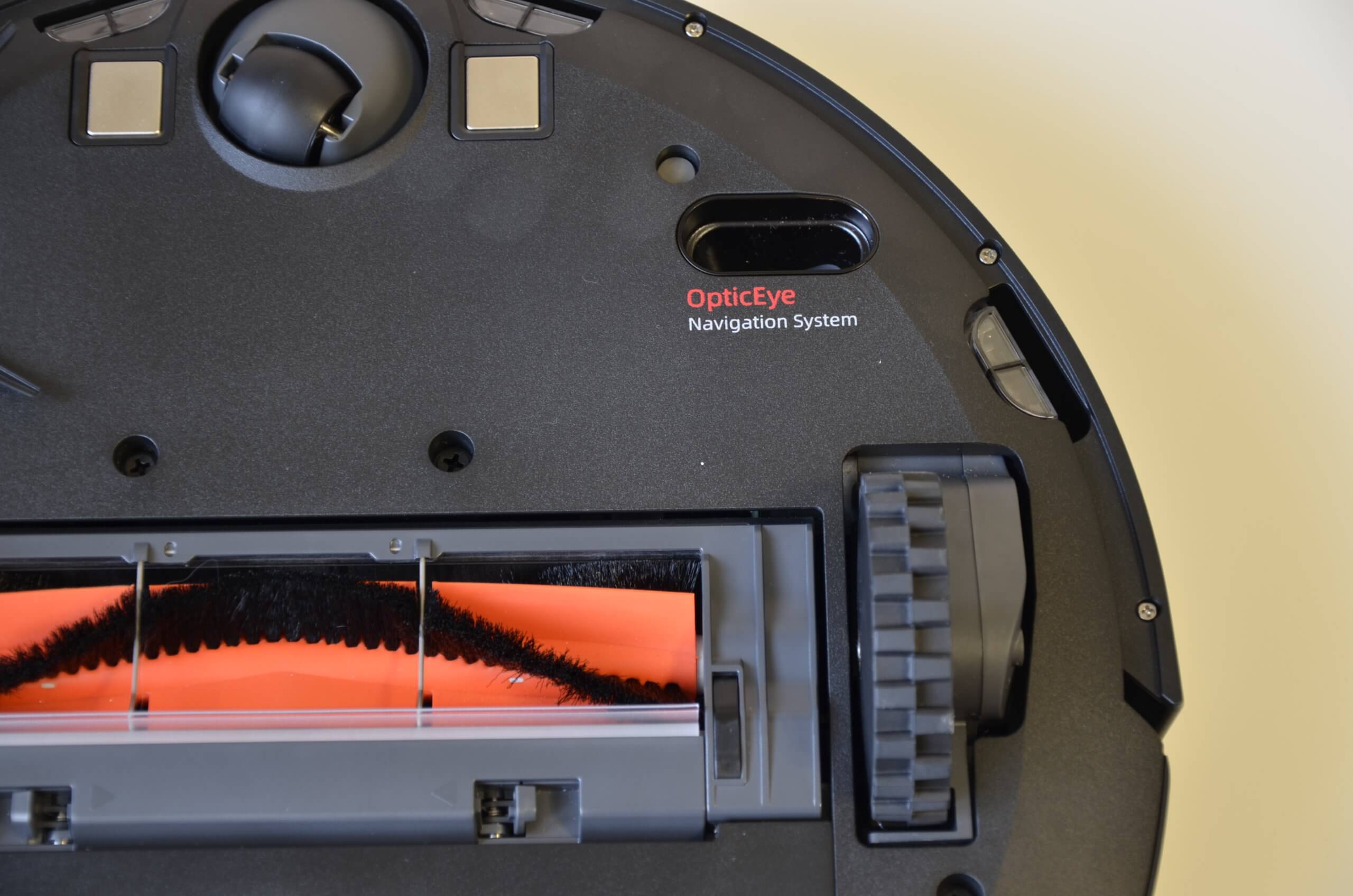
OpticEye
Technical specifications
Let's move on to the technical specifications of the Roborock E4. Among the key features, I'd like to highlight:
| Suction power | up to 2000 Pa |
| Battery | Li-Ion, 5200 mAh |
| Opening hours | up to 200 min in Quiet mode |
| Charging time | less than 6 hours |
| Cleaning area | up to 200 sq.m. |
| Overcoming obstacles | up to 2 cm |
| Dust collector capacity | 640 ml |
| Water tank capacity | 180 ml |
| Power consumption | 58 W |
| Dimensions | 35*35*9.05 cm |
| Weight | 2.96 kg |
Overall, the specs are quite good considering the $200 price tag. Now let's look at the robot vacuum's functionality in the Mi Home app.
Functional capabilities
So, connecting the robot to the application is quite simple, and there shouldn’t be any problems with this.
The main dashboard displays the remaining battery life and details of the last cleaning session: how long the robot vacuum lasted and the area cleaned. A map of the room is not displayed in the app, which is a drawback. However, you can view maps of past cleanings in the cleaning log.


Main work panel
Below, you'll find buttons for forcing the robot to return to the charging base, starting automatic cleaning mode, and adjusting suction power. In the settings, you can enable automatic power boost on carpets. There's also a gentle mode, which prevents the robot from vacuuming and only damp mopping. You can also enable do not disturb mode to prevent the robot from making voice alerts or starting scheduled cleanings at specific times, such as while you're sleeping.


Settings
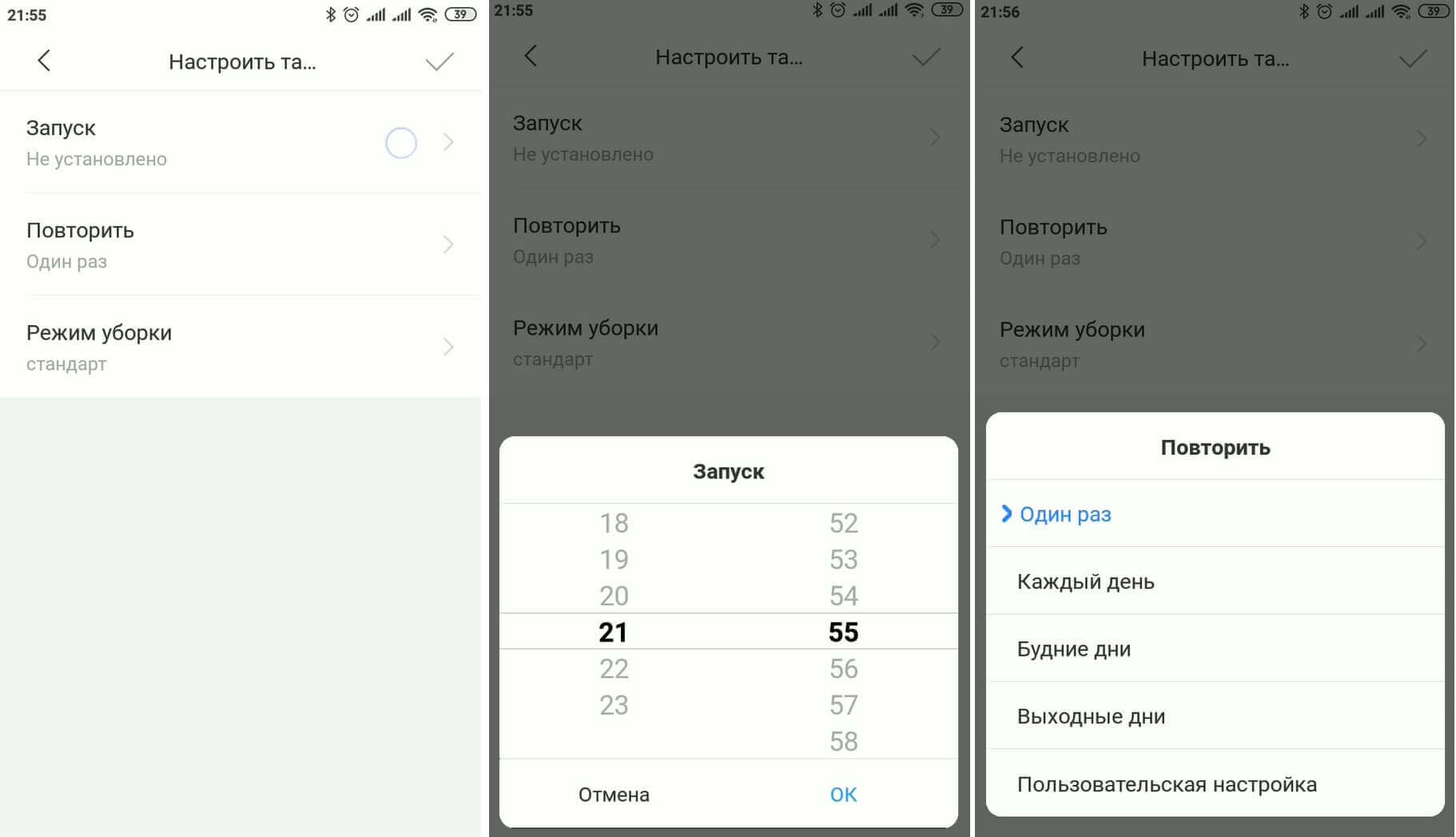
A timer cleaning feature is available. You can select the day and time of activation, as well as the cleaning mode.
Timer
Additionally, you can select the language and volume of voice notifications, control the robot manually, launch spot cleaning mode, view the cleaning log displaying generated maps, and monitor the status of consumables. These are the main features of the Robowork E4.


Possibilities
Of course, what's missing is a saved cleaning map where you can set no-go zones and virtual walls. This feature is supported on all models with lidar and has been experimentally added in Xiaomi Mijia 1CHowever, after the update, some users encountered a problem called "bricking." This meant that adding new features would render the robot inoperable. Most likely, this is why Roborock engineers decided not to experiment further and removed this feature. It may be added back in the future once all the issues are resolved.
The saved map after testing looks like this:


The constructed map
Regarding cleaning performance, we tested the Roborock E4 in various conditions (on carpet, laminate flooring, and throughout the entire apartment). You can watch all the tests in our video review:
Operating instructions
Before using your robot vacuum cleaner for the first time, we strongly recommend reading the included manual. Since the Global version doesn't have a Russian version, you can download it from our website by following this link: E4 manual.
Let's sum it up
In conclusion, let's highlight the main advantages and disadvantages of the Roborock E4, taking into account its price of 20 thousand rubles.
Among the positive aspects I would like to highlight:
- Good quality dry and wet cleaning.
- Suitable for cleaning medium pile carpets.
- Controlled via a mobile app.
- Updated silicone side brush.
- Automatically increases suction power on carpets.
- Good suction power.
- Large dust collector capacity.
As for the disadvantages, several negative points were identified when compared with similar products in this price segment.
- Firstly, camera- or lidar-based navigation is more accurate. This robot doesn't create a real-time map of the room. Consequently, it lacks the ability to set virtual walls and no-go zones in the app. Movement can be restricted by purchasing a magnetic strip separately. Because of its simpler navigation, this model cleans more slowly, although this hasn't affected cleaning performance.
- Secondly, the water supply is regulated mechanically. This is a double-edged sword: it's not as convenient as an electronic water supply, but it's more reliable, as the regulator is less likely to fail due to poor water quality. This, in turn, is common in models with electronic dispensers.
- And thirdly, the kit does not include spare consumables or even a brush for cleaning the dust collector and turbo brush.
Ultimately, the robot is quite good when it comes to its primary task—keeping the house clean. In our three tests, it removed all the debris, which is, after all, the most important thing. However, its limited functionality left a mixed impression, especially since the Mijia line offers a worthy alternative, the Xiaomi Mijia 1C.
If these shortcomings aren't a deal-breaker for you and you like the robot, we recommend it as one of the best options in the under-$200 price range. However, if you're willing to increase your budget, the new ones are still worth it. Viomi V3 and Roobrock S6 Pure will be more functional alternatives.
That's all for now. If you have any questions, please ask them in the comments below. Happy shopping, everyone!
Analogues:
Thanks for the article. I liked the vacuum cleaner. I prefer reliability and durability, as well as the longest possible runtime without breakdowns. I'd hope so, given the robot's simplicity, high-quality components, and the build quality that distinguishes Roborock, judging by the reviews. Could the manufacturer technically add (or restore) real-time room mapping and virtual wall functionality in a firmware update?
Good afternoon! I doubt it'll work with virtual walls, most likely not. But I think it could draw a map if the manufacturer so desired.
Could you please tell me which magnetic strip is compatible with this vacuum cleaner? There are quite a few available, and some models don't respond to certain strips.
Tell me more about the e5. This is my first time buying a vacuum cleaner like this, and I don't understand anything yet.
I turned it on, so to speak, blindly.
Next week he'll come for a review and I'll show and tell you everything)